15

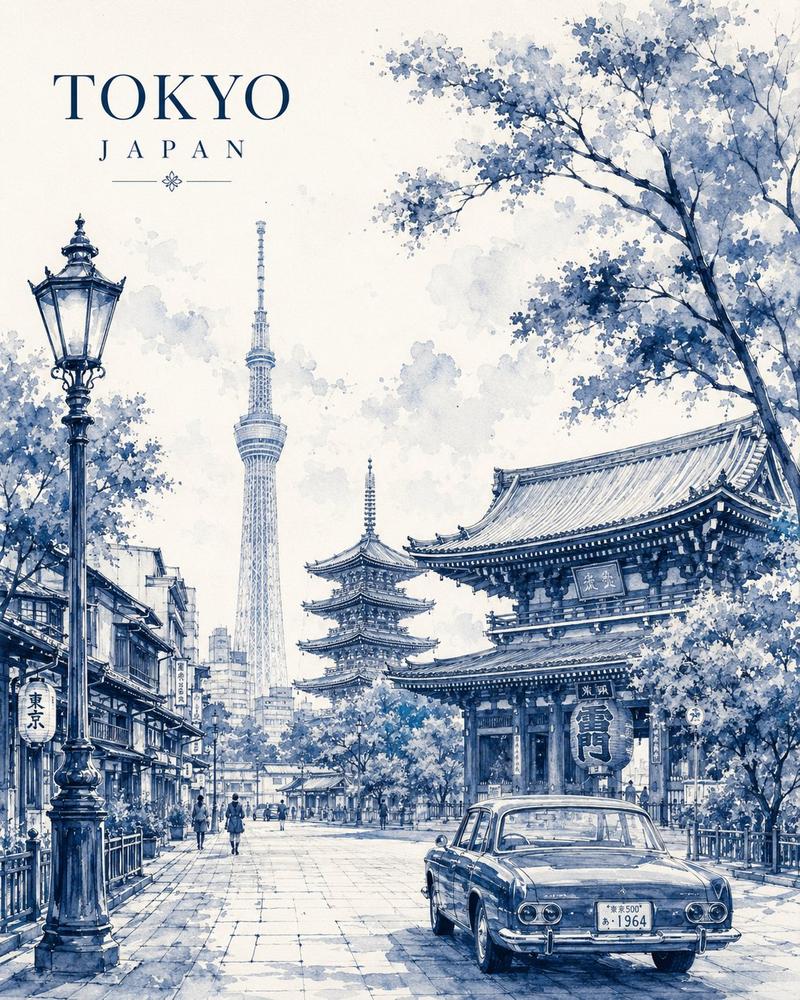
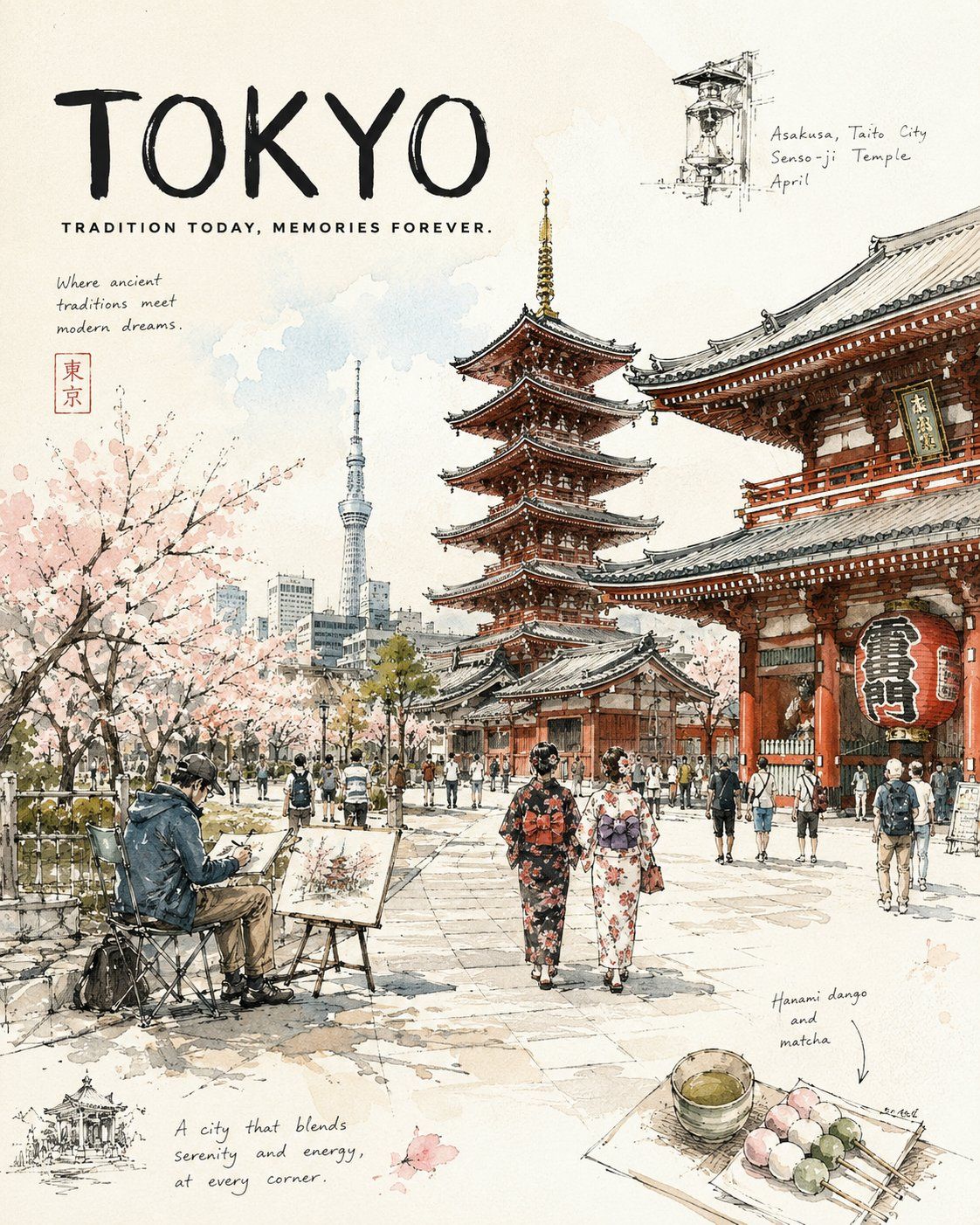
城市速写风格旅行日志插画海报
Enlarge

Example images

城市速写风格旅行日志插画海报

Prompt
[LANDMARK / DISTRICT], [CITY], [SEASON OR MONTH], [TIME OF DAY].

A premium urban sketch travel journal poster capturing everyday life in one of [REGION / COUNTRY]'s most beautiful cultural destinations.

Visitors stroll beneath [LOCAL TREES / NATURAL ELEMENTS],
artists sketch beside [FOUNTAINS / WATER FEATURES / PUBLIC SPACES],
families relax in shaded [COURTYARDS / PLAZAS / GARDENS],
while the iconic [ARCHITECTURAL STYLE / LANDMARKS] glow softly in the [LIGHTING CONDITIONS].

Expressive pen-and-ink drawing,
transparent watercolor washes,
broken contour lines,
slightly imperfect hand-drawn perspective,
soft paper texture,
large negative space,
airy travel-journal composition,
warm natural light,
peaceful local atmosphere,
authentic [CITY] daily life,
luxury sketchbook aesthetic.

Ratio 4:5

Typography:
"[CITY]"
"[CUSTOM TRAVEL TAGLINE]"
Category
Posters & Typography
Model
ChatGPT
Views3
Source ID
15384
Published
Jun 5, 2026

Guide

About "城市速写风格旅行日志插画海报"

What is this prompt for?

"城市速写风格旅行日志插画海报" AI image prompt for ChatGPT (Posters & Typography). [地标 / 街区],[城市],[季节或月份],[时间点]。 一张高端城市速写旅行日志海报,捕捉[地区 / 国家]最美文化目的地之一的日常生活。 游客在[当地树木 / 自然元素]下漫…

The full copyable prompt and example visuals above are ready for AI image generation or one-click recreate in Picva.

How to use this prompt

  1. Step 1

    Open the prompt detail

    Review the example visuals, category, and full prompt text for "城市速写风格旅行日志插画海报".

  2. Step 2

    Copy the prompt

    Copy the prompt body from this page, or load it directly in Studio.

  3. Step 3

    Pick a model (ChatGPT)

    Prefer ChatGPT. If you switch models, keep subject and composition and tweak style terms.

  4. Step 4

    Generate and export

    Recreate the look in Picva, or export into your workflow for editing and publishing.

FAQ

What is the "城市速写风格旅行日志插画海报" prompt?
It is an AI image-generation prompt for ChatGPT in the Posters & Typography category. This page includes the full prompt text, example visuals, and a one-click recreate path in Picva.
How do I use this prompt to generate an image?
Copy the prompt from this page, or use Generate / Studio. Paste it into a compatible image model, or recreate the look in Picva with optional reference images.
Which model is this prompt for?
This page lists ChatGPT. Most descriptive prompts also transfer to nearby image models such as GPT Image, Flux, or Midjourney with light style tweaks.
Can I use the result commercially?
You can usually copy the prompt for creation, but commercial use of the final image depends on the model terms, reference-image rights, and the generated content. Follow the source author and platform rules.