17

Tokyo bathroom flash portrait: GPT Image 2 prompt
Enlarge

Tokyo bathroom flash portrait: GPT Image 2 prompt

Prompt
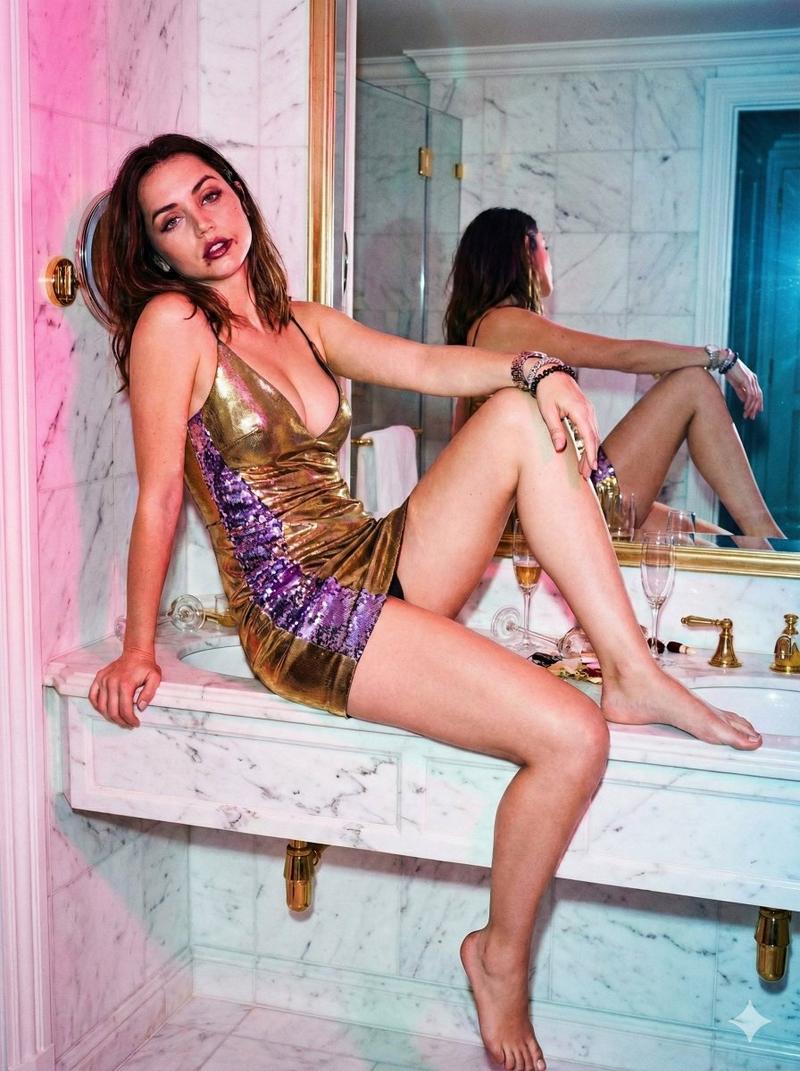
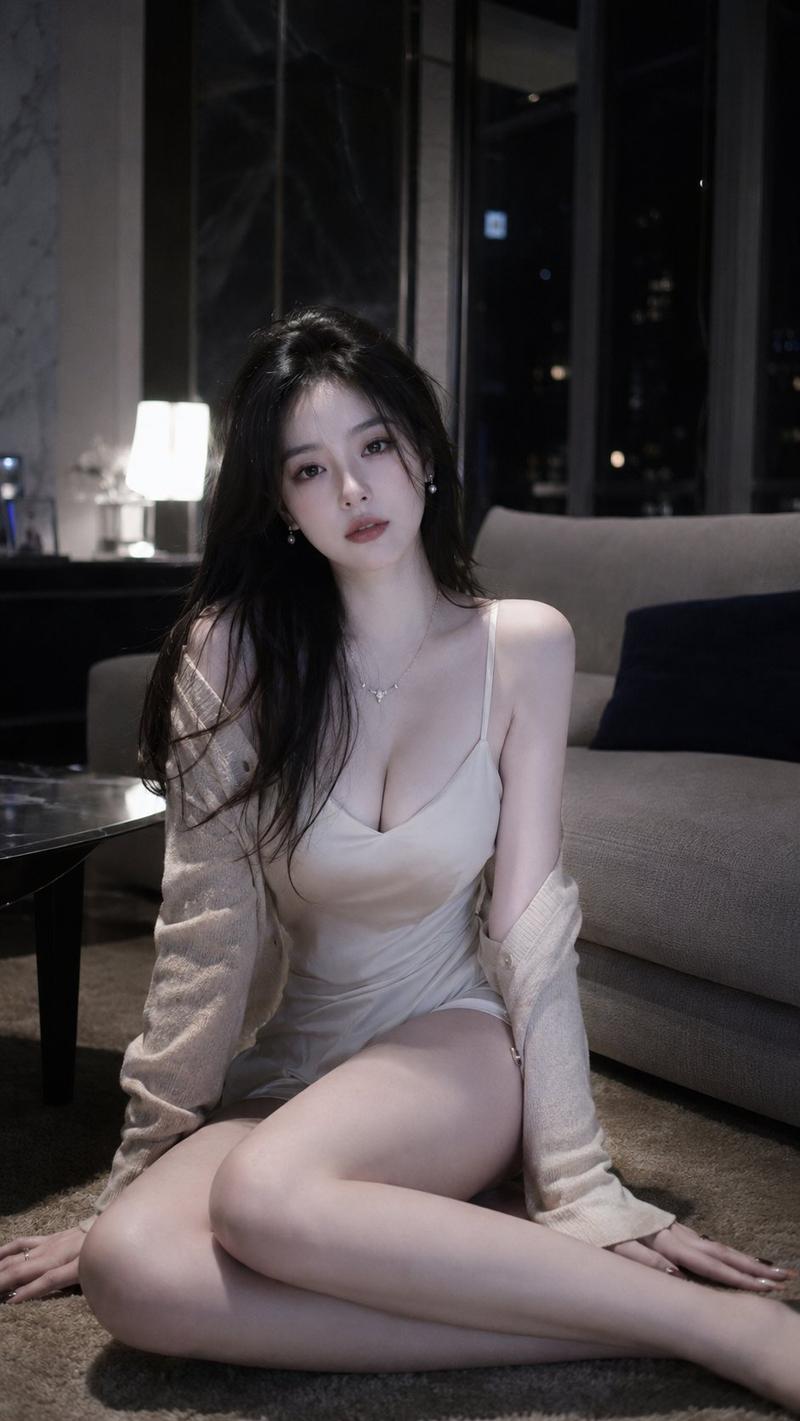
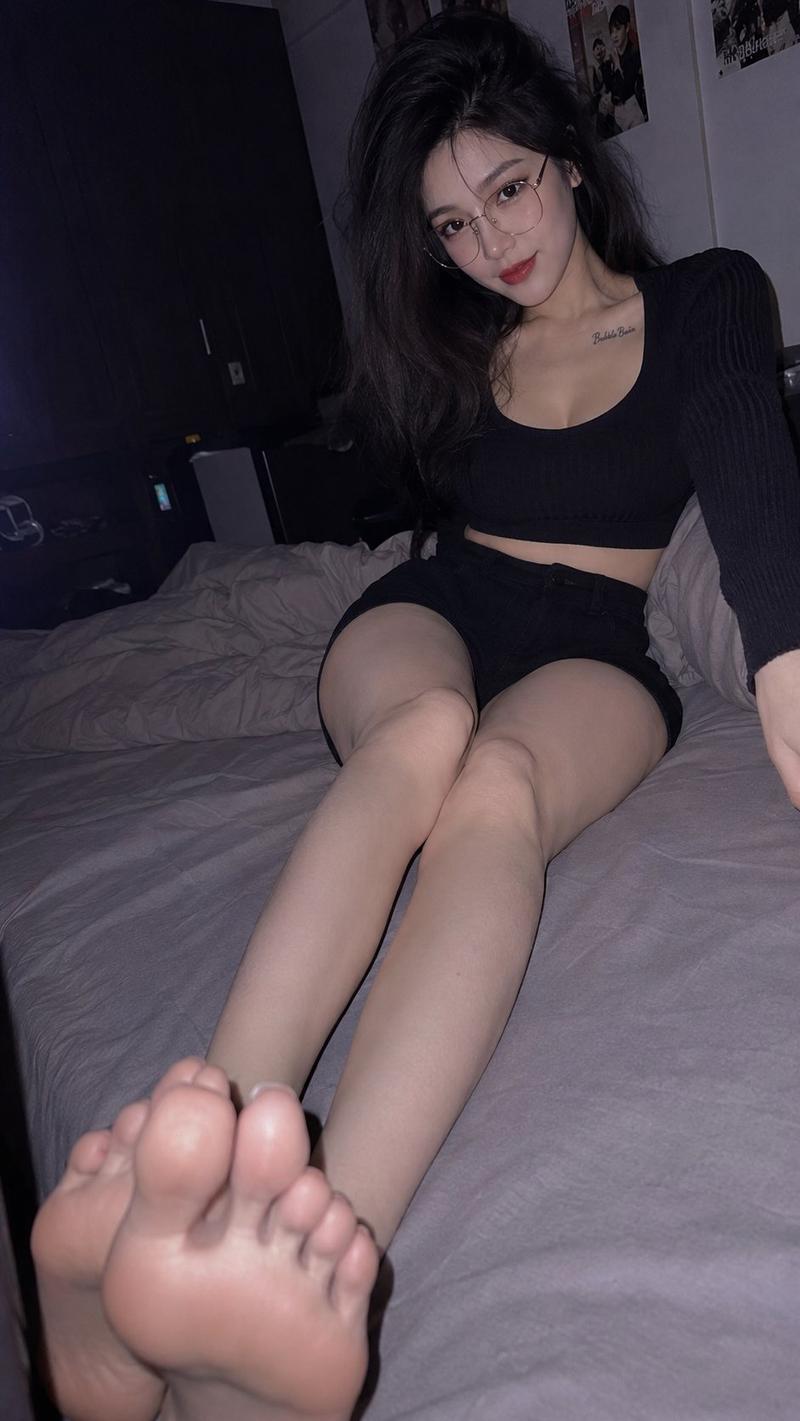
Photorealistic modern Tokyo apartment bathroom portrait, direct on-camera flash, candid 35mm point-and-shoot snapshot aesthetic, Japanese late-night lifestyle photobook style, vertical 2:3 composition, low-angle shot.

A beautiful young adult Chinese woman in her mid-20s sitting on a bathroom sink counter, long elegant legs emphasized, curvy and feminine figure, realistic anatomy, luminous fair skin, long slightly messy dark hair with soft wispy bangs.

She wears a soft cream or pale beige fitted camisole with a loose lightweight shirt slipping off the shoulders, paired with soft lounge shorts or a mini skirt, barefoot.

Pose: sitting casually on the sink counter, one leg extended downward to make the legs look long, the other leg bent naturally, one hand touching her hair, playful wink expression, confident and slightly cheeky mood.

Scene: bathroom sink and mirror, skincare bottles on the counter, cool white bathroom light mixed with warm living room lamp glow from the background, slightly humid late-night atmosphere, intimate private apartment feeling.

Lighting: strong direct flash, shiny skin highlights, subtle halation, visible film grain, nostalgic analog color grading, candid late-night snapshot feeling.
Category
Photography & Realism
Model
GPT Image 2
Views0
Source ID
2074436218289582268
Published
Jul 7, 2026

Guide

About "Tokyo bathroom flash portrait: GPT Image 2 prompt"

What is this prompt for?

"Tokyo bathroom flash portrait: GPT Image 2 prompt" AI image prompt for GPT Image 2 (Photography & Realism). Photorealistic modern Tokyo apartment bathroom por…

The full copyable prompt and example visuals above are ready for AI image generation or one-click recreate in Picva.

How to use this prompt

  1. Step 1

    Open the prompt detail

    Review the example visuals, category, and full prompt text for "Tokyo bathroom flash portrait: GPT Image 2 prompt".

  2. Step 2

    Copy the prompt

    Copy the prompt body from this page, or load it directly in Studio.

  3. Step 3

    Pick a model (GPT Image 2)

    Prefer GPT Image 2. If you switch models, keep subject and composition and tweak style terms.

  4. Step 4

    Generate and export

    Recreate the look in Picva, or export into your workflow for editing and publishing.

FAQ

What is the "Tokyo bathroom flash portrait: GPT Image 2 prompt" prompt?
It is an AI image-generation prompt for GPT Image 2 in the Photography & Realism category. This page includes the full prompt text, example visuals, and a one-click recreate path in Picva.
How do I use this prompt to generate an image?
Copy the prompt from this page, or use Generate / Studio. Paste it into a compatible image model, or recreate the look in Picva with optional reference images.
Which model is this prompt for?
This page lists GPT Image 2. Most descriptive prompts also transfer to nearby image models such as GPT Image, Flux, or Midjourney with light style tweaks.
Can I use the result commercially?
You can usually copy the prompt for creation, but commercial use of the final image depends on the model terms, reference-image rights, and the generated content. Follow the source author and platform rules.