18

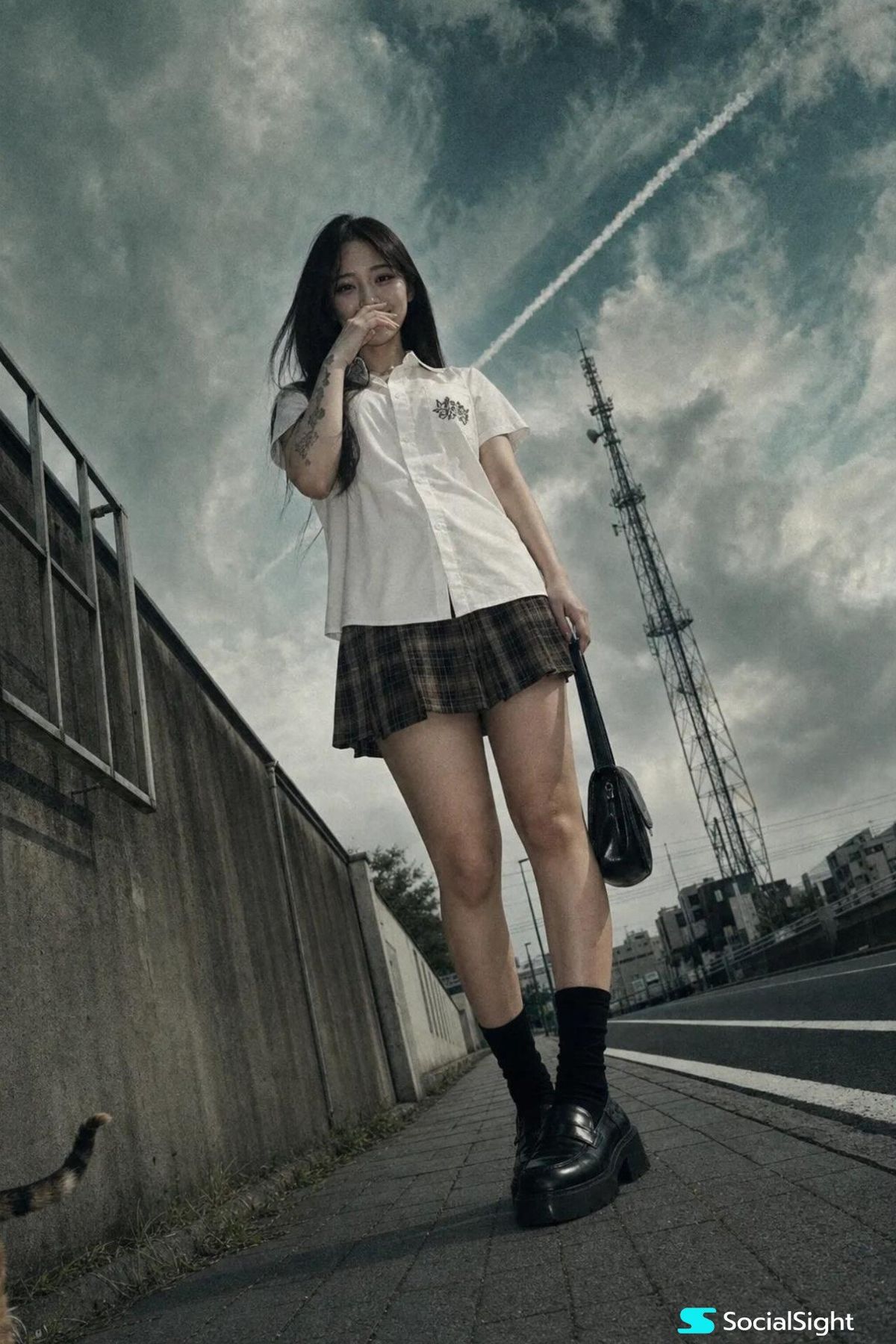
Low-angle Tokyo street portrait: GPT Image 2 prompt
Enlarge

Low-angle Tokyo street portrait: GPT Image 2 prompt

Prompt
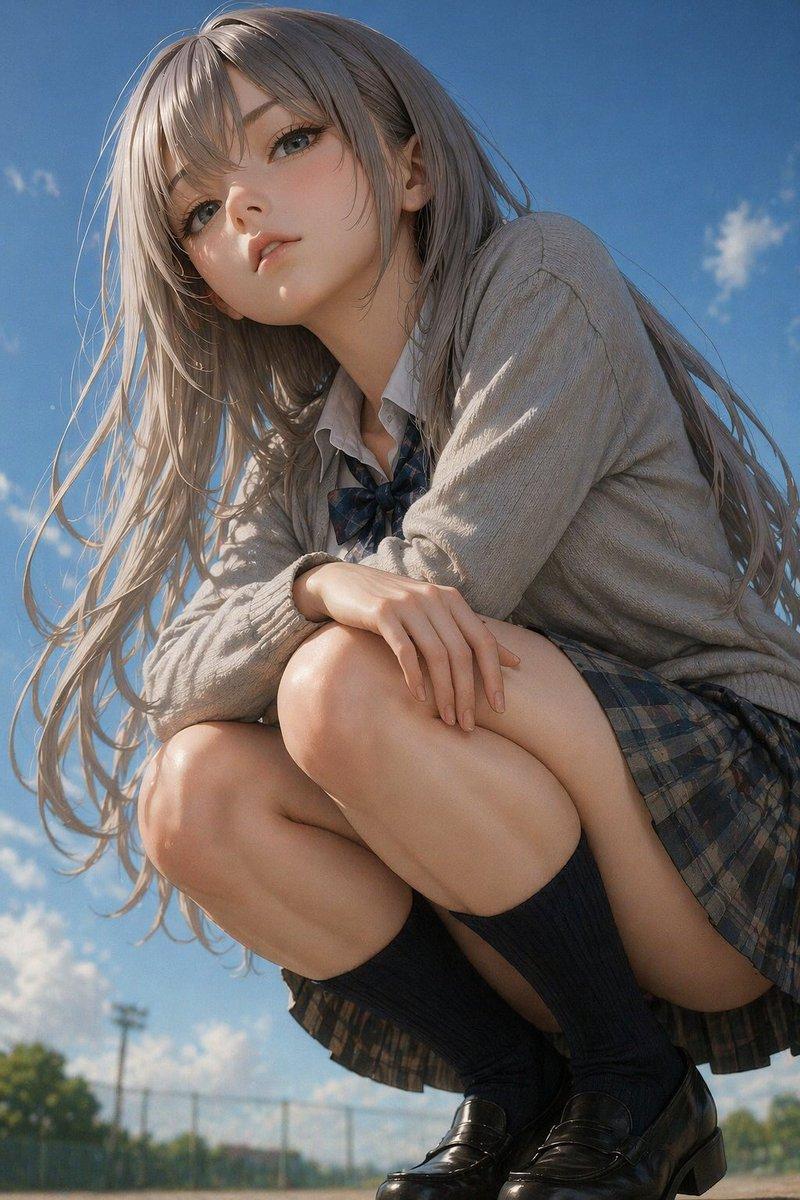
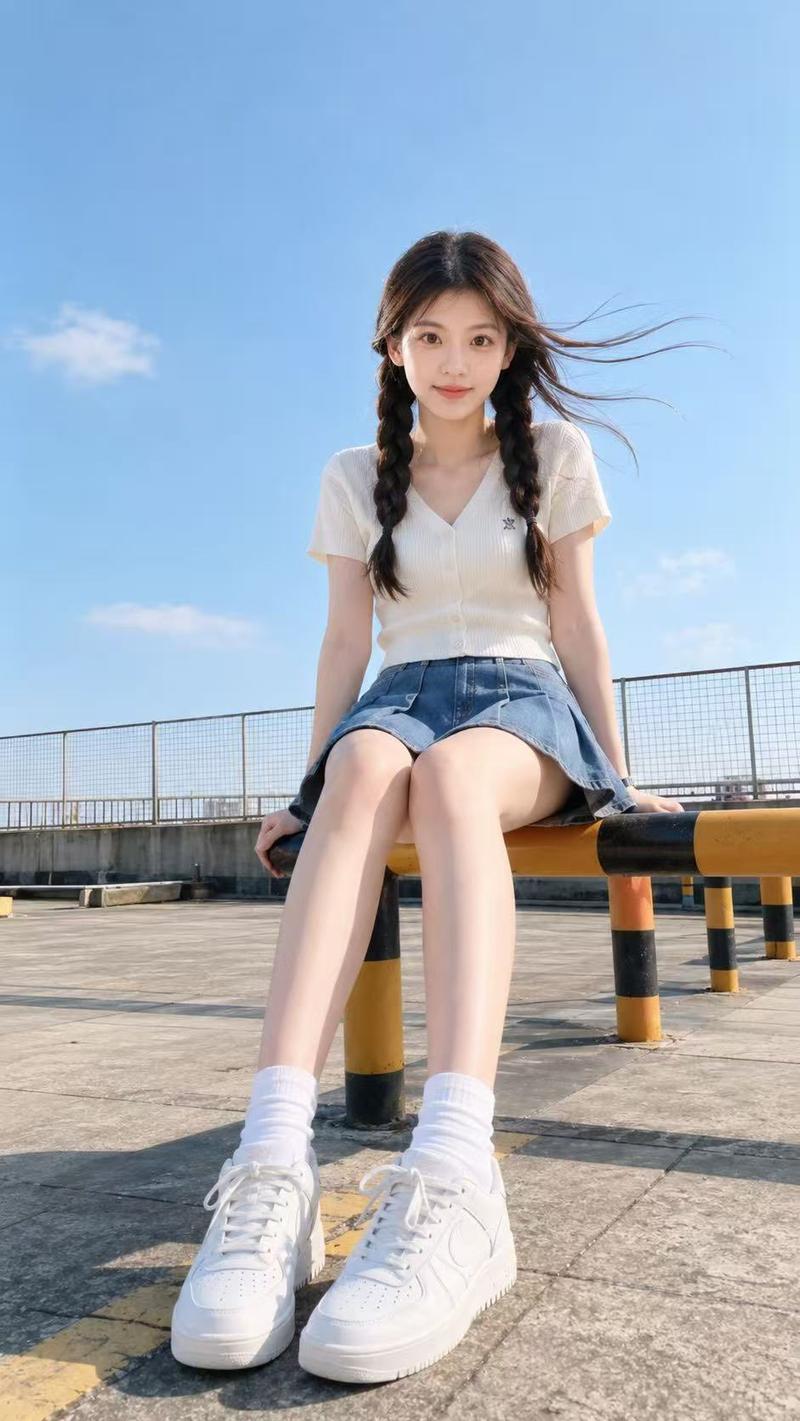
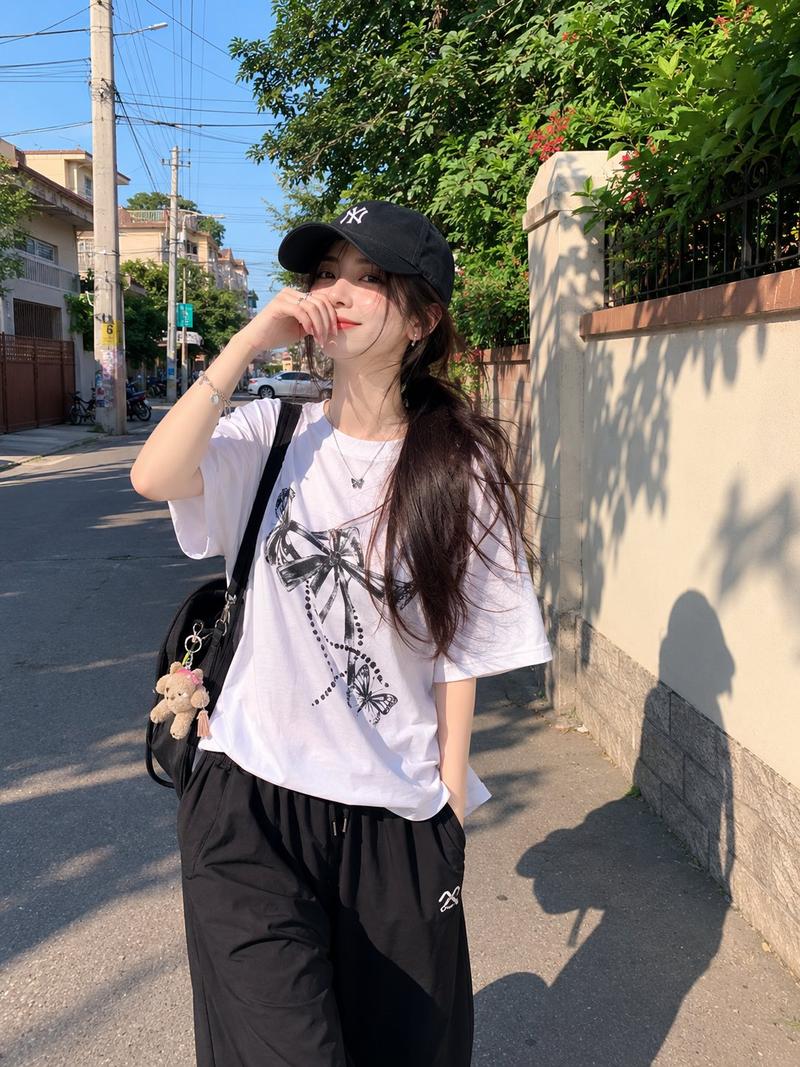
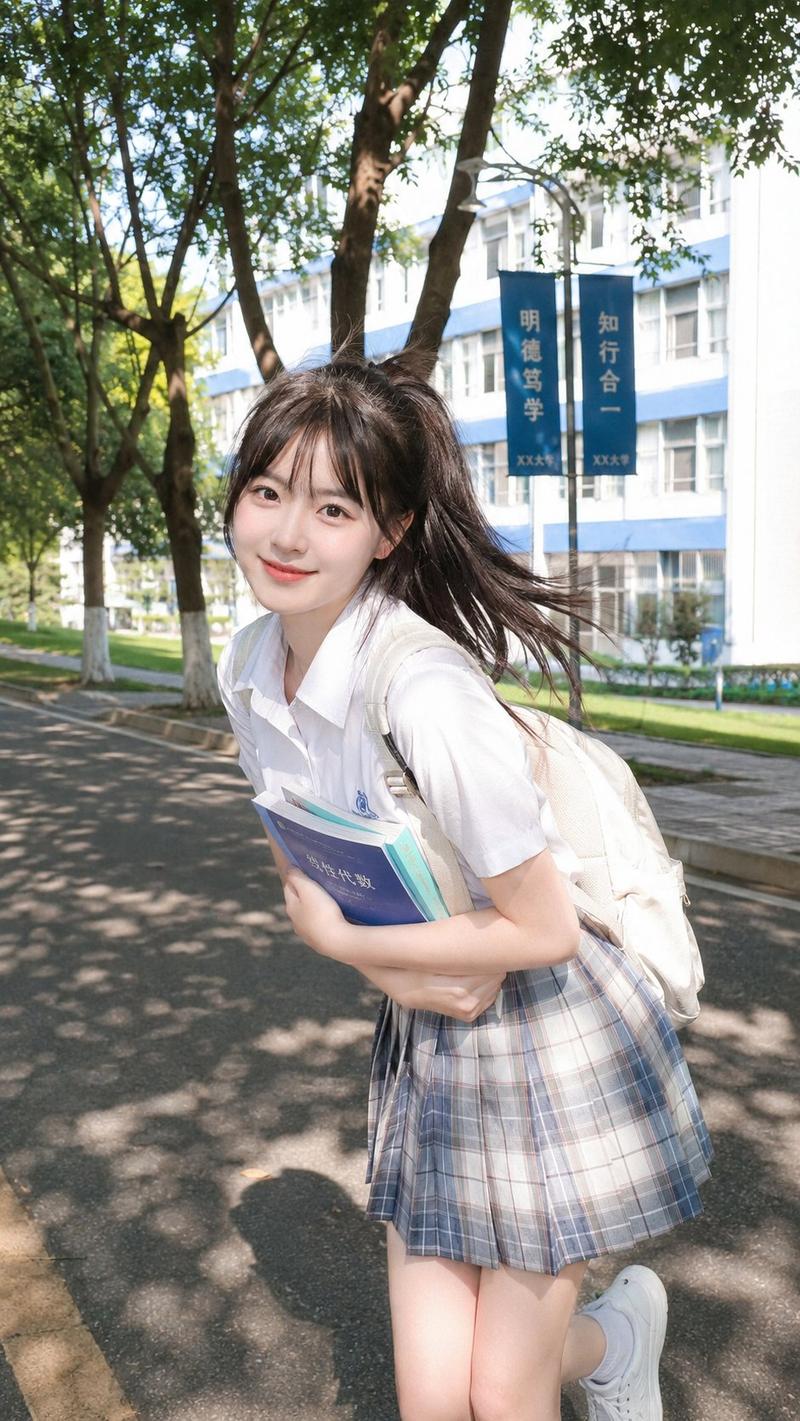
A cinematic, low-angle urban portrait taken with a cheap 2004 pocket digital camera, forced flash off. A young Japanese woman stands on a paved sidewalk next to a road. She has long, straight dark hair and a slightly amused, playful expression, with one hand raised near her mouth, fingers lightly touching her lips as if hiding a smile. The other hand holds the handle of a small black bag. She wears a crisp white short-sleeved button-up shirt with a small black graphic on the chest, a brown and black plaid mini skirt, black crew socks, and black chunky loafers. Tattoos are visible on her right arm. The camera angle is very low, looking up at her from the ground, making her figure appear tall and commanding. Behind her is a low concrete wall with a metal frame window structure, a long black asphalt road with white lane markings, and a tall metal communication tower in the background. The sky is dramatic and moody, filled with textured, swirling clouds in shades of deep teal, steel grey, and faded blue. A bright, distinct white contrail cuts diagonally across the sky. The color palette is desaturated and cinematic, dominated by cool teal, muted grey, stark white, and deep black. Soft, diffused overcast lighting. Realistic skin texture, visible pores, a faint natural shine on her forehead, no beauty filter. Heavy grain, slight chromatic aberration, sickly greenish-yellow tint. A stray cat tail peeks from behind the concrete wall at the bottom left corner.
dutch angle, stray cat tail --ar 9:16
Category
Photography & Realism
Model
GPT Image 2
Views1
Source ID
2074539929196200363
Published
Jul 7, 2026

Guide

About "Low-angle Tokyo street portrait: GPT Image 2 prompt"

What is this prompt for?

"Low-angle Tokyo street portrait: GPT Image 2 prompt" AI image prompt for GPT Image 2 (Photography & Realism). A cinematic, low-angle urban portrait taken with…

The full copyable prompt and example visuals above are ready for AI image generation or one-click recreate in Picva.

How to use this prompt

  1. Step 1

    Open the prompt detail

    Review the example visuals, category, and full prompt text for "Low-angle Tokyo street portrait: GPT Image 2 prompt".

  2. Step 2

    Copy the prompt

    Copy the prompt body from this page, or load it directly in Studio.

  3. Step 3

    Pick a model (GPT Image 2)

    Prefer GPT Image 2. If you switch models, keep subject and composition and tweak style terms.

  4. Step 4

    Generate and export

    Recreate the look in Picva, or export into your workflow for editing and publishing.

FAQ

What is the "Low-angle Tokyo street portrait: GPT Image 2 prompt" prompt?
It is an AI image-generation prompt for GPT Image 2 in the Photography & Realism category. This page includes the full prompt text, example visuals, and a one-click recreate path in Picva.
How do I use this prompt to generate an image?
Copy the prompt from this page, or use Generate / Studio. Paste it into a compatible image model, or recreate the look in Picva with optional reference images.
Which model is this prompt for?
This page lists GPT Image 2. Most descriptive prompts also transfer to nearby image models such as GPT Image, Flux, or Midjourney with light style tweaks.
Can I use the result commercially?
You can usually copy the prompt for creation, but commercial use of the final image depends on the model terms, reference-image rights, and the generated content. Follow the source author and platform rules.