13

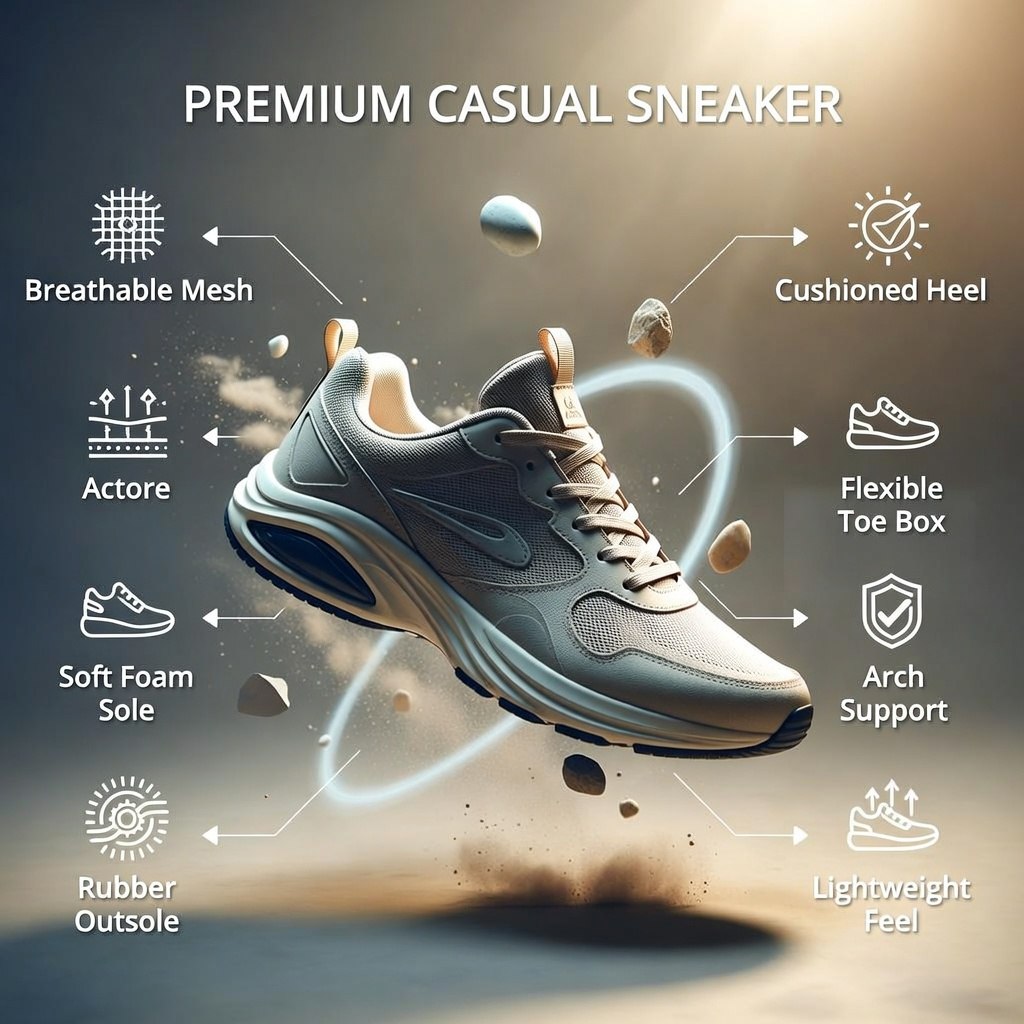
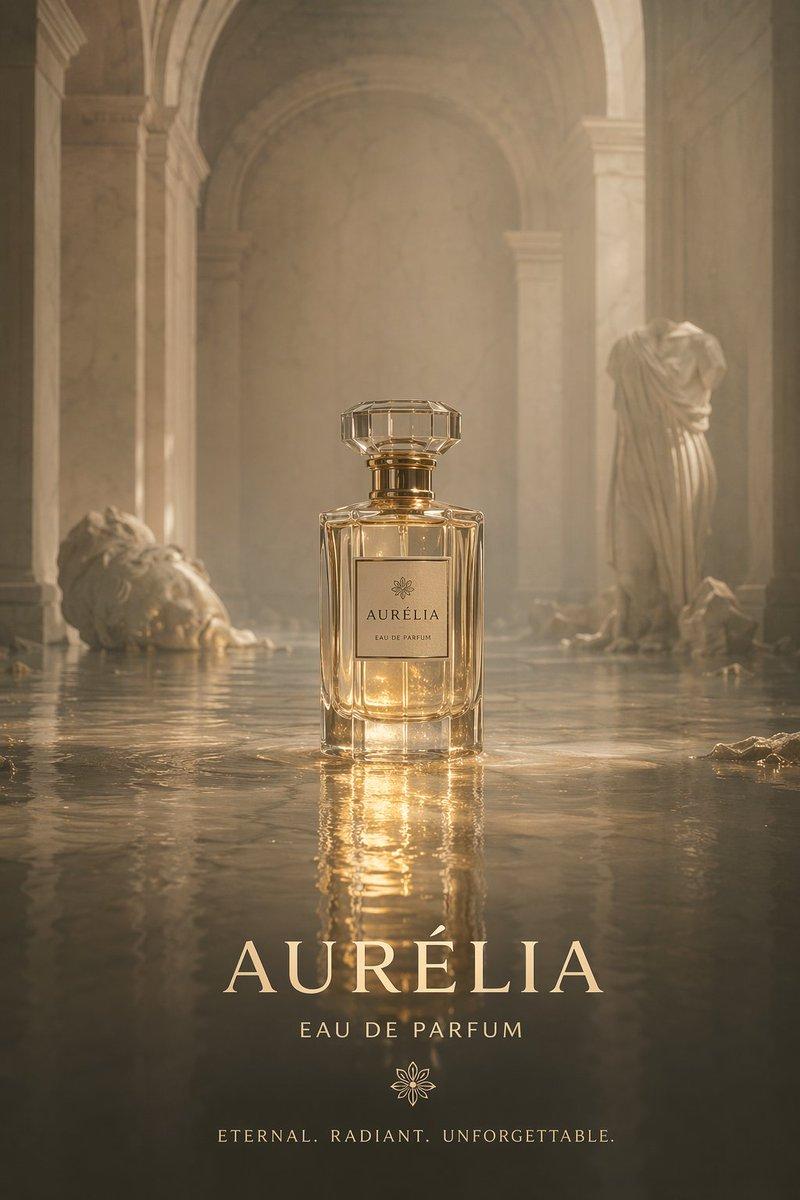
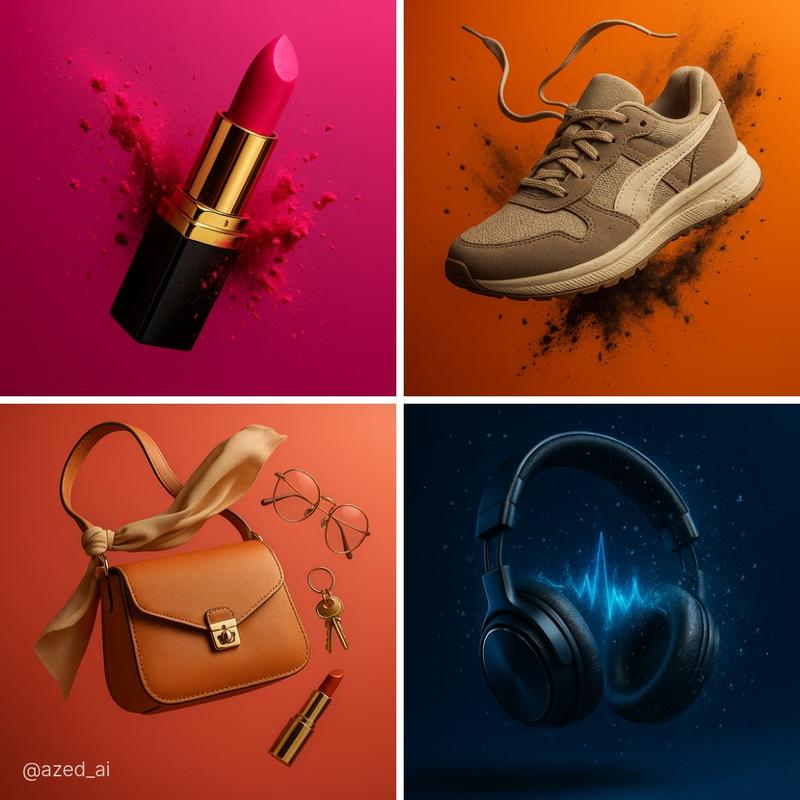
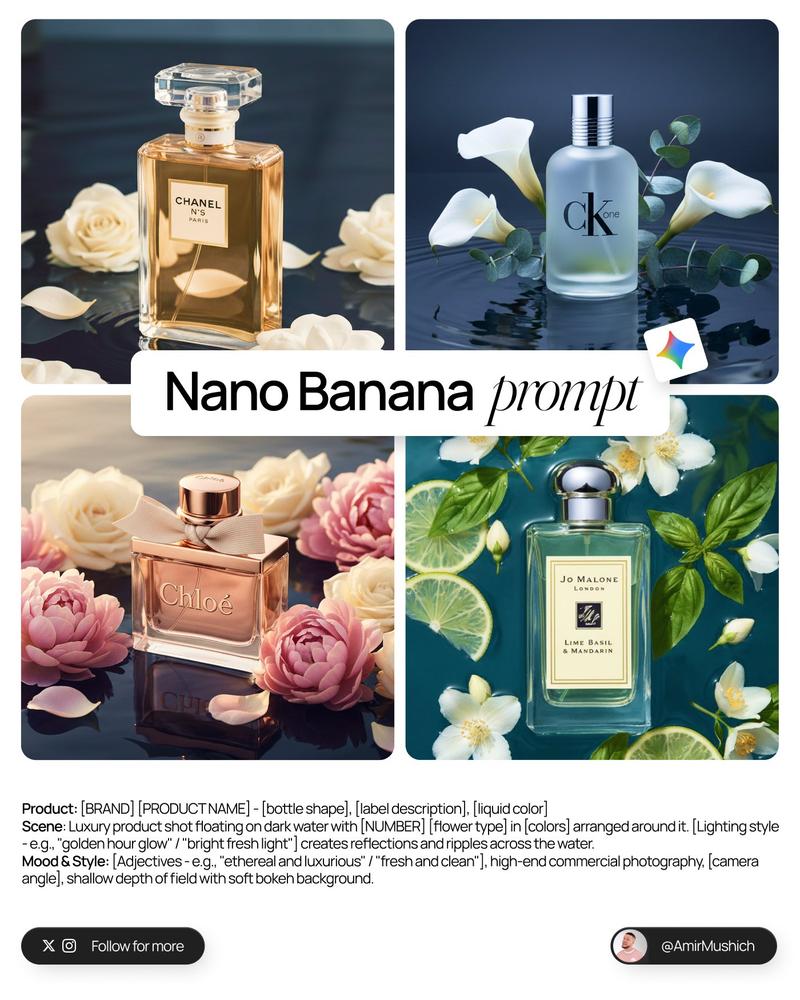
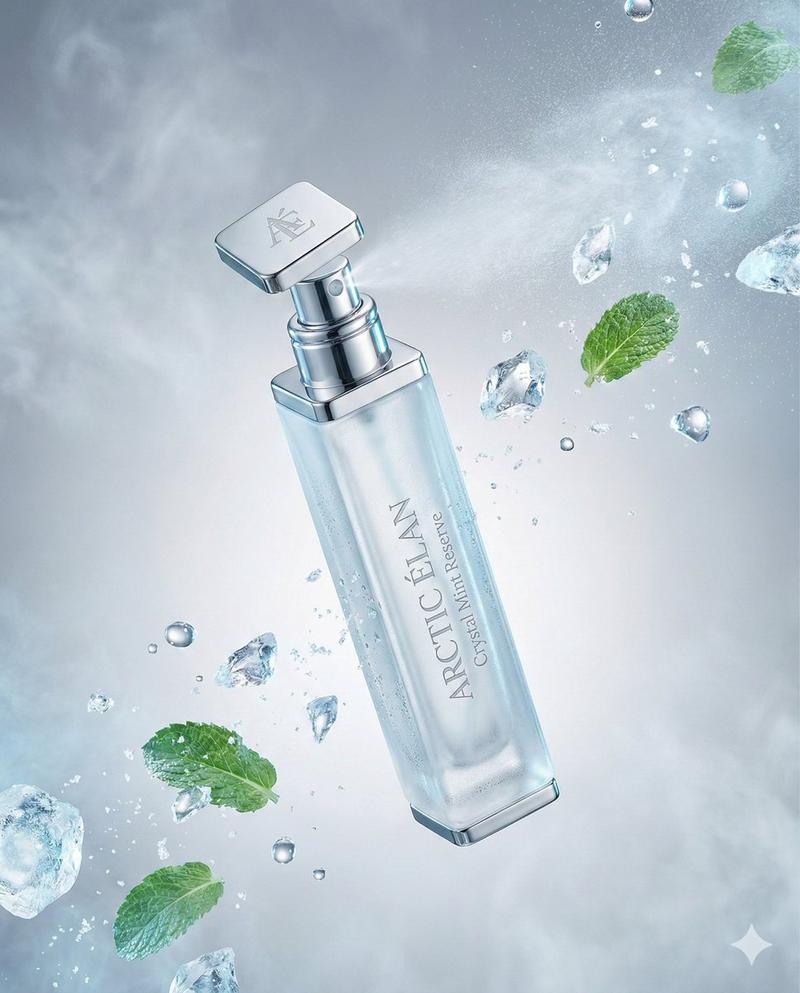
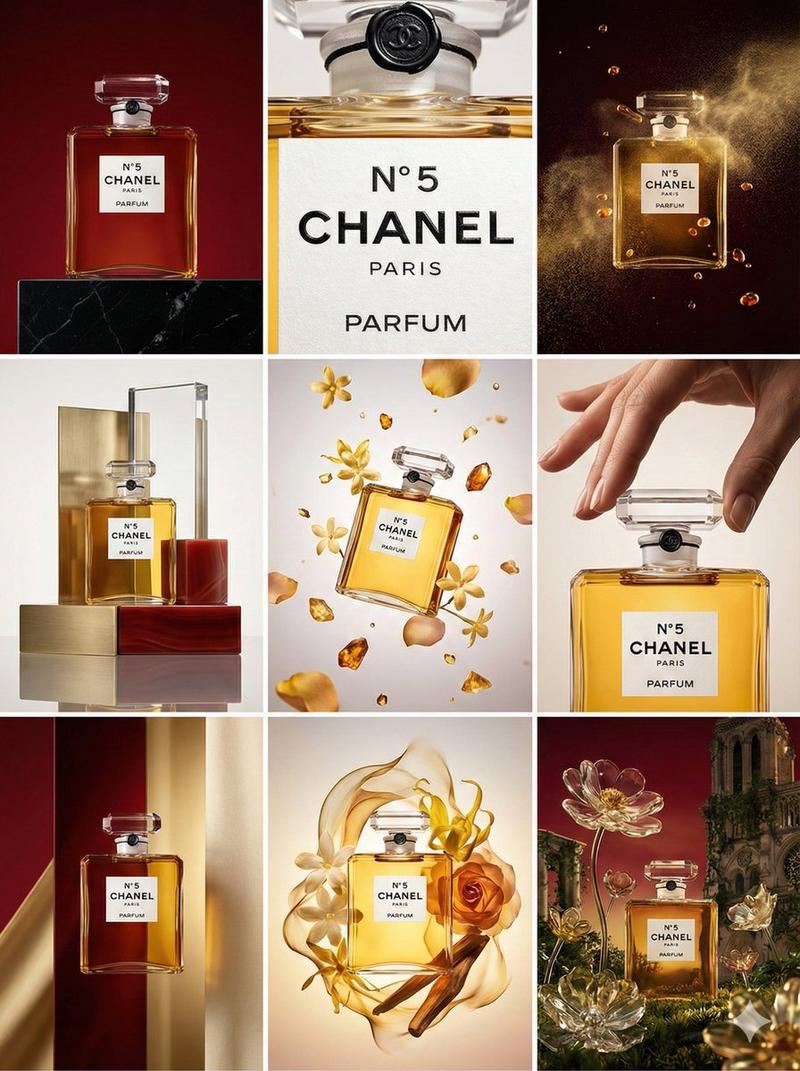
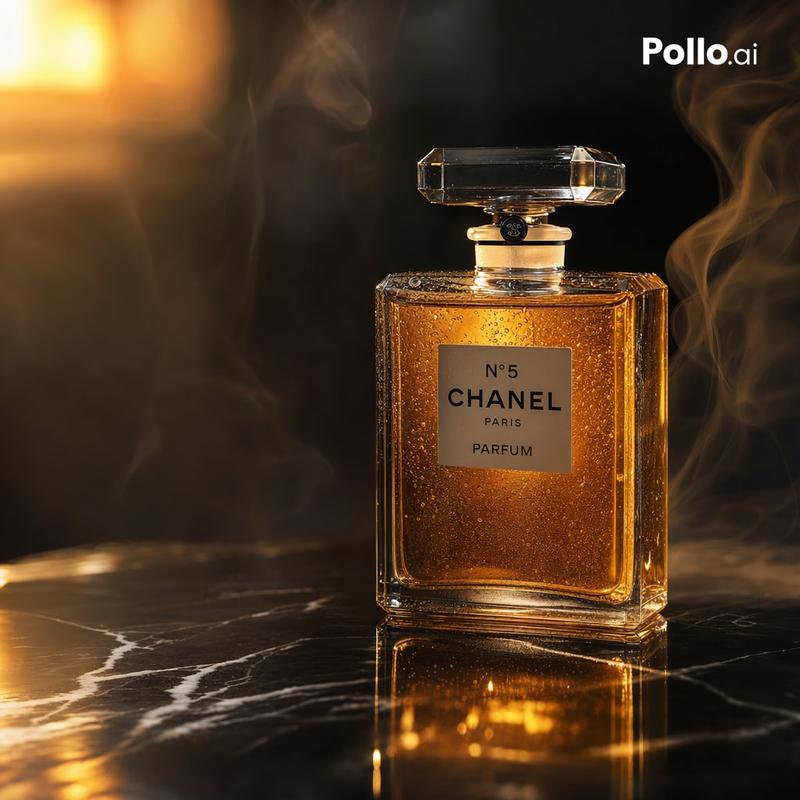
Benefit collision product ad: GPT Image 2 prompt
Enlarge

Benefit collision product ad: GPT Image 2 prompt

Prompt
Upload a clear product image first.

Create a premium 16:9 commercial product ad using the uploaded product as the exact hero reference.

Visual system: "Benefit Collision"

The product must be large, sharp, premium, and instantly recognizable. Keep the logo, label, shape, materials, colors, and packaging details clear and readable.

Do not make a normal beauty shot.

Build the scene around one powerful visual collision that proves the product benefit instantly.

Choose two opposing forces based on the product:
clean vs messy
hot vs cold
speed vs resistance
soft vs harsh
fresh vs dull
protected vs exposed
smooth vs rough
calm vs chaos
luxury vs raw material

Place the product at the exact point where both forces collide.

Composition:
foreground texture, midground product hero, background atmospheric force.
The viewer should understand the benefit in one second.

Style:
premium agency campaign, cinematic product photography, realistic physics, dramatic lighting, tactile material detail, sharp reflections, controlled chaos, luxury commercial finish, scroll-stopping 16:9 hero image.

Avoid:
tiny people, miniature worlds, random effects, fake floating text, hidden logo, unreadable label, cluttered background, weak product scale.
Category
Products & E-commerce
Model
GPT Image 2
Views0
Source ID
2074781621945868711
Published
Jul 8, 2026

Guide

About "Benefit collision product ad: GPT Image 2 prompt"

What is this prompt for?

"Benefit collision product ad: GPT Image 2 prompt" AI image prompt for GPT Image 2 (Products & E-commerce). Upload a clear product image first. Create a premiu…

The full copyable prompt and example visuals above are ready for AI image generation or one-click recreate in Picva.

How to use this prompt

  1. Step 1

    Open the prompt detail

    Review the example visuals, category, and full prompt text for "Benefit collision product ad: GPT Image 2 prompt".

  2. Step 2

    Copy the prompt

    Copy the prompt body from this page, or load it directly in Studio.

  3. Step 3

    Pick a model (GPT Image 2)

    Prefer GPT Image 2. If you switch models, keep subject and composition and tweak style terms.

  4. Step 4

    Generate and export

    Recreate the look in Picva, or export into your workflow for editing and publishing.

FAQ

What is the "Benefit collision product ad: GPT Image 2 prompt" prompt?
It is an AI image-generation prompt for GPT Image 2 in the Products & E-commerce category. This page includes the full prompt text, example visuals, and a one-click recreate path in Picva.
How do I use this prompt to generate an image?
Copy the prompt from this page, or use Generate / Studio. Paste it into a compatible image model, or recreate the look in Picva with optional reference images.
Which model is this prompt for?
This page lists GPT Image 2. Most descriptive prompts also transfer to nearby image models such as GPT Image, Flux, or Midjourney with light style tweaks.
Can I use the result commercially?
You can usually copy the prompt for creation, but commercial use of the final image depends on the model terms, reference-image rights, and the generated content. Follow the source author and platform rules.