12

电影级香水产品摄影
Enlarge

电影级香水产品摄影

Prompt
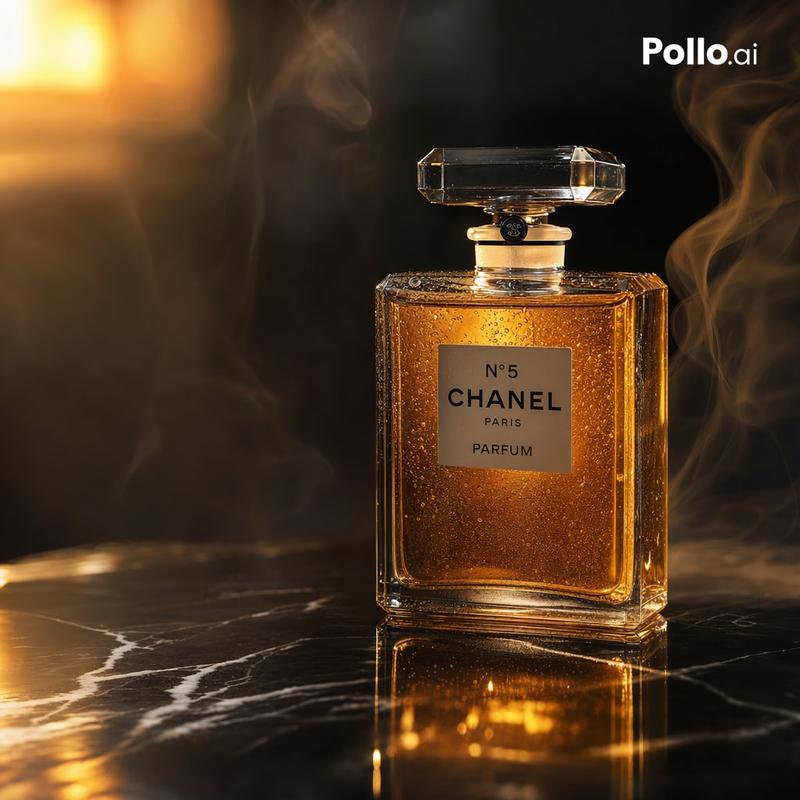
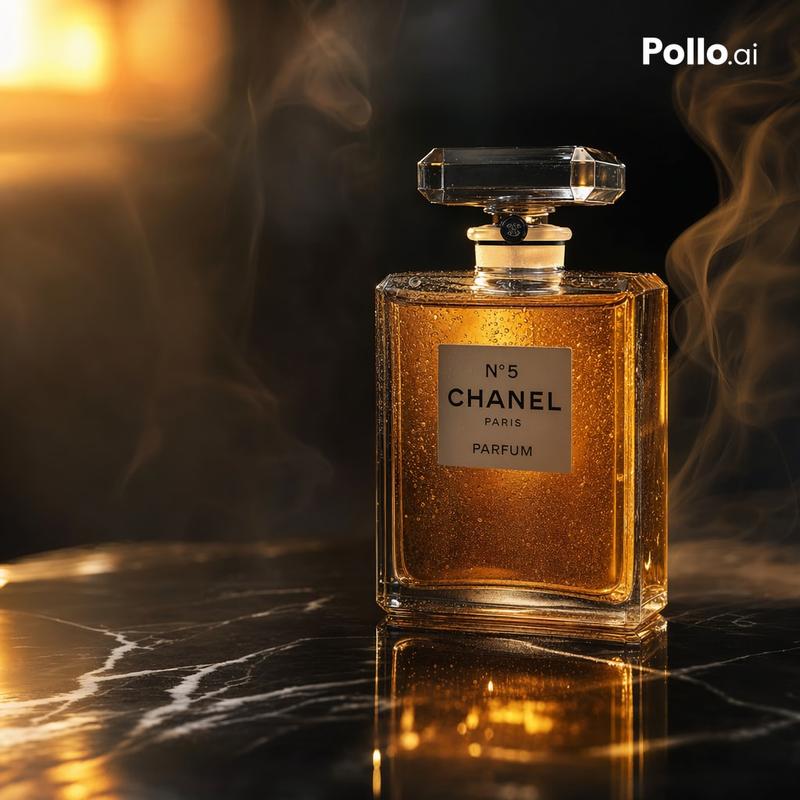
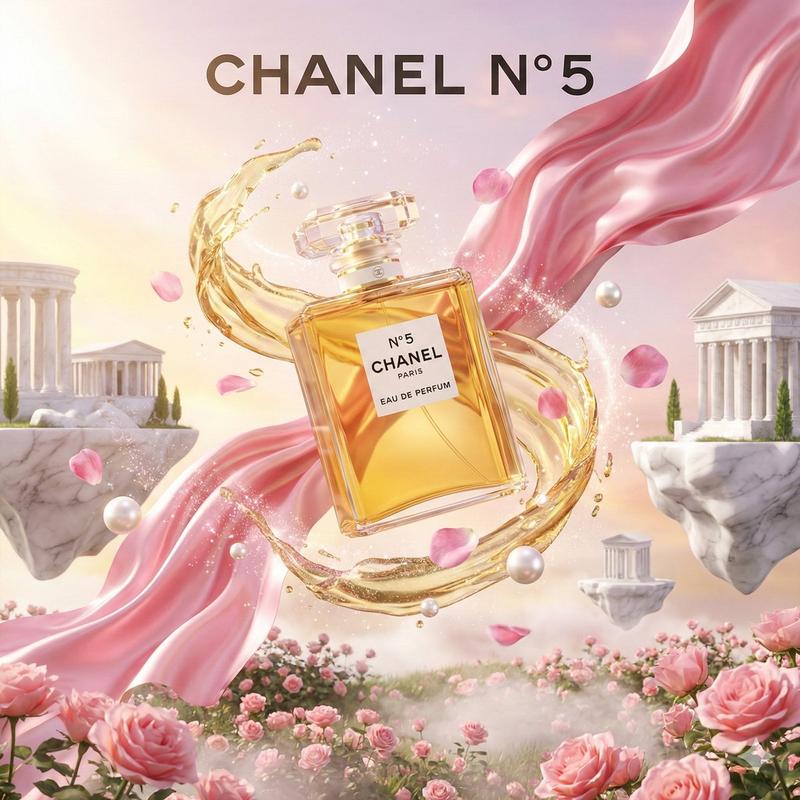
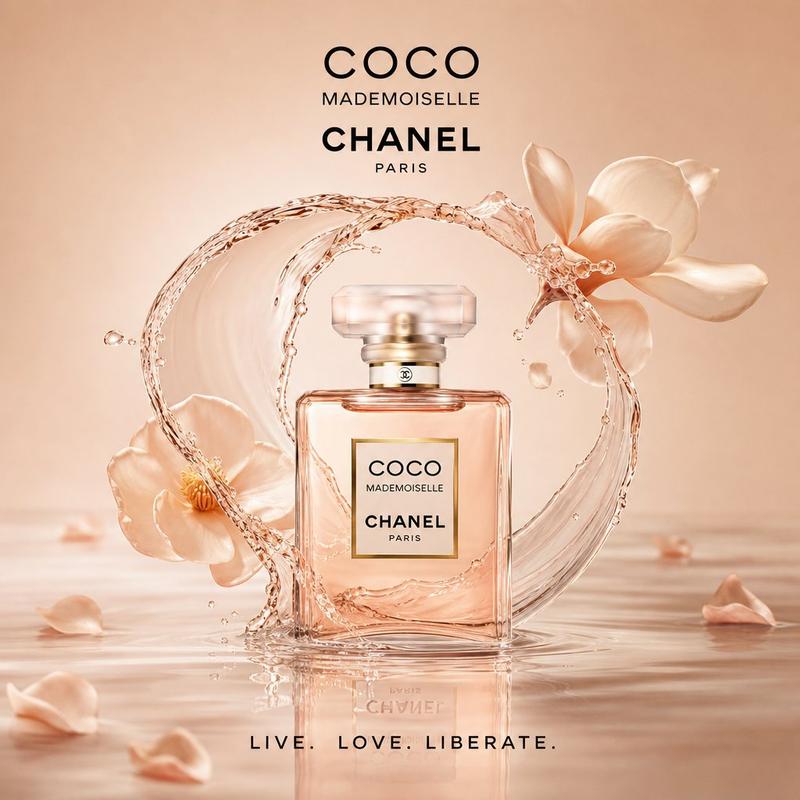
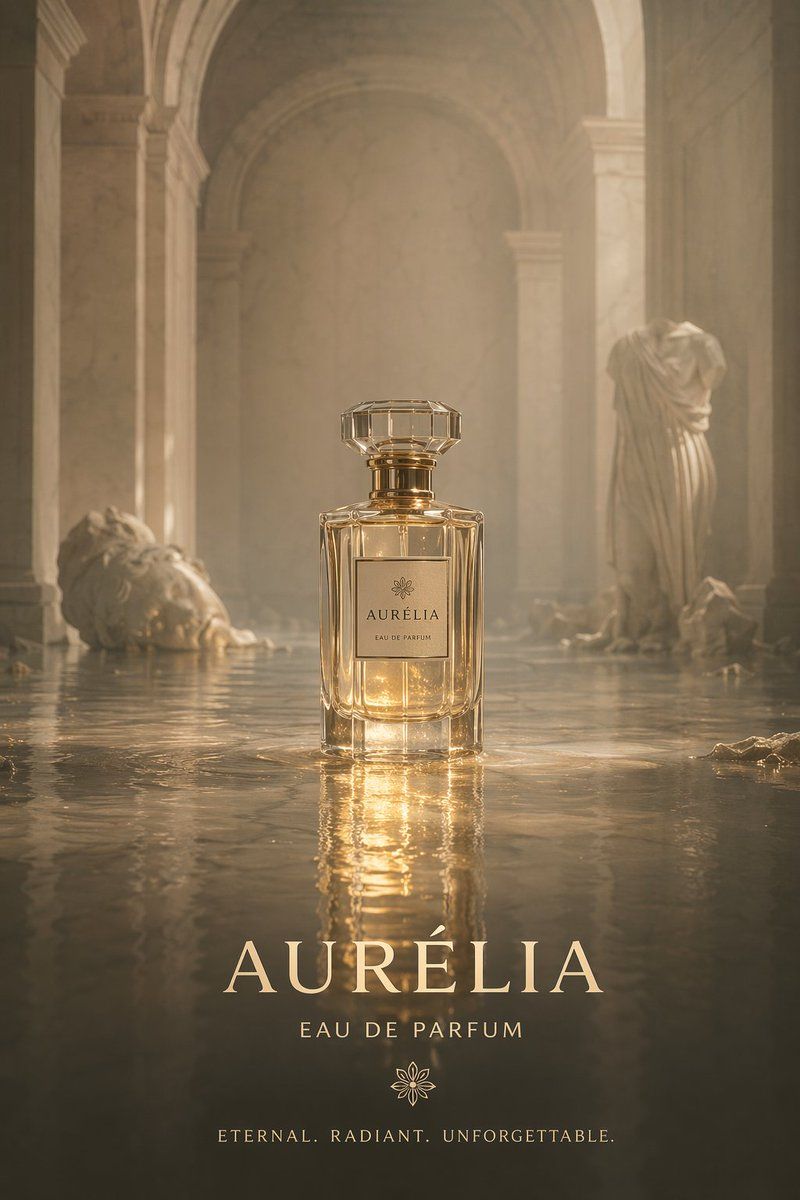
A cinematic product photography shot of an elegant, rectangular glass perfume bottle with a faceted crystal cap and gold accents, sitting in the center of a shallowly flooded ancient stone temple corridor. The bottle features a minimalist square label with a delicate flower logo and the text {argument name="brand name" default="AURÉLIA"} above "EAU DE PARFUM". The setting is ethereal and hazy, bathed in warm, golden volumetric lighting that creates glowing reflections on the rippled water surface. In the background, classical ruins emerge from the water: a fallen stone head on the left and a headless draped statue on the right. At the bottom of the image, elegant typography overlays the scene, featuring the large serif text {argument name="brand name" default="AURÉLIA"}, followed by "EAU DE PARFUM", a matching flower logo, and the tagline {argument name="tagline" default="ETERNAL. RADIANT. UNFORGETTABLE."} in a clean, spaced-out font.
Category
Charts & Infographics
Model
GPT Image 2
Creator
BrianChen
Views1
Source ID
13664
Published
Apr 15, 2026

Guide

About "电影级香水产品摄影"

What is this prompt for?

"电影级香水产品摄影" AI image prompt for GPT Image 2 (Charts & Infographics). 生成一张奢华、电影质感的香水产品广告图,置于氛围感十足的环境中,并配以优雅的排版。 Copy it on Picva and recreate the look in one cl…

The full copyable prompt and example visuals above are ready for AI image generation or one-click recreate in Picva.

How to use this prompt

  1. Step 1

    Open the prompt detail

    Review the example visuals, category, and full prompt text for "电影级香水产品摄影".

  2. Step 2

    Copy the prompt

    Copy the prompt body from this page, or load it directly in Studio.

  3. Step 3

    Pick a model (GPT Image 2)

    Prefer GPT Image 2. If you switch models, keep subject and composition and tweak style terms.

  4. Step 4

    Generate and export

    Recreate the look in Picva, or export into your workflow for editing and publishing.

FAQ

What is the "电影级香水产品摄影" prompt?
It is an AI image-generation prompt for GPT Image 2 in the Charts & Infographics category. This page includes the full prompt text, example visuals, and a one-click recreate path in Picva.
How do I use this prompt to generate an image?
Copy the prompt from this page, or use Generate / Studio. Paste it into a compatible image model, or recreate the look in Picva with optional reference images.
Which model is this prompt for?
This page lists GPT Image 2. Most descriptive prompts also transfer to nearby image models such as GPT Image, Flux, or Midjourney with light style tweaks.
Can I use the result commercially?
You can usually copy the prompt for creation, but commercial use of the final image depends on the model terms, reference-image rights, and the generated content. Follow the source author and platform rules.