17

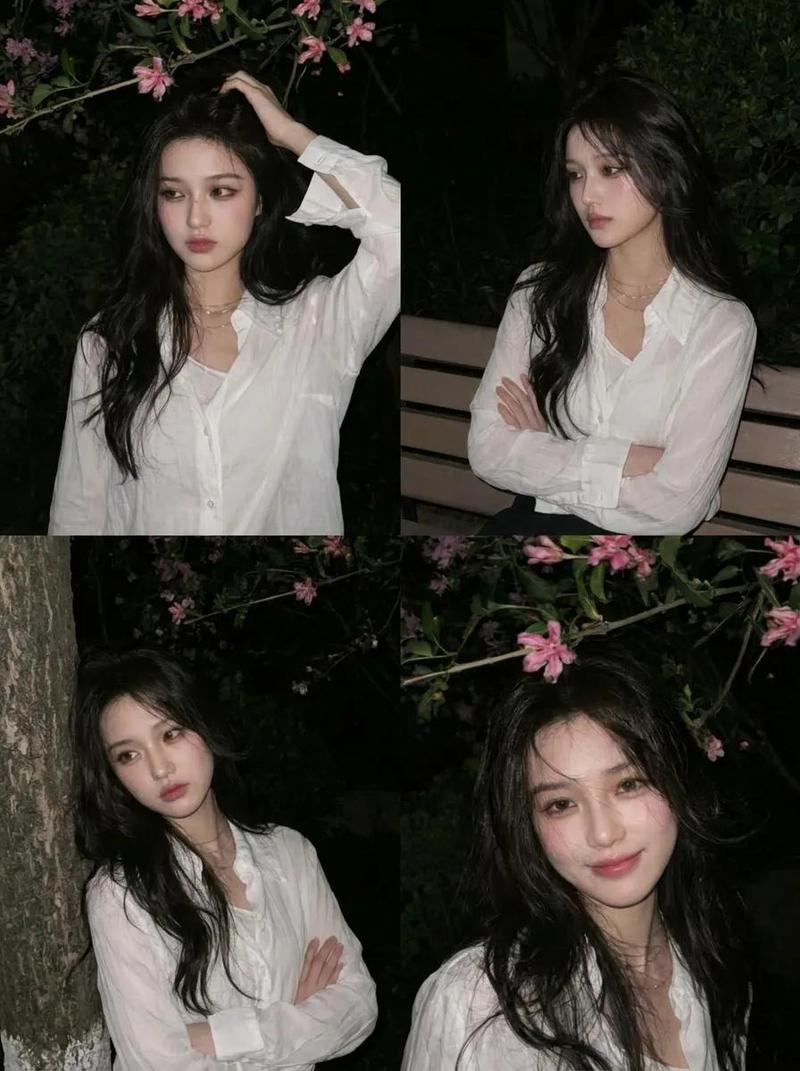
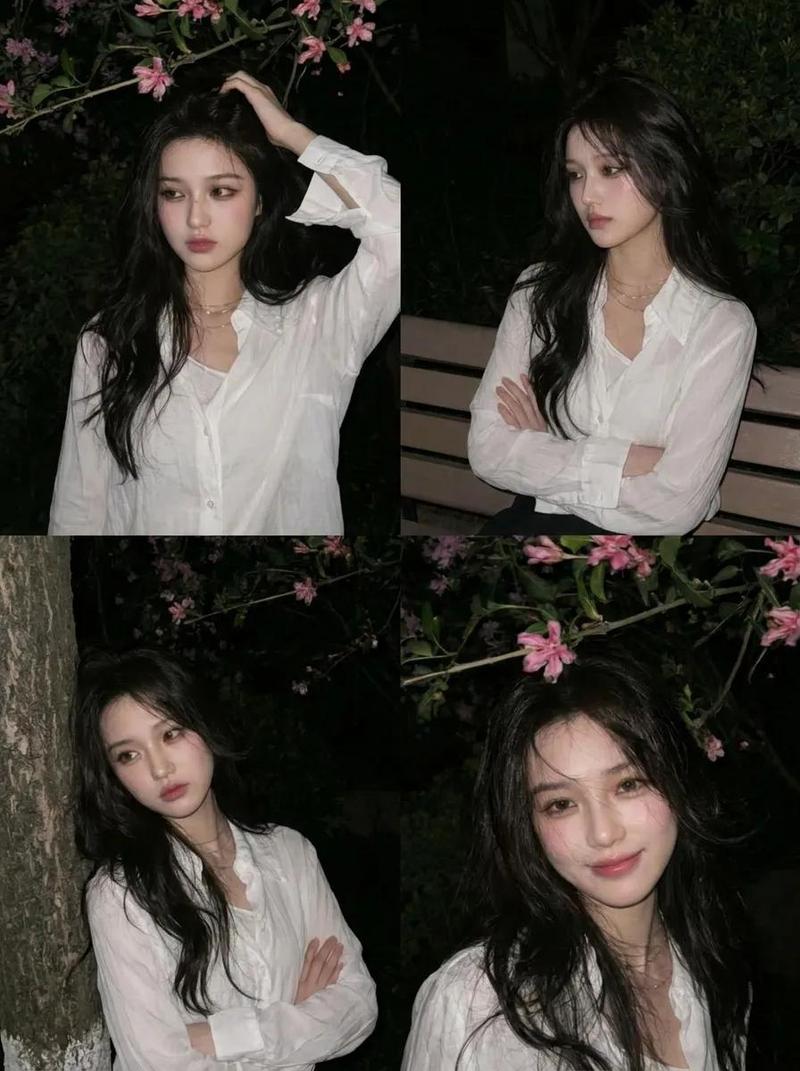
Blossom editorial portrait: GPT Image 2 prompt
Enlarge

Example images

Blossom editorial portrait: GPT Image 2 prompt

Prompt
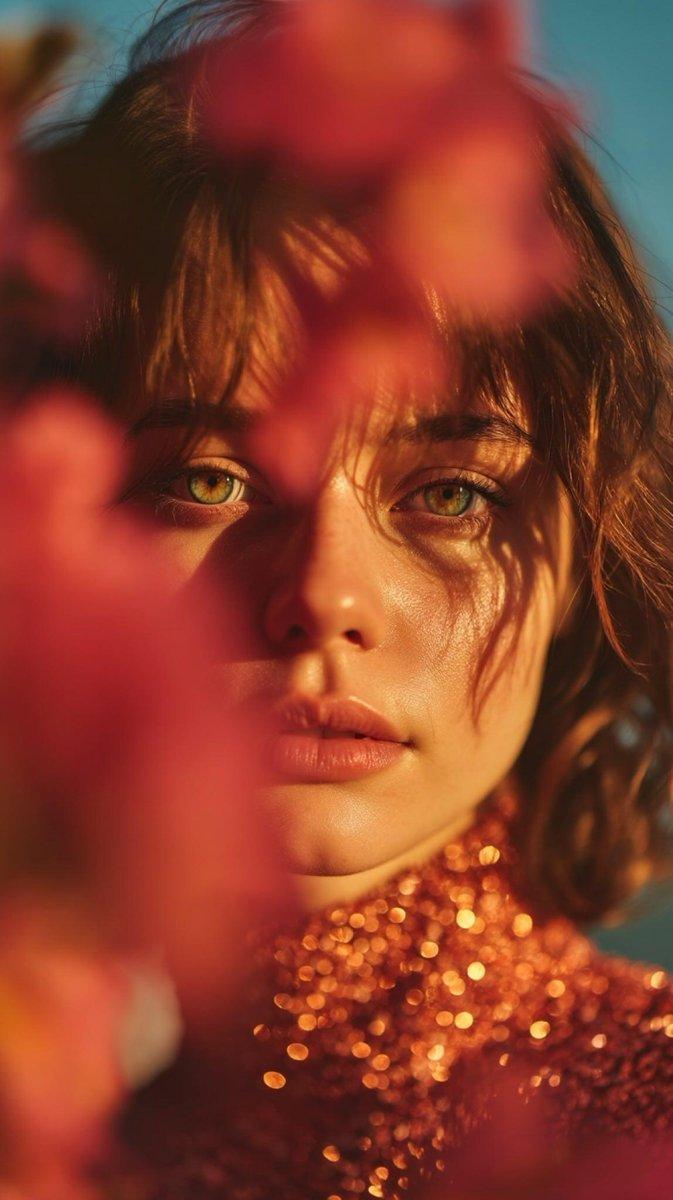
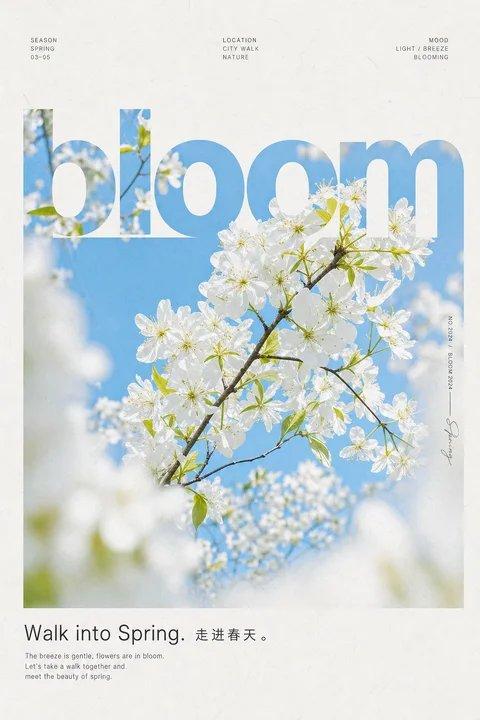
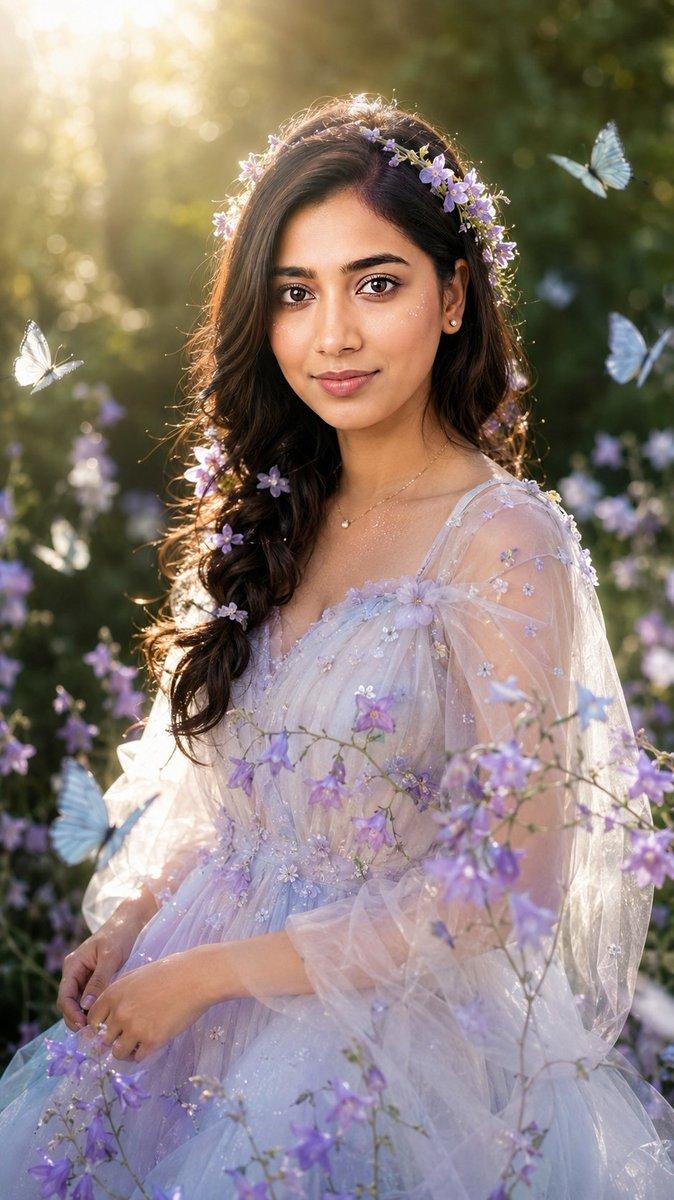
"Poetic cinematic close-up portrait of a young woman partially obscured by soft pink blossoms and petals in the foreground.",
"subject_details": {
 "appearance": "Young woman, expressive green eyes, calm introspective expression, natural beauty",
 "skin_texture": "Ultra-realistic skin texture",
 "apparel": "Shimmering rose-gold high-neck dress that catches warm sunlight"
},
"composition_and_framing": {
 "framing": "Close-up, face in sharp focus through gaps in the flowers",
 "foreground": "Soft pink blossoms and petals, soft blur",
 "background": "Deep blue sky, creamy bokeh",
 "depth": "Shallow depth of field"
},
"lighting_and_color": {
 "lighting_source": "Golden-hour lighting",
 "effects": "Delicate shadows of petals across skin, dress catching sunlight",
 "palette": "Pastel pinks, warm peach tones, rose-gold, deep blue"
},
"atmosphere_and_style": {
 "mood": "Romantic spring atmosphere, ethereal, poetic",
 "style": "Editorial fashion photography",
 "grading": "Cinematic color grading"
},
"technical_specs": {
 "quality": "8K resolution, high detail",
 "visuals": "Ultra-realistic"
}
Category
Photography & Realism
Model
nano-banana
Views4
Source ID
2075436239852101967
Published
Jul 10, 2026

Guide

About "Blossom editorial portrait: GPT Image 2 prompt"

What is this prompt for?

"Blossom editorial portrait: GPT Image 2 prompt" AI image prompt for nano-banana (Photography & Realism). "Poetic cinematic close-up portrait of a young woman…

The full copyable prompt and example visuals above are ready for AI image generation or one-click recreate in Picva.

How to use this prompt

  1. Step 1

    Open the prompt detail

    Review the example visuals, category, and full prompt text for "Blossom editorial portrait: GPT Image 2 prompt".

  2. Step 2

    Copy the prompt

    Copy the prompt body from this page, or load it directly in Studio.

  3. Step 3

    Pick a model (nano-banana)

    Prefer nano-banana. If you switch models, keep subject and composition and tweak style terms.

  4. Step 4

    Generate and export

    Recreate the look in Picva, or export into your workflow for editing and publishing.

FAQ

What is the "Blossom editorial portrait: GPT Image 2 prompt" prompt?
It is an AI image-generation prompt for nano-banana in the Photography & Realism category. This page includes the full prompt text, example visuals, and a one-click recreate path in Picva.
How do I use this prompt to generate an image?
Copy the prompt from this page, or use Generate / Studio. Paste it into a compatible image model, or recreate the look in Picva with optional reference images.
Which model is this prompt for?
This page lists nano-banana. Most descriptive prompts also transfer to nearby image models such as GPT Image, Flux, or Midjourney with light style tweaks.
Can I use the result commercially?
You can usually copy the prompt for creation, but commercial use of the final image depends on the model terms, reference-image rights, and the generated content. Follow the source author and platform rules.