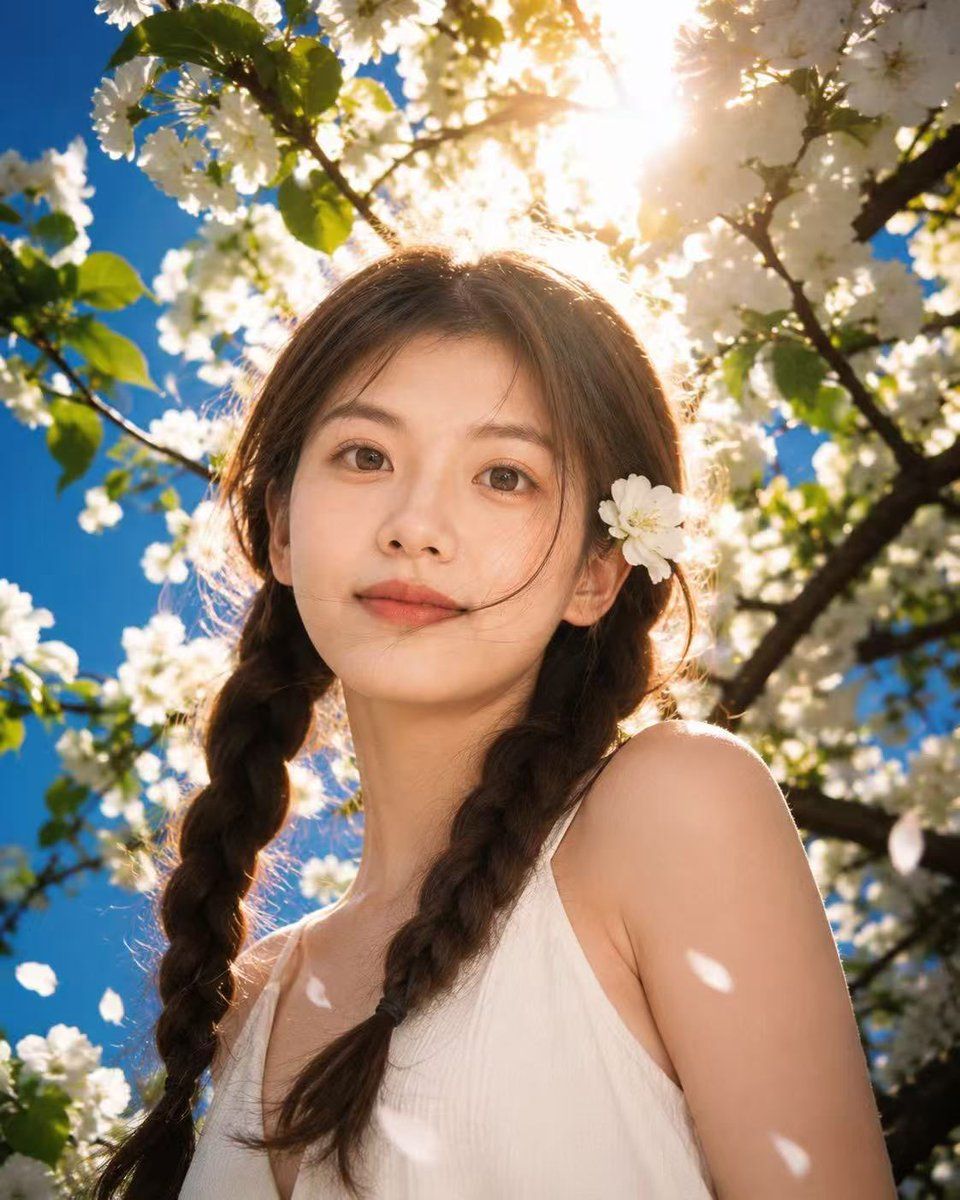
春日暖阳花海人像
Prompt
Create a fresh, romantic, slightly cinematic spring portrait of {argument name="subject" default="a young woman"} standing beneath blooming white cherry or apple blossom branches. The subject is framed from chest up in a low-angle close portrait, centered, wearing a simple {argument name="dress color" default="white"} sleeveless sundress with a soft V neckline. She has {argument name="hair color" default="medium brown"} hair parted in the middle and styled into two loose braids falling over her shoulders, with a single white blossom tucked behind one ear. Surround her with dense white blossoms, green leaves, dark tree branches, and a vivid blue sky. Place the bright spring sun directly behind the top of her head, creating golden backlight, glowing hair rim light, lens flare, warm haze, and high-contrast dappled sunlight on her shoulders and dress. Add a few white petals drifting across the foreground, soft bokeh blossoms in the background, and a dreamy airy atmosphere. Use photorealistic editorial portrait photography, natural skin tones, 35mm lens look, shallow depth of field, crisp foreground detail, cinematic color grading, fresh romantic mood, vertical 4:5 composition. No text, no watermark, no extra people.- Category
- Charts & Infographics
- Model
- GPT Image 2
- Creator
- Shinning
- Source ID
- 19093
- Published
- May 8, 2026
Views4





![🎨 JAPANESE WATERCOLOR 🎨 Base prompt : [SUBJECT] presented in the style of a Wa](https://cdn.pixshop.app/prompt-library/tweet-2009675315010809976/preview-0-1768224759526-eyqdx2e0.jpeg)

