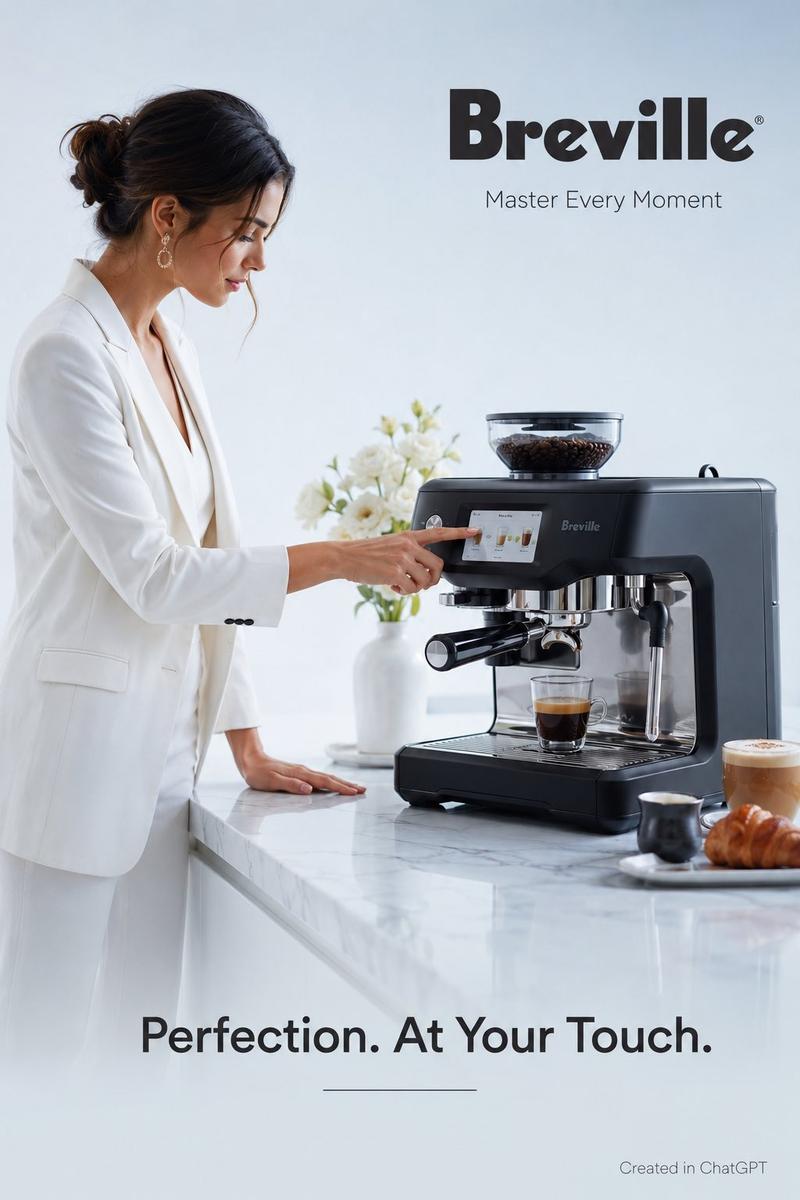
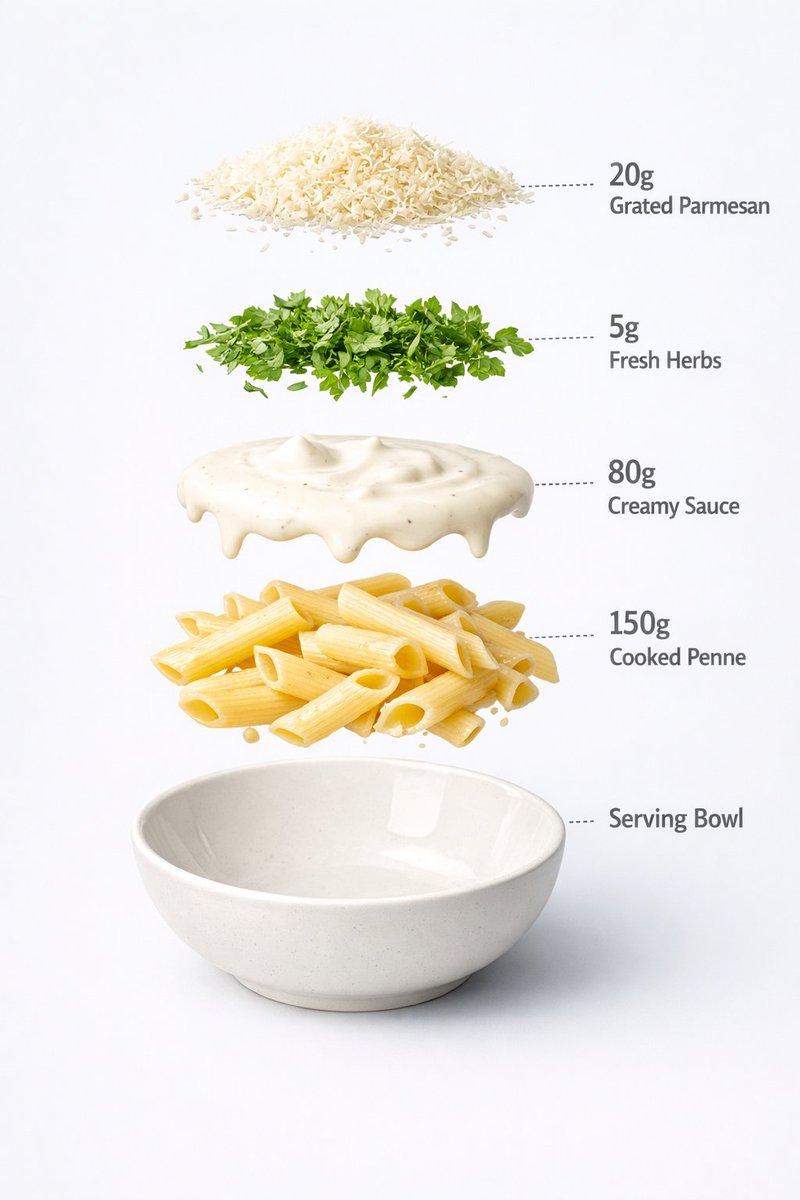
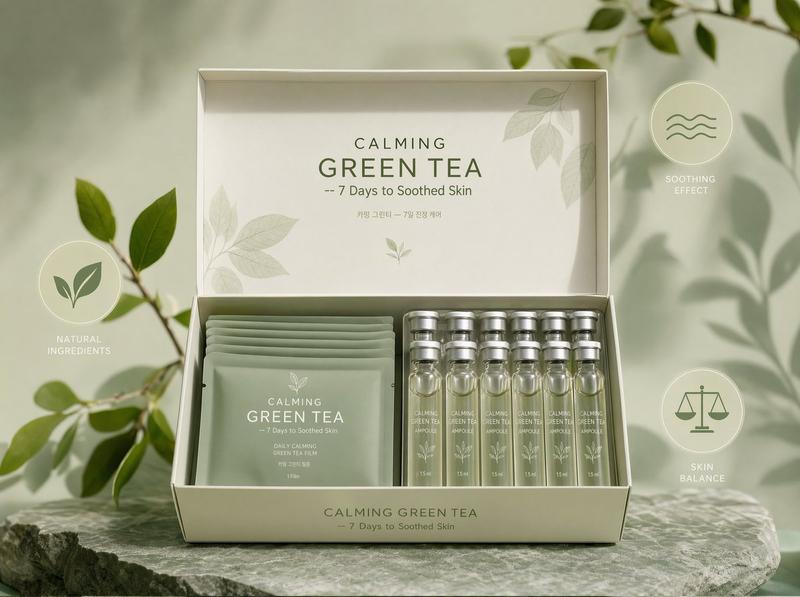
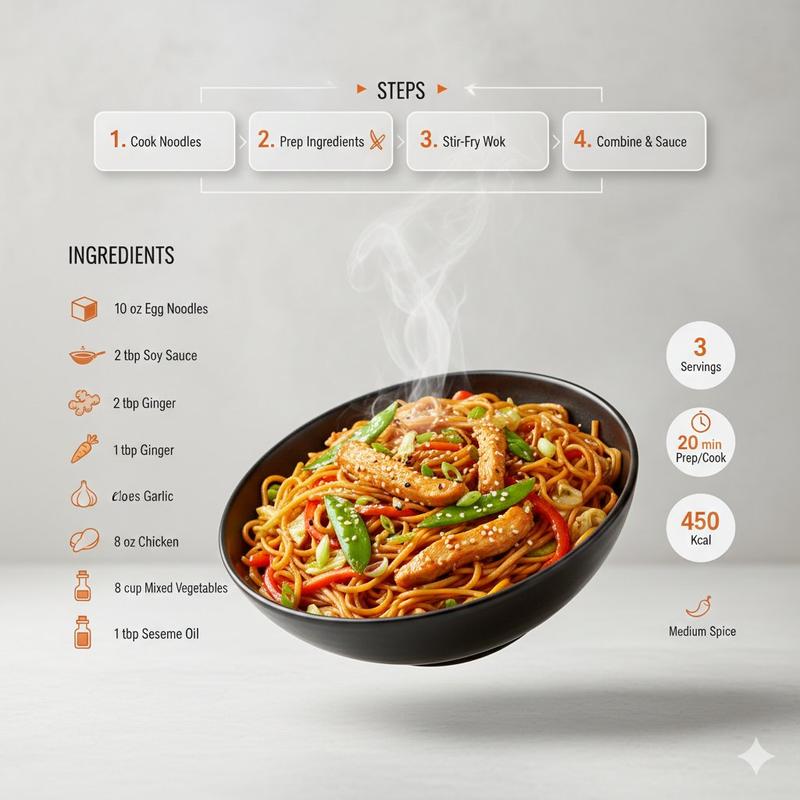
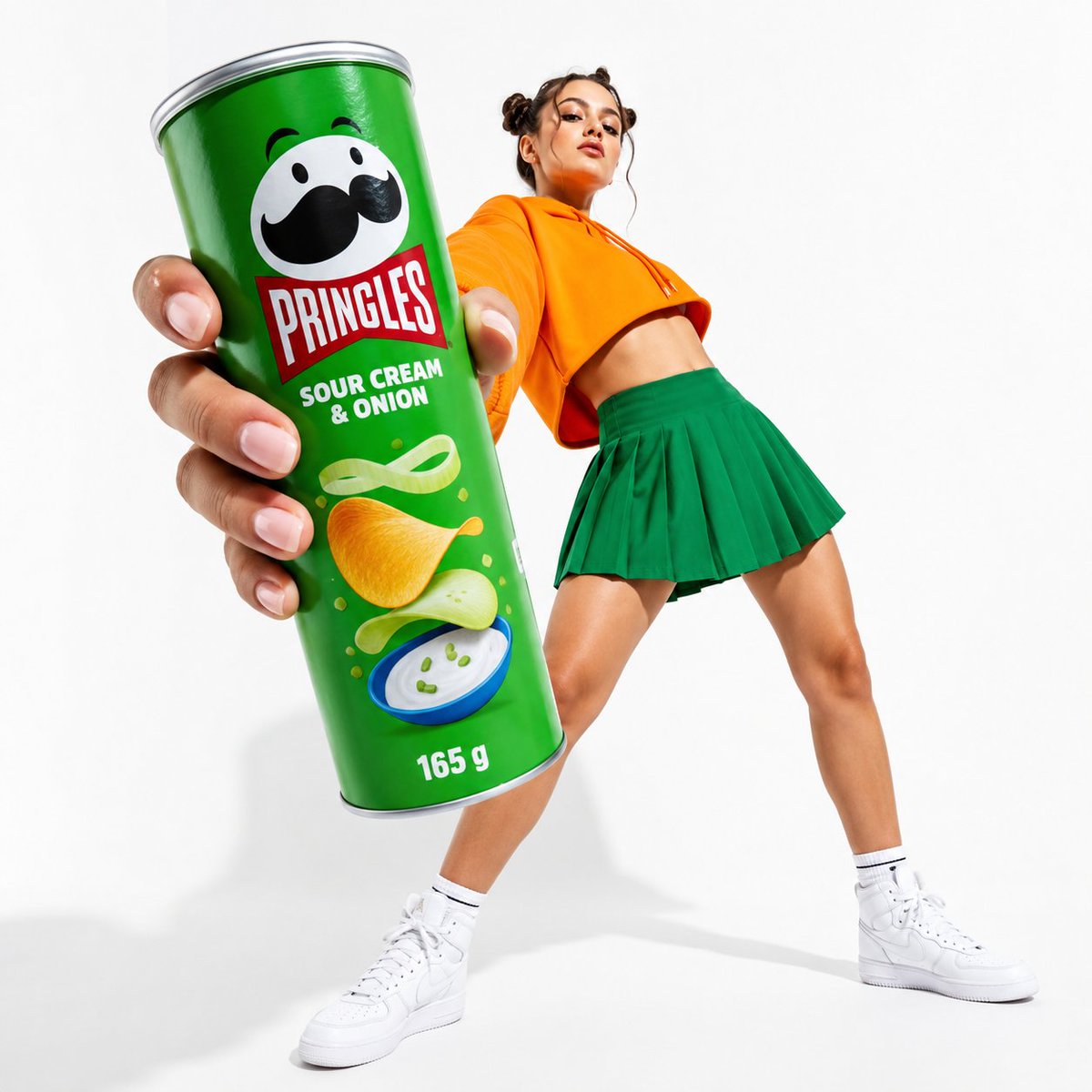
Break gravity product ad: GPT Image 2 prompt
Prompt
Upload a clear product image first.

Create a premium 16:9 commercial advertising visual using the uploaded product as the exact hero reference.

Visual system: “Break Gravity”

Keep the product perfectly still, large, sharply focused, and instantly recognizable, occupying 35–45% of the frame.

Preserve the exact product shape, materials, proportions, colors, logo, label, typography, and key brand details. The branding must remain clearly visible, readable, unobstructed, and naturally integrated into the product.

Do not create a normal product beauty shot.

Make the product’s core benefit pull the surrounding scene against gravity.

Choose one impossible physical action directly connected to what the product does:

• a blender pulls fruit, ice, and liquid upward into a suspended vortex
• a vacuum lifts dust and debris from the floor into a controlled curved stream
• a hair tool pulls tangled strands into smooth flowing ribbons
• scissors pull paper fragments upward through one perfectly clean cutting path
• a speaker bends particles and surfaces toward its sound
• a cooling product pulls heat and vapor away from itself
• a fragrance pulls petals, mist, and fabric into an elegant scent current

The product must remain calm and motionless while everything affected by its benefit moves dramatically around it.

Use only one clear gravity-breaking action.

The effect must:
start from the product,
follow a readable direction,
communicate the benefit in one second,
frame the product without hiding it,
and feel physically believable despite being impossible.

Composition:
strong foreground particles or materials,
hero product in the midground,
cinematic environmental depth in the background.

Style:
premium agency campaign,
cinematic commercial photography,
realistic physics and material behavior,
high-speed frozen motion,
dramatic directional lighting,
tactile textures,
sharp product detail,
polished reflections,
strong negative space,
high contrast,
scroll-stopping advertising composition.

Avoid:
random explosions,
generic floating objects,
multiple competing effects,
hidden branding,
unreadable labels,
tiny product scale,
miniature people,
micro worlds,
UI overlays,
floating logos,
extra text,
clutter,
or effects unrelated to the product benefit.

Output:
one polished 16:9 hero advertising image where the product stays perfectly still and its benefit breaks gravity around it.
- Category
- Products & E-commerce
- Model
- GPT Image 2
- Creator
- AZIZ | AI 🇸🇦
- Source ID
- 2075575662316749255
- Published
- Jul 10, 2026
Views0