18

树屋
Enlarge

树屋

Prompt
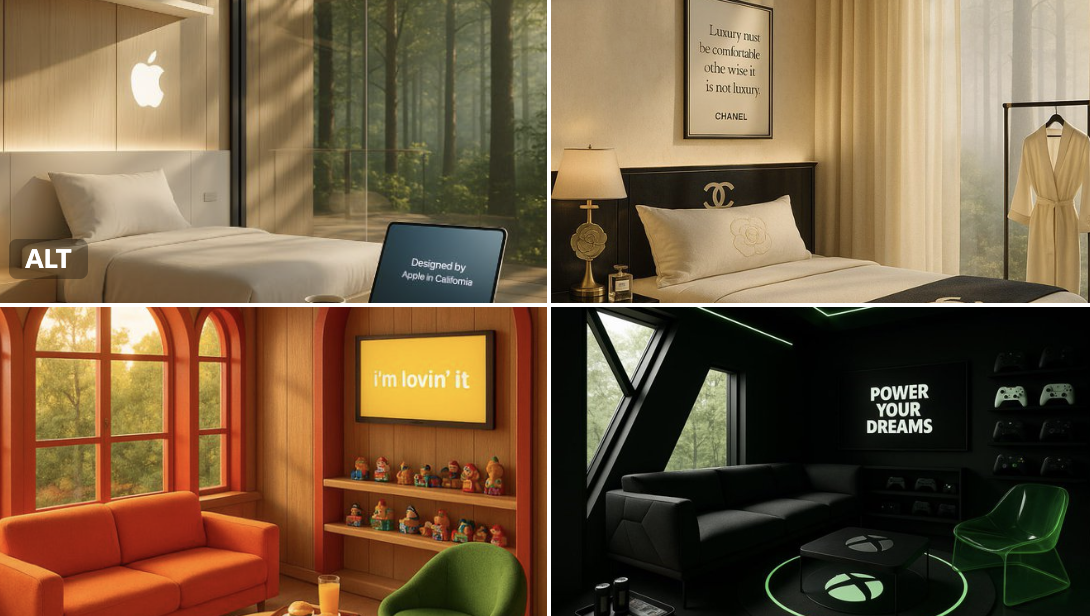
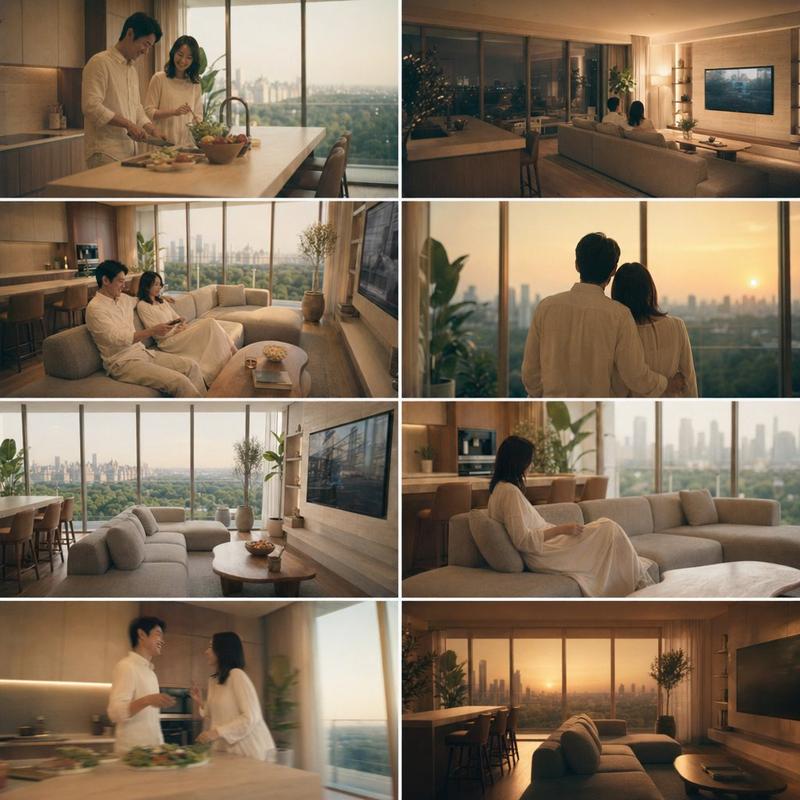
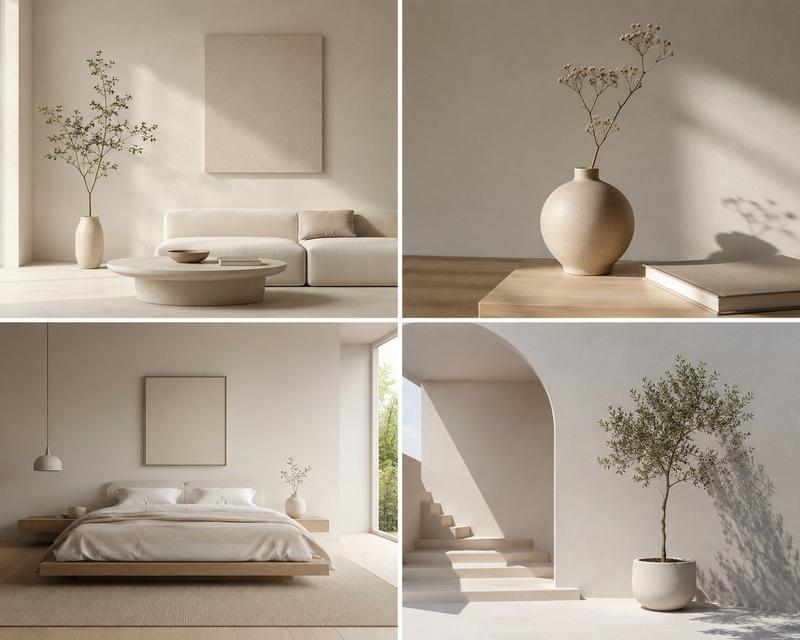
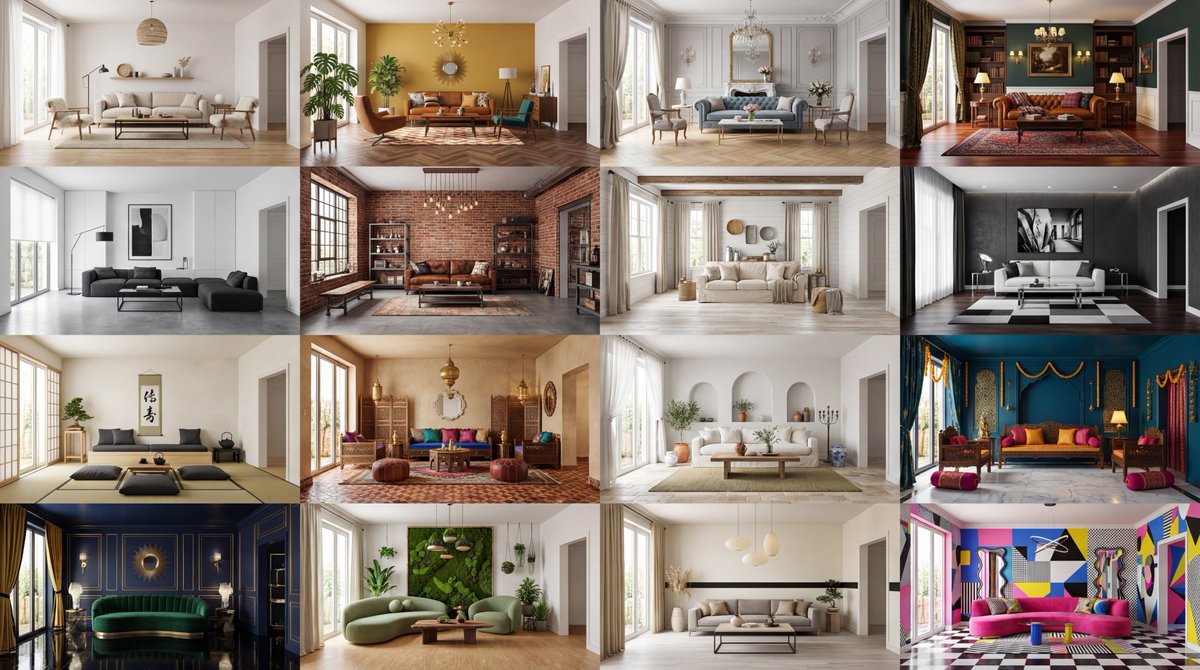
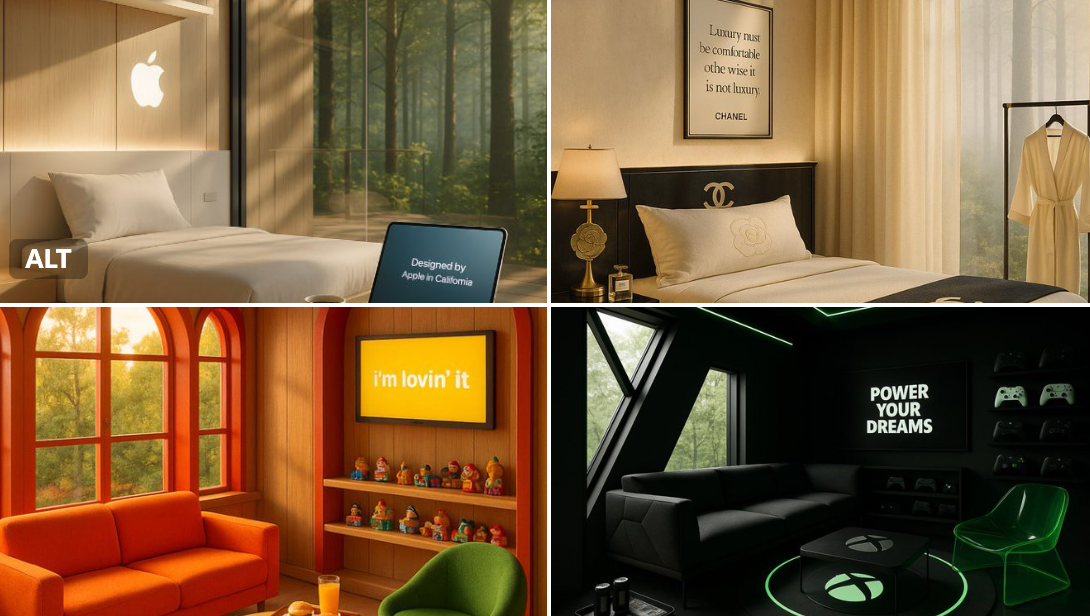
A quiet morning in a luxury treehouse retreat created by [BRAND NAME] — golden light pours through windows framed in the brand’s signature colors. A cozy seating area features playful, thematic furniture, and a circular rug inspired by [BRAND SYMBOL OR PRODUCT]. The coffee table bears the embossed logo, while a screen on the wall loops the phrase: “[BRAND SLOGAN].” A curated display of iconic items adds a sense of nostalgia. Subtle ambient lighting glows in brand tones, and a tray with signature treats sits near the window. It’s cozy, imaginative, and unmistakably [BRAND NAME]
Category
Products & E-commerce
Model
GPT Image 2
Views46
Source ID
785
Published
Jan 8, 2026

Guide

About "树屋"

What is this prompt for?

"树屋" AI image prompt for GPT Image 2 (Products & E-commerce). A quiet morning in a luxury treehouse retreat created by [BRAND NAME] — golden light pours throug…

The full copyable prompt and example visuals above are ready for AI image generation or one-click recreate in Picva.

How to use this prompt

  1. Step 1

    Open the prompt detail

    Review the example visuals, category, and full prompt text for "树屋".

  2. Step 2

    Copy the prompt

    Copy the prompt body from this page, or load it directly in Studio.

  3. Step 3

    Pick a model (GPT Image 2)

    Prefer GPT Image 2. If you switch models, keep subject and composition and tweak style terms.

  4. Step 4

    Generate and export

    Recreate the look in Picva, or export into your workflow for editing and publishing.

FAQ

What is the "树屋" prompt?
It is an AI image-generation prompt for GPT Image 2 in the Products & E-commerce category. This page includes the full prompt text, example visuals, and a one-click recreate path in Picva.
How do I use this prompt to generate an image?
Copy the prompt from this page, or use Generate / Studio. Paste it into a compatible image model, or recreate the look in Picva with optional reference images.
Which model is this prompt for?
This page lists GPT Image 2. Most descriptive prompts also transfer to nearby image models such as GPT Image, Flux, or Midjourney with light style tweaks.
Can I use the result commercially?
You can usually copy the prompt for creation, but commercial use of the final image depends on the model terms, reference-image rights, and the generated content. Follow the source author and platform rules.