18

Before after beauty retouch: GPT Image 2 prompt
Enlarge

Before after beauty retouch: GPT Image 2 prompt

Prompt
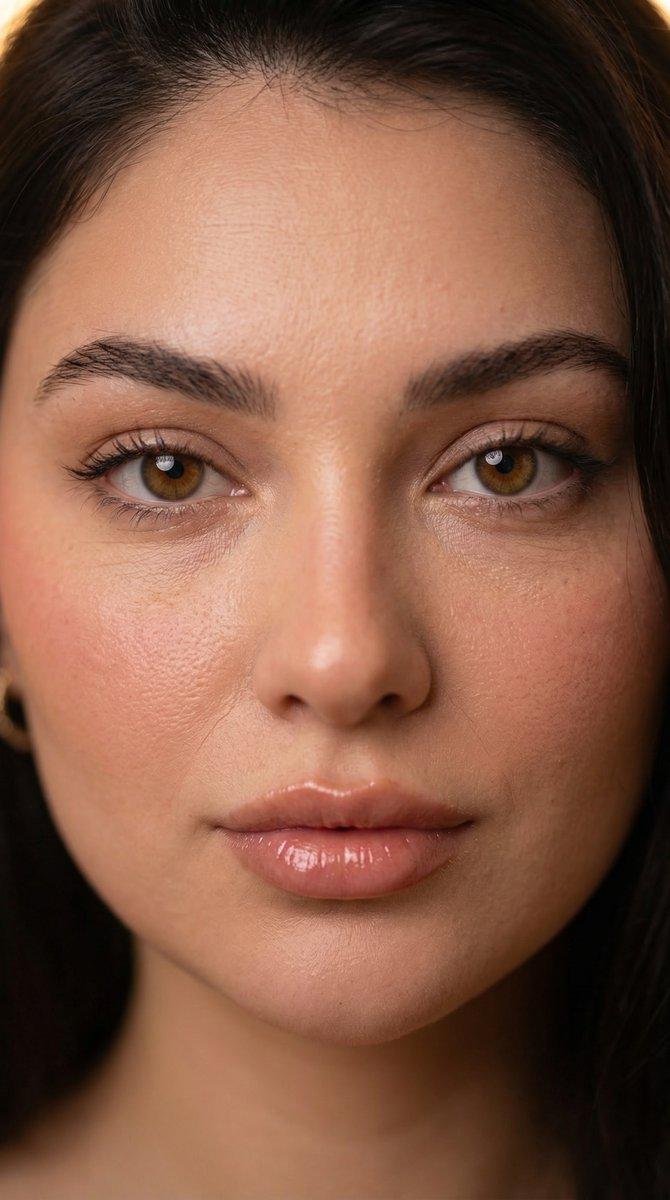
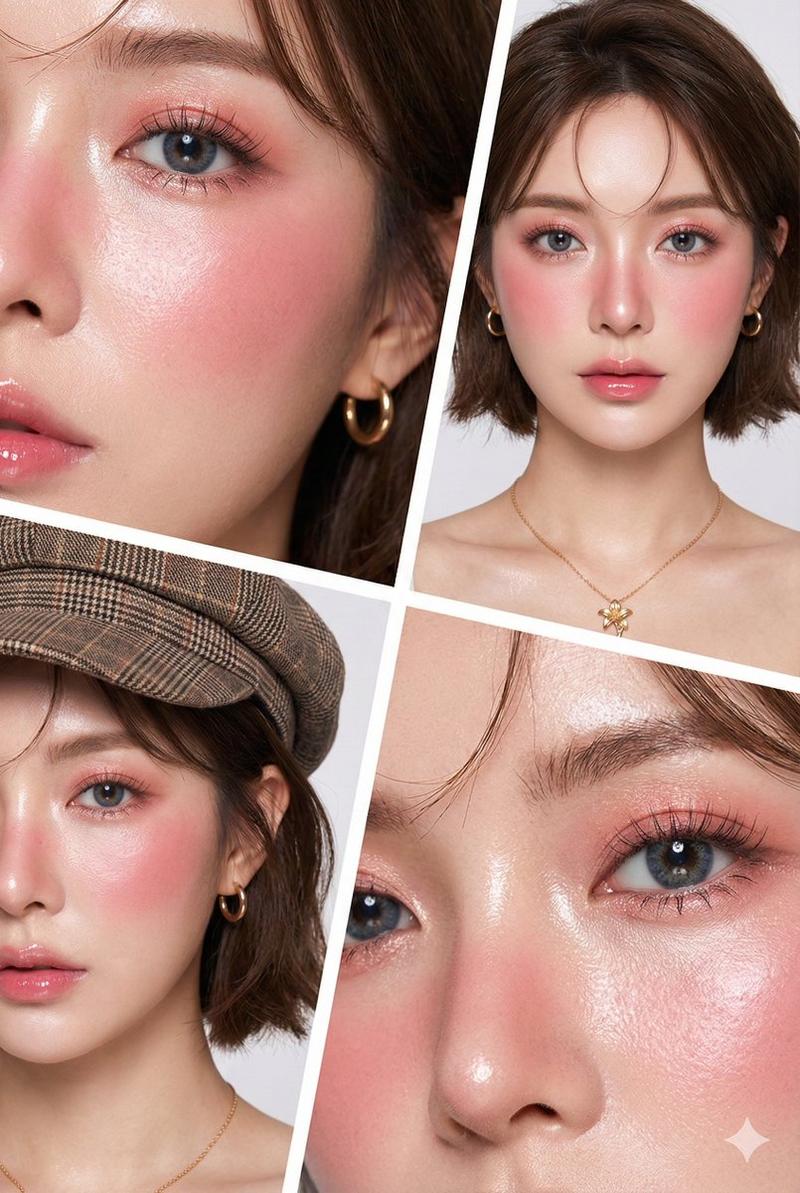
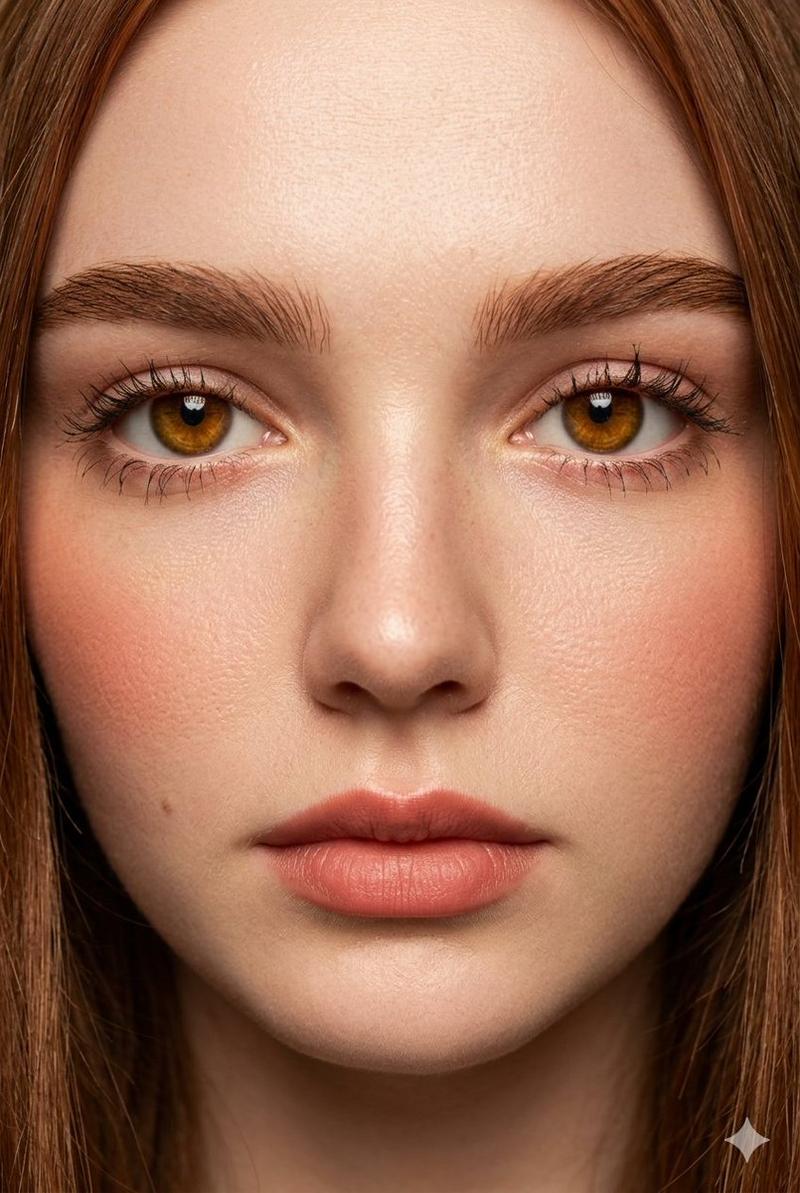
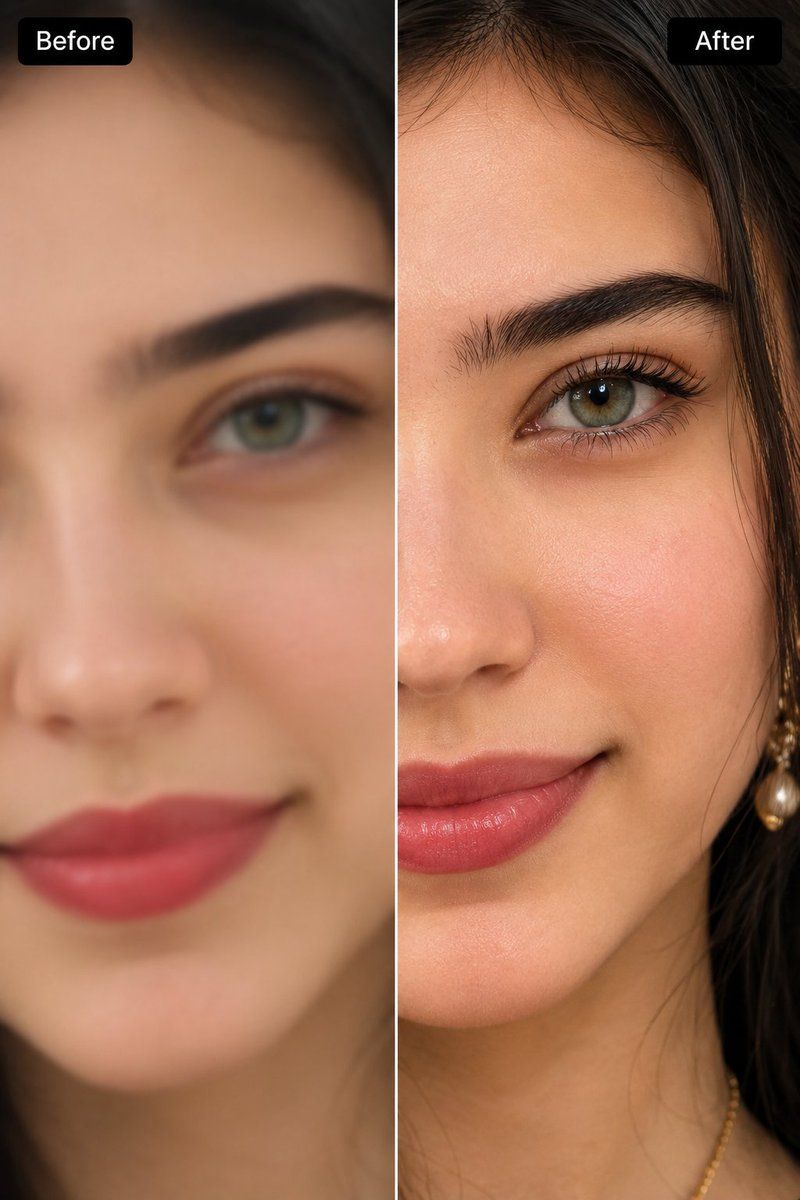
Extreme close-up split-screen comparison image of a young woman's face, cropped tightly on the eye, brow, cheek, and nose area, labeled "Before" on the left panel and "After" on the right panel with rounded black label tags in the top corners. Left side ("Before"): soft, blurry, out-of-focus low-detail rendering, muted skin tone, undefined eyebrow hairs, flat lighting, hazy hair strands. Right side ("After"): hyper-realistic ultra-sharp AI-enhanced skin retouch, individually defined eyebrow hairs, crisp mascara-coated eyelashes, visible natural skin pores and texture, soft dewy highlight on cheekbone, warm rosy blush, glossy nude-pink lips, sharp catchlight in the hazel-green eye, strand-by-strand hair detail with soft backlight rim, warm neutral studio lighting, shallow depth of field falloff toward the hairline, professional beauty photography quality, 8k detail, photorealistic skin retouching demo.
Category
Charts & Infographics
Model
GPT Image 2
Creator
Hania Ai
Views5
Source ID
2076105598517809506
Published
Jul 12, 2026

Guide

About "Before after beauty retouch: GPT Image 2 prompt"

What is this prompt for?

"Before after beauty retouch: GPT Image 2 prompt" AI image prompt for GPT Image 2 (Charts & Infographics). Extreme close-up split-screen comparison image of a…

The full copyable prompt and example visuals above are ready for AI image generation or one-click recreate in Picva.

How to use this prompt

  1. Step 1

    Open the prompt detail

    Review the example visuals, category, and full prompt text for "Before after beauty retouch: GPT Image 2 prompt".

  2. Step 2

    Copy the prompt

    Copy the prompt body from this page, or load it directly in Studio.

  3. Step 3

    Pick a model (GPT Image 2)

    Prefer GPT Image 2. If you switch models, keep subject and composition and tweak style terms.

  4. Step 4

    Generate and export

    Recreate the look in Picva, or export into your workflow for editing and publishing.

FAQ

What is the "Before after beauty retouch: GPT Image 2 prompt" prompt?
It is an AI image-generation prompt for GPT Image 2 in the Charts & Infographics category. This page includes the full prompt text, example visuals, and a one-click recreate path in Picva.
How do I use this prompt to generate an image?
Copy the prompt from this page, or use Generate / Studio. Paste it into a compatible image model, or recreate the look in Picva with optional reference images.
Which model is this prompt for?
This page lists GPT Image 2. Most descriptive prompts also transfer to nearby image models such as GPT Image, Flux, or Midjourney with light style tweaks.
Can I use the result commercially?
You can usually copy the prompt for creation, but commercial use of the final image depends on the model terms, reference-image rights, and the generated content. Follow the source author and platform rules.