16

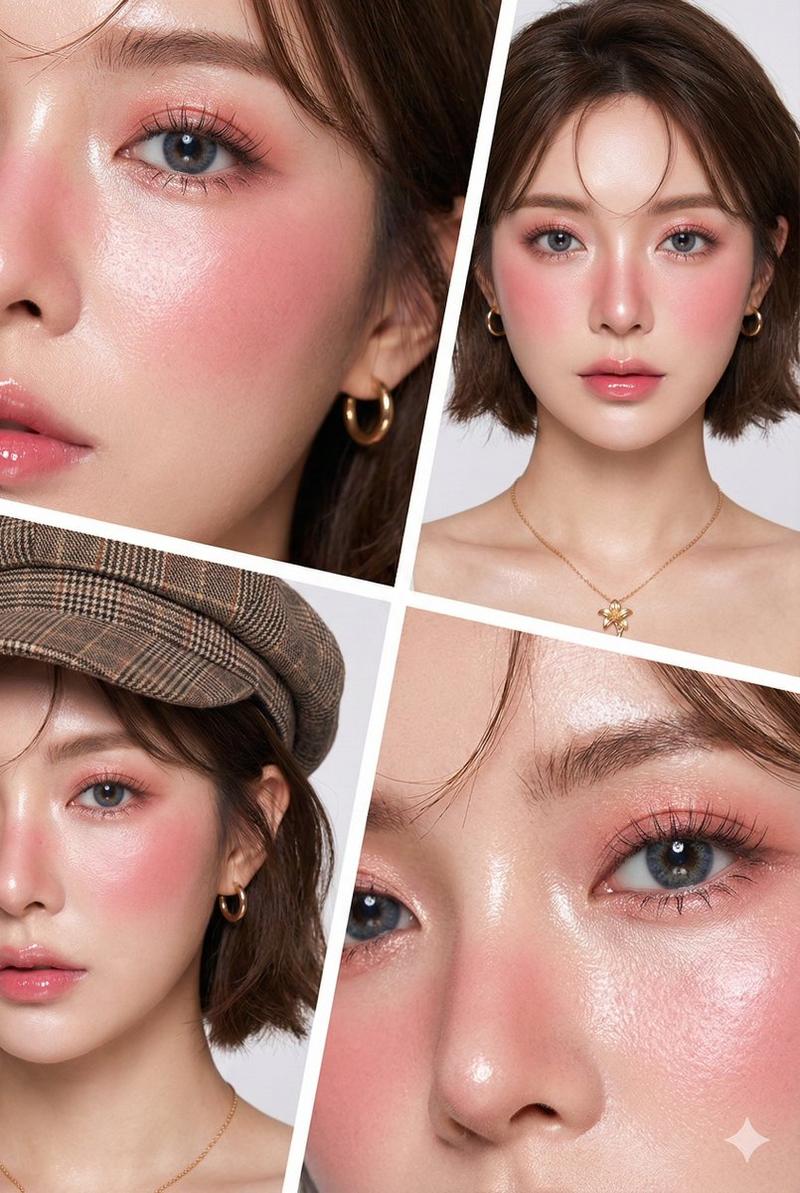
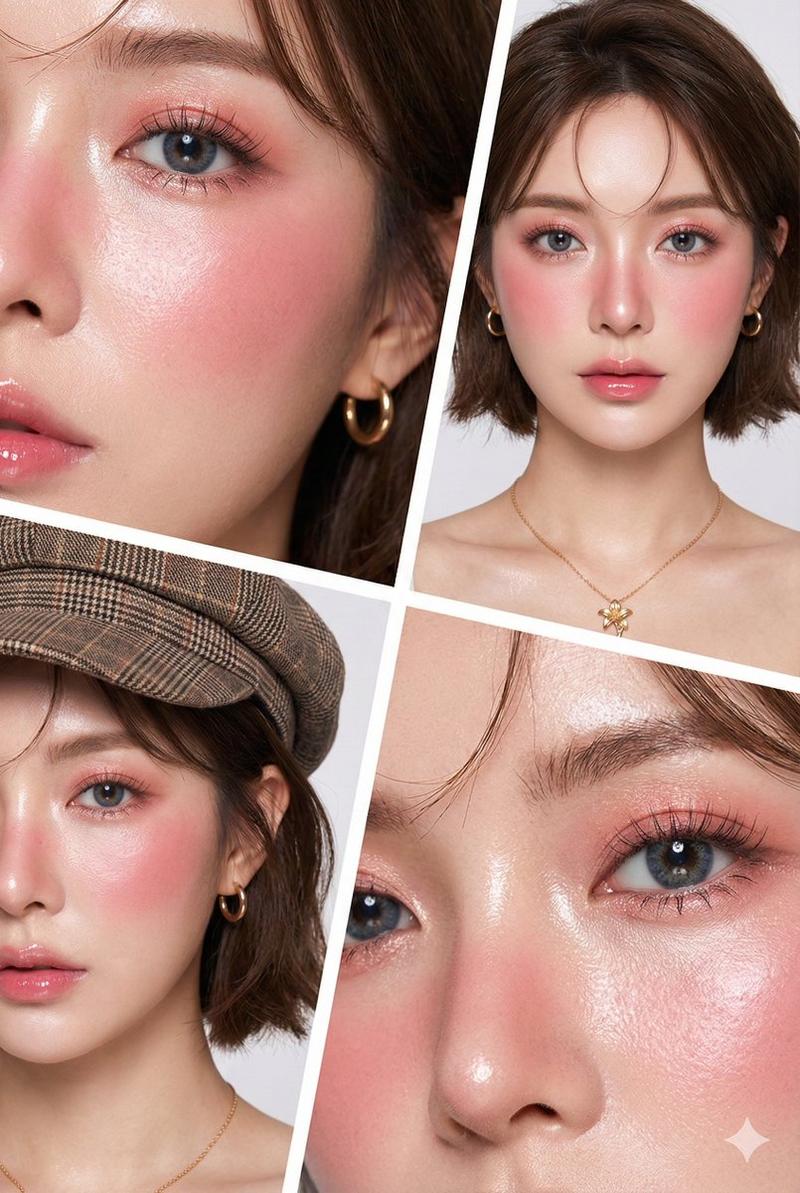
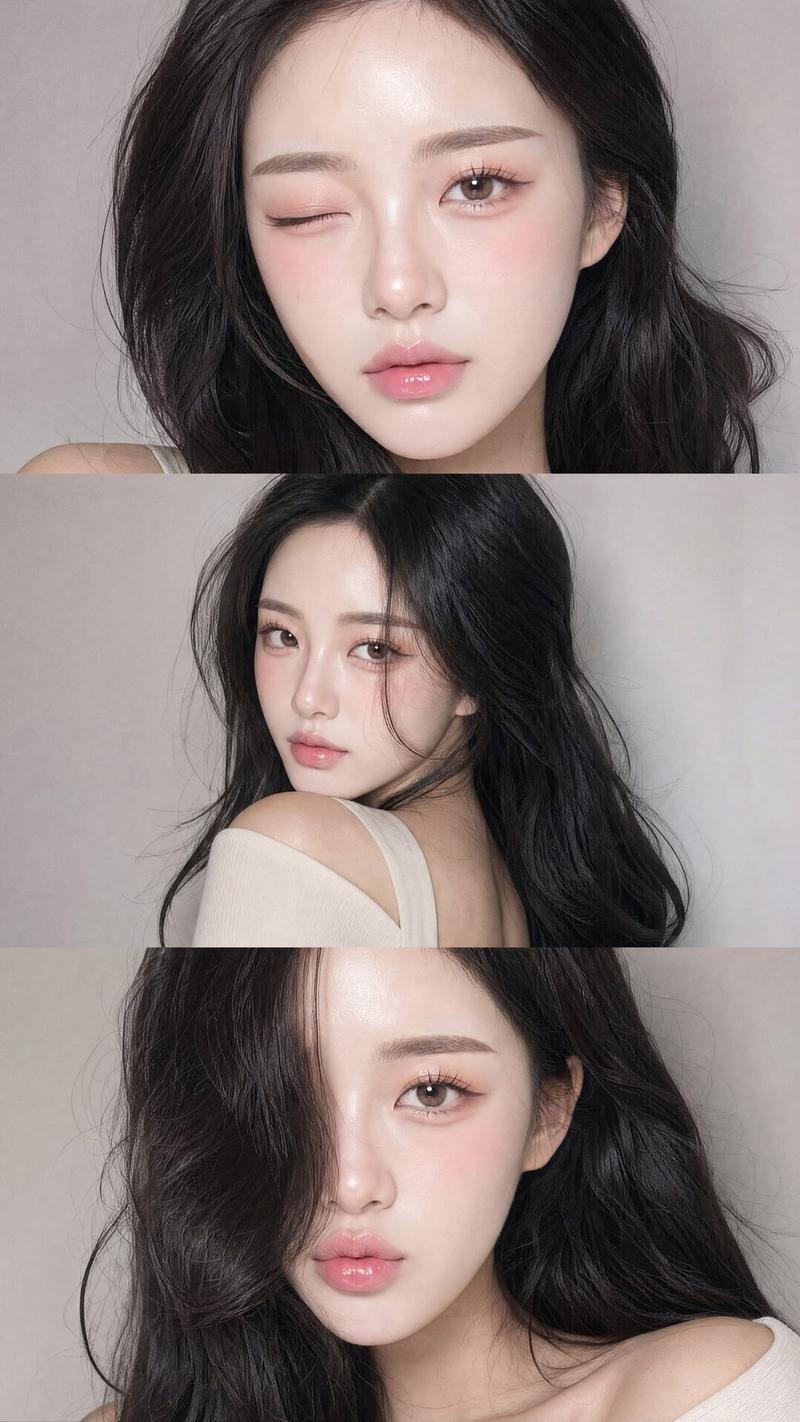
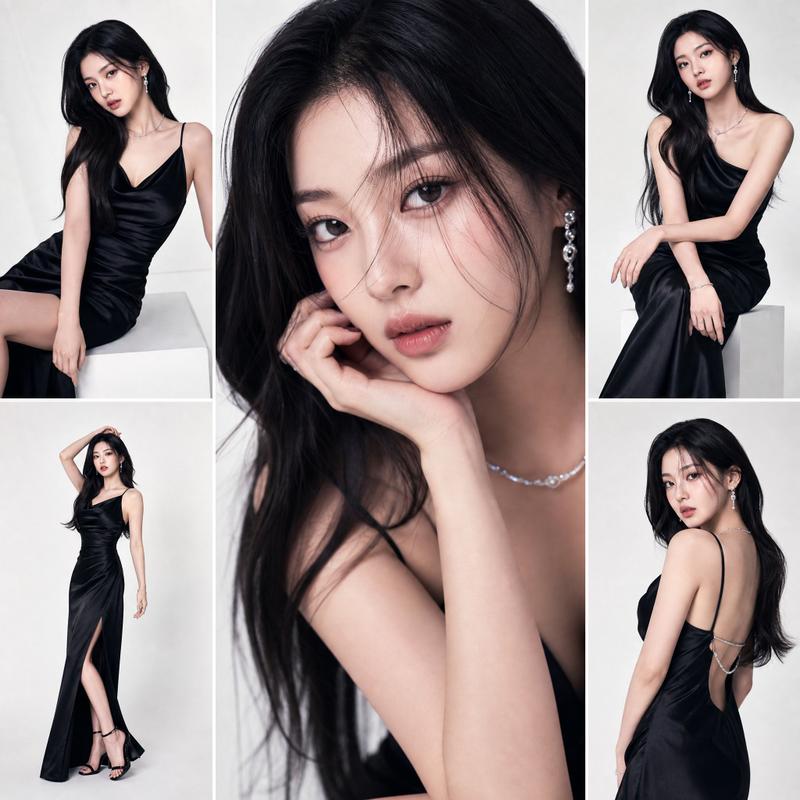
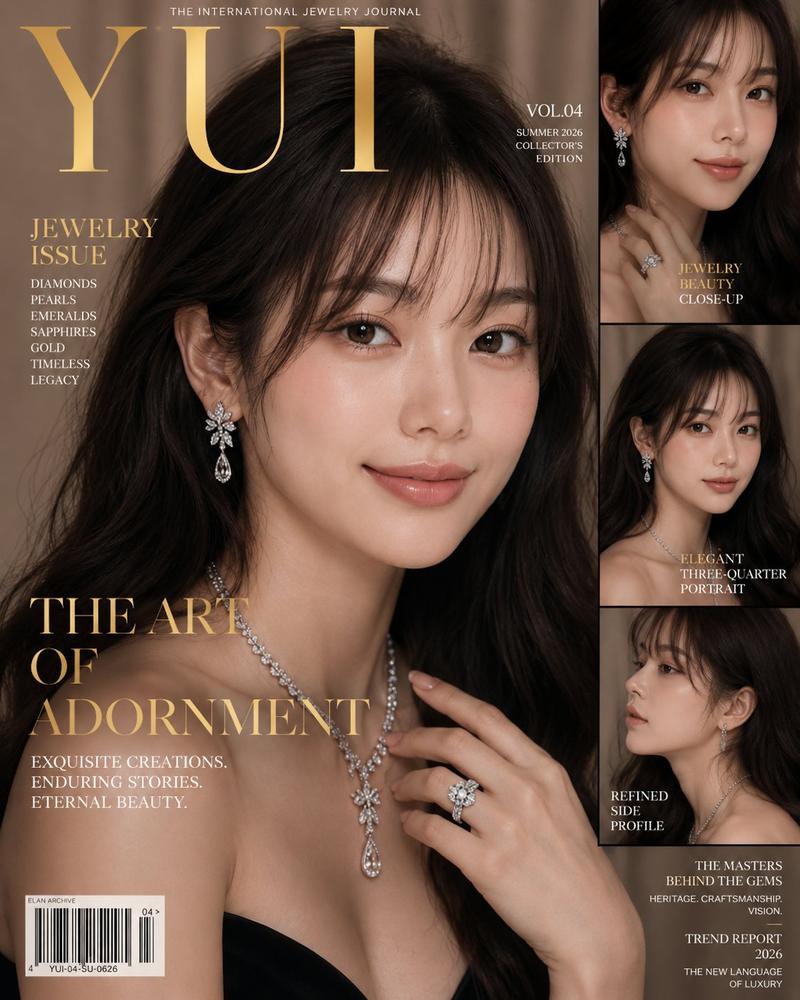
四格黑卷美人
Enlarge

四格黑卷美人

Prompt
{
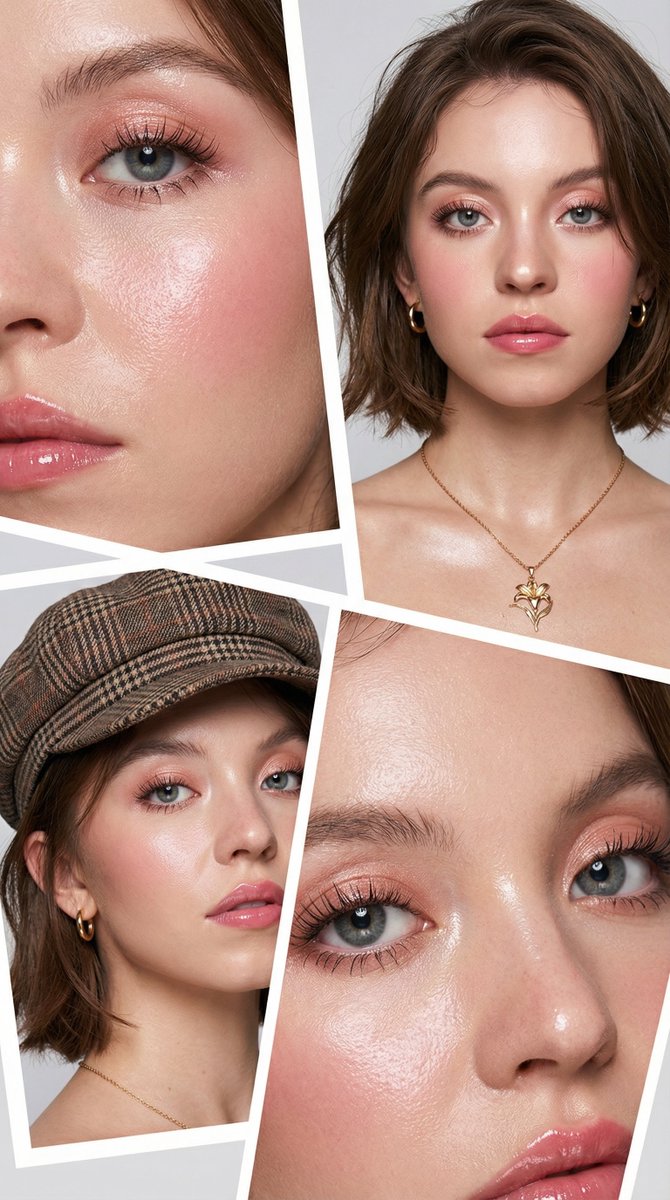
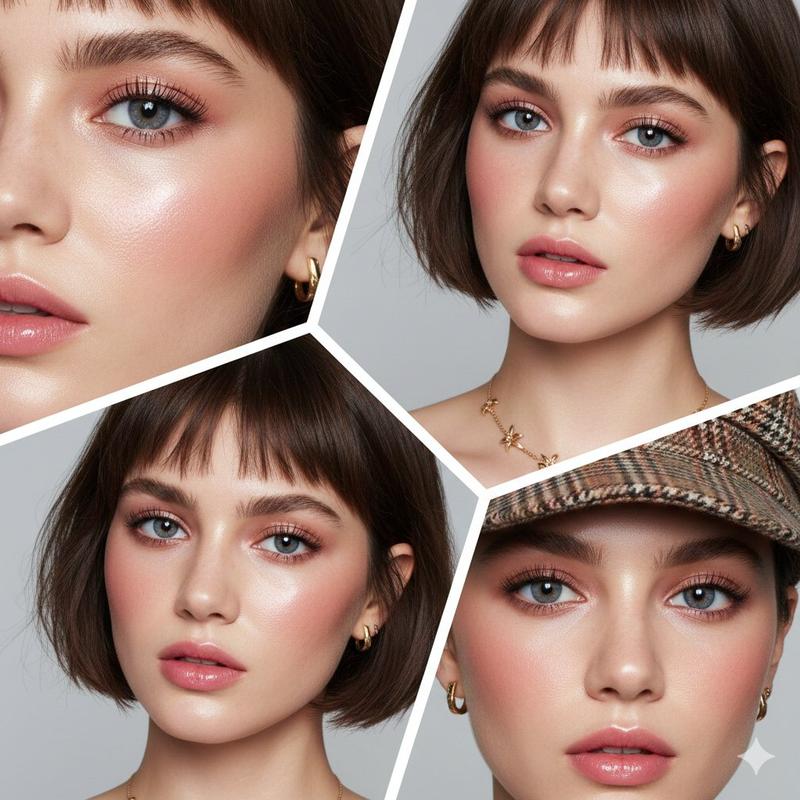
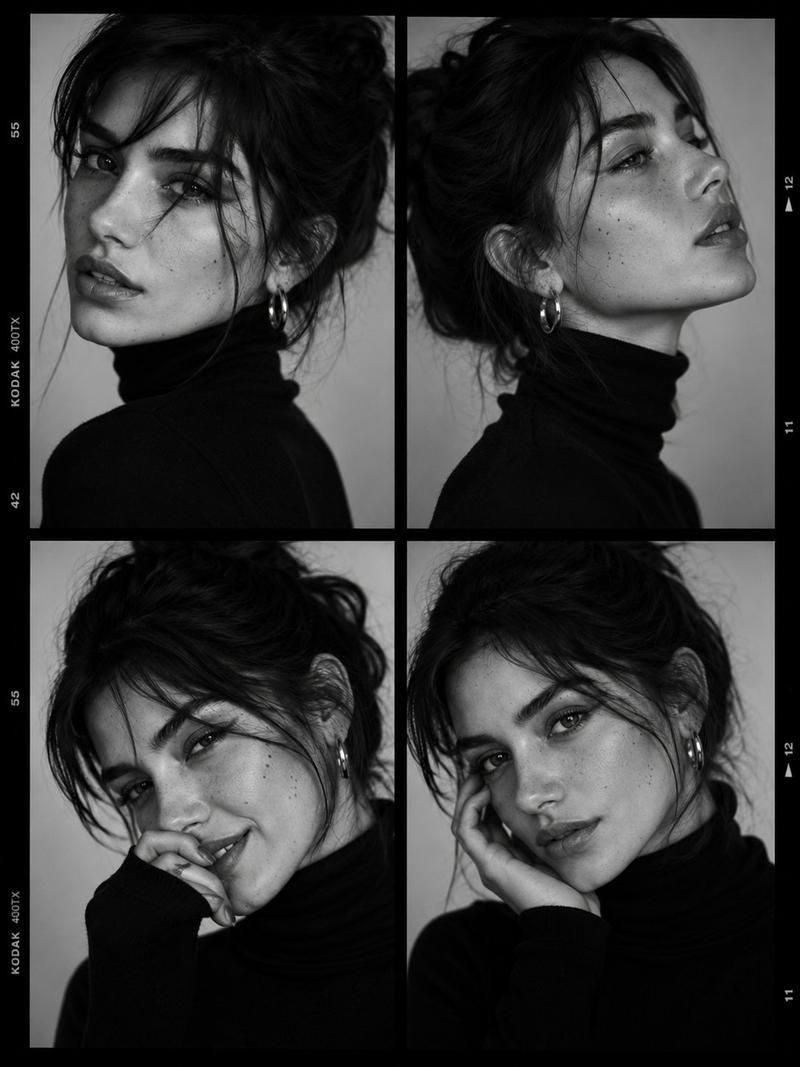
  "prompt": "Create a portrait photo of a young woman with a multi-frame grid layout of 4 frames in a single image. The original face must not be altered, keeping identical facial features, facial structure, and natural proportions across all frames. She has voluminous black curly hair with big volume, visible baby hairs, and loose strands falling naturally around the face, creating a bold high-fashion editorial look. She is wearing a black strapless or off-shoulder dress with a leather-look material. Accessories include a gold statement necklace and large gold earrings. Makeup is consistent in all frames with a glam editorial beauty style: flawless glowing dewy skin with realistic skin texture, rosy pink blush visible on the cheeks and lightly across the nose, intense eye makeup with soft shimmer eyeshadow, and shimmer applied to the lower lash line. High-fashion editorial mood, clean composition, professional studio lighting, sharp focus, premium aesthetic.",
  "style": "fashion editorial, glam beauty",
  "layout": "4-frame grid, multi-frame",
  "lighting": "professional studio lighting",
  "camera": "portrait photography, sharp focus",
  "quality": "high resolution, premium aesthetic",
  "constraints": [
    "do not change original face",
    "consistent face across all frames",
    "realistic skin texture",
    "same makeup and styling in every frame"
  ]
}
Category
Photography & Realism
Model
Nano Banana Pro
Creator
@xmiiru_
Views116
Source ID
1951
Published
Jan 11, 2026

Guide

About "四格黑卷美人"

What is this prompt for?

"四格黑卷美人" AI image prompt for Nano Banana Pro (Photography & Realism). { "prompt": "创作一张年轻女性的肖像照片,采用单幅画面4格分镜的多帧网格布局。原始面部不得被修改,所有分镜中须保持完全相同的五官、面部结构与自然比例。她拥有丰盈的黑色…

The full copyable prompt and example visuals above are ready for AI image generation or one-click recreate in Picva.

How to use this prompt

  1. Step 1

    Open the prompt detail

    Review the example visuals, category, and full prompt text for "四格黑卷美人".

  2. Step 2

    Copy the prompt

    Copy the prompt body from this page, or load it directly in Studio.

  3. Step 3

    Pick a model (Nano Banana Pro)

    Prefer Nano Banana Pro. If you switch models, keep subject and composition and tweak style terms.

  4. Step 4

    Generate and export

    Recreate the look in Picva, or export into your workflow for editing and publishing.

FAQ

What is the "四格黑卷美人" prompt?
It is an AI image-generation prompt for Nano Banana Pro in the Photography & Realism category. This page includes the full prompt text, example visuals, and a one-click recreate path in Picva.
How do I use this prompt to generate an image?
Copy the prompt from this page, or use Generate / Studio. Paste it into a compatible image model, or recreate the look in Picva with optional reference images.
Which model is this prompt for?
This page lists Nano Banana Pro. Most descriptive prompts also transfer to nearby image models such as GPT Image, Flux, or Midjourney with light style tweaks.
Can I use the result commercially?
You can usually copy the prompt for creation, but commercial use of the final image depends on the model terms, reference-image rights, and the generated content. Follow the source author and platform rules.