17

Flower market rose portrait: GPT Image 2 prompt
Enlarge

Example images

Flower market rose portrait: GPT Image 2 prompt

Prompt
Prompt 1 – Buying Roses at a Flower Market

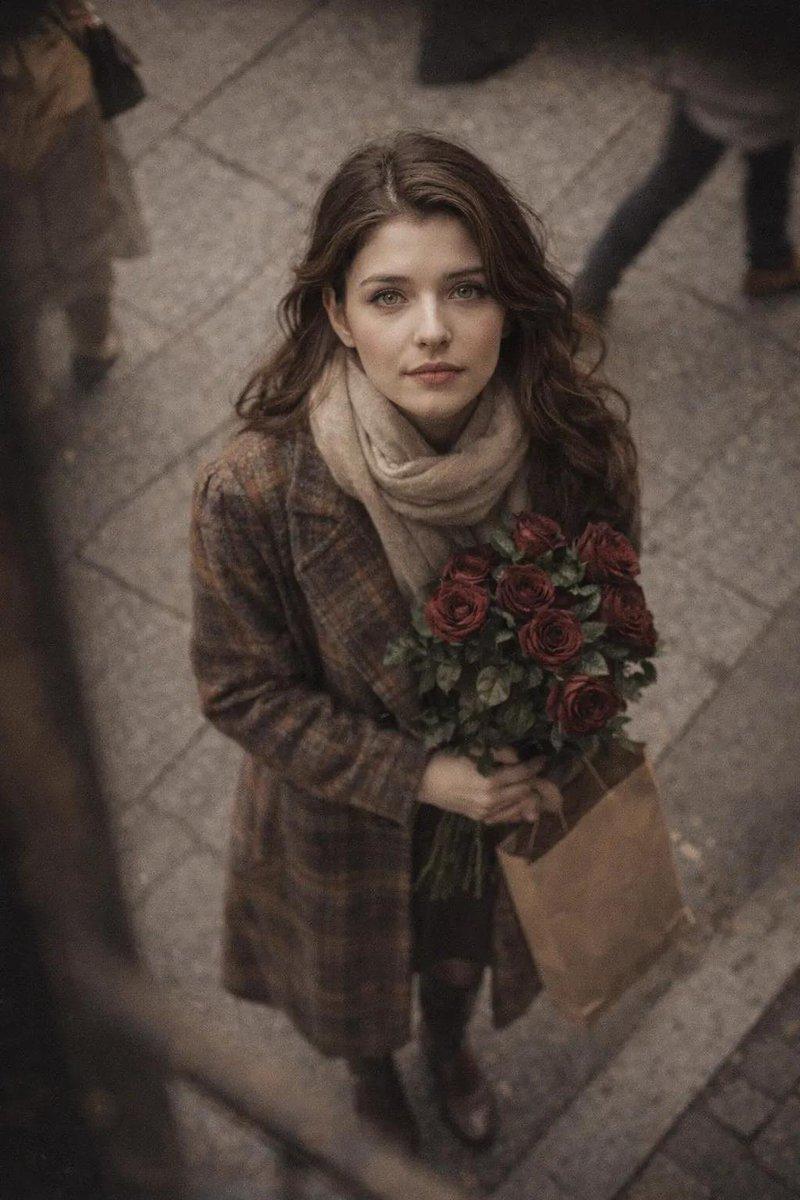
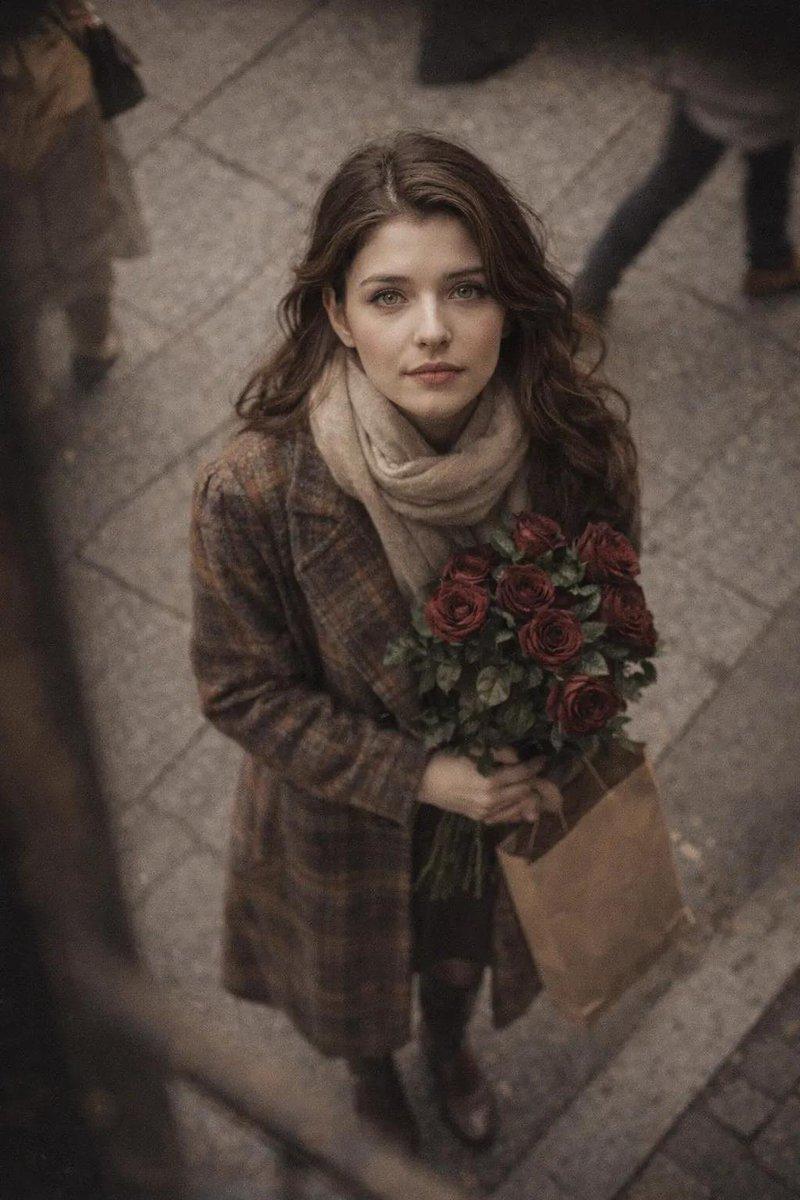
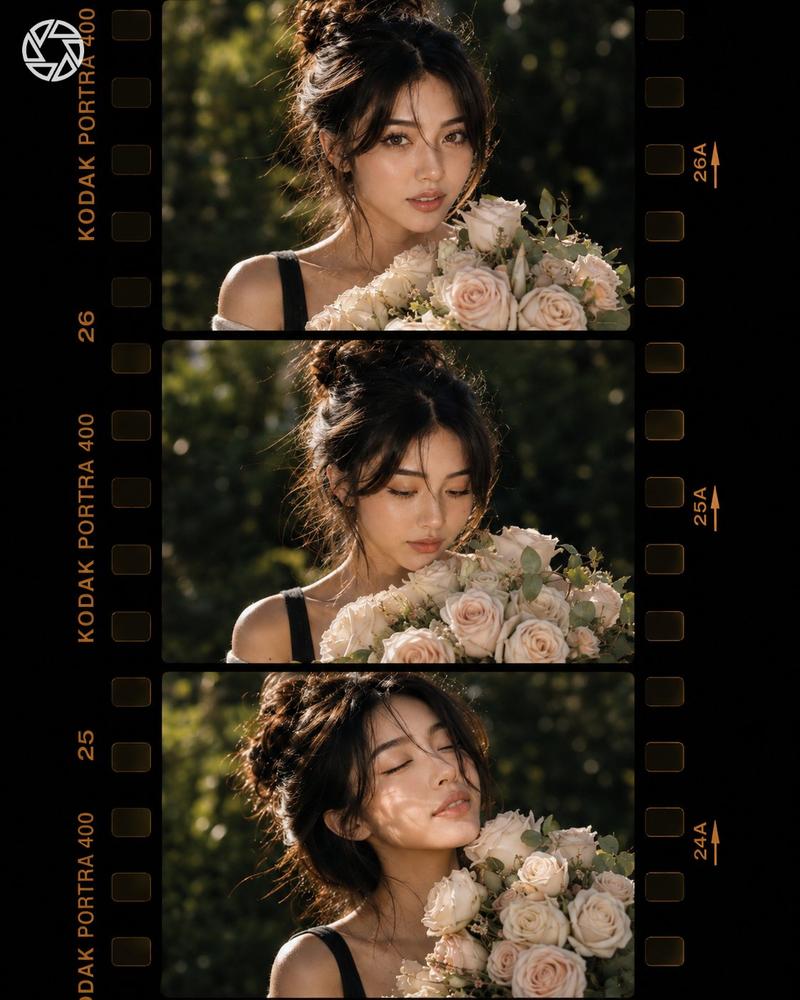
Ultra-realistic cinematic street photography of a beautiful young East Asian woman buying a bouquet of fresh red roses from a flower vendor at a charming outdoor flower market during golden hour. She has long, softly wavy chestnut-brown hair with a center part, natural radiant makeup, delicate gold oval drop earrings, and a calm, thoughtful expression while accepting the bouquet with both hands. She wears a fitted black ribbed turtleneck sweater beneath a sleeveless grey pinstripe midi dress with a softly gathered waist, paired with a mustard-yellow leather shoulder bag and white sneakers. The flower stall is overflowing with roses, baby's breath, tulips, and seasonal blooms wrapped in transparent plastic. Warm sunlight creates soft highlights, cinematic bokeh, shallow depth of field, realistic skin texture, authentic florist interaction, premium lifestyle editorial photography, 85mm lens, f/1.8, HDR, ultra detailed, natural color grading, photorealistic, 8K.
Category
Photography & Realism
Model
GPT Image 2
Creator
auqib
Views3
Source ID
2076317088315322765
Published
Jul 12, 2026

Guide

About "Flower market rose portrait: GPT Image 2 prompt"

What is this prompt for?

"Flower market rose portrait: GPT Image 2 prompt" AI image prompt for GPT Image 2 (Photography & Realism). Prompt 1 – Buying Roses at a Flower Market Ultra-rea…

The full copyable prompt and example visuals above are ready for AI image generation or one-click recreate in Picva.

How to use this prompt

  1. Step 1

    Open the prompt detail

    Review the example visuals, category, and full prompt text for "Flower market rose portrait: GPT Image 2 prompt".

  2. Step 2

    Copy the prompt

    Copy the prompt body from this page, or load it directly in Studio.

  3. Step 3

    Pick a model (GPT Image 2)

    Prefer GPT Image 2. If you switch models, keep subject and composition and tweak style terms.

  4. Step 4

    Generate and export

    Recreate the look in Picva, or export into your workflow for editing and publishing.

FAQ

What is the "Flower market rose portrait: GPT Image 2 prompt" prompt?
It is an AI image-generation prompt for GPT Image 2 in the Photography & Realism category. This page includes the full prompt text, example visuals, and a one-click recreate path in Picva.
How do I use this prompt to generate an image?
Copy the prompt from this page, or use Generate / Studio. Paste it into a compatible image model, or recreate the look in Picva with optional reference images.
Which model is this prompt for?
This page lists GPT Image 2. Most descriptive prompts also transfer to nearby image models such as GPT Image, Flux, or Midjourney with light style tweaks.
Can I use the result commercially?
You can usually copy the prompt for creation, but commercial use of the final image depends on the model terms, reference-image rights, and the generated content. Follow the source author and platform rules.