19

户外持花女性复古胶片联排
Enlarge

户外持花女性复古胶片联排

Prompt
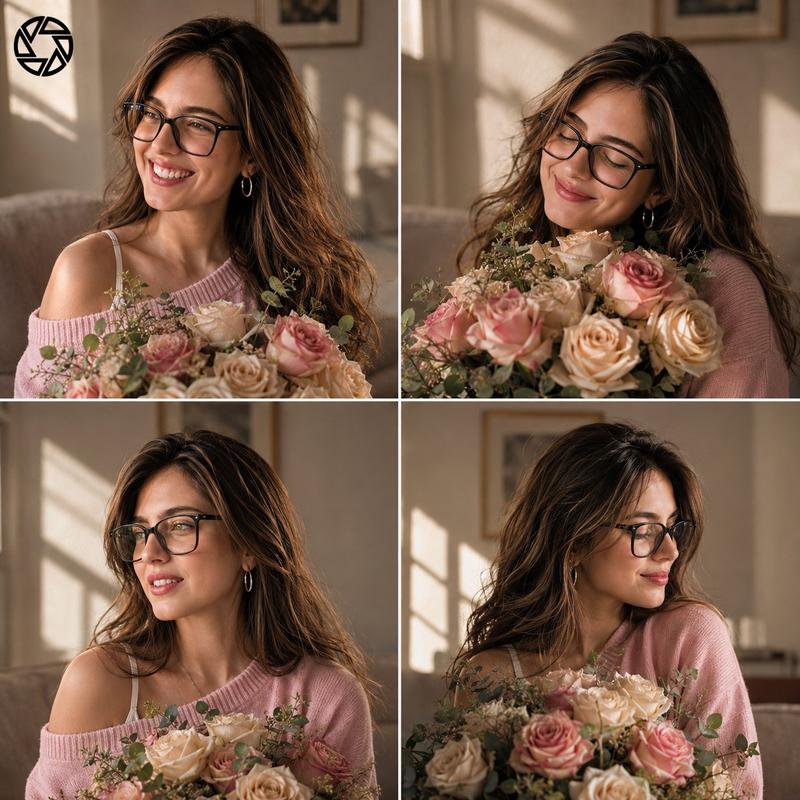
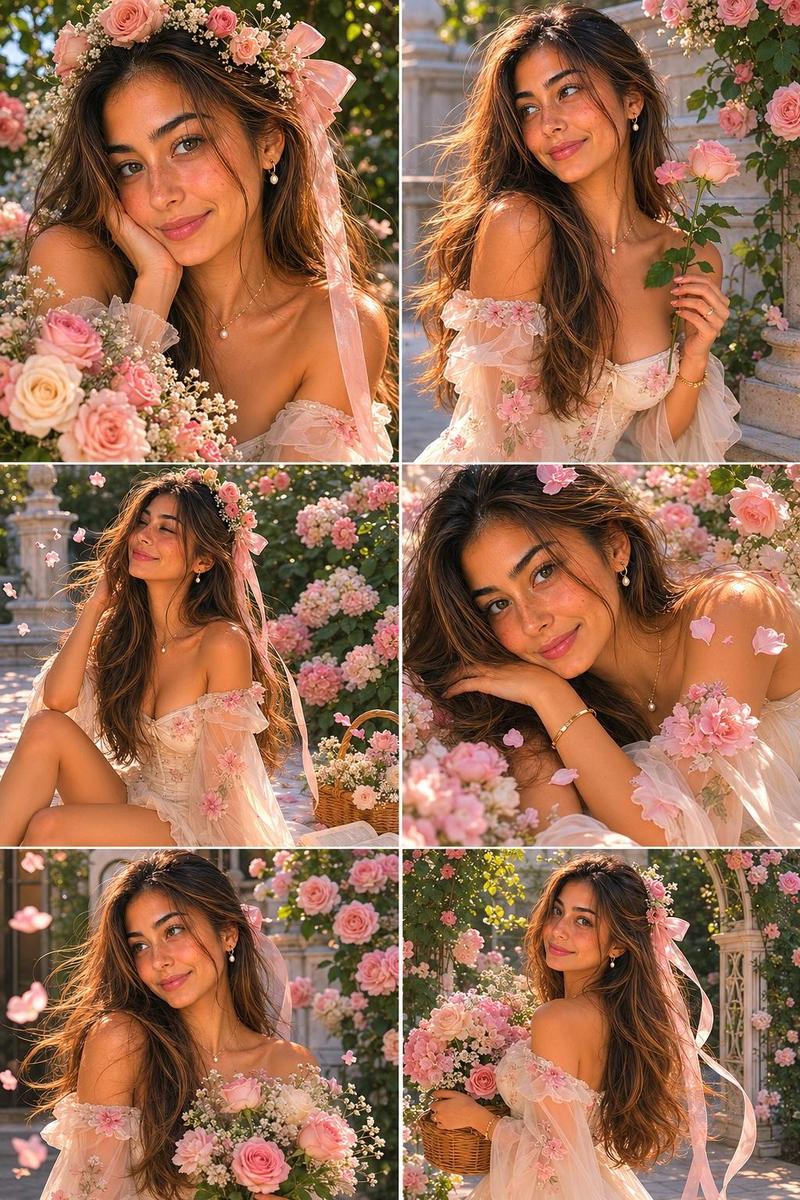
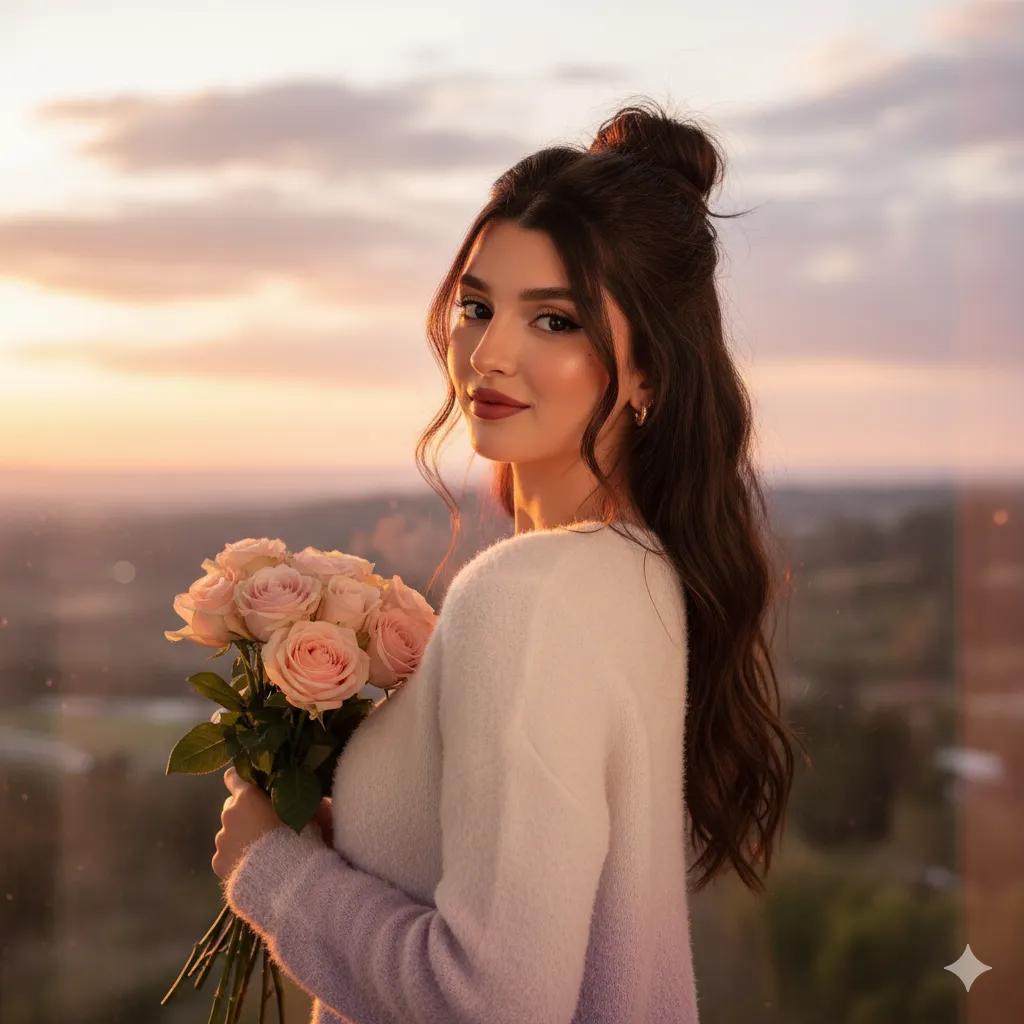
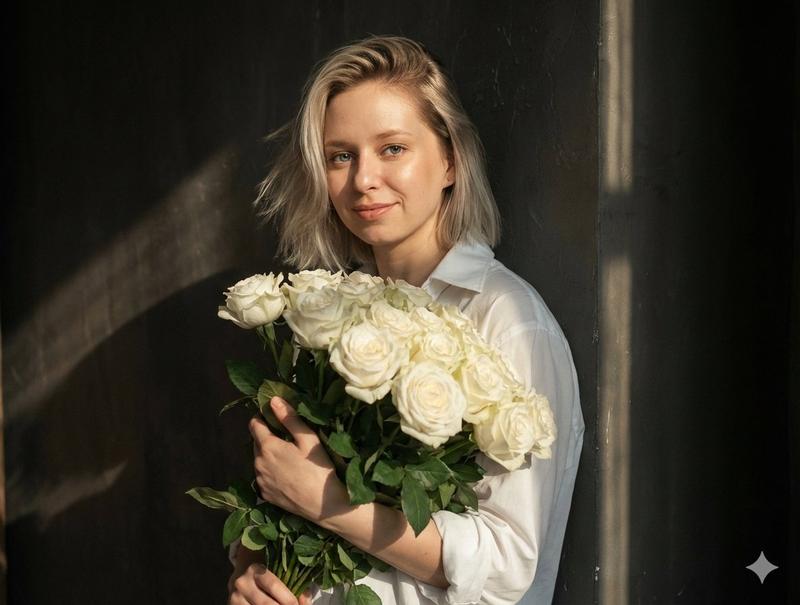
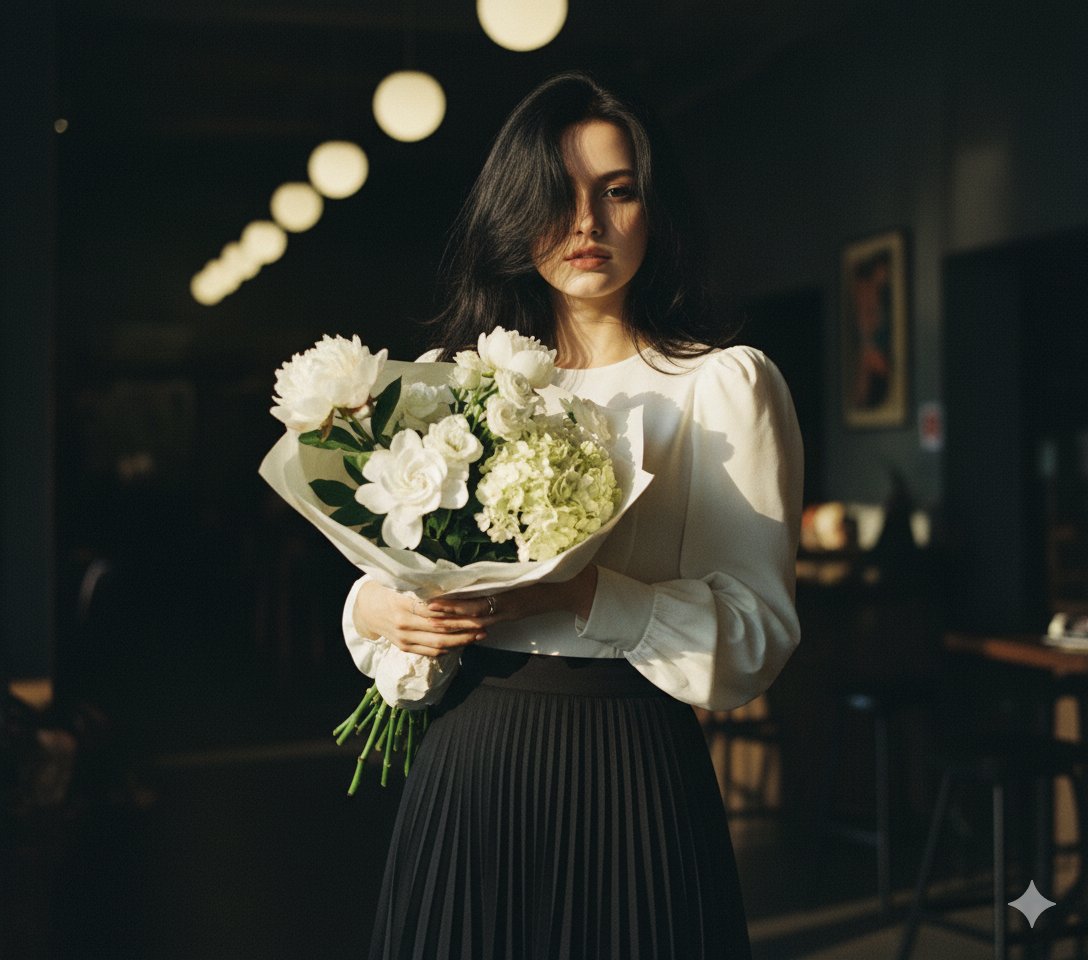
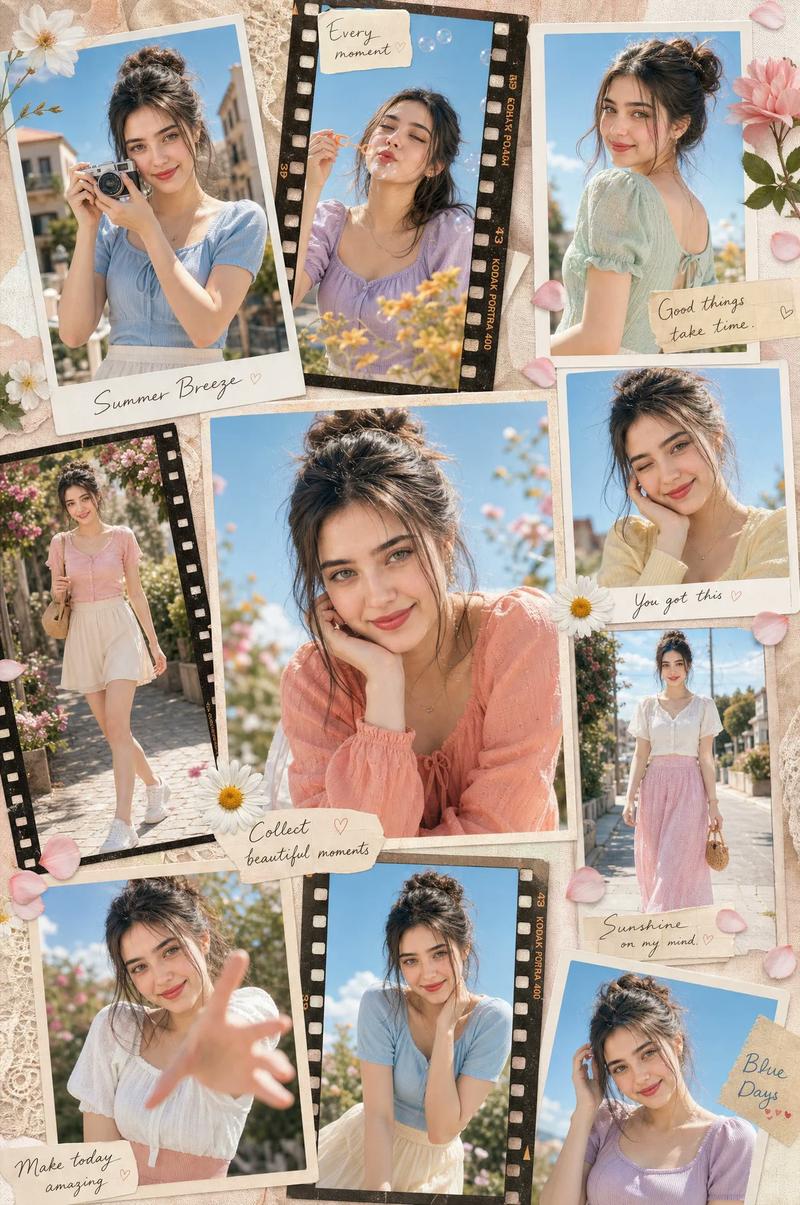
Ultra-realistic cinematic contact sheet featuring the reference woman. Three vertical film-strip frames stacked inside a single vintage 35mm film layout. Natural outdoor setting surrounded by soft greenery. She holds a bouquet of pale blush and cream roses close to her face. Wind gently moves loose strands of hair. Each frame captures a different candid moment: direct eye contact, subtle downward gaze, eyes closed enjoying sunlight. Warm golden-hour lighting, authentic Kodak Portra film tones, soft grain, realistic skin texture, shallow depth of field, imperfect framing, analog photography aesthetic, subtle film borders, emotional and intimate mood, luxury editorial photography, highly realistic, no artificial styling, no CGI look.
Maintain exact facial identity from reference image, consistent facial features across all panels, realistic skin texture, natural eyes, cinematic photography, organic lighting, authentic human proportions, premium editorial quality, subtle film grain, shallow depth of field, photorealistic.
Category
Brand & Logos
Model
ChatGPT
Views4
Source ID
15538
Published
Jun 9, 2026

Guide

About "户外持花女性复古胶片联排"

What is this prompt for?

"户外持花女性复古胶片联排" AI image prompt for ChatGPT (Brand & Logos). 超写实电影感接触印相,展示参考女性。三个垂直胶片画幅堆叠在单个复古35mm胶片布局中。自然户外环境,被柔和的绿植包围。她将一束淡粉色和奶油色的玫瑰紧贴脸庞。微风轻轻吹动散乱的发丝。每一帧捕捉不同的抓…

The full copyable prompt and example visuals above are ready for AI image generation or one-click recreate in Picva.

How to use this prompt

  1. Step 1

    Open the prompt detail

    Review the example visuals, category, and full prompt text for "户外持花女性复古胶片联排".

  2. Step 2

    Copy the prompt

    Copy the prompt body from this page, or load it directly in Studio.

  3. Step 3

    Pick a model (ChatGPT)

    Prefer ChatGPT. If you switch models, keep subject and composition and tweak style terms.

  4. Step 4

    Generate and export

    Recreate the look in Picva, or export into your workflow for editing and publishing.

FAQ

What is the "户外持花女性复古胶片联排" prompt?
It is an AI image-generation prompt for ChatGPT in the Brand & Logos category. This page includes the full prompt text, example visuals, and a one-click recreate path in Picva.
How do I use this prompt to generate an image?
Copy the prompt from this page, or use Generate / Studio. Paste it into a compatible image model, or recreate the look in Picva with optional reference images.
Which model is this prompt for?
This page lists ChatGPT. Most descriptive prompts also transfer to nearby image models such as GPT Image, Flux, or Midjourney with light style tweaks.
Can I use the result commercially?
You can usually copy the prompt for creation, but commercial use of the final image depends on the model terms, reference-image rights, and the generated content. Follow the source author and platform rules.