17

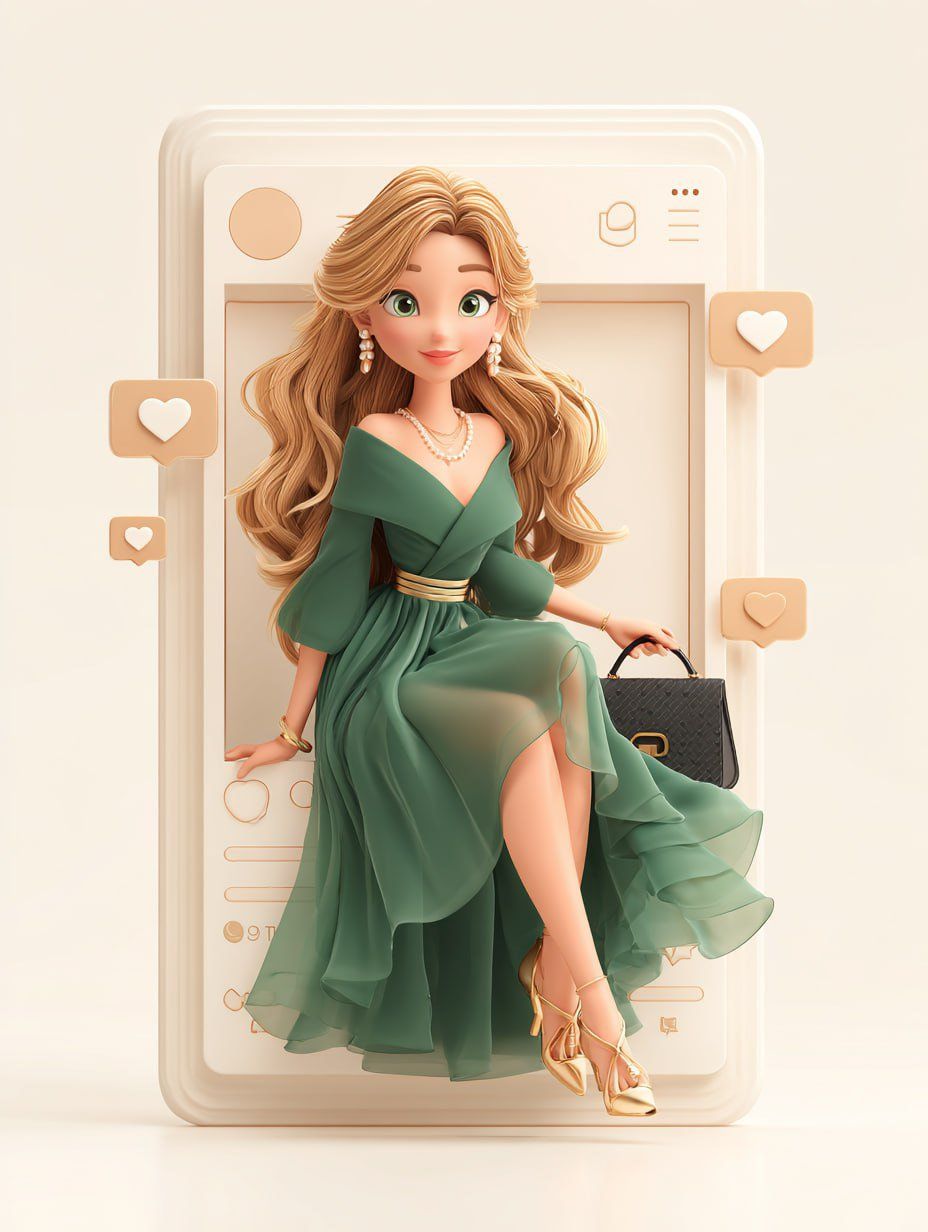
3D social media fashion frame: GPT Image 2 prompt
Enlarge

Example images

3D social media fashion frame: GPT Image 2 prompt

Prompt
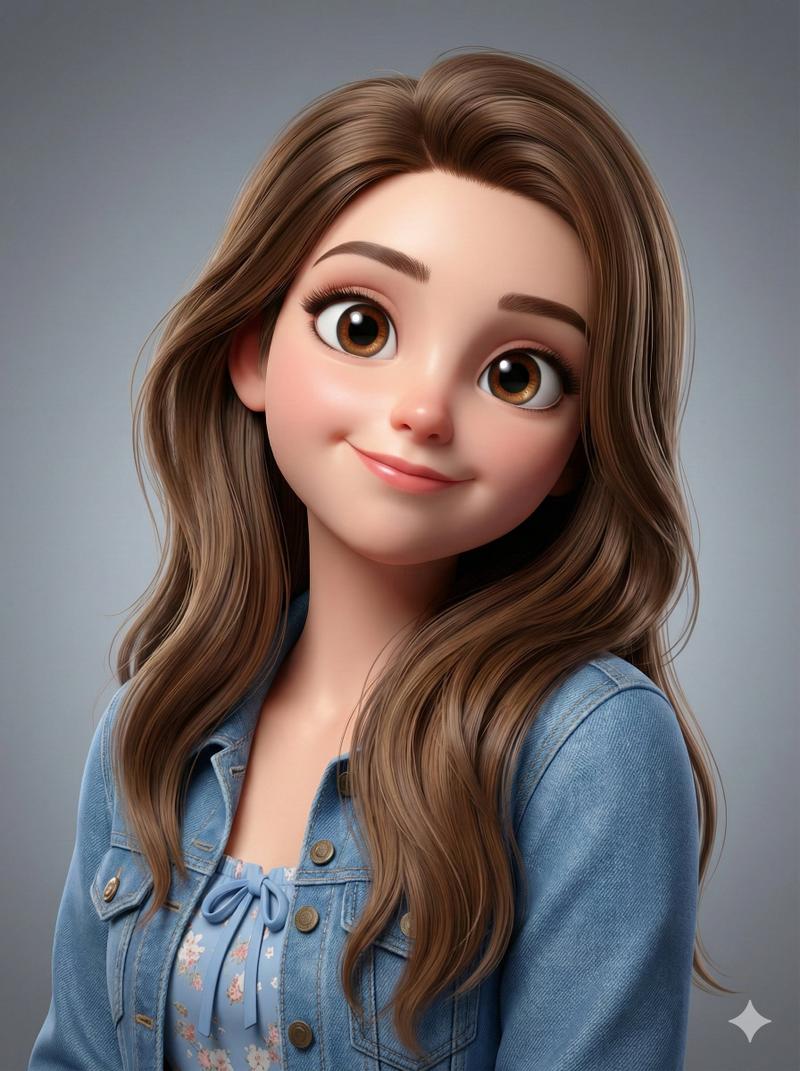
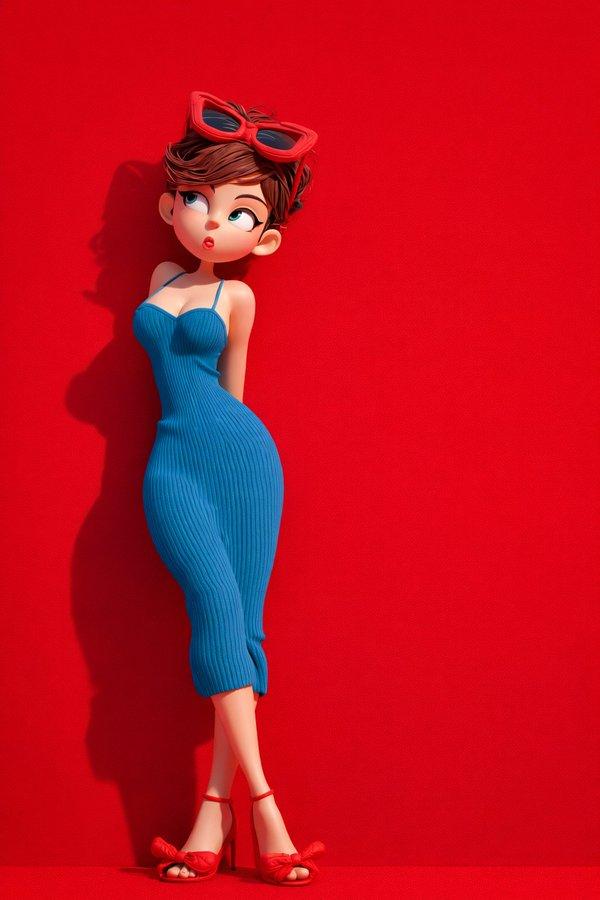
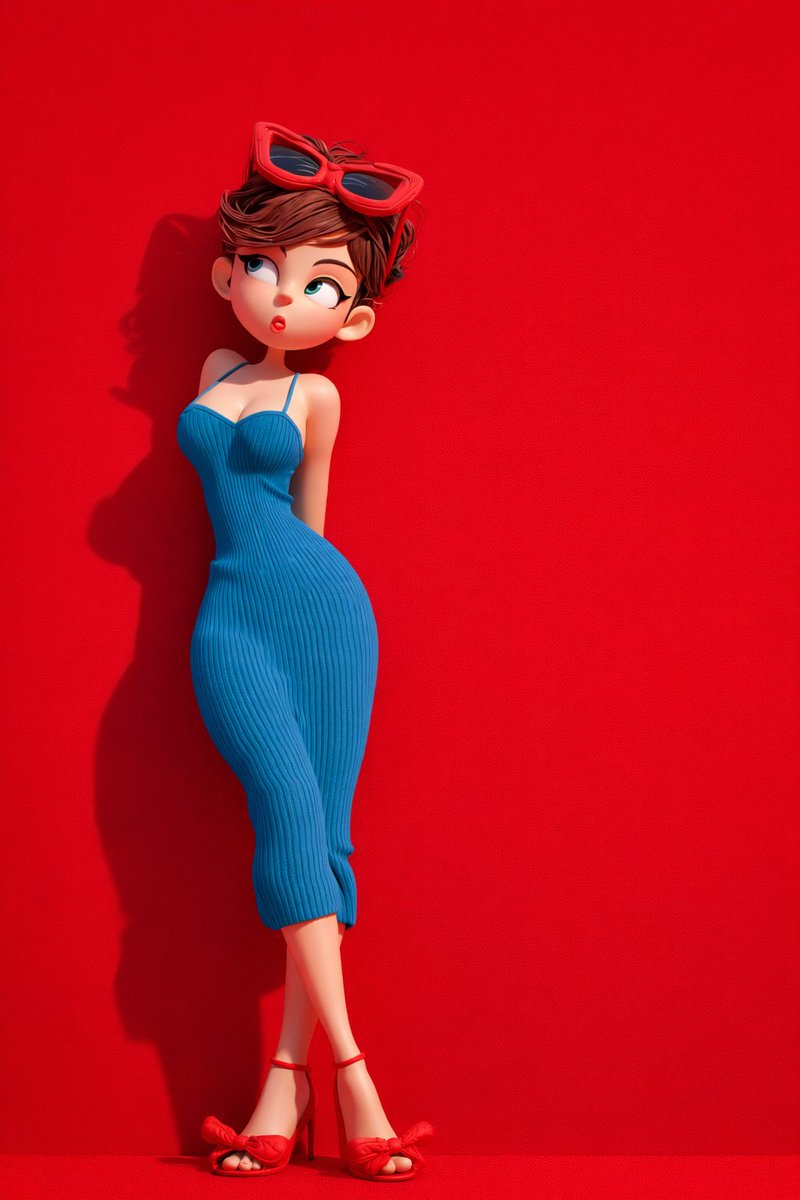
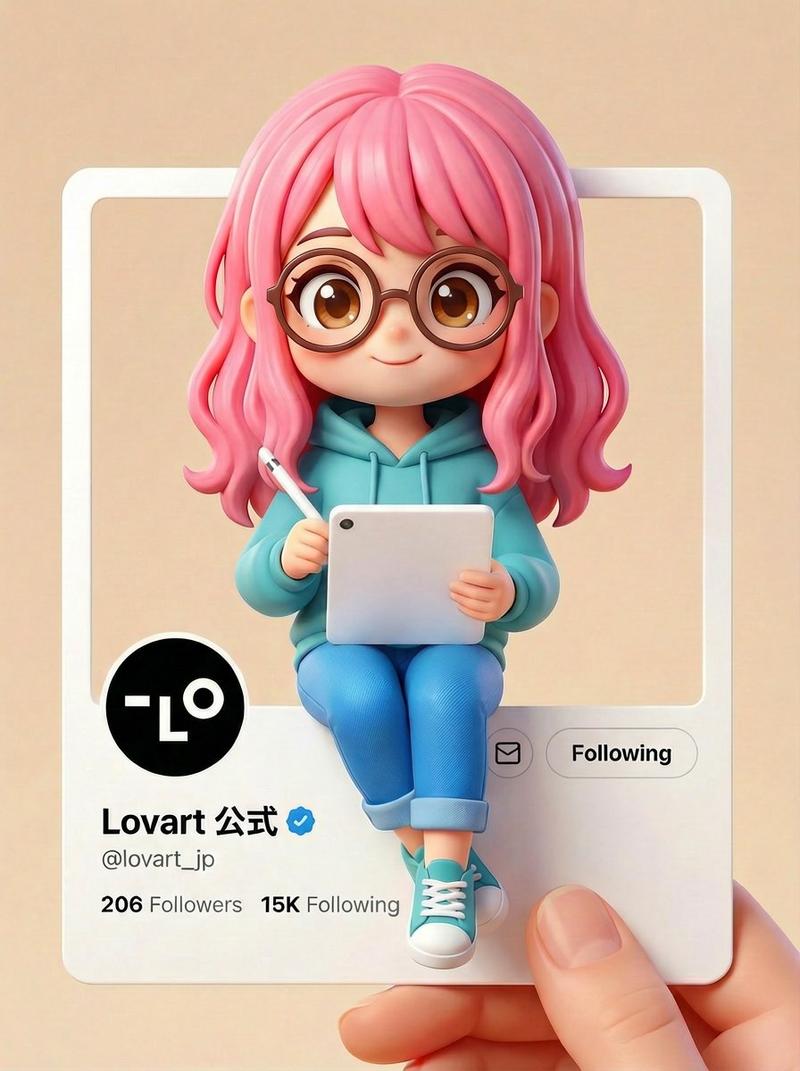
A 3D cartoon-style illustration of a beautiful young woman with long raven black curly hair, big expressive eyes, and a soft smile, sitting inside a social media frame. She is dressed in a stunning black satin evening gown with an asymmetric neckline and a tiered skirt, paired with red high heels. She wears onyx earrings and a silver necklace, holding a black leather clutch. The background is designed like a social media interface with like and heart icons, soft pastel beige tones, clean minimal aesthetic, Instagram-style frame, modern, polished, Pixar/Disney 3D character design, soft lighting, high detail, ultra-realistic textures
Category
Illustration & Art
Model
nano-banana
Creator
Maddox
Views1
Source ID
2076483899358904403
Published
Jul 13, 2026

Guide

About "3D social media fashion frame: GPT Image 2 prompt"

What is this prompt for?

"3D social media fashion frame: GPT Image 2 prompt" AI image prompt for nano-banana (Illustration & Art). A 3D cartoon-style illustration of a beautiful young…

The full copyable prompt and example visuals above are ready for AI image generation or one-click recreate in Picva.

How to use this prompt

  1. Step 1

    Open the prompt detail

    Review the example visuals, category, and full prompt text for "3D social media fashion frame: GPT Image 2 prompt".

  2. Step 2

    Copy the prompt

    Copy the prompt body from this page, or load it directly in Studio.

  3. Step 3

    Pick a model (nano-banana)

    Prefer nano-banana. If you switch models, keep subject and composition and tweak style terms.

  4. Step 4

    Generate and export

    Recreate the look in Picva, or export into your workflow for editing and publishing.

FAQ

What is the "3D social media fashion frame: GPT Image 2 prompt" prompt?
It is an AI image-generation prompt for nano-banana in the Illustration & Art category. This page includes the full prompt text, example visuals, and a one-click recreate path in Picva.
How do I use this prompt to generate an image?
Copy the prompt from this page, or use Generate / Studio. Paste it into a compatible image model, or recreate the look in Picva with optional reference images.
Which model is this prompt for?
This page lists nano-banana. Most descriptive prompts also transfer to nearby image models such as GPT Image, Flux, or Midjourney with light style tweaks.
Can I use the result commercially?
You can usually copy the prompt for creation, but commercial use of the final image depends on the model terms, reference-image rights, and the generated content. Follow the source author and platform rules.