11

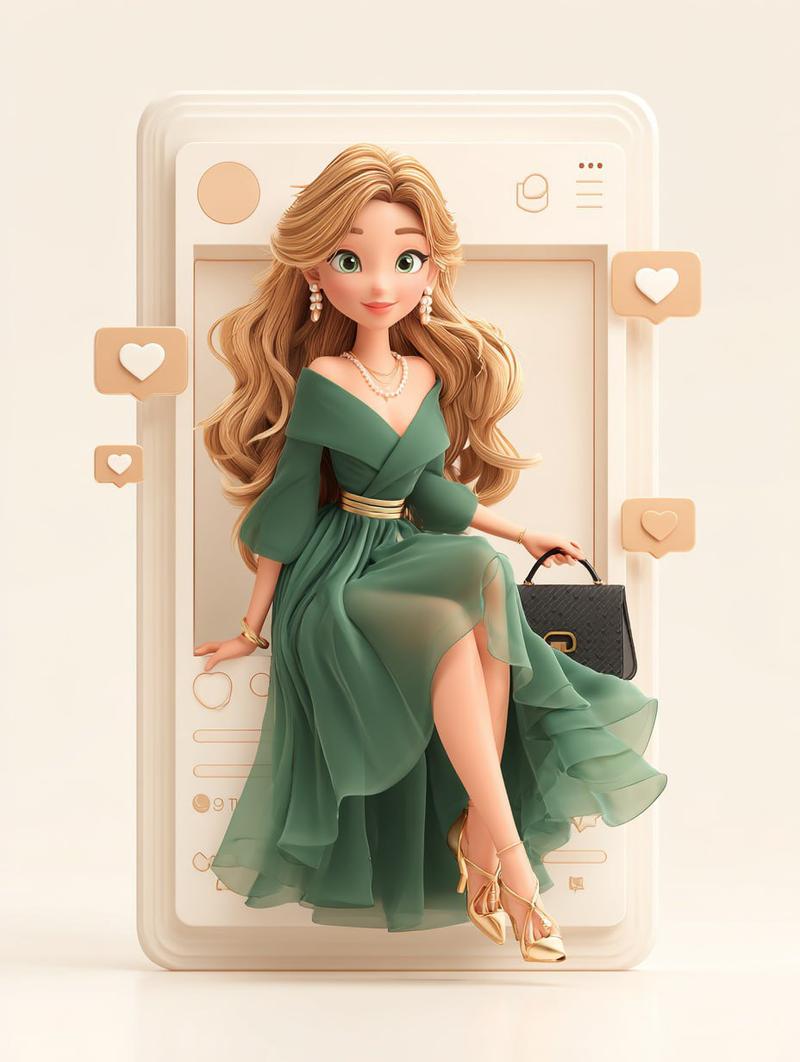
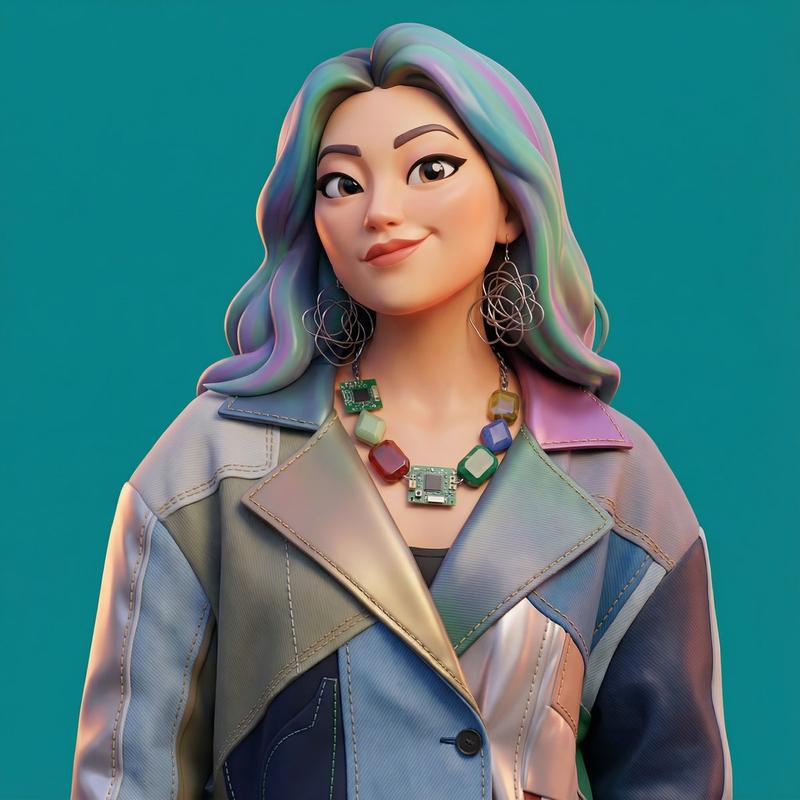
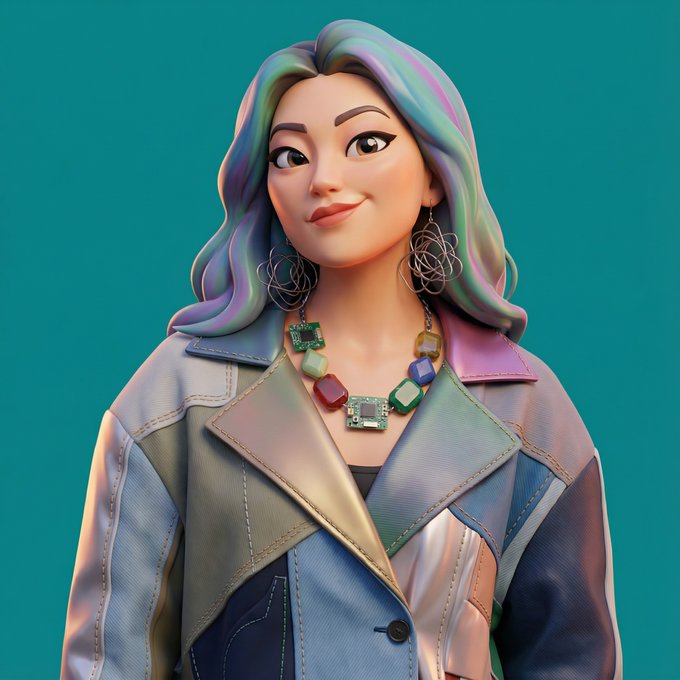
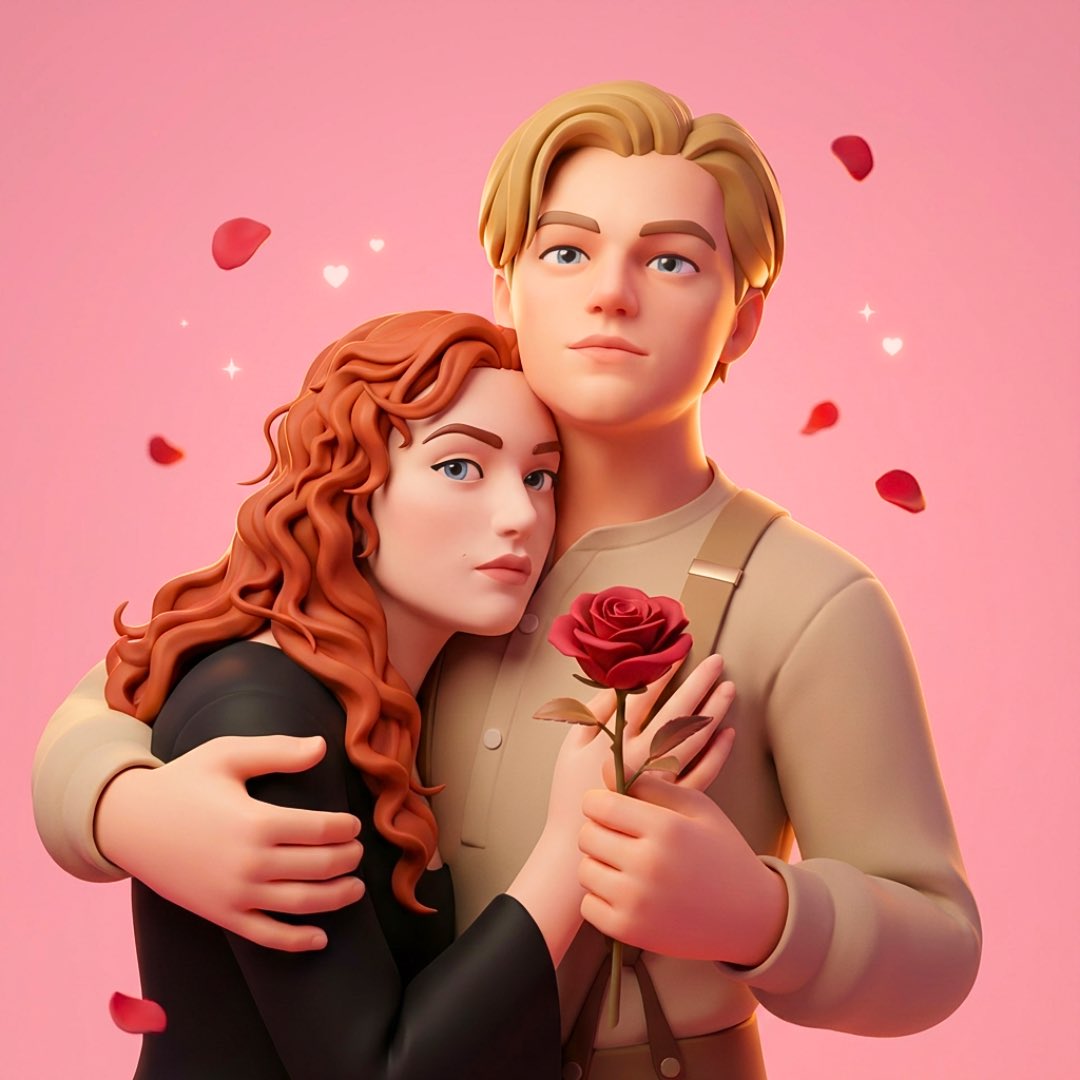
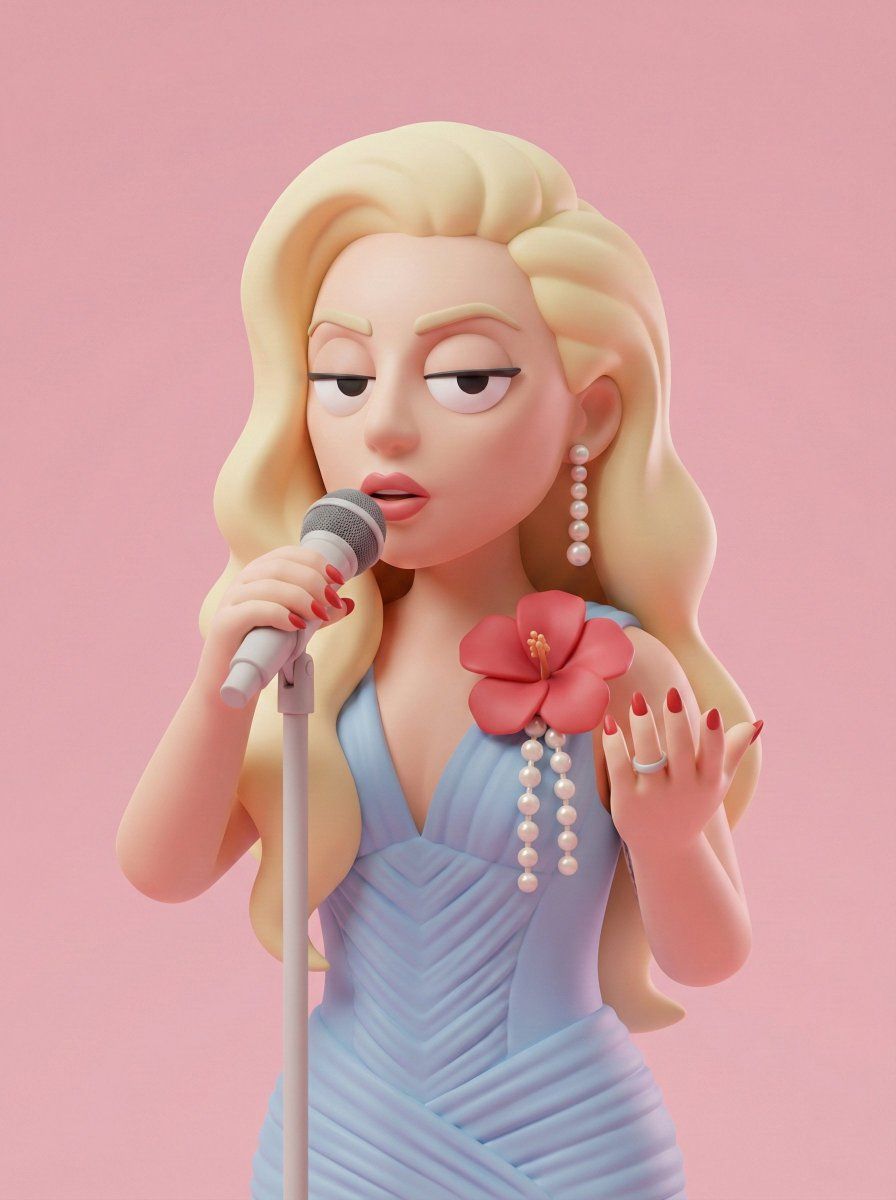
风格化 3D 角色玩具渲染
Enlarge

Example images

风格化 3D 角色玩具渲染

Prompt
Transform a user-uploaded photo into a {argument name="render style" default="stylized 3D character render"} while preserving the subject's identity, pose, and composition. Render style: soft minimal cartoon 3D, Pixar-adjacent but cleaner, like a toy figure or a polished product character design. Skin: smooth matte plastic with soft uniform texture and gentle subsurface scattering. Face: half-closed bored eyes with heavy eyelids, rounded simplified nose, flat neutral mouth, simplified rounded ears. Overall expression: unimpressed, calm, bored. Clothing: {argument name="outfit" default="minimal streetwear in soft matte fabric"}, no logos, no patterns. Optional accessories: a simple baseball cap and wireless earbuds. Lighting: studio softbox setup, very soft shadows, low contrast, subtle highlights. Background: a {argument name="background color" default="solid muted green or pastel tone"}, no gradient. Camera: front-facing, medium close-up, 50mm equivalent, zero distortion. High resolution, clean edges, no noise, strong stylization over photorealism.
Category
Products & E-commerce
Model
GPT Image 2
Creator
PromptLab
Views2
Source ID
21841
Published
May 21, 2026

Guide

About "风格化 3D 角色玩具渲染"

What is this prompt for?

"风格化 3D 角色玩具渲染" AI image prompt for GPT Image 2 (Products & E-commerce). 将真实照片转换为简洁、极简的 3D 角色设计,类似于 Pixar 玩具人偶,在保留人物特征的同时增加强烈的风格化效果。 Copy it on Picva and recre…

The full copyable prompt and example visuals above are ready for AI image generation or one-click recreate in Picva.

How to use this prompt

  1. Step 1

    Open the prompt detail

    Review the example visuals, category, and full prompt text for "风格化 3D 角色玩具渲染".

  2. Step 2

    Copy the prompt

    Copy the prompt body from this page, or load it directly in Studio.

  3. Step 3

    Pick a model (GPT Image 2)

    Prefer GPT Image 2. If you switch models, keep subject and composition and tweak style terms.

  4. Step 4

    Generate and export

    Recreate the look in Picva, or export into your workflow for editing and publishing.

FAQ

What is the "风格化 3D 角色玩具渲染" prompt?
It is an AI image-generation prompt for GPT Image 2 in the Products & E-commerce category. This page includes the full prompt text, example visuals, and a one-click recreate path in Picva.
How do I use this prompt to generate an image?
Copy the prompt from this page, or use Generate / Studio. Paste it into a compatible image model, or recreate the look in Picva with optional reference images.
Which model is this prompt for?
This page lists GPT Image 2. Most descriptive prompts also transfer to nearby image models such as GPT Image, Flux, or Midjourney with light style tweaks.
Can I use the result commercially?
You can usually copy the prompt for creation, but commercial use of the final image depends on the model terms, reference-image rights, and the generated content. Follow the source author and platform rules.