18

Pink floral chiffon portrait: GPT Image 2 prompt
Enlarge

Example images

Pink floral chiffon portrait: GPT Image 2 prompt

Prompt
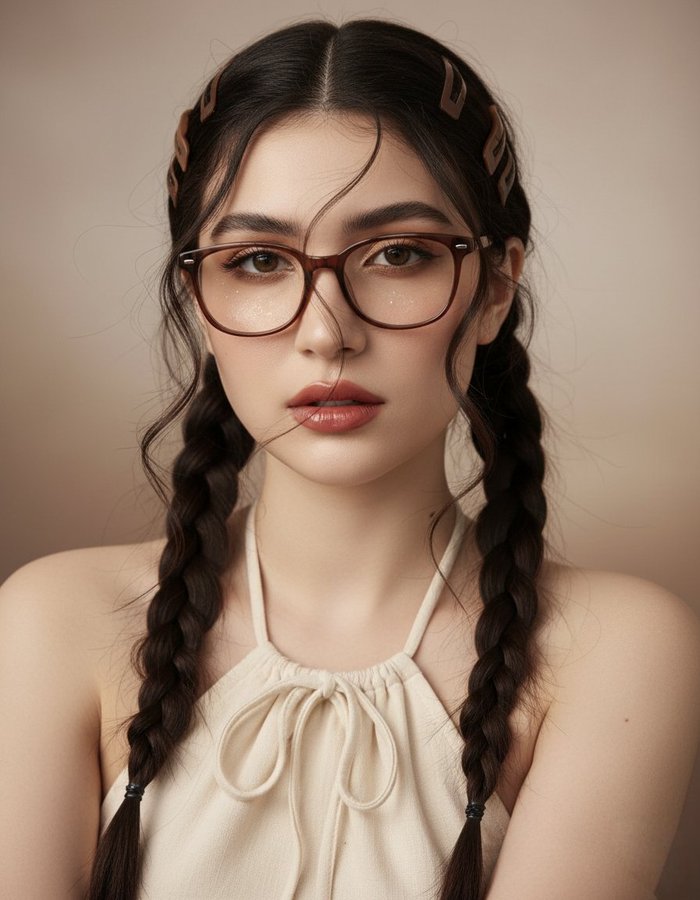
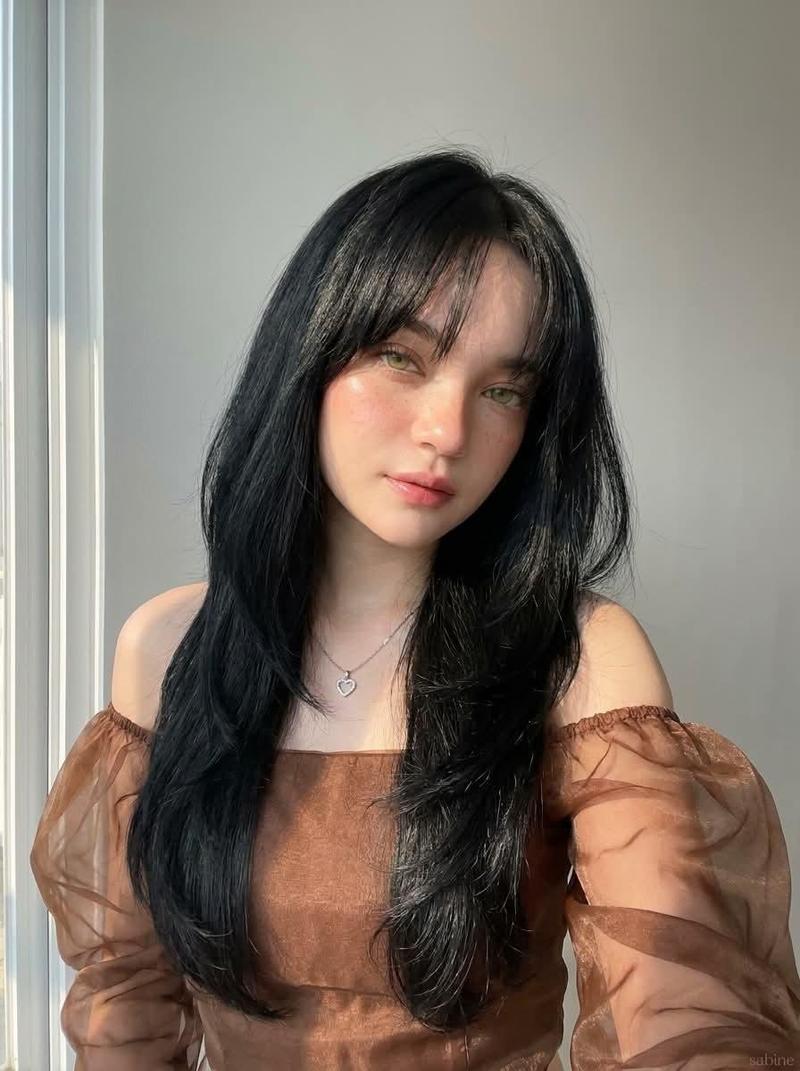
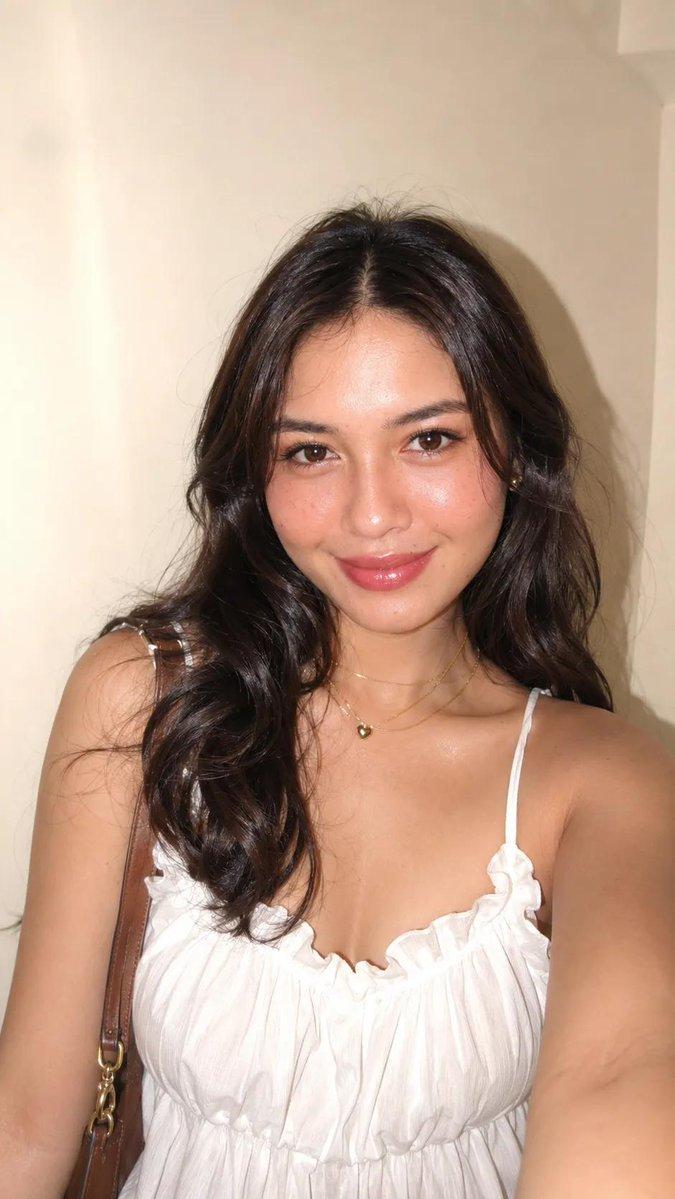
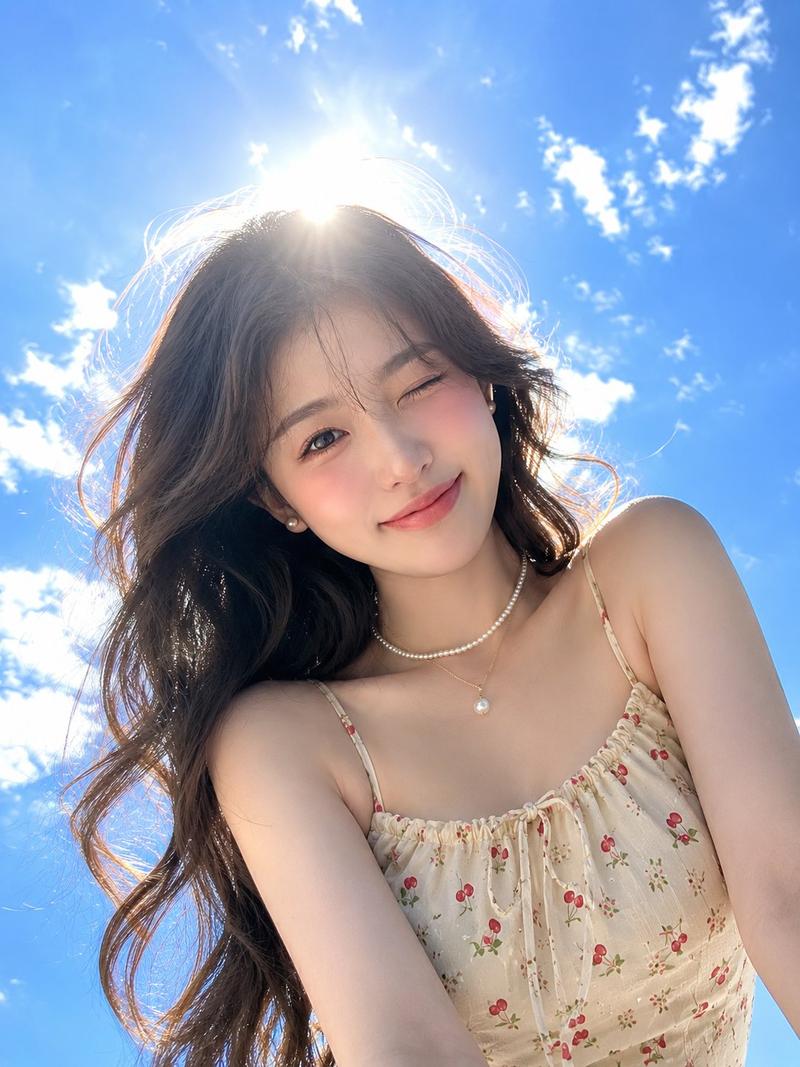
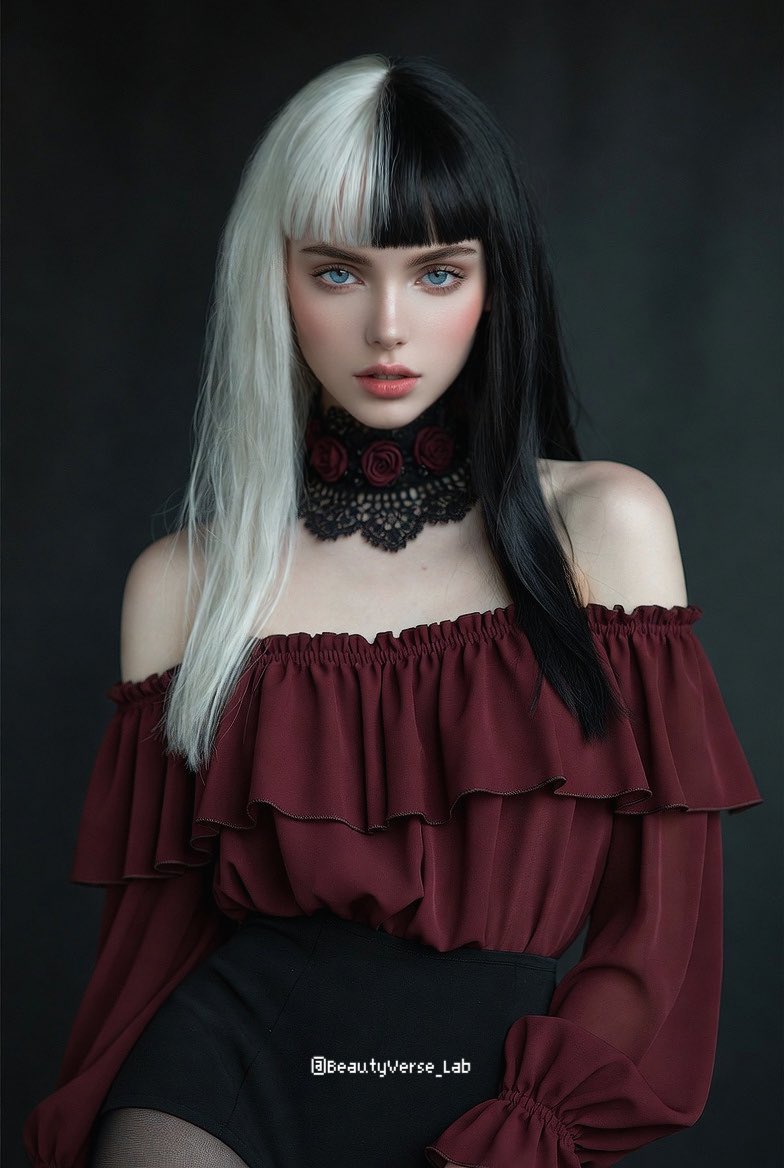
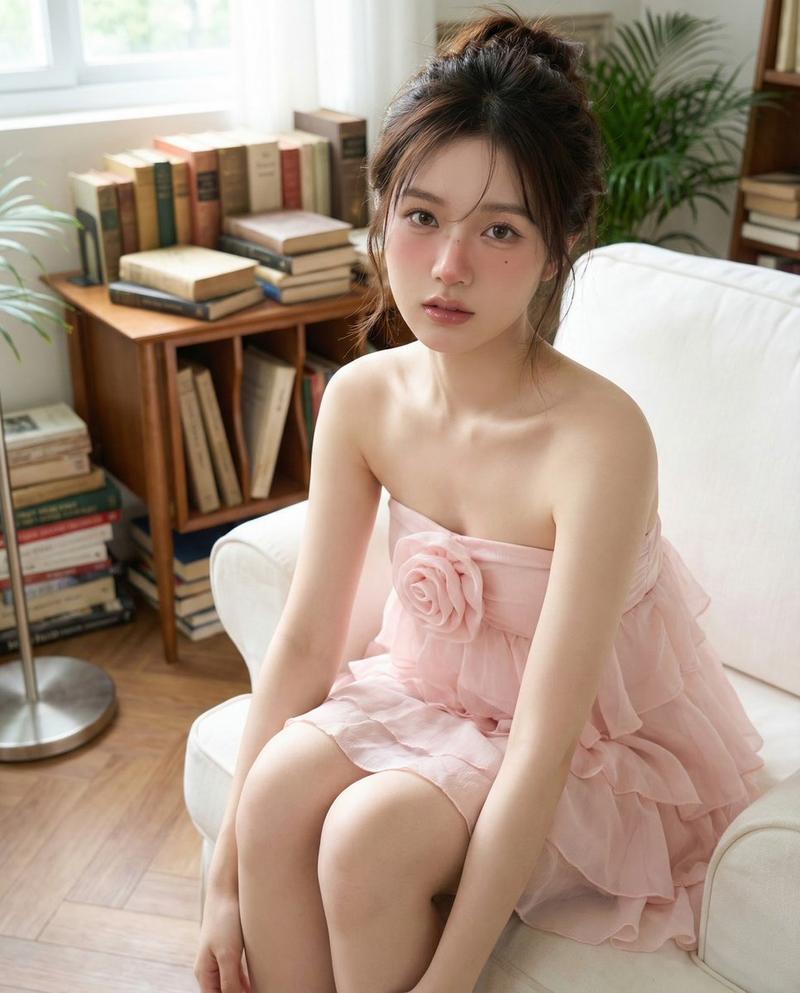
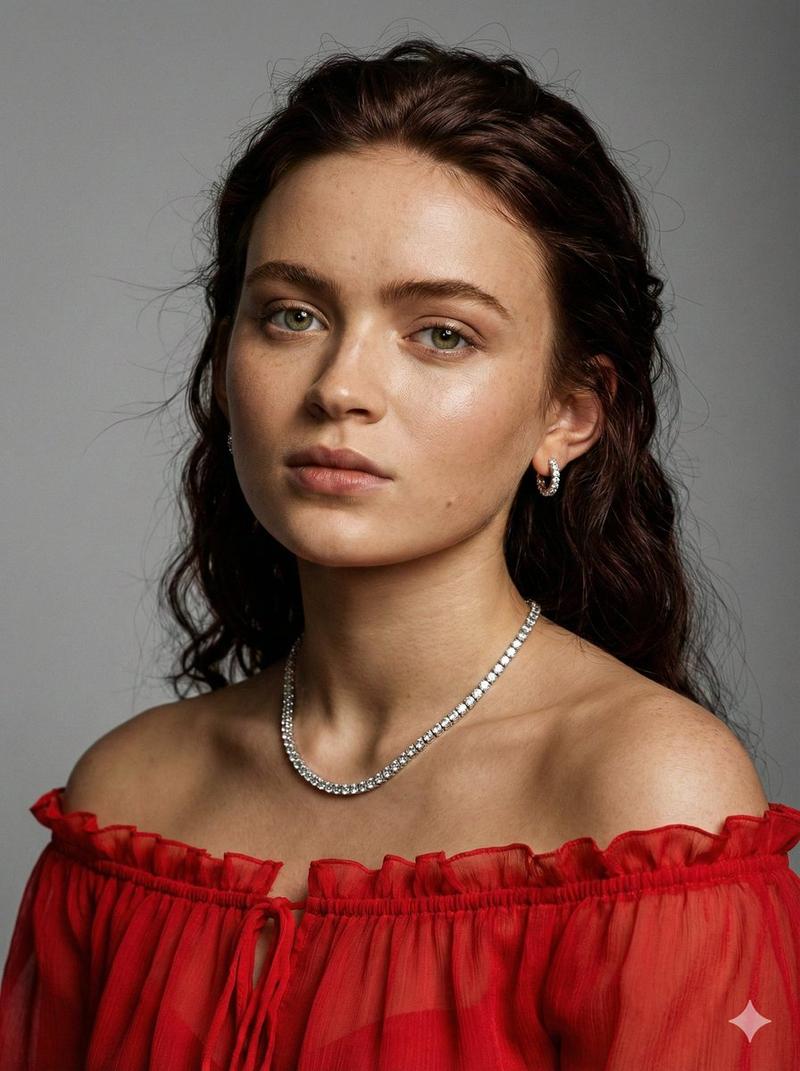
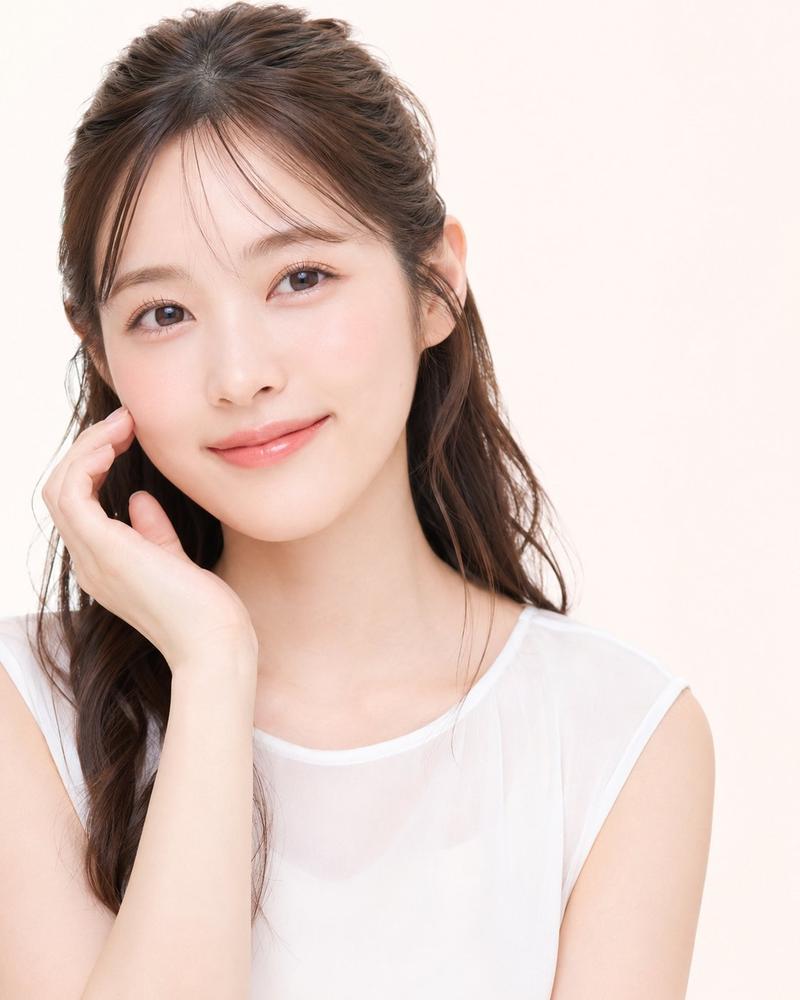
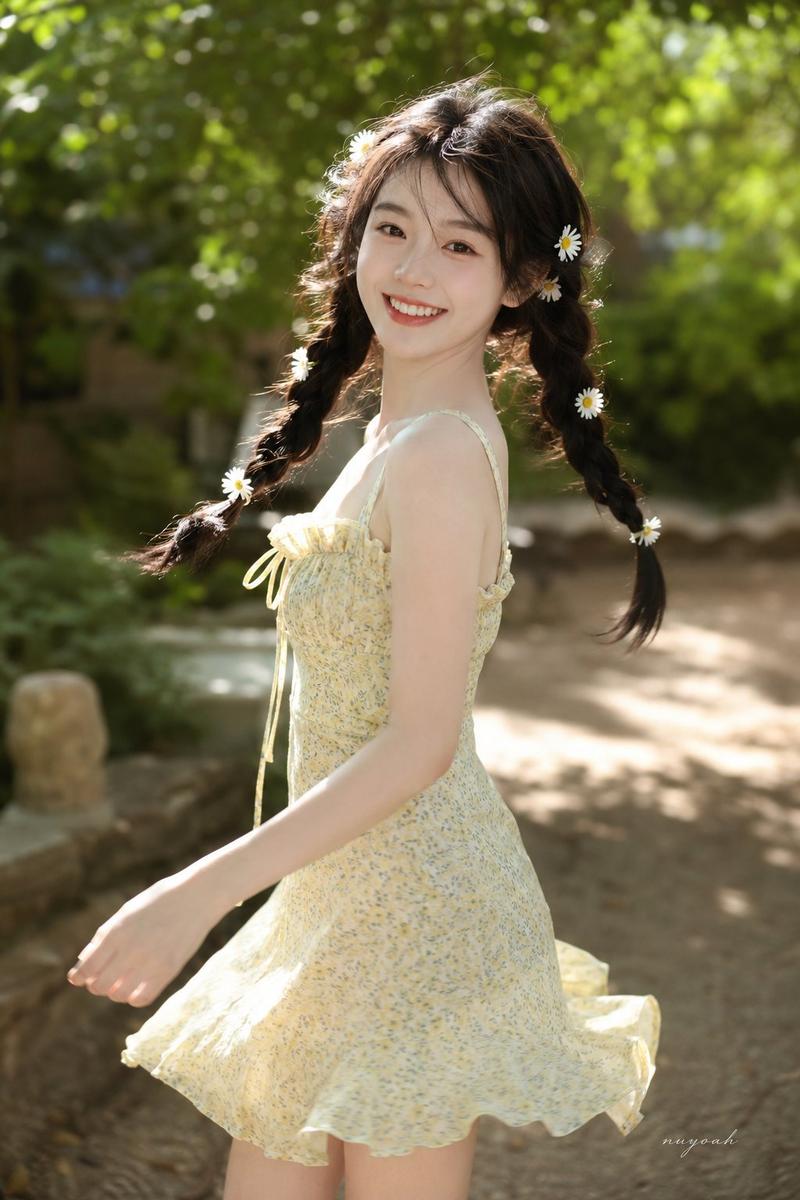
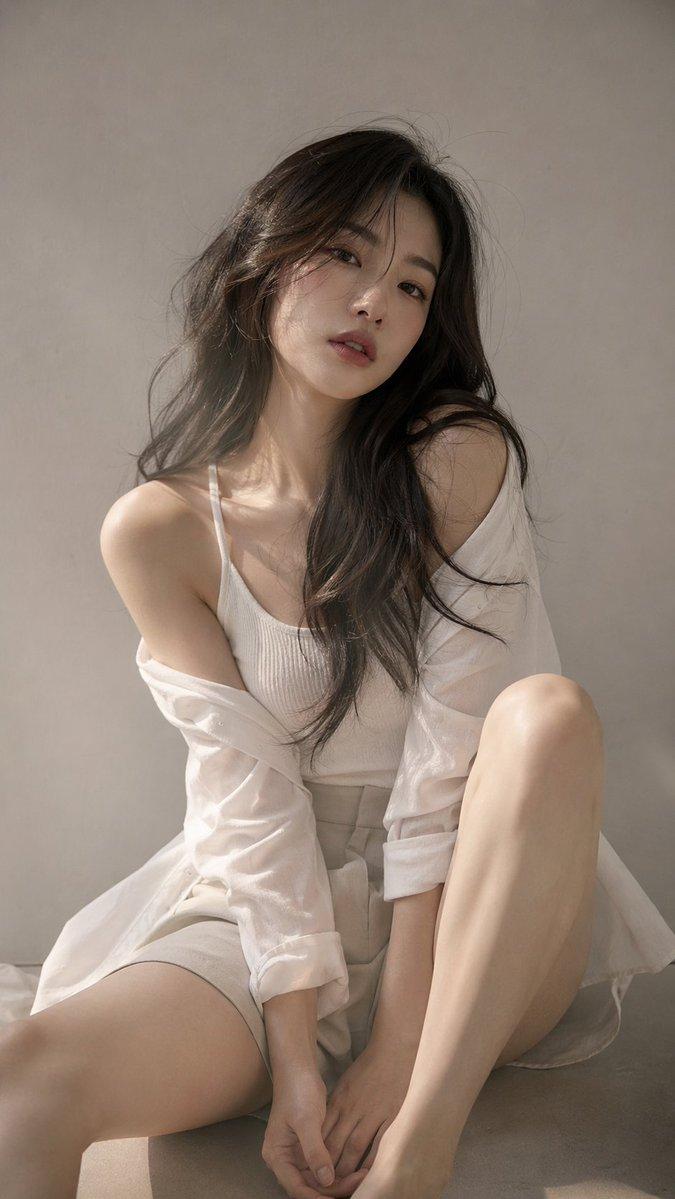
Ultra-realistic portrait of a young woman against a plain light gray wall with a clean minimalist indoor background. She wears a pastel blush pink floral chiffon halter dress featuring watercolor flower prints, sheer off-shoulder puff sleeves, ruffled trim, and a handmade chiffon flower at the neckline. Her long dark brown hair is styled in a thick side braid with soft waves, airy curtain bangs, and loose face-framing curls. She poses naturally with shoulders slightly angled, head gently tilted, eyes gazing off-camera, and lips slightly parted, creating a soft, dreamy, feminine expression. Makeup: flawless porcelain glass skin, satin foundation, seamless concealer, soft jawline and nose contour, peach-pink blush blended across the cheeks and nose bridge, champagne highlighter on cheekbones, nose, brow bone, cupid's bow, and inner corners, soft brown brows with natural hair strokes, muted pink and taupe gradient eyeshadow, subtle shimmer lids, delicate aegyo-sal, thin brown winged eyeliner, long wispy curled lashes, defined lower lashes, glossy rosy gradient lips, luminous neck, shoulders, and collarbones. Eye-level medium close-up, Lighting: aggressive direct sunlight + on-camera flash. Underexposed -1.5 EV for dark luxury mood. add small aesthetic signature watermark sabine. Shot on Canon PowerShot G7X Mark III, pop flash, sharp eyes, 35mm film grain. --ar 4:5 -v.6.1 do not alter face
Category
Photography & Realism
Model
seedream
Creator
Kashberg_0
Views4
Source ID
2077231113303646242
Published
Jul 15, 2026

Guide

About "Pink floral chiffon portrait: GPT Image 2 prompt"

What is this prompt for?

"Pink floral chiffon portrait: GPT Image 2 prompt" AI image prompt for seedream (Photography & Realism). Ultra-realistic portrait of a young woman against a pl…

The full copyable prompt and example visuals above are ready for AI image generation or one-click recreate in Picva.

How to use this prompt

  1. Step 1

    Open the prompt detail

    Review the example visuals, category, and full prompt text for "Pink floral chiffon portrait: GPT Image 2 prompt".

  2. Step 2

    Copy the prompt

    Copy the prompt body from this page, or load it directly in Studio.

  3. Step 3

    Pick a model (seedream)

    Prefer seedream. If you switch models, keep subject and composition and tweak style terms.

  4. Step 4

    Generate and export

    Recreate the look in Picva, or export into your workflow for editing and publishing.

FAQ

What is the "Pink floral chiffon portrait: GPT Image 2 prompt" prompt?
It is an AI image-generation prompt for seedream in the Photography & Realism category. This page includes the full prompt text, example visuals, and a one-click recreate path in Picva.
How do I use this prompt to generate an image?
Copy the prompt from this page, or use Generate / Studio. Paste it into a compatible image model, or recreate the look in Picva with optional reference images.
Which model is this prompt for?
This page lists seedream. Most descriptive prompts also transfer to nearby image models such as GPT Image, Flux, or Midjourney with light style tweaks.
Can I use the result commercially?
You can usually copy the prompt for creation, but commercial use of the final image depends on the model terms, reference-image rights, and the generated content. Follow the source author and platform rules.