16

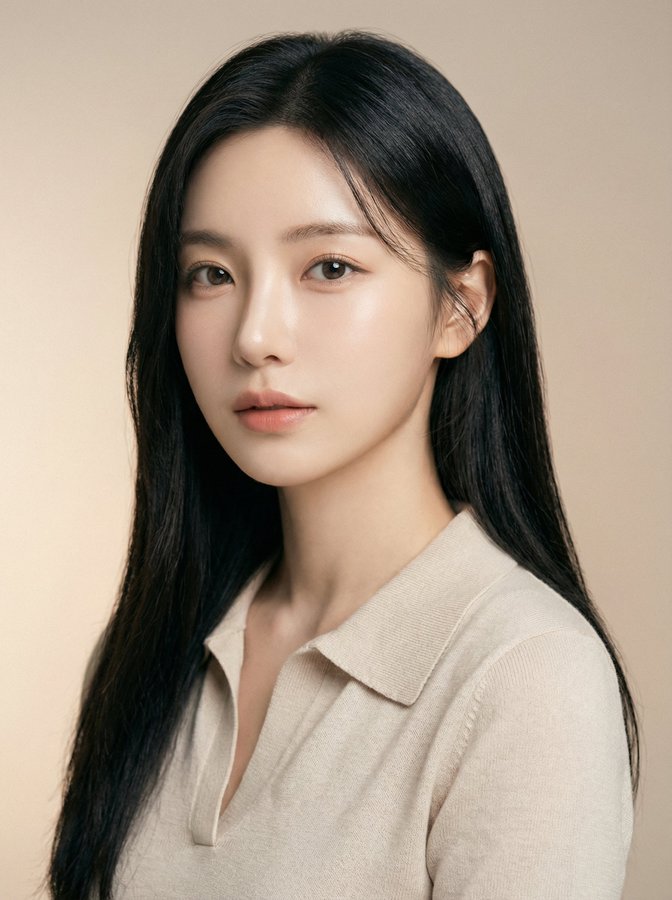
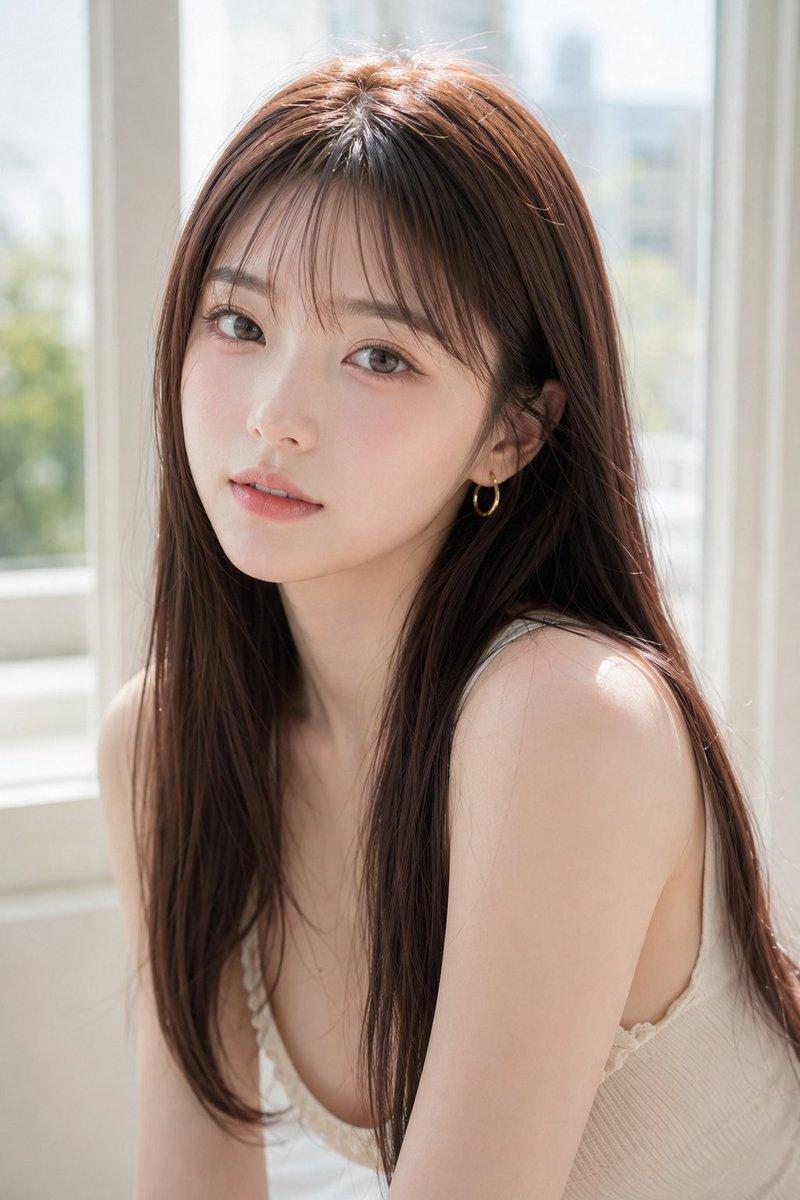
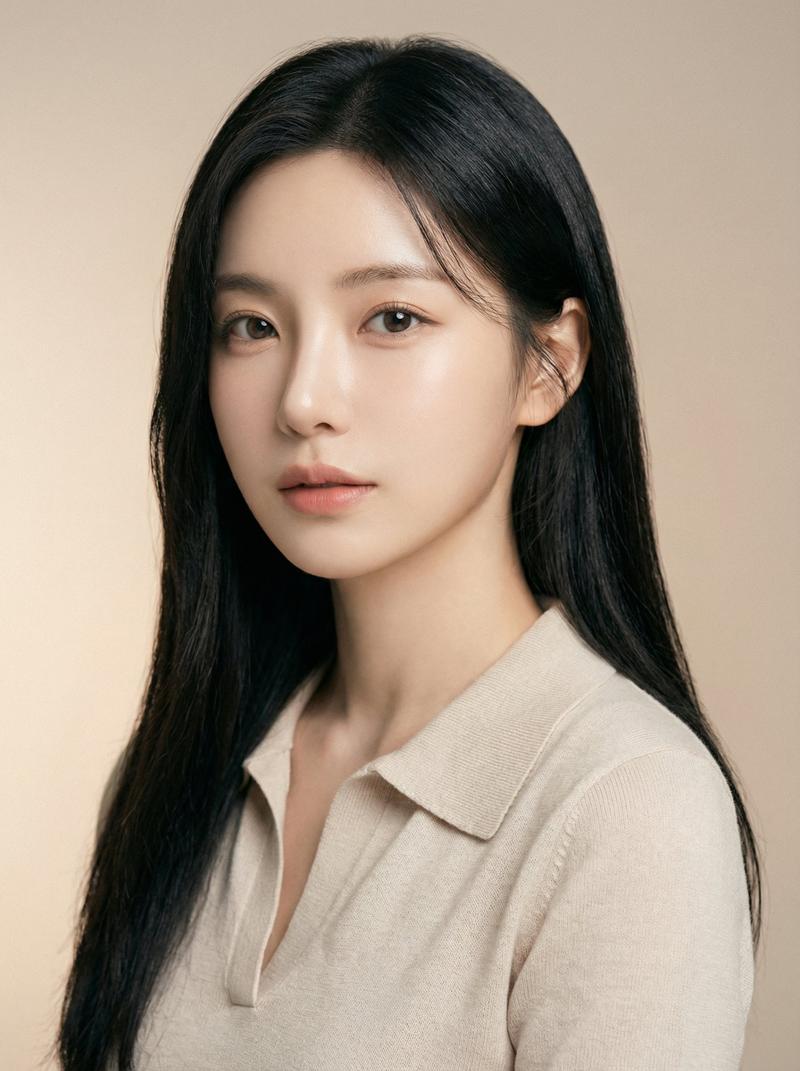
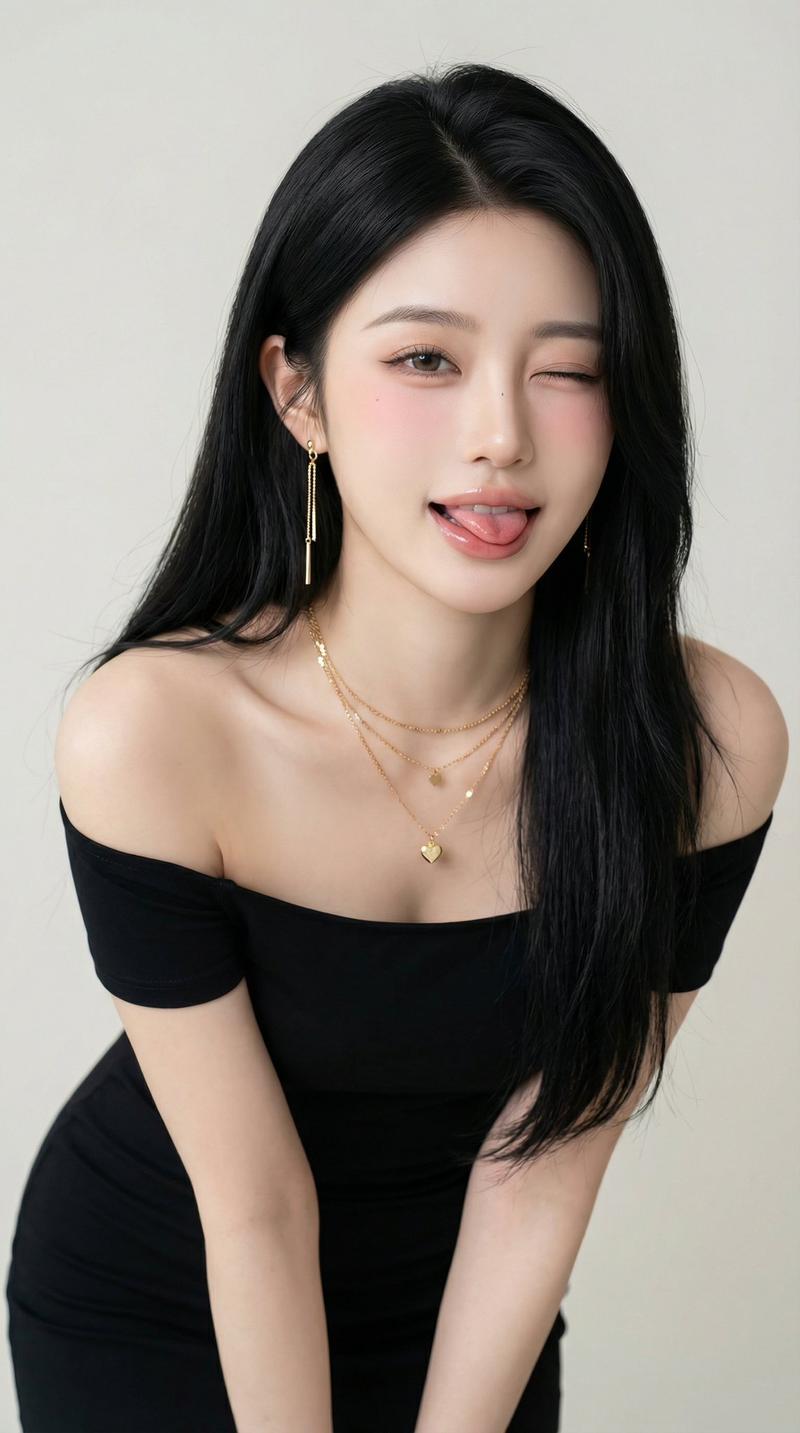
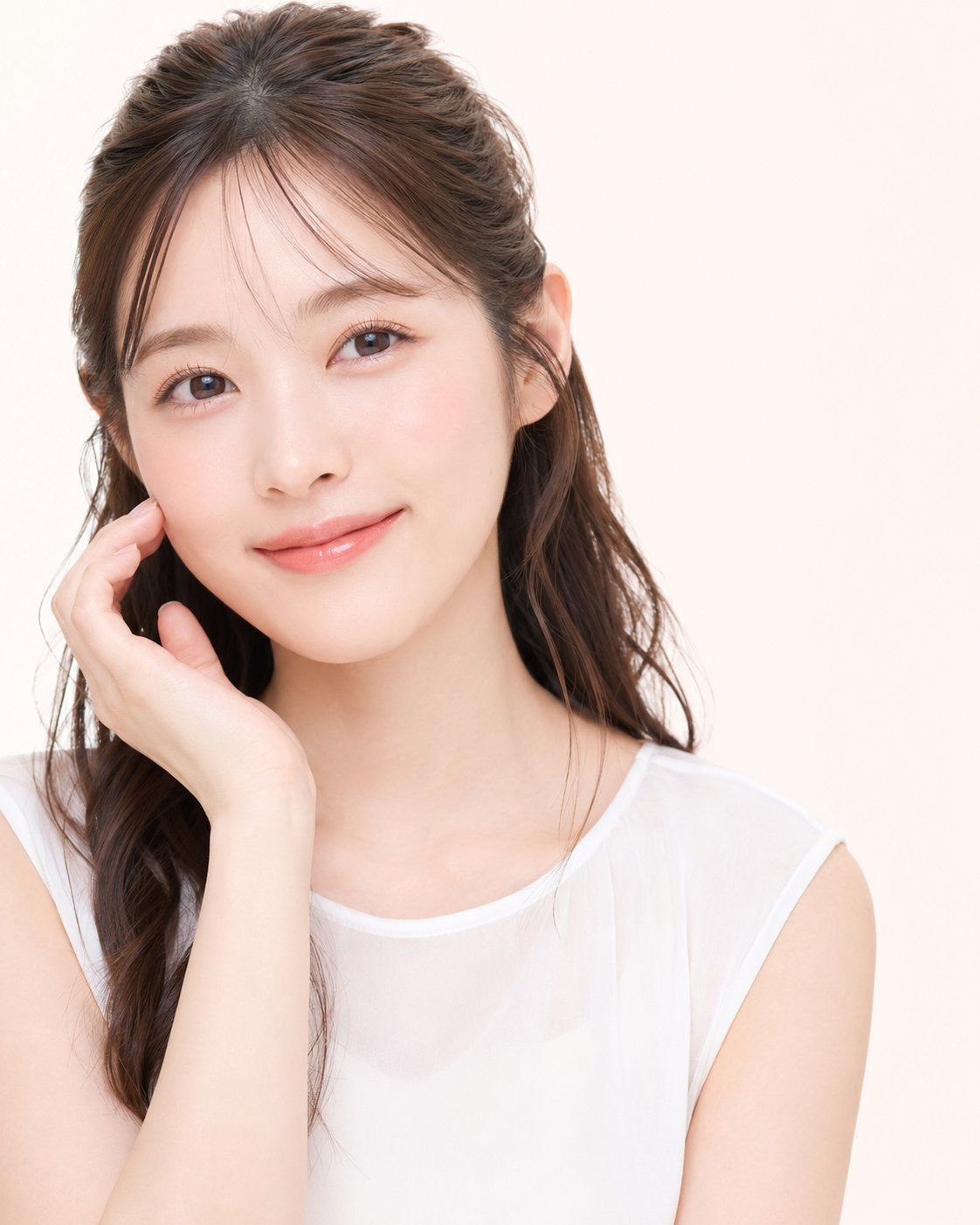
柔和日系美妆人像
Enlarge

柔和日系美妆人像

Prompt
Create a high-key studio beauty portrait of a young East Asian woman, framed from upper torso to head, looking directly into the camera with a gentle closed-mouth smile. She has {argument name="hair color" default="dark brown"} long softly wavy hair styled half-up with airy curtain bangs and a few loose strands around the face, clear fair skin with natural rosy blush, glossy peach-pink lips, subtle eyeliner, long lashes, and warm brown eyes. Her left hand is raised gracefully to her cheek with relaxed fingers, creating a soft beauty-ad pose. She wears a simple {argument name="top color" default="white"} sleeveless sheer chiffon blouse over a camisole, minimal jewelry, no visible logos. Use a clean warm off-white studio background with abundant negative space on the right, soft diffused frontal lighting, very gentle shadows, smooth retouched skin, bright commercial Japanese cosmetics photography style, realistic proportions, shallow depth of field, crisp eyes, natural texture, polished post-processed look. Vertical square crop, face positioned slightly left of center, shoulders angled subtly, calm elegant atmosphere.
Category
Brand & Logos
Model
GPT Image 2
Views3
Source ID
28289
Published
Jul 10, 2026

Guide

About "柔和日系美妆人像"

What is this prompt for?

"柔和日系美妆人像" AI image prompt for GPT Image 2 (Brand & Logos). 为化妆品、护肤品或生活方式类视觉内容生成一张干净的高调摄影棚美妆人像,主角为一位年轻的东亚女性。 Copy it on Picva and recreate the look in one clic…

The full copyable prompt and example visuals above are ready for AI image generation or one-click recreate in Picva.

How to use this prompt

  1. Step 1

    Open the prompt detail

    Review the example visuals, category, and full prompt text for "柔和日系美妆人像".

  2. Step 2

    Copy the prompt

    Copy the prompt body from this page, or load it directly in Studio.

  3. Step 3

    Pick a model (GPT Image 2)

    Prefer GPT Image 2. If you switch models, keep subject and composition and tweak style terms.

  4. Step 4

    Generate and export

    Recreate the look in Picva, or export into your workflow for editing and publishing.

FAQ

What is the "柔和日系美妆人像" prompt?
It is an AI image-generation prompt for GPT Image 2 in the Brand & Logos category. This page includes the full prompt text, example visuals, and a one-click recreate path in Picva.
How do I use this prompt to generate an image?
Copy the prompt from this page, or use Generate / Studio. Paste it into a compatible image model, or recreate the look in Picva with optional reference images.
Which model is this prompt for?
This page lists GPT Image 2. Most descriptive prompts also transfer to nearby image models such as GPT Image, Flux, or Midjourney with light style tweaks.
Can I use the result commercially?
You can usually copy the prompt for creation, but commercial use of the final image depends on the model terms, reference-image rights, and the generated content. Follow the source author and platform rules.