15

Photorealistic portrait: GPT Image 2 prompt
Enlarge

Photorealistic portrait: GPT Image 2 prompt

Prompt
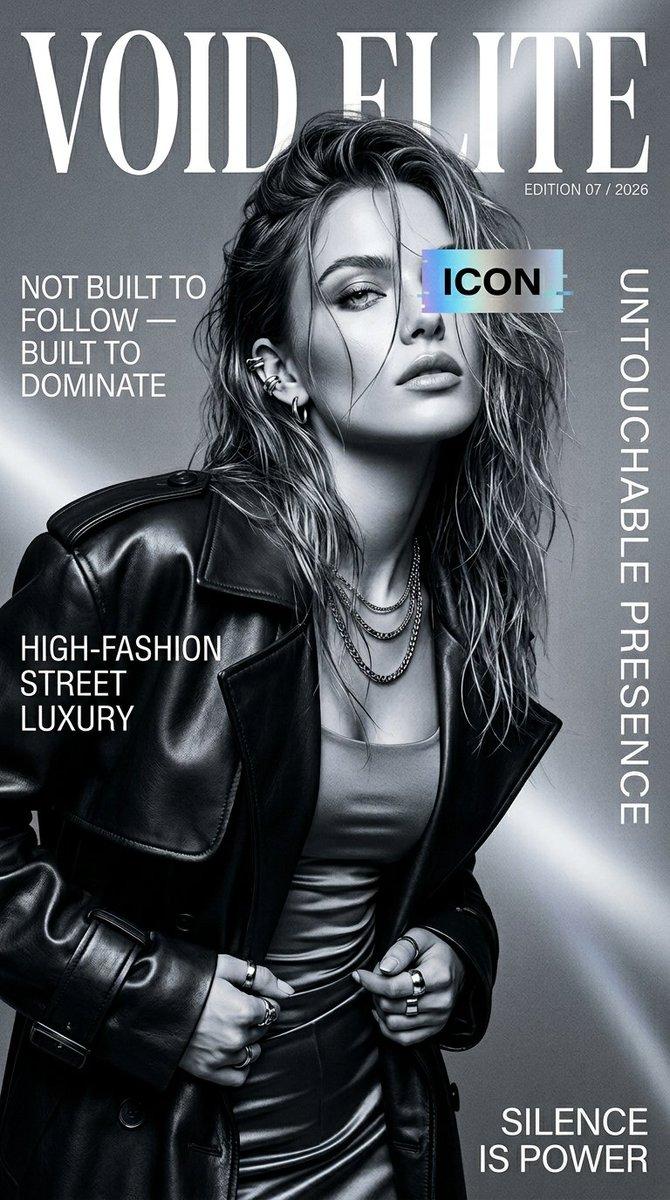
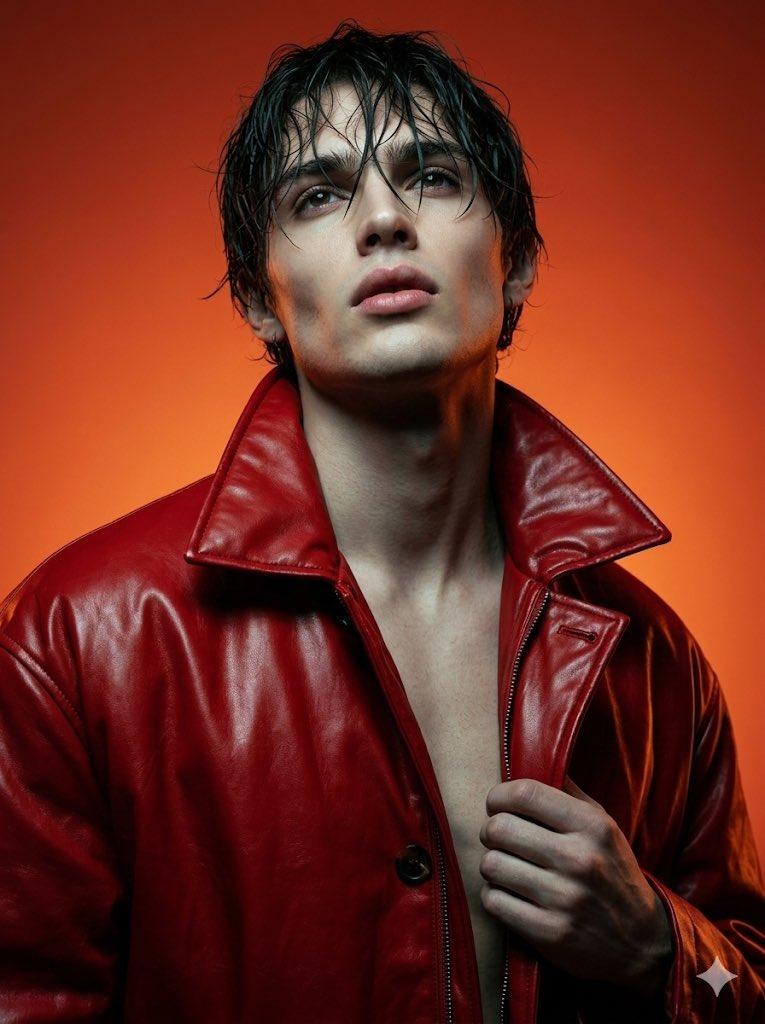
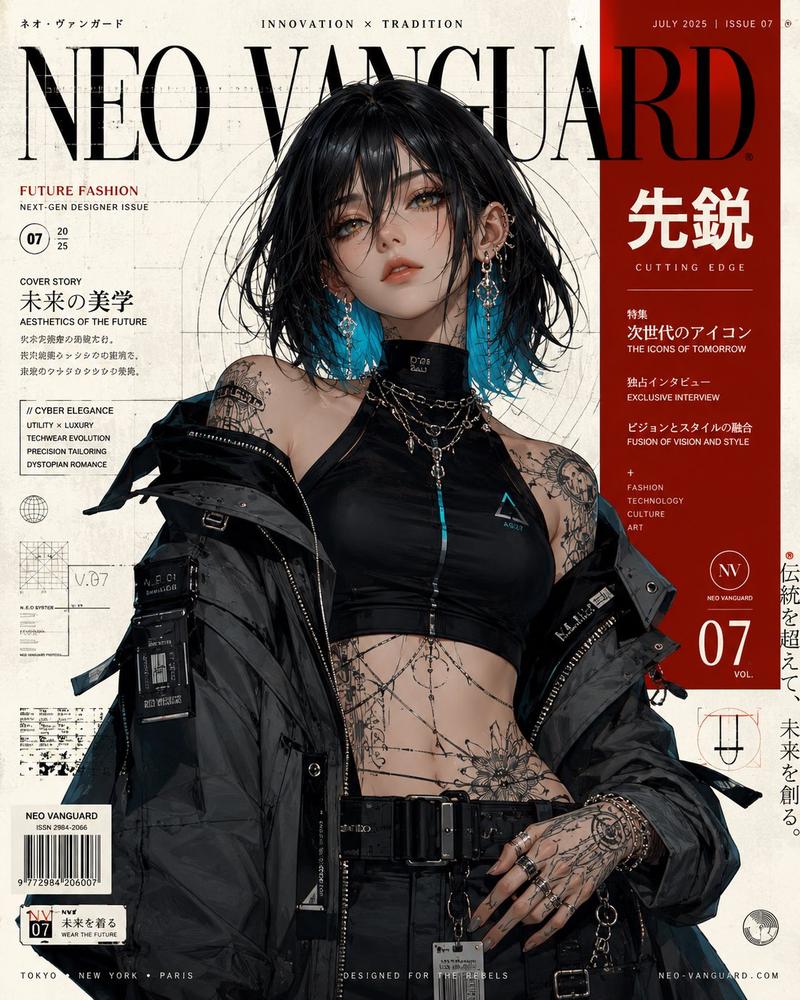
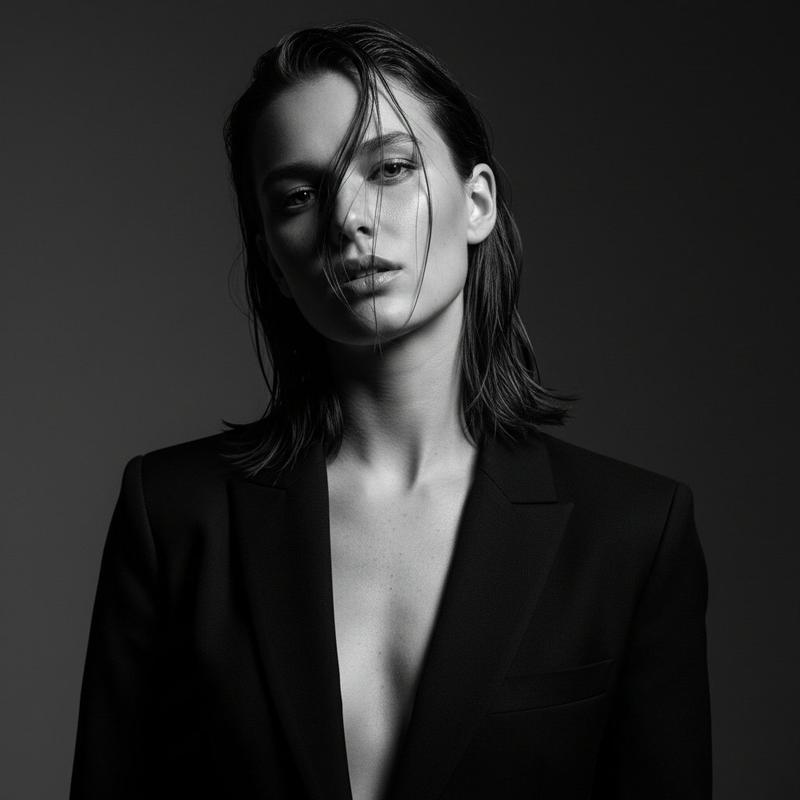
Ultra-realistic high-fashion magazine cover, black and white cinematic portrait of a confident young female model, slightly messy wet-look hair, sharp jawline, intense gaze, natural glossy lips, wearing a premium black leather trench coat over a minimal outfit.
The model is posing slightly tilted forward with attitude, hands adjusting the coat, accessorized with multiple rings, ear piercings, and layered chain necklaces.
Lighting is dramatic studio lighting with soft shadows, high contrast, editorial Vogue-style aesthetic, ultra-detailed skin texture, 8K resolution, sharp focus.
Background is minimal gradient grey with soft light streaks for depth.
Magazine cover layout included:
Large bold serif title at top: “VOID ELITE”
Subtitle small: “Edition 07 / 2026”
Left text: “NOT BUILT TO FOLLOW — BUILT TO DOMINATE”
Bottom left: “HIGH-FASHION STREET LUXURY”
Right vertical text: “UNTOUCHABLE PRESENCE”
Bottom right: “SILENCE IS POWER”
Add a small holographic glitch-style label over the eyes with text “ICON”
Style: luxury fashion editorial, Vogue, Harper’s Bazaar, monochrome aesthetic, modern typography, clean layout, ultra premium branding
--ar 2:3 --style raw --quality 2 --sharp focus --photorealistic
Category
Photography & Realism
Model
GPT Image 2
Creator
sha_zdiii
Views0
Source ID
awesome-poster-172
Published
Apr 29, 2026

Guide

About "Photorealistic portrait: GPT Image 2 prompt"

What is this prompt for?

"Photorealistic portrait: GPT Image 2 prompt" AI image prompt for GPT Image 2 (Photography & Realism). Ultra-realistic high-fashion magazine cover, black and w…

The full copyable prompt and example visuals above are ready for AI image generation or one-click recreate in Picva.

How to use this prompt

  1. Step 1

    Open the prompt detail

    Review the example visuals, category, and full prompt text for "Photorealistic portrait: GPT Image 2 prompt".

  2. Step 2

    Copy the prompt

    Copy the prompt body from this page, or load it directly in Studio.

  3. Step 3

    Pick a model (GPT Image 2)

    Prefer GPT Image 2. If you switch models, keep subject and composition and tweak style terms.

  4. Step 4

    Generate and export

    Recreate the look in Picva, or export into your workflow for editing and publishing.

FAQ

What is the "Photorealistic portrait: GPT Image 2 prompt" prompt?
It is an AI image-generation prompt for GPT Image 2 in the Photography & Realism category. This page includes the full prompt text, example visuals, and a one-click recreate path in Picva.
How do I use this prompt to generate an image?
Copy the prompt from this page, or use Generate / Studio. Paste it into a compatible image model, or recreate the look in Picva with optional reference images.
Which model is this prompt for?
This page lists GPT Image 2. Most descriptive prompts also transfer to nearby image models such as GPT Image, Flux, or Midjourney with light style tweaks.
Can I use the result commercially?
You can usually copy the prompt for creation, but commercial use of the final image depends on the model terms, reference-image rights, and the generated content. Follow the source author and platform rules.