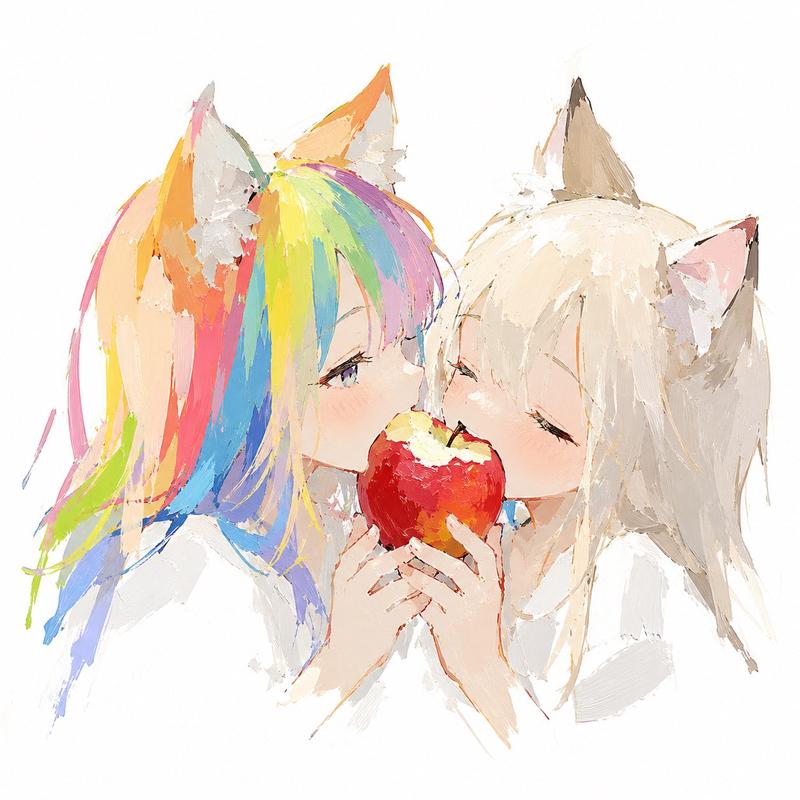
Anime style icon: GPT Image 2 prompt
Prompt
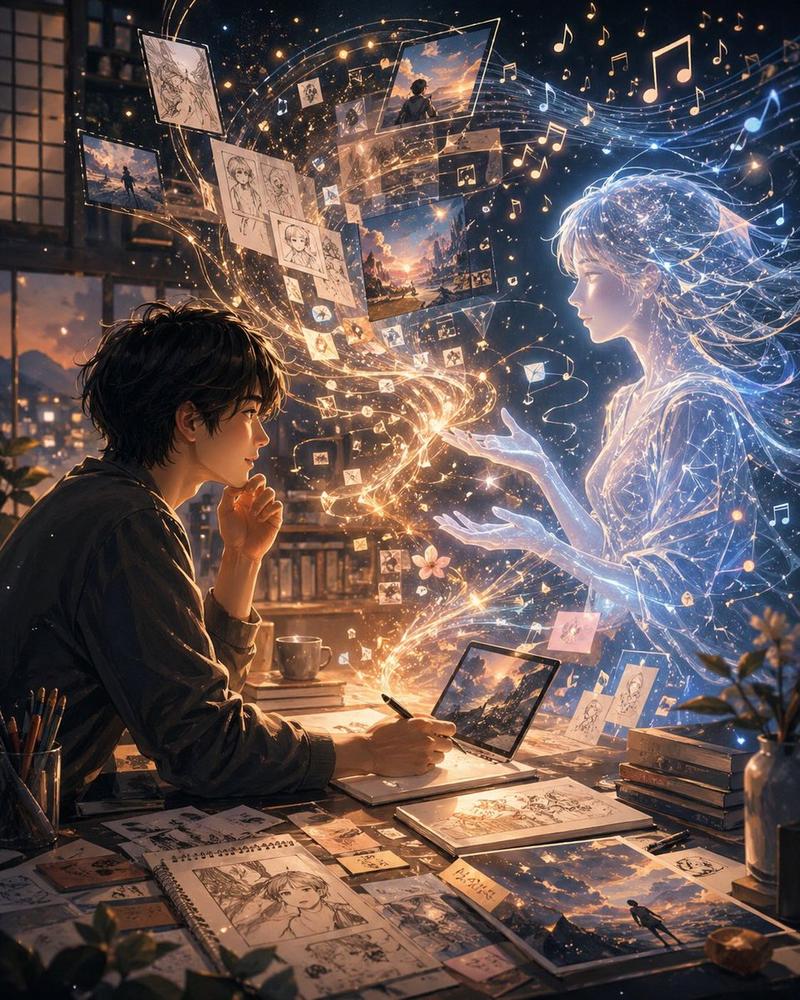
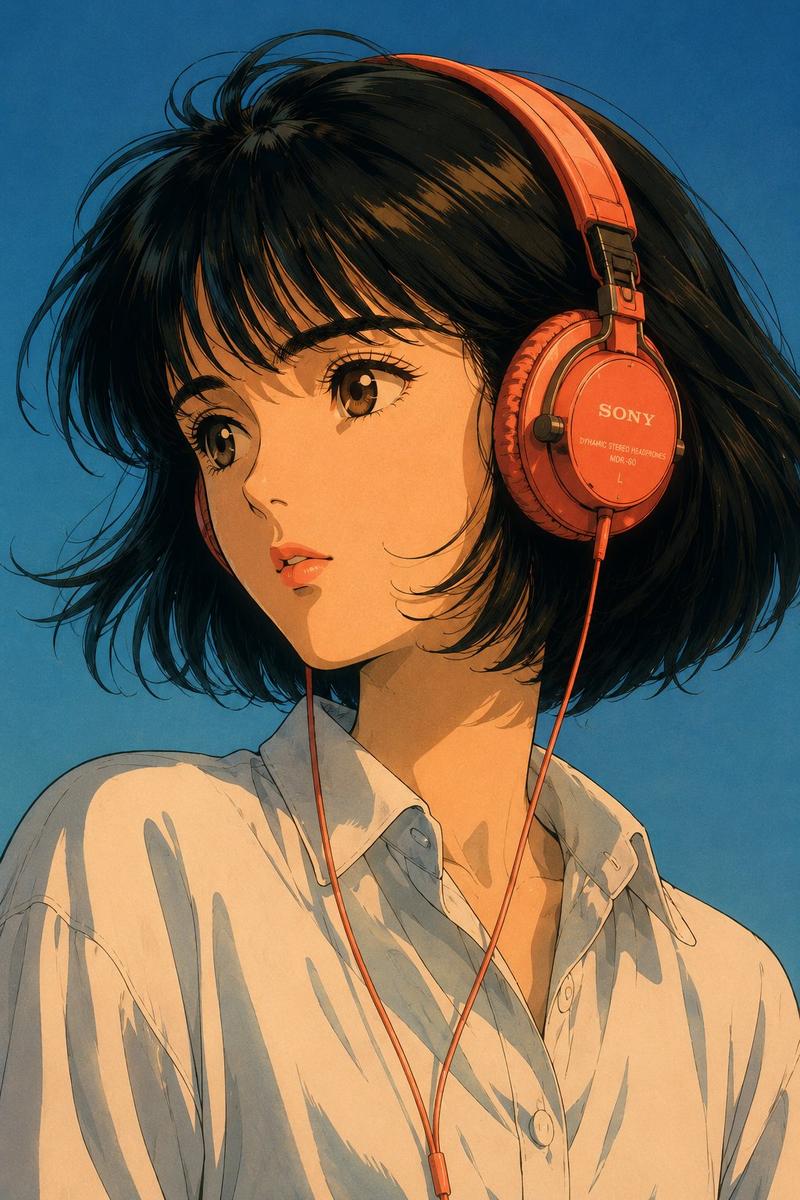
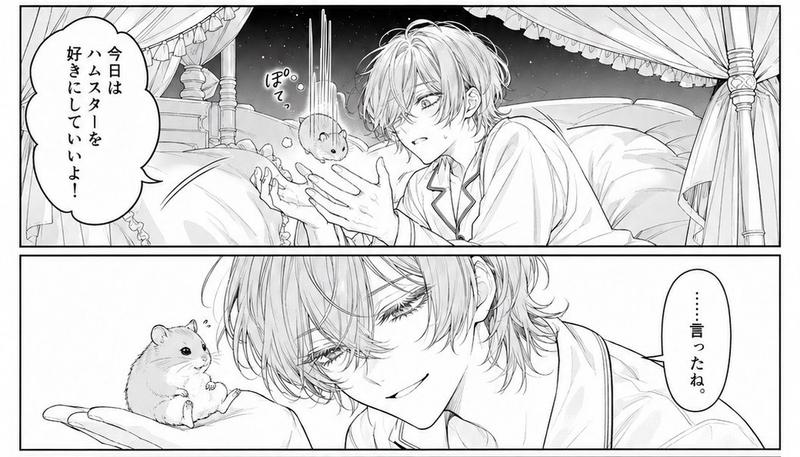
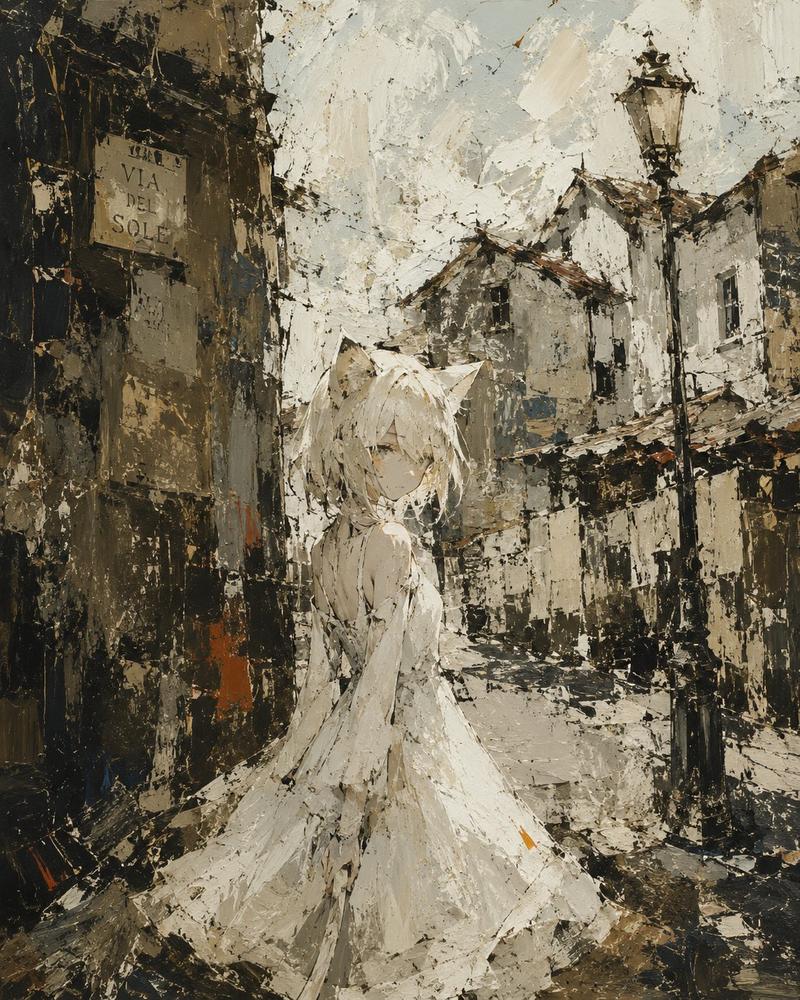
A soft, dreamy anime illustration of a cute young woman doing ASMR in a cozy bedroom at night, seated close to the viewer with her knees pulled up and a black 3Dio-style binaural microphone centered in front of her. She has {argument name="hair color" default="deep violet"} hair in a loose messy updo with wispy bangs framing her face, large sparkling {argument name="eye color" default="blue"} eyes, a gentle blush, and a sweet open-mouth smile. Her head is tilted slightly toward the viewer in a warm, affectionate pose. She wears a delicate white lace camisole with thin straps and an oversized fluffy knit cardigan in {argument name="cardigan color" default="soft pink-lavender"} draped off her shoulders, creating a tender, intimate late-night healing atmosphere. Both hands lightly touch the white silicone ears of the microphone as if about to give an ear massage. The room is softly lit with pink and amber ambient lighting, heavy curtains in the background, a bed or sofa with plush cushions, warm fairy-light bokeh, and a small plant on the right side. Add glowing handwritten Japanese neon text integrated into the composition: on the left, 4 text elements reading 'Melt away,' 'ear,' 'massage,' and 'ASMR' with 2 small heart symbols; on the right, vertical text reading 'I'll heal you a lot... ♡.' Use a polished modern anime style, highly detailed face and hair, glossy eyes, smooth luminous skin, soft shading, pastel highlights, shallow depth of field, romantic cozy streamer-thumbnail composition, and a soothing feminine color palette dominated by pink, lavender, cream, and warm gold.- Category
- Characters & People
- Model
- GPT Image 2
- Creator
- Shion_yamabuki
- Source ID
- awesome-ui-94
- Published
- Apr 29, 2026
Views0