20

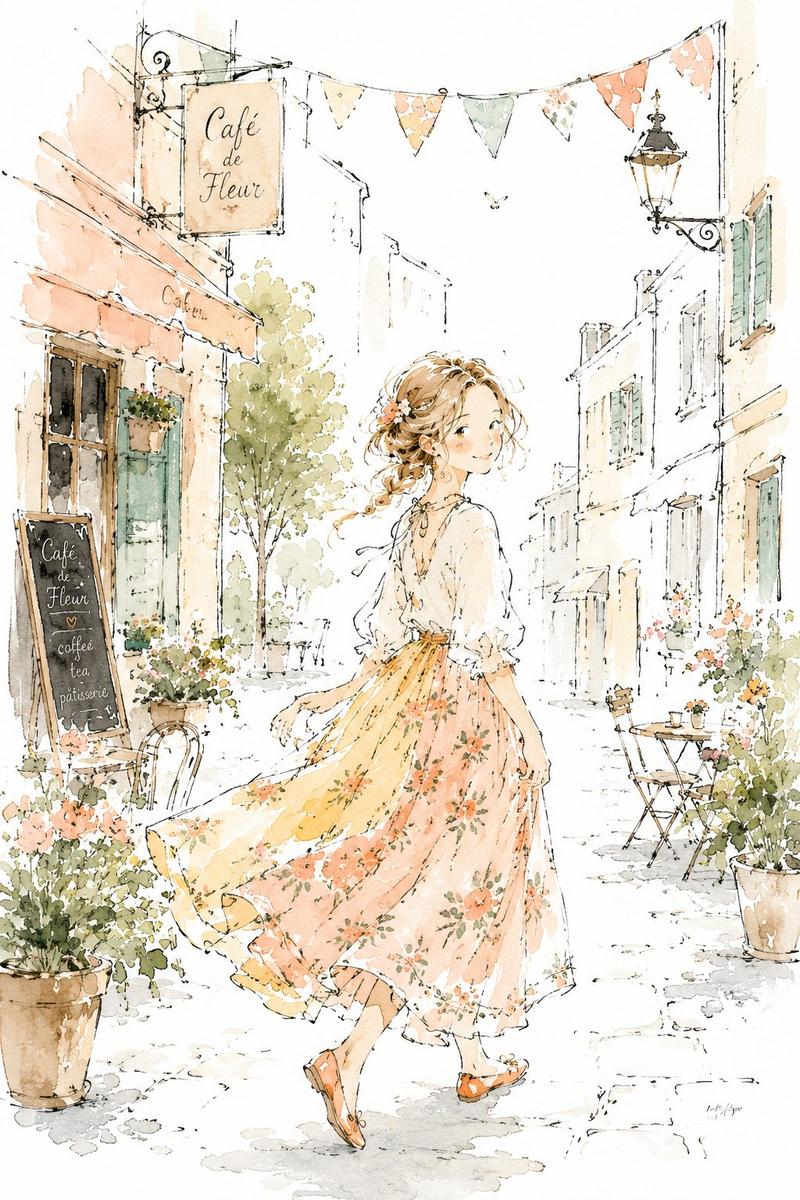
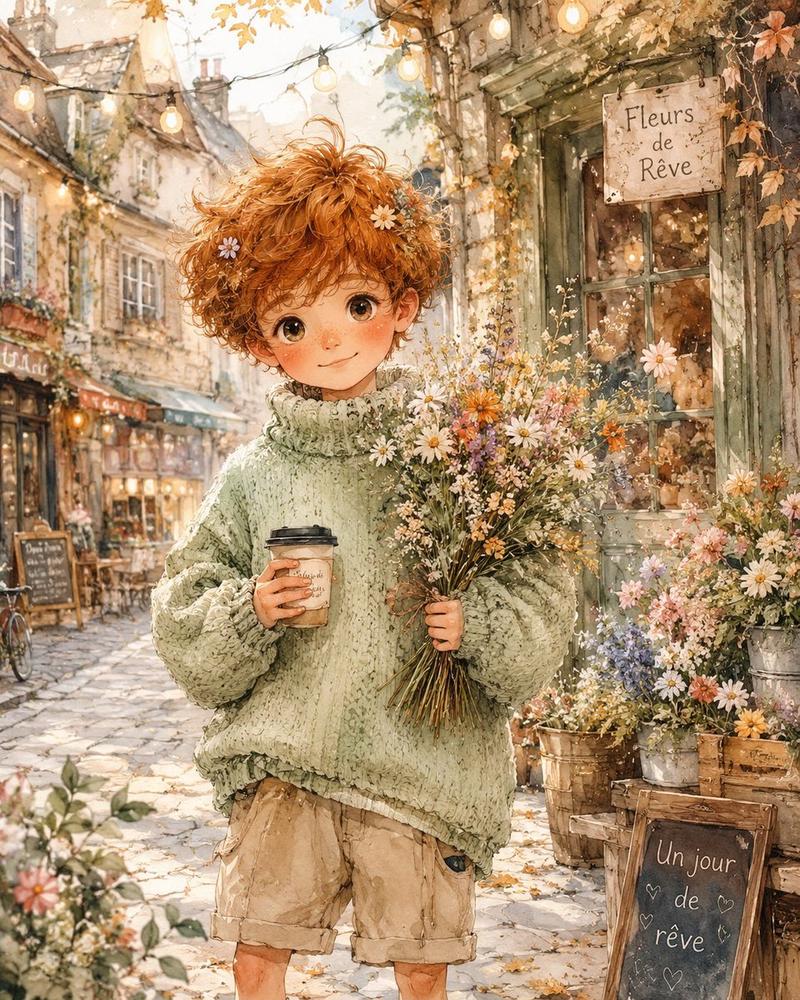
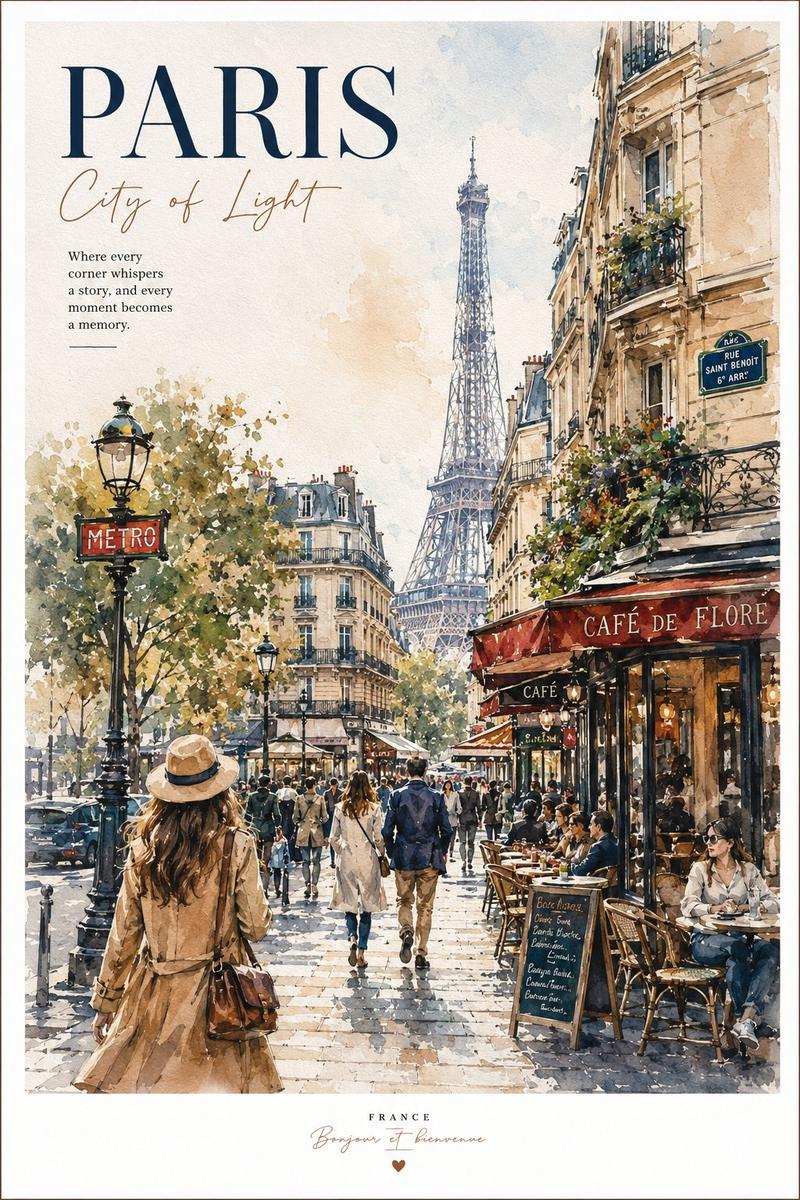
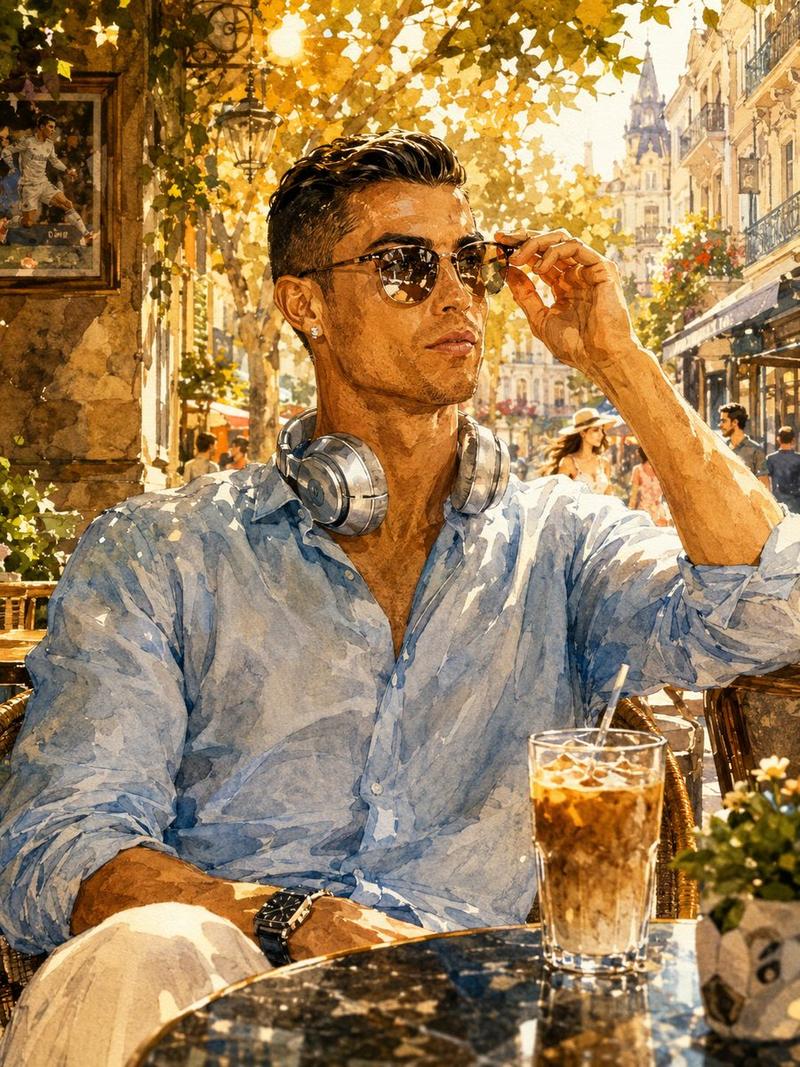
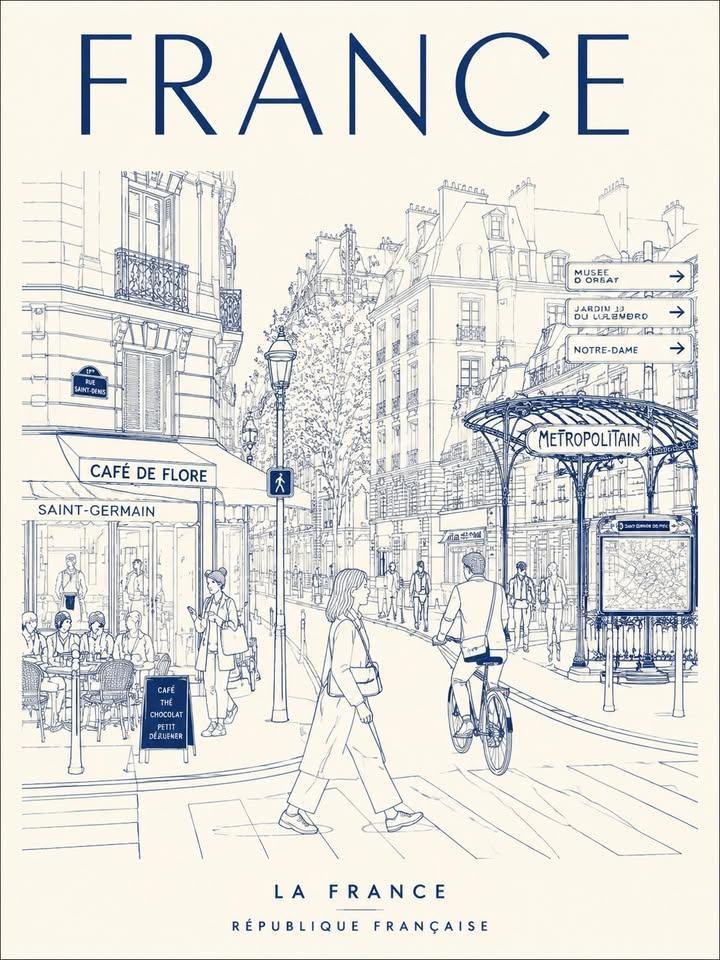
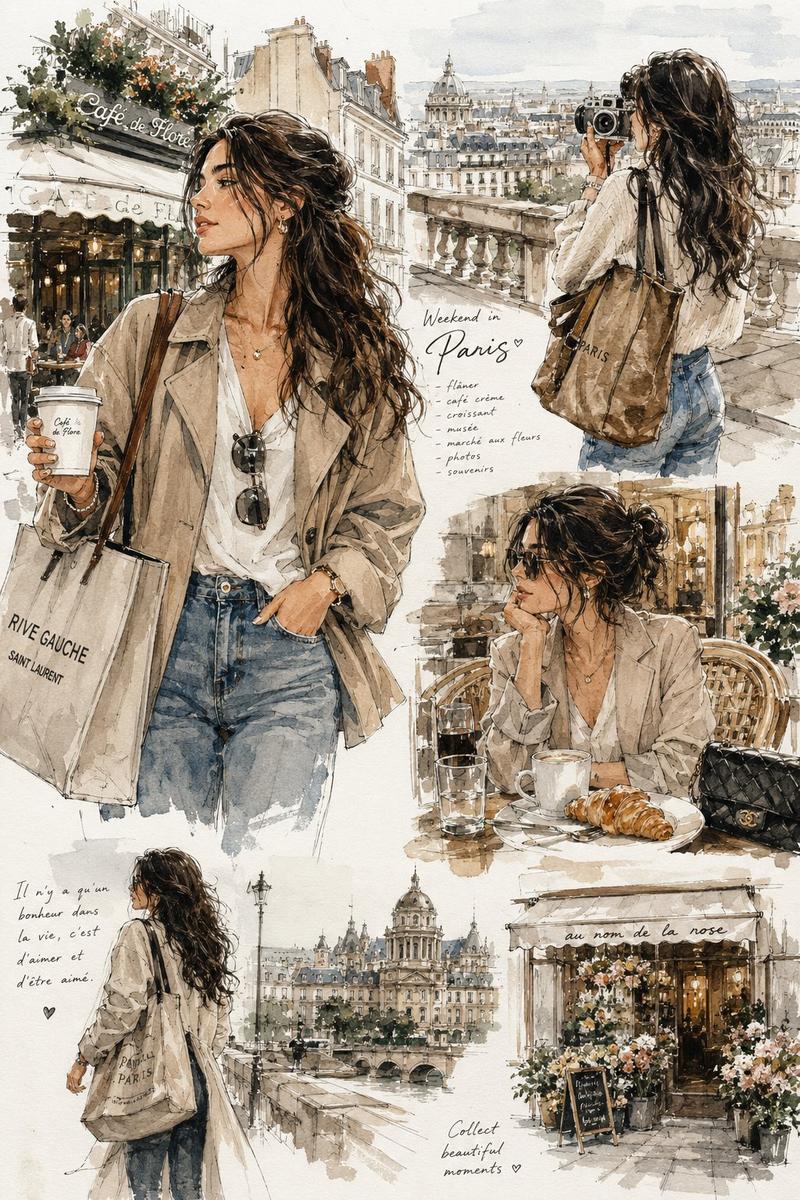
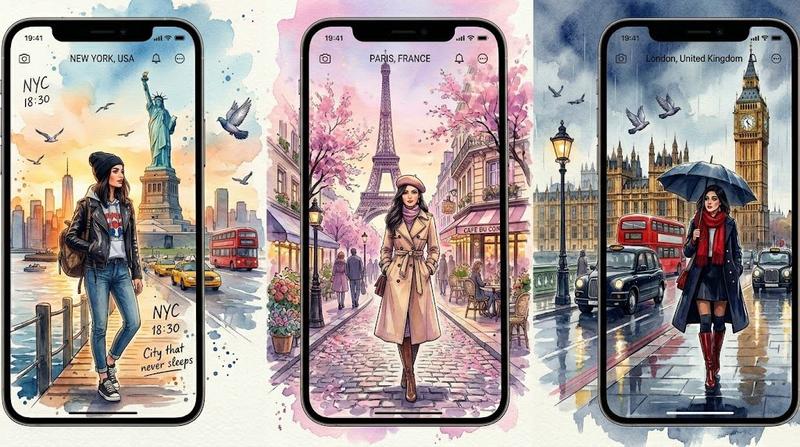
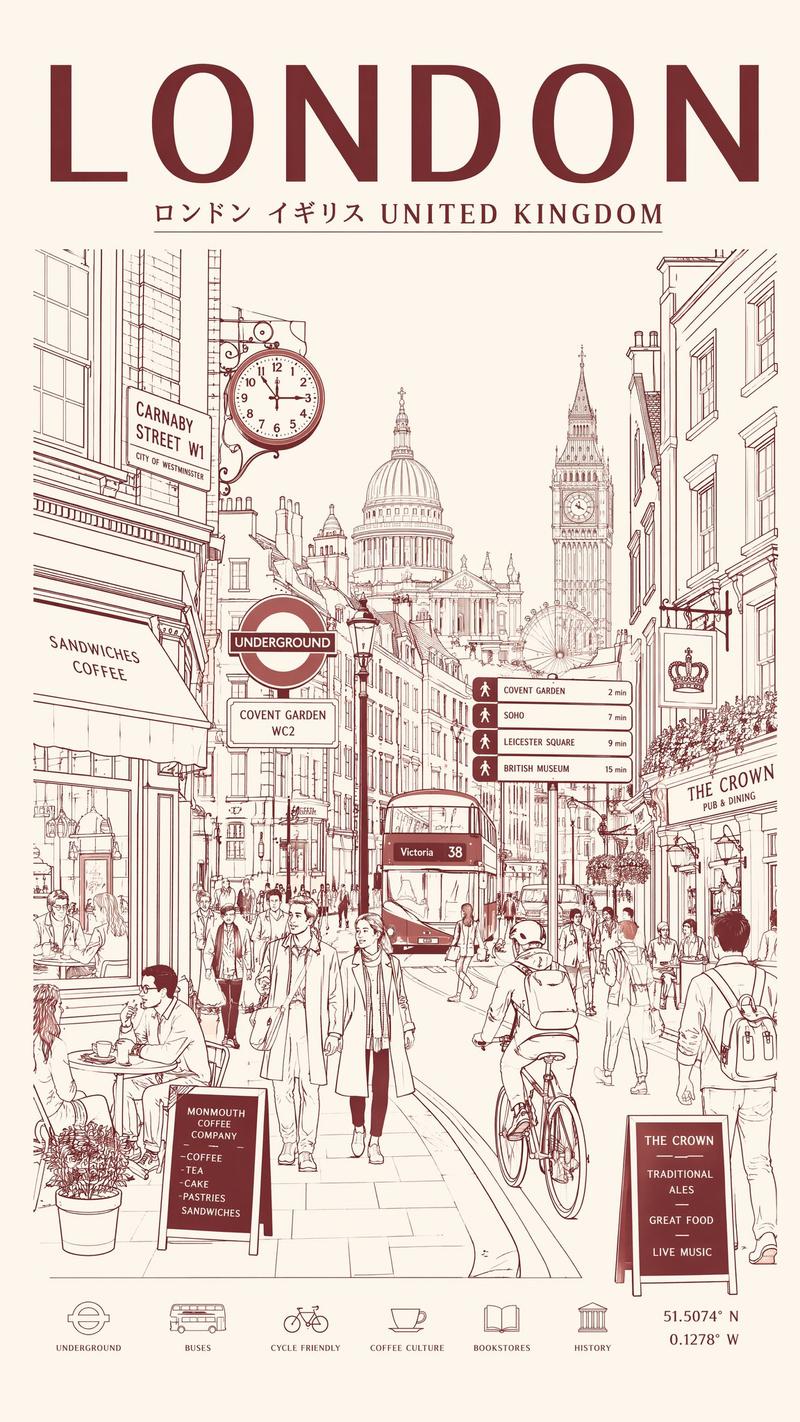
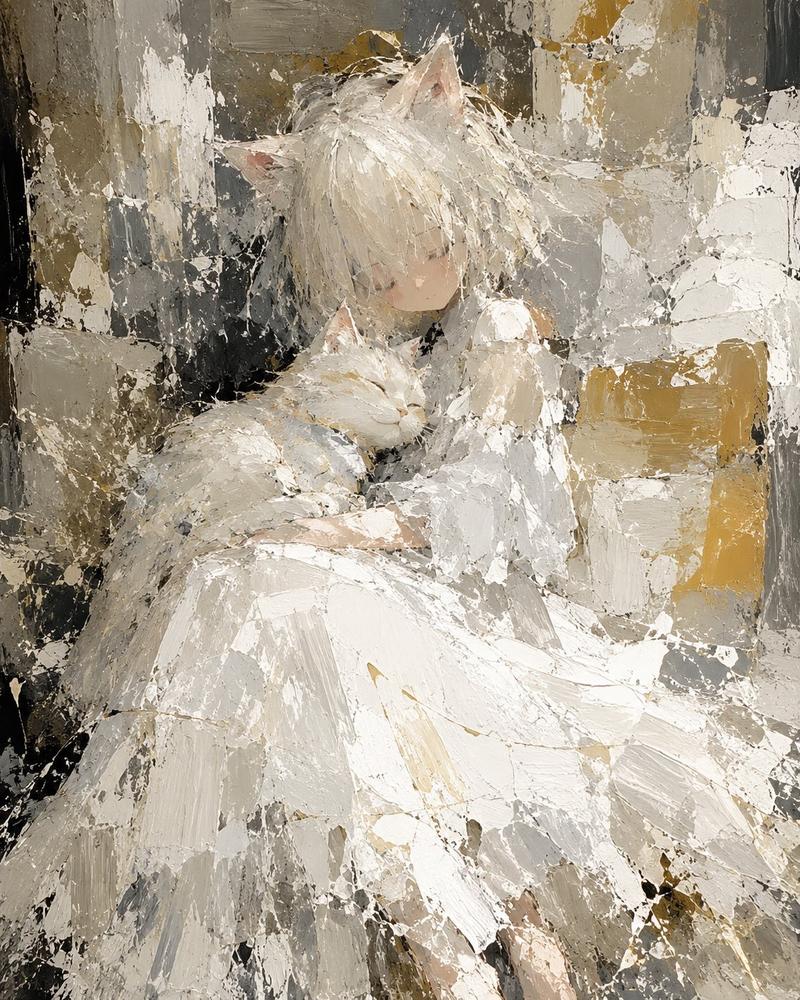
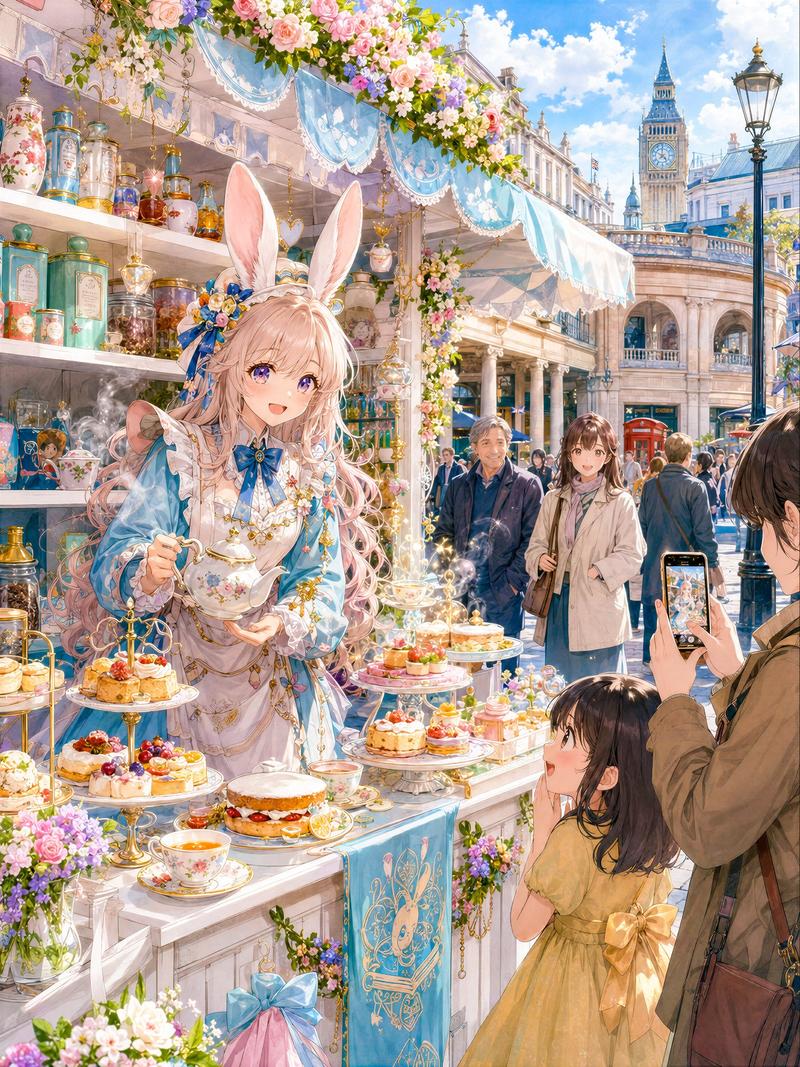
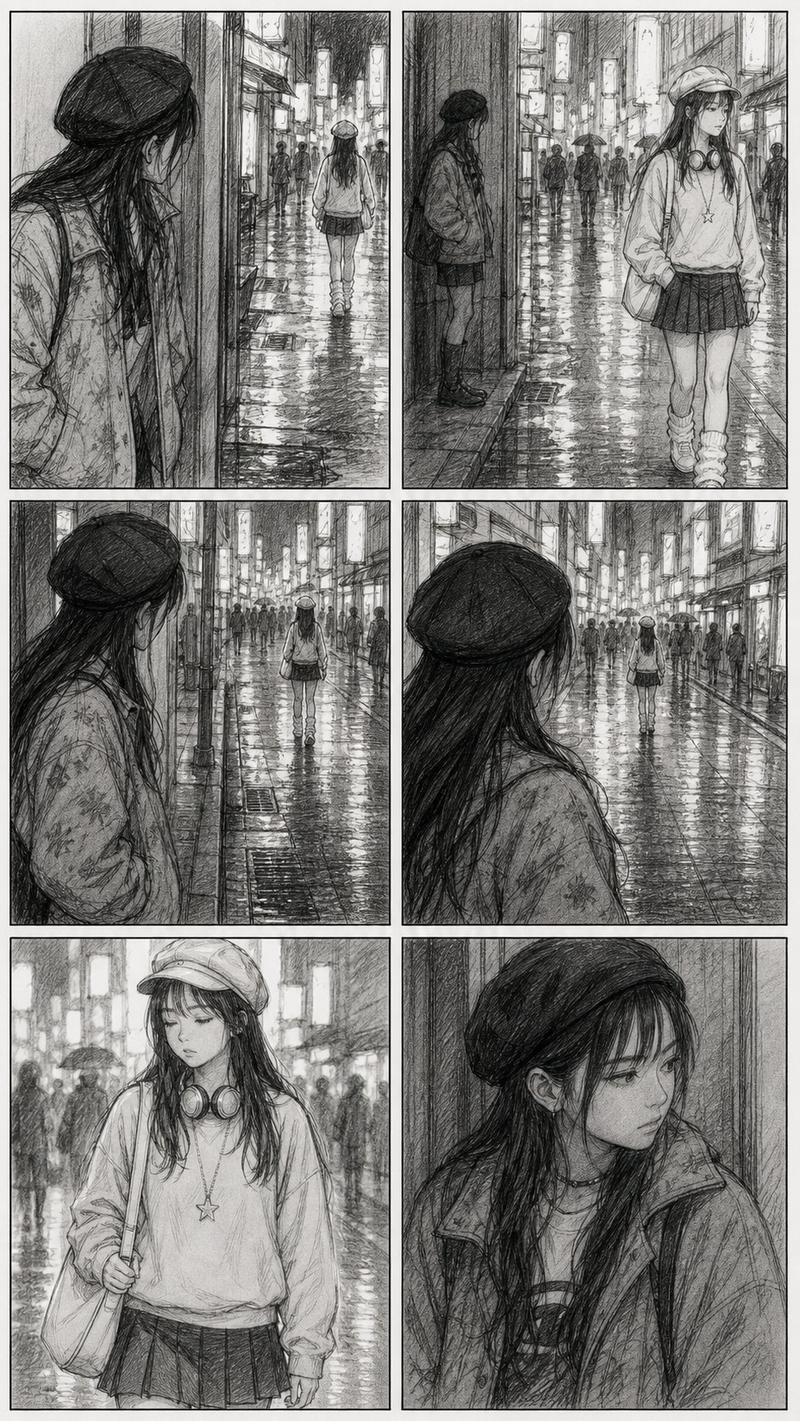
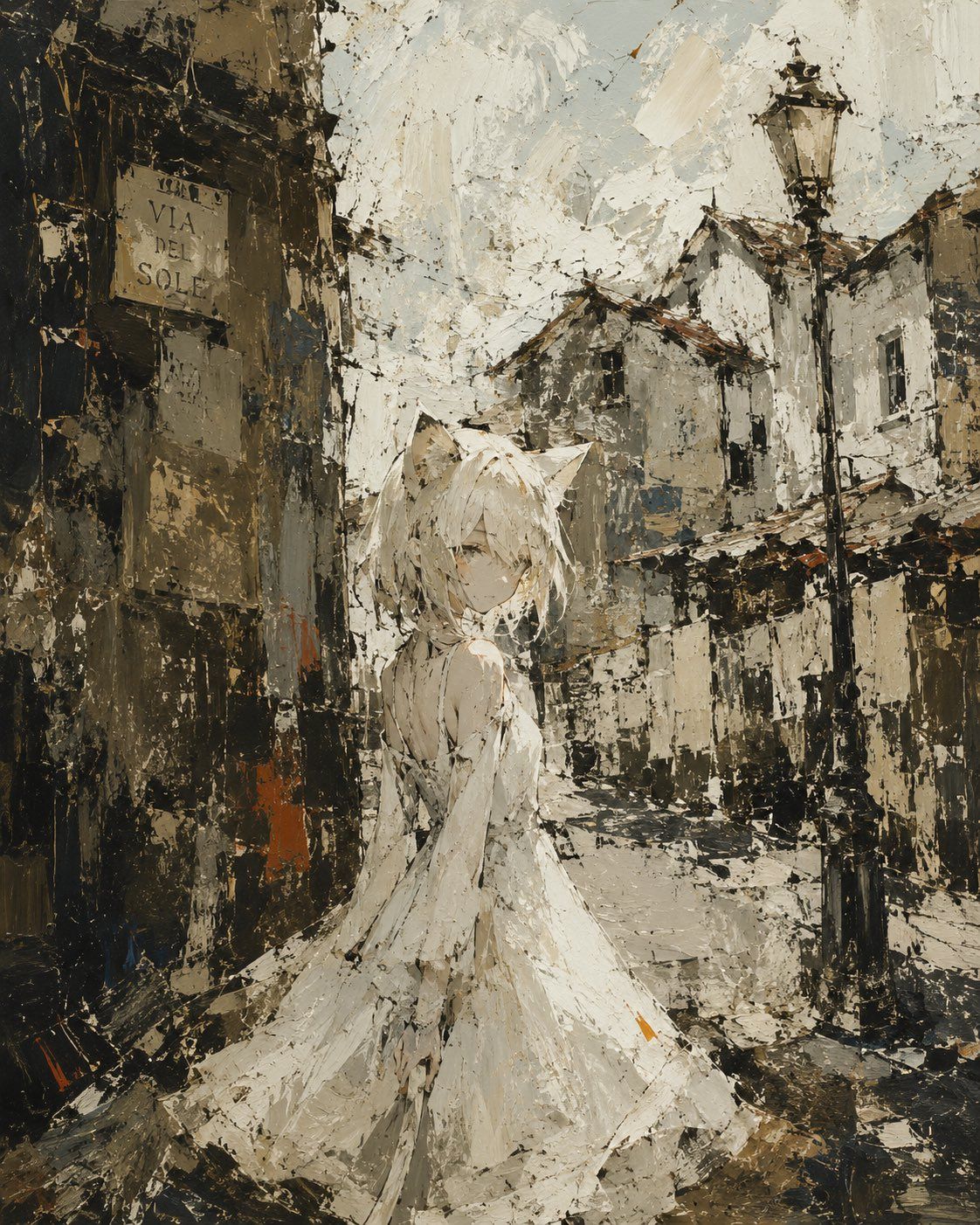
粗犷油画风格插画
Enlarge

粗犷油画风格插画

Prompt
我想要一张 {argument name="style" default="手绘风格"} 的插画,主体是 {argument name="subject" default="一位在老街拐角处穿着白裙的猫耳少女"},画面要极其粗犷,甚至可以被解读为一幅抽象画。你能生成一张风格类似 Midjourney 的、具有油画质感的锐利数字插画吗?
Category
Characters & People
Model
GPT Image 2
Views3
Source ID
25192
Published
Jun 11, 2026

Guide

About "粗犷油画风格插画"

What is this prompt for?

"粗犷油画风格插画" AI image prompt for GPT Image 2 (Characters & People). 这是一个旨在模拟数字油画厚重、粗犷笔触的提示词,风格类似于 Midjourney。它能为角色驱动的场景营造出一种既抽象又富有感染力的氛围。 Copy it on Picva and re…

The full copyable prompt and example visuals above are ready for AI image generation or one-click recreate in Picva.

How to use this prompt

  1. Step 1

    Open the prompt detail

    Review the example visuals, category, and full prompt text for "粗犷油画风格插画".

  2. Step 2

    Copy the prompt

    Copy the prompt body from this page, or load it directly in Studio.

  3. Step 3

    Pick a model (GPT Image 2)

    Prefer GPT Image 2. If you switch models, keep subject and composition and tweak style terms.

  4. Step 4

    Generate and export

    Recreate the look in Picva, or export into your workflow for editing and publishing.

FAQ

What is the "粗犷油画风格插画" prompt?
It is an AI image-generation prompt for GPT Image 2 in the Characters & People category. This page includes the full prompt text, example visuals, and a one-click recreate path in Picva.
How do I use this prompt to generate an image?
Copy the prompt from this page, or use Generate / Studio. Paste it into a compatible image model, or recreate the look in Picva with optional reference images.
Which model is this prompt for?
This page lists GPT Image 2. Most descriptive prompts also transfer to nearby image models such as GPT Image, Flux, or Midjourney with light style tweaks.
Can I use the result commercially?
You can usually copy the prompt for creation, but commercial use of the final image depends on the model terms, reference-image rights, and the generated content. Follow the source author and platform rules.