19

建筑空间场景图
Enlarge

建筑空间场景图

Prompt
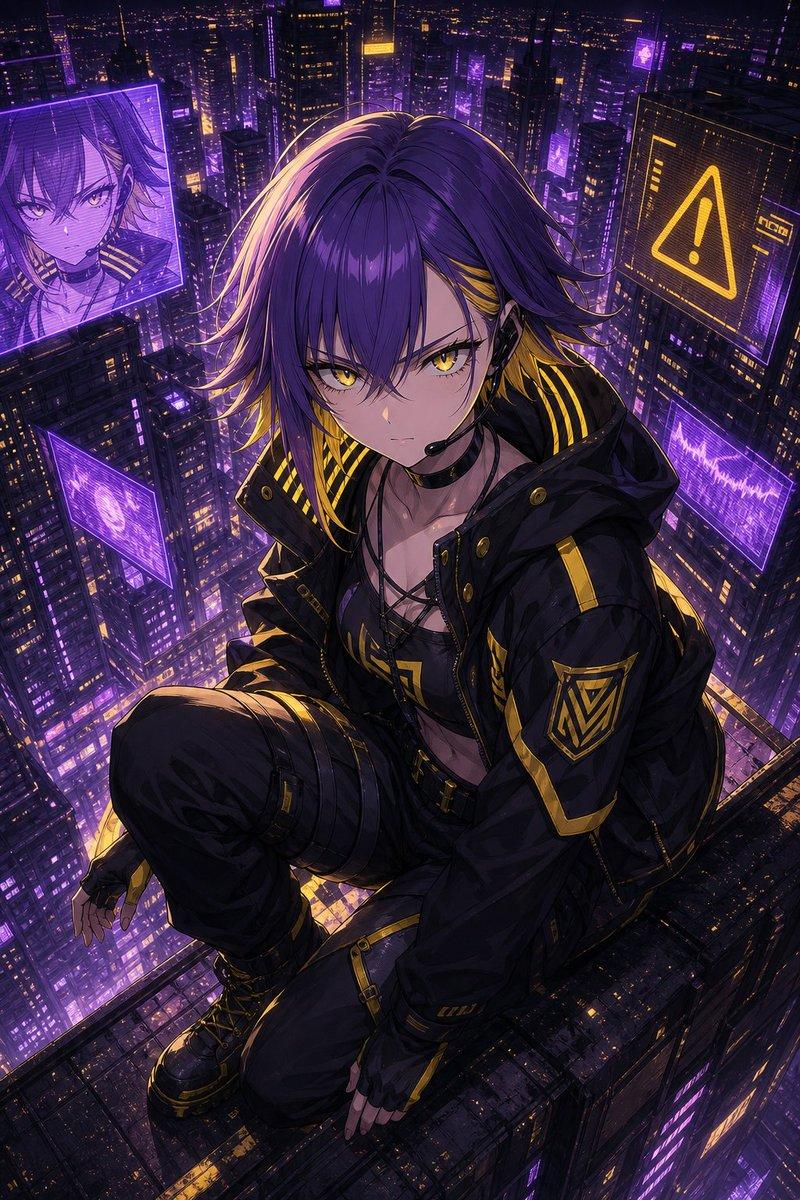
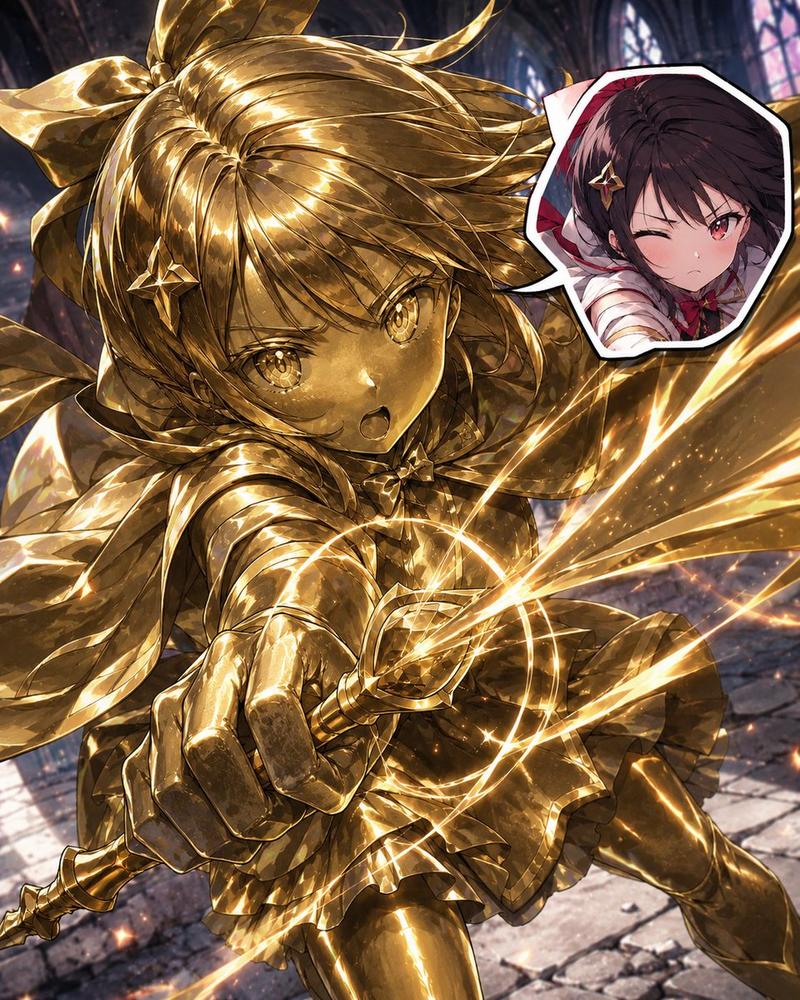
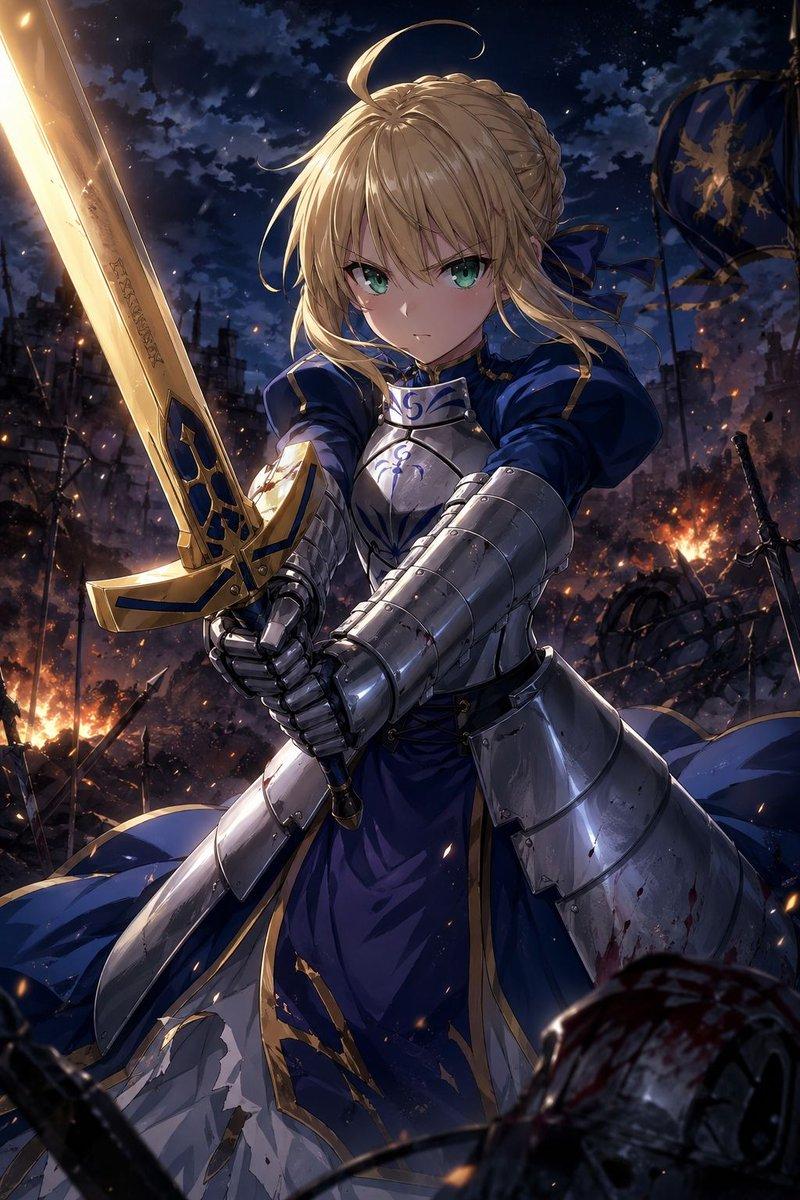
A dynamic anime illustration of a girl with spiky {argument name="hair color" default="blonde"} hair tied in a high ponytail with a black bow, striking teal eyes, and a {argument name="outfit style" default="dark purple and black magical uniform with gold trim and diamond gems"}. She is in an intense crouching superhero landing pose, one hand pressed to the ground and the other raised, casting {argument name="magic color" default="glowing purple"} magic circles. She is shattering through a glass barrier, with sharp, jagged glass shards flying outward toward the viewer. Through the broken frame behind her, a {argument name="background scene" default="stylized silhouette of a gothic city with tall spires against a vibrant purple and orange sunset sky"} is visible. The artwork features {argument name="art style" default="sharp angles, high contrast cel-shading, and vibrant colors"}.
Category
Illustration & Art
Model
GPT Image 2
Views4
Source ID
120

Guide

About "建筑空间场景图"

What is this prompt for?

"建筑空间场景图" AI image prompt for GPT Image 2 (Illustration & Art). A dynamic anime illustration of a girl with spiky {argument name="hair color" default="blonde"}…

The full copyable prompt and example visuals above are ready for AI image generation or one-click recreate in Picva.

How to use this prompt

  1. Step 1

    Open the prompt detail

    Review the example visuals, category, and full prompt text for "建筑空间场景图".

  2. Step 2

    Copy the prompt

    Copy the prompt body from this page, or load it directly in Studio.

  3. Step 3

    Pick a model (GPT Image 2)

    Prefer GPT Image 2. If you switch models, keep subject and composition and tweak style terms.

  4. Step 4

    Generate and export

    Recreate the look in Picva, or export into your workflow for editing and publishing.

FAQ

What is the "建筑空间场景图" prompt?
It is an AI image-generation prompt for GPT Image 2 in the Illustration & Art category. This page includes the full prompt text, example visuals, and a one-click recreate path in Picva.
How do I use this prompt to generate an image?
Copy the prompt from this page, or use Generate / Studio. Paste it into a compatible image model, or recreate the look in Picva with optional reference images.
Which model is this prompt for?
This page lists GPT Image 2. Most descriptive prompts also transfer to nearby image models such as GPT Image, Flux, or Midjourney with light style tweaks.
Can I use the result commercially?
You can usually copy the prompt for creation, but commercial use of the final image depends on the model terms, reference-image rights, and the generated content. Follow the source author and platform rules.