20

游戏启动画面插图
Enlarge

游戏启动画面插图

Prompt
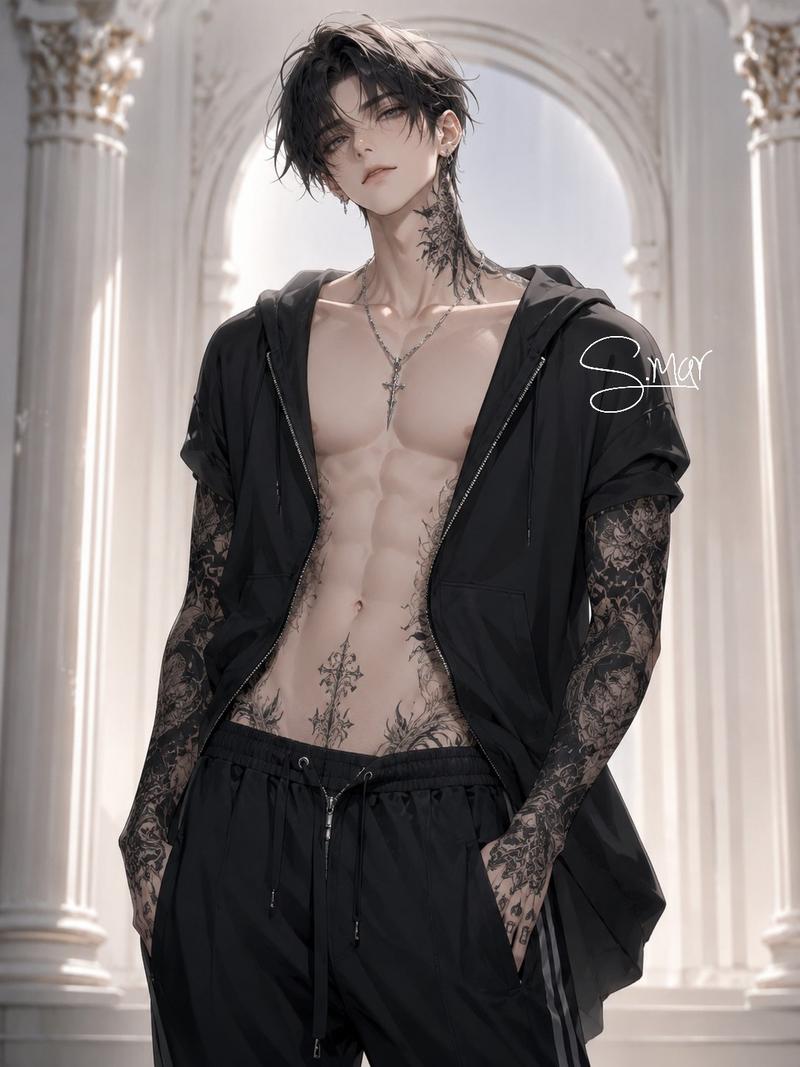
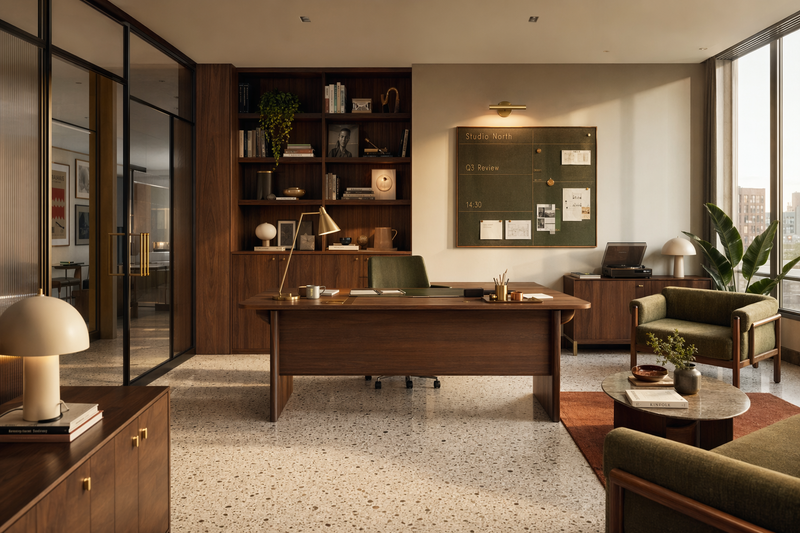
Create an illustration game splash screen featuring the {argument name="character" default="character attached"} sprinting on the rooftop of a building in the {argument name="setting" default="district"}, in the background we can see the whole city with bright signage and billboards. Refer to the background image generated above. The {argument name="pet" default="little wolf pet"} run along her. Dynamic camera angle. Similar vibe with splash screen in honor of kings or league of legends. Cinematic. Clean shading similar to the character image attached.
Category
Architecture & Spaces
Model
GPT Image 2
Creator
SujiPop
Views4
Source ID
15890
Published
Apr 25, 2026

Guide

About "游戏启动画面插图"

What is this prompt for?

"游戏启动画面插图" AI image prompt for GPT Image 2 (Architecture & Spaces). 一个用于生成动态游戏启动画面的提示词,画面展示了一个角色和一只宠物在霓虹闪烁的城市中奔跑,风格类似于热门 MOBA 游戏的美术设计。 Copy it on Picva and rec…

The full copyable prompt and example visuals above are ready for AI image generation or one-click recreate in Picva.

How to use this prompt

  1. Step 1

    Open the prompt detail

    Review the example visuals, category, and full prompt text for "游戏启动画面插图".

  2. Step 2

    Copy the prompt

    Copy the prompt body from this page, or load it directly in Studio.

  3. Step 3

    Pick a model (GPT Image 2)

    Prefer GPT Image 2. If you switch models, keep subject and composition and tweak style terms.

  4. Step 4

    Generate and export

    Recreate the look in Picva, or export into your workflow for editing and publishing.

FAQ

What is the "游戏启动画面插图" prompt?
It is an AI image-generation prompt for GPT Image 2 in the Architecture & Spaces category. This page includes the full prompt text, example visuals, and a one-click recreate path in Picva.
How do I use this prompt to generate an image?
Copy the prompt from this page, or use Generate / Studio. Paste it into a compatible image model, or recreate the look in Picva with optional reference images.
Which model is this prompt for?
This page lists GPT Image 2. Most descriptive prompts also transfer to nearby image models such as GPT Image, Flux, or Midjourney with light style tweaks.
Can I use the result commercially?
You can usually copy the prompt for creation, but commercial use of the final image depends on the model terms, reference-image rights, and the generated content. Follow the source author and platform rules.