17

插画艺术风格创作
Enlarge

插画艺术风格创作

Prompt
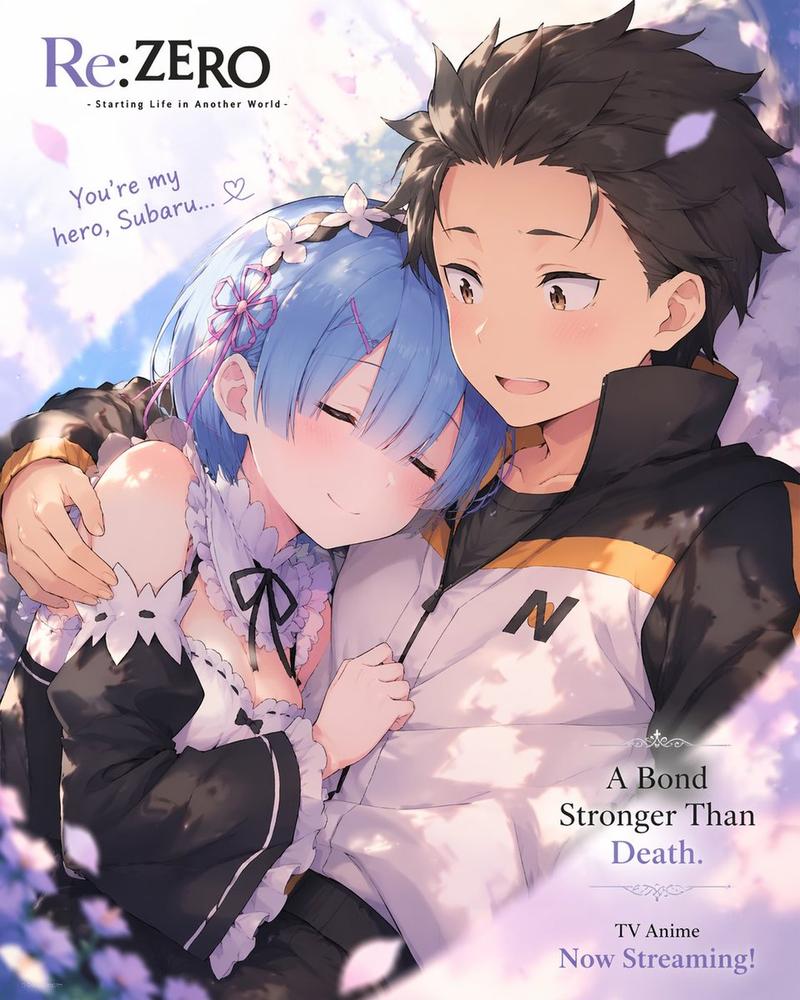
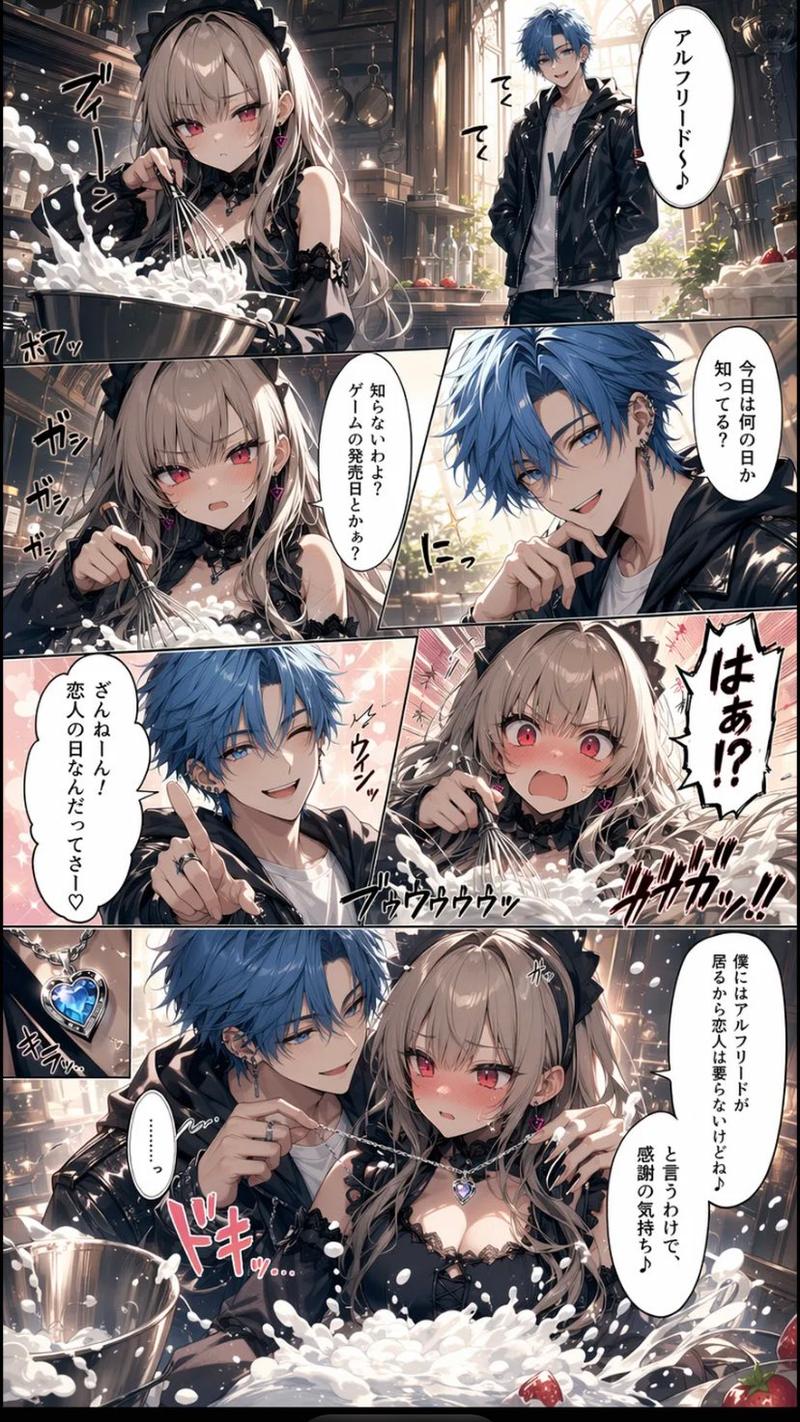
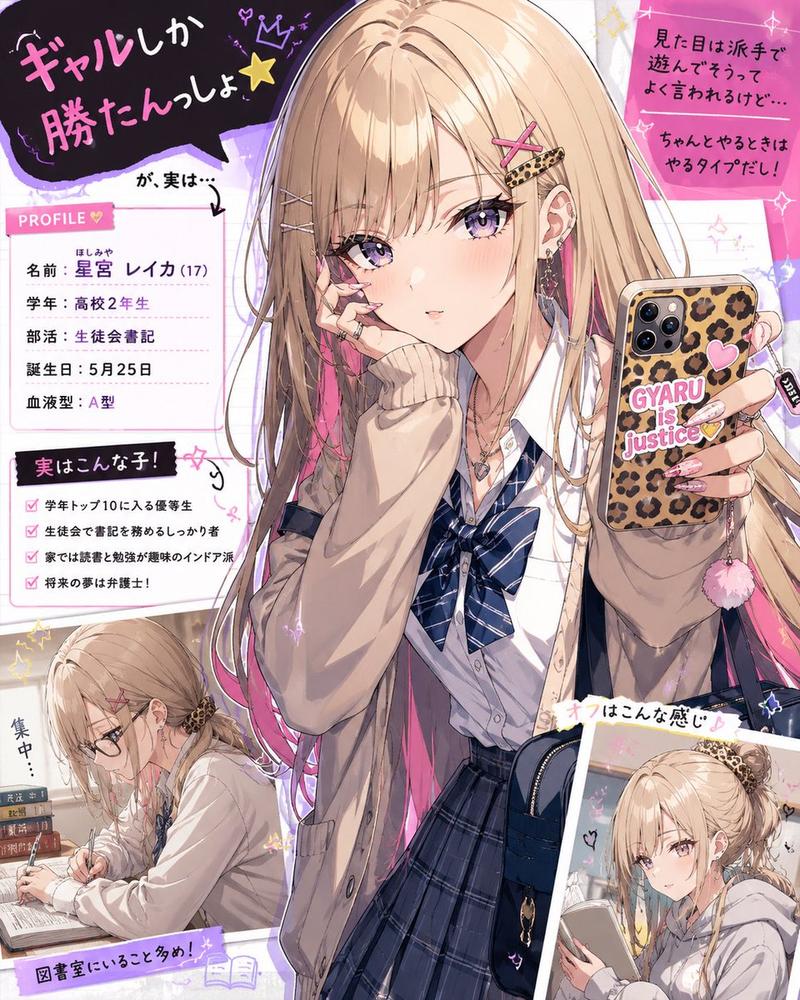
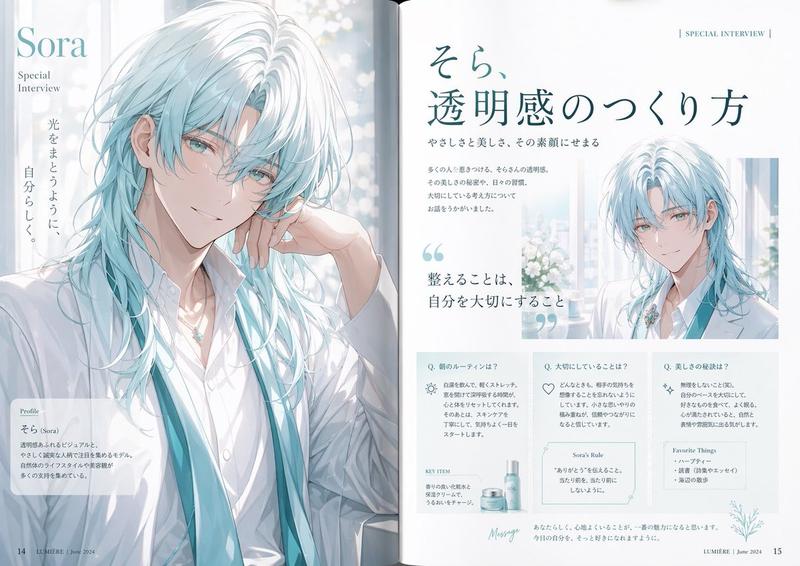
An anime-style light novel cover illustration featuring two characters in an intimate pose. On the left, a young woman with short dark hair, purple eyes, wearing a white hat, a frilly white dress with a pink bow tie, white gloves, and two white flower hairpins. She has an affectionate, teasing smile and is gently touching the chin of the man next to her. On the right, an adult man with {argument name="man's hair color" default="red"} hair parted in the middle, purple eyes, and a light goatee. He is wearing a black button-down shirt and has a slightly annoyed, reluctant expression with a sweat drop on his cheek. The scene features soft, romantic lighting with out-of-focus purple flower petals in the foreground corners. The image includes several Japanese text elements: a large stylized main title at the bottom reading {argument name="main title" default="ちかつば"}, a subtitle below it reading {argument name="subtitle" default="ーその溺愛、独占欲の裏返し。ー"}, vertical text on the top left reading {argument name="left quote" default="可愛いだけじゃ、許さない。"}, and vertical text on the top right reading {argument name="right quote" default="その不機嫌、俺だけに向けろよ。"}.
Category
Posters & Typography
Model
GPT Image 2
Views0
Source ID
126

Guide

About "插画艺术风格创作"

What is this prompt for?

"插画艺术风格创作" AI image prompt for GPT Image 2 (Posters & Typography). An anime-style light novel cover illustration featuring two characters in an intimate pose.…

The full copyable prompt and example visuals above are ready for AI image generation or one-click recreate in Picva.

How to use this prompt

  1. Step 1

    Open the prompt detail

    Review the example visuals, category, and full prompt text for "插画艺术风格创作".

  2. Step 2

    Copy the prompt

    Copy the prompt body from this page, or load it directly in Studio.

  3. Step 3

    Pick a model (GPT Image 2)

    Prefer GPT Image 2. If you switch models, keep subject and composition and tweak style terms.

  4. Step 4

    Generate and export

    Recreate the look in Picva, or export into your workflow for editing and publishing.

FAQ

What is the "插画艺术风格创作" prompt?
It is an AI image-generation prompt for GPT Image 2 in the Posters & Typography category. This page includes the full prompt text, example visuals, and a one-click recreate path in Picva.
How do I use this prompt to generate an image?
Copy the prompt from this page, or use Generate / Studio. Paste it into a compatible image model, or recreate the look in Picva with optional reference images.
Which model is this prompt for?
This page lists GPT Image 2. Most descriptive prompts also transfer to nearby image models such as GPT Image, Flux, or Midjourney with light style tweaks.
Can I use the result commercially?
You can usually copy the prompt for creation, but commercial use of the final image depends on the model terms, reference-image rights, and the generated content. Follow the source author and platform rules.