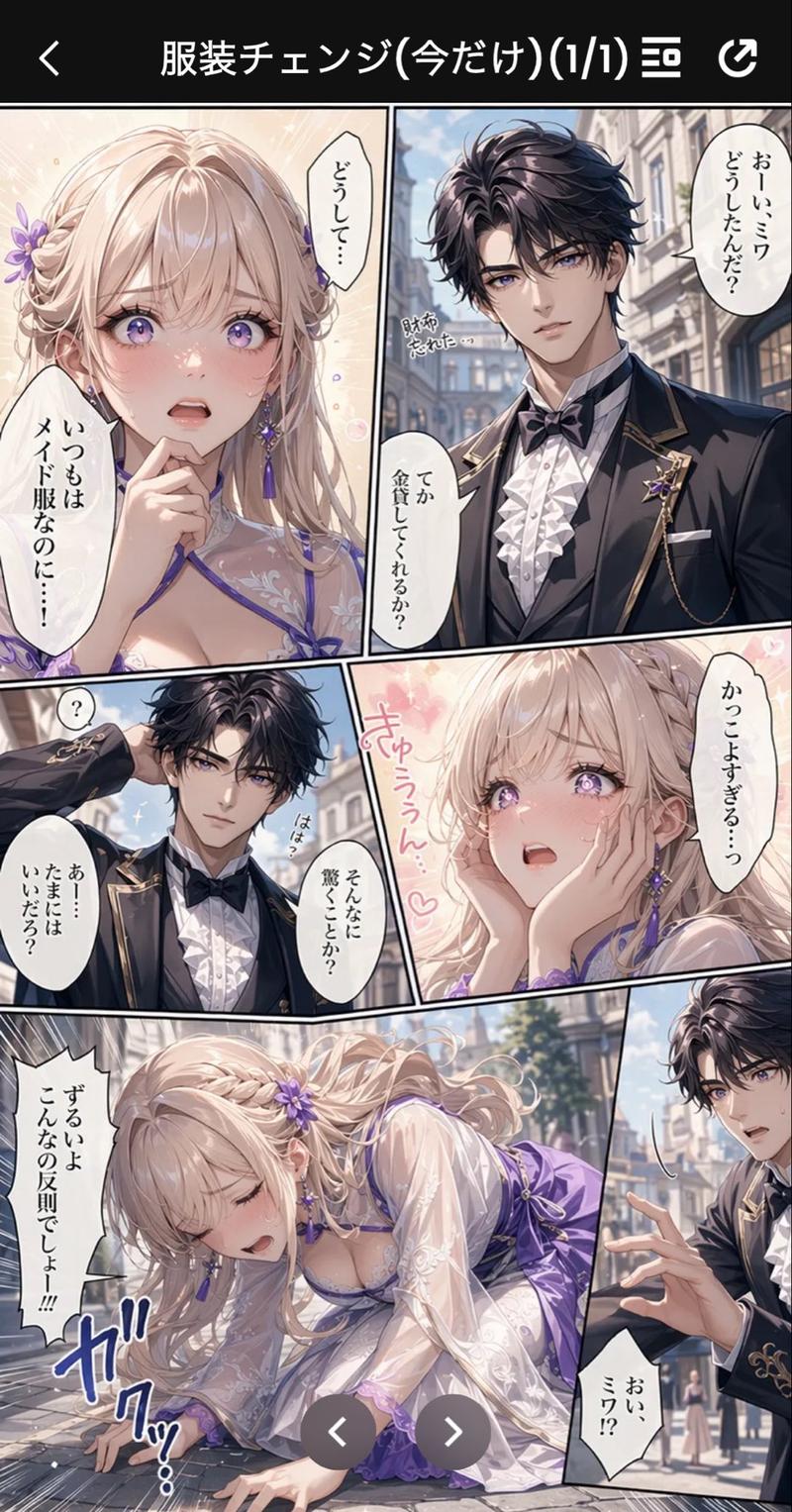
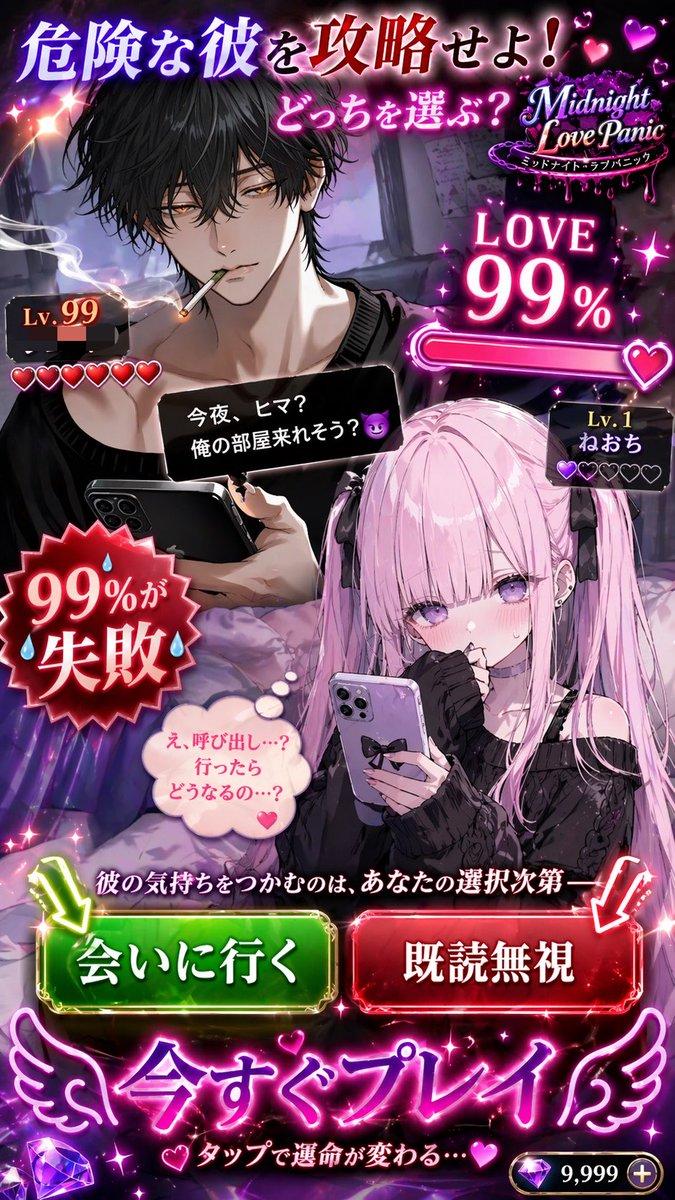
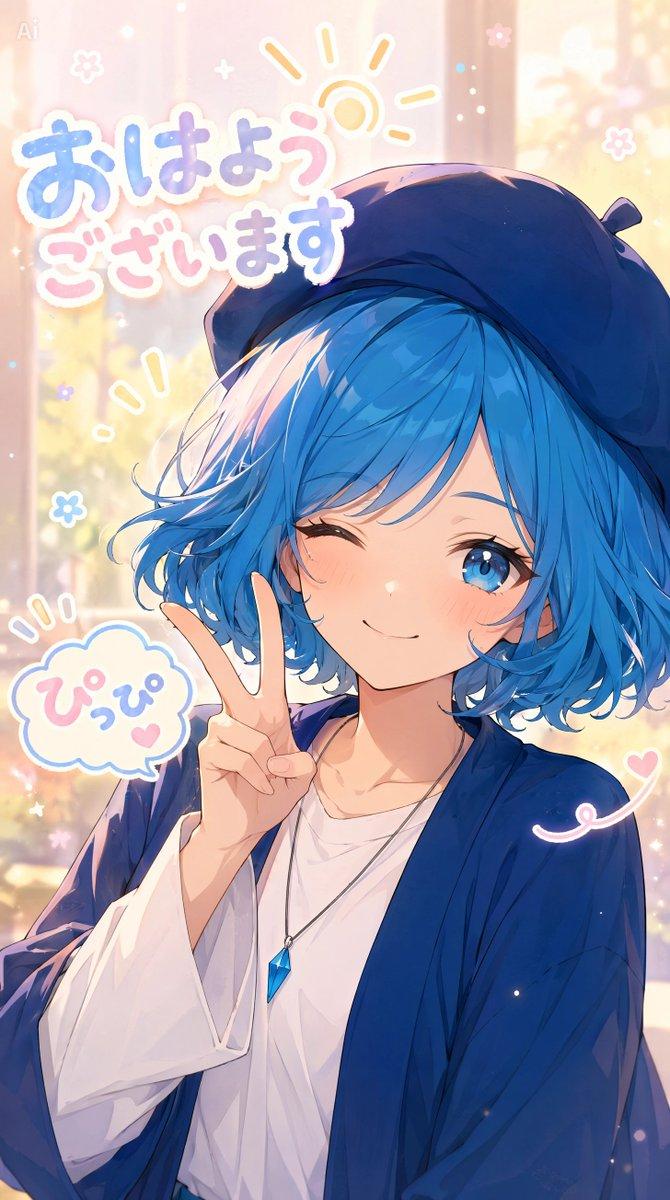
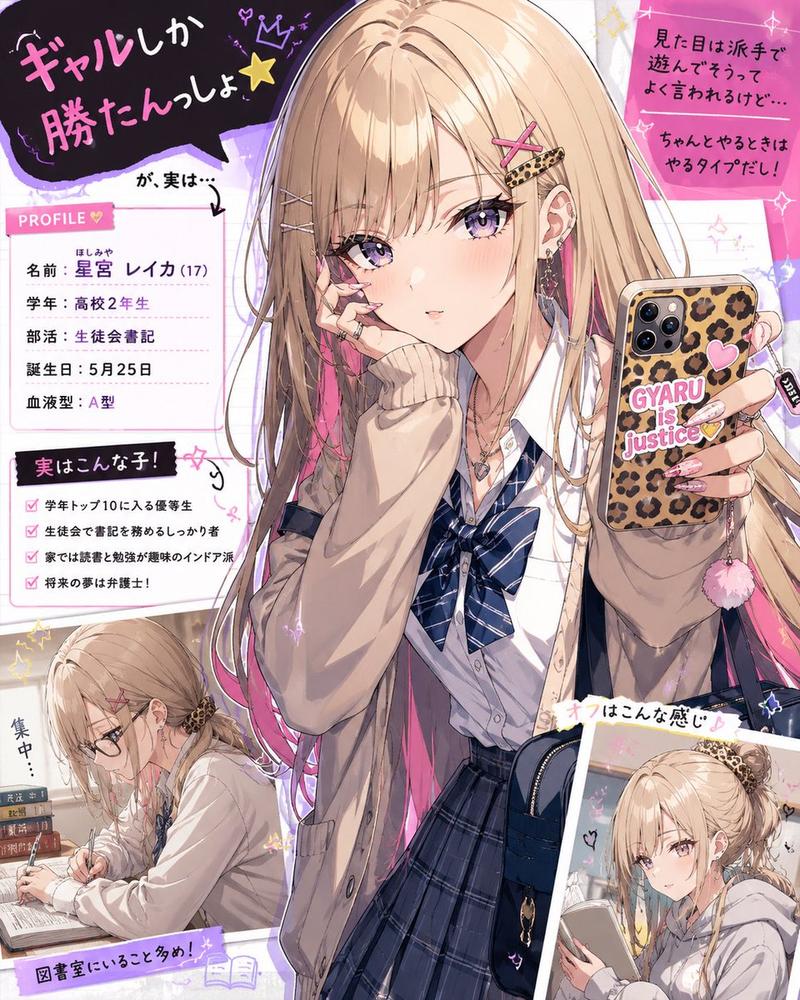
浪漫漫画厨房吊坠场景
Prompt
Goal: Create a vertical Japanese romance manga page in glossy AI-anime style about a goth-lolita girl making whipped cream in a luxurious kitchen while her blue-haired boyfriend reminds her it is Lovers' Day and gives her a heart pendant.

Canvas: Tall smartphone manga page, 9:16 aspect ratio, full-bleed art with thin black panel gutters. Use high-detail lighting, cinematic depth, ornate European kitchen background with copper pots, shelves, tall arched sunlit windows, strawberries, metal mixing bowls, and splashes of white whipped cream.

Characters: Female lead is {argument name="female character name" default="a pale goth-lolita girl"}: long ash-blonde hair, black frilled maid/lolita headband, red-pink eyes, black lace choker, black off-shoulder frilly dress, small pink heart earrings, expressive blush. Male lead is {argument name="male character name" default="Alfreed"}: messy vivid blue hair, cool boyfriend vibe, white T-shirt, black leather jacket, dark pants, wearing or holding a silver necklace with a blue heart pendant. Keep faces attractive anime style.

Layout: Use exactly 7 distinct comic panels. Panel 1 is a wide top panel showing the girl vigorously whisking whipped cream in a metal bowl on the left while the boyfriend stands in the sunlit kitchen on the right. Panel 2 is a left middle panel close-up of the girl whisking with intense focus. Panel 3 is a right middle close-up of the boyfriend speaking with his hand near his mouth. Panel 4 is a lower-left romantic close-up of the boyfriend pointing upward with sparkling pink background. Panel 5 is a lower-right close-up of the shocked girl with wide red eyes, flushed cheeks, open mouth, and whipped cream splashing. Panel 6 is a small bottom-left inset showing a blue heart pendant necklace sparkling in close-up. Panel 7 is a large bottom panel showing the boyfriend standing close behind the girl and putting the blue heart pendant necklace around her neck while she blushes shyly in front of the whipped cream bowl.

Text content: Include exactly 7 speech bubbles with Japanese text: 1) top panel, boyfriend bubble: {argument name="calling text" default="アルフリード〜♪"}; 2) middle-right panel: {argument name="question text" default="今日は何の日か知ってる?"}; 3) middle-left panel, girl bubble: "知らないわよ?ゲームの発売日とかぁ?"; 4) lower-left panel, boyfriend bubble: {argument name="lovers day line" default="ざんねーん!恋人の日なんだってさー♡"}; 5) lower-right panel, large jagged reaction bubble: "はぁ!?"; 6) bottom panel, boyfriend bubble: "僕にはアルフリードが居るから恋人は要らないけどね♪と言うわけで、感謝の気持ち♪"; 7) bottom-left/bottom panel small bubble: "………".

Sound effects: Add energetic Japanese manga SFX around the action: whisking sounds near the bowl such as "ブィーン", "ポワッ", "ガシガシガシ", cream splash sounds like "ブゥウウウッ" and "ブッガッ!!", sparkle around the pendant "キラッ", heartbeat text near the bottom "ドキッ…". Use hand-drawn black or pink manga lettering integrated into the panels.

Visual style: Highly polished modern Japanese web manga, dramatic lighting, sharp linework, saturated eyes, soft bloom, reflective metal, detailed whipped cream foam and splashes. Romantic comedy tone with exaggerated expressions and sparkly shoujo effects. Preserve clean panel readability despite dynamic action.

Constraints: Do not add extra panels, extra characters, watermarks, logos, or English dialogue. Keep the necklace pendant visibly blue and heart-shaped. Keep the kitchen background consistent across panels.- Category
- Posters & Typography
- Model
- GPT Image 2
- Creator
- レティシア・ノエル
- Source ID
- 25422
- Published
- Jun 12, 2026
Views1