18

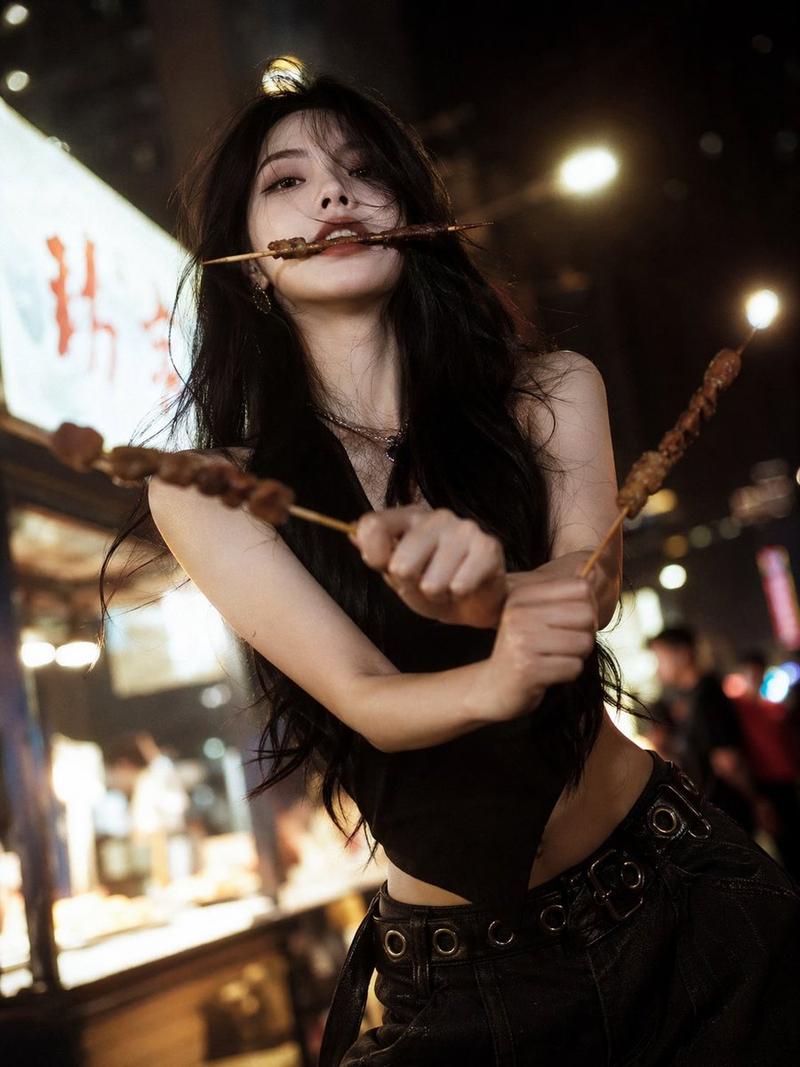
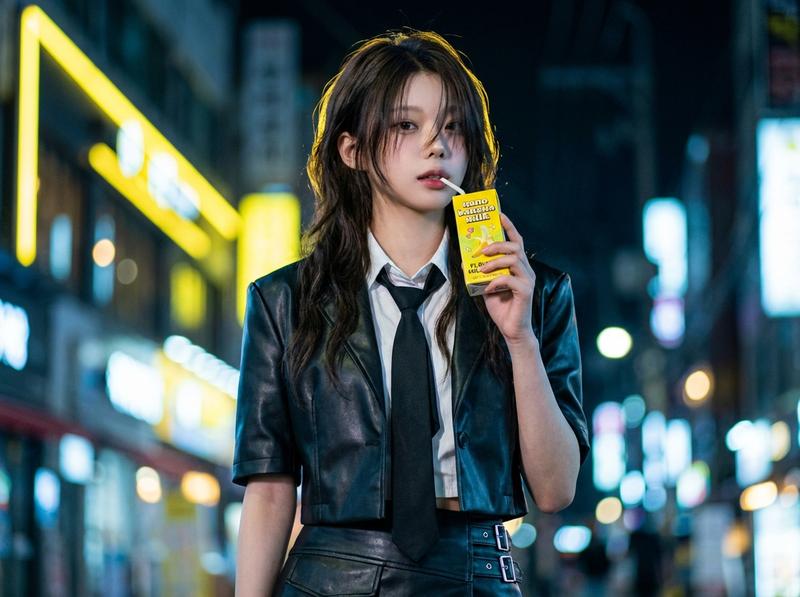
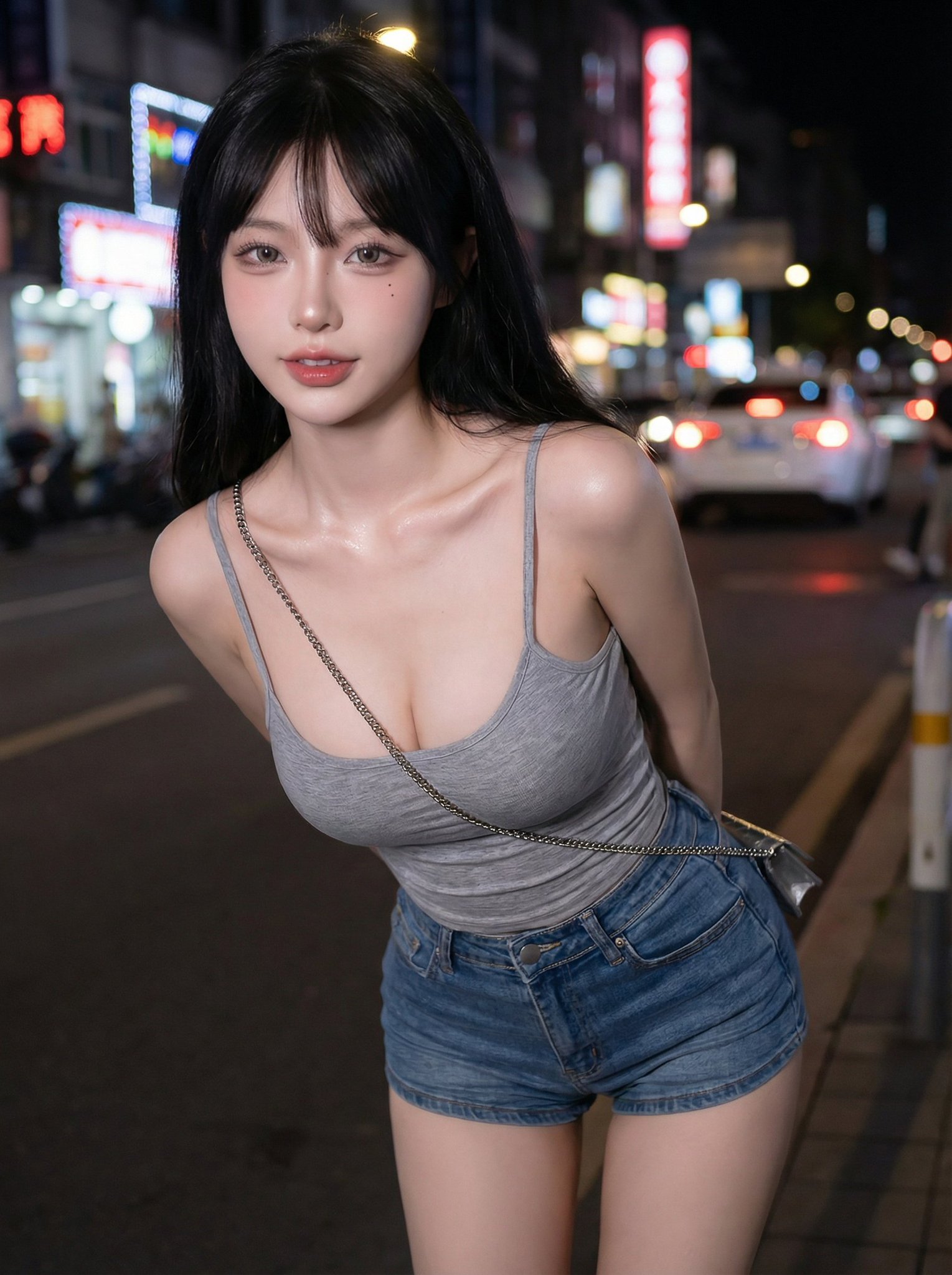
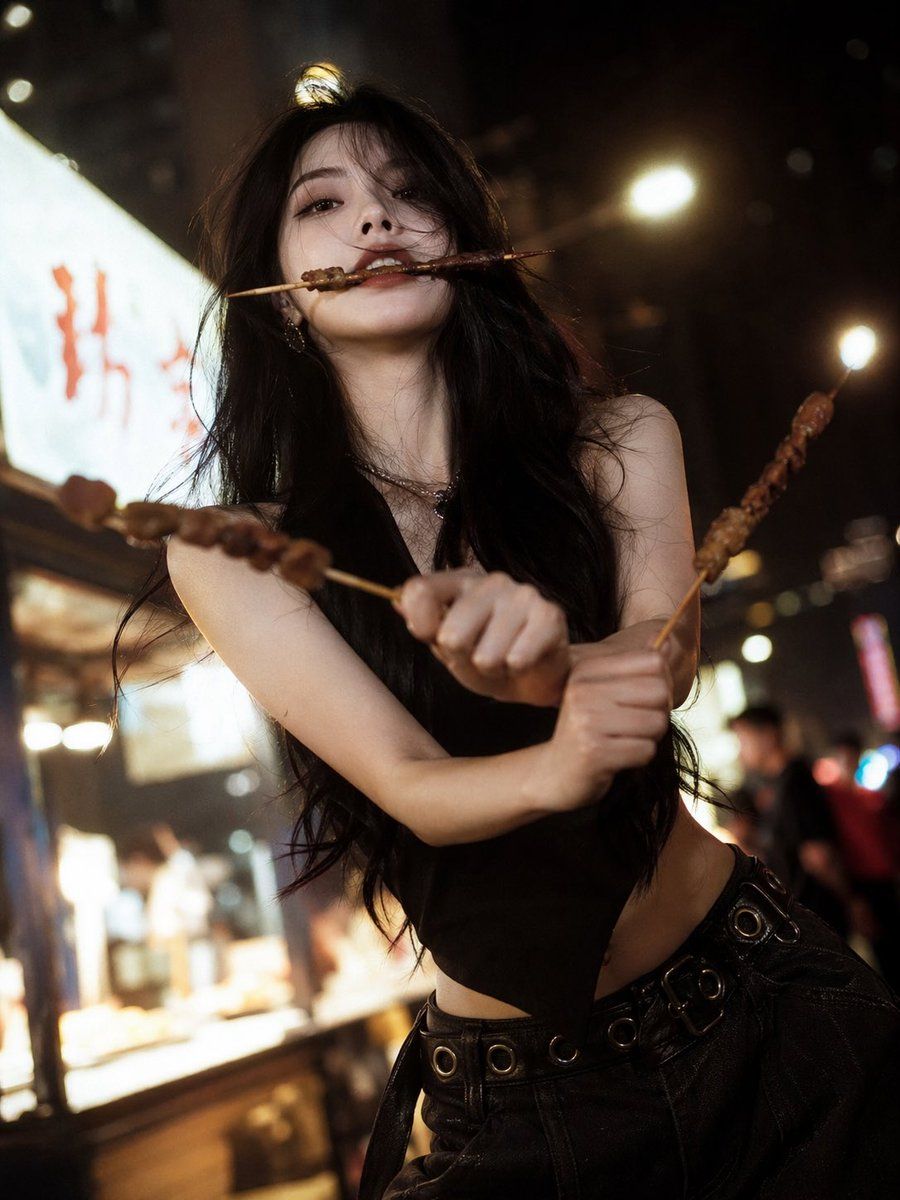
清冷佳人夜市烧烤三刀流
Enlarge

清冷佳人夜市烧烤三刀流

Prompt
[中文]
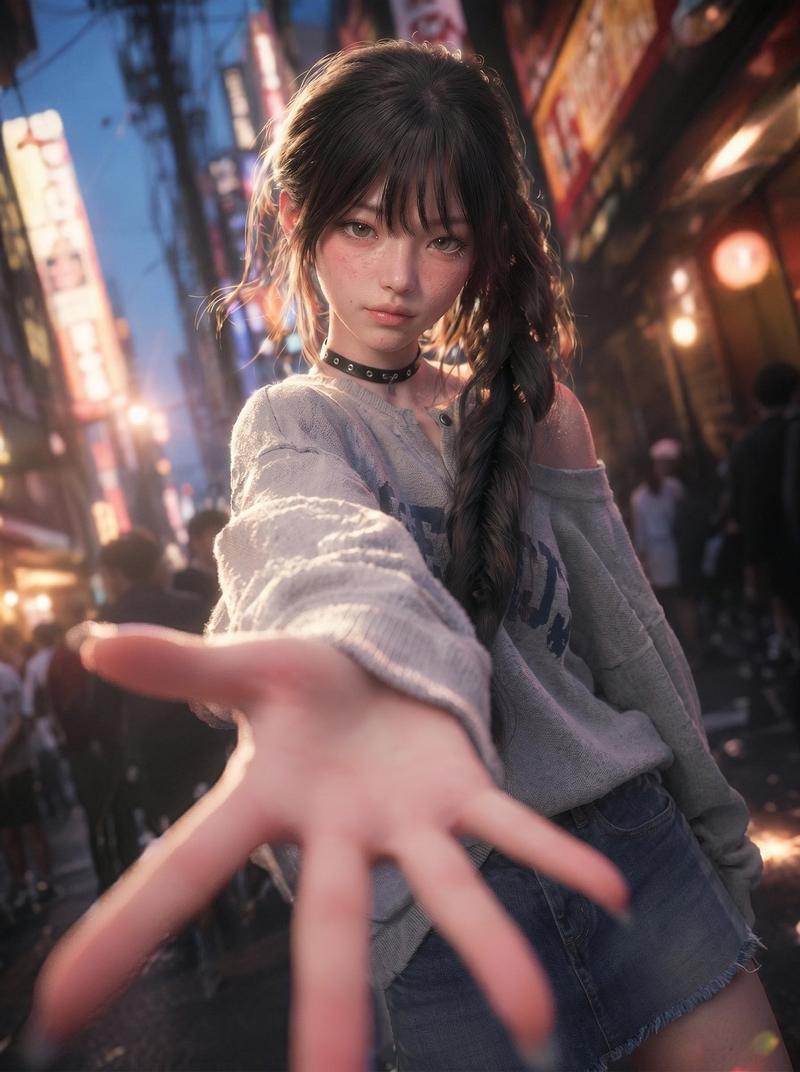
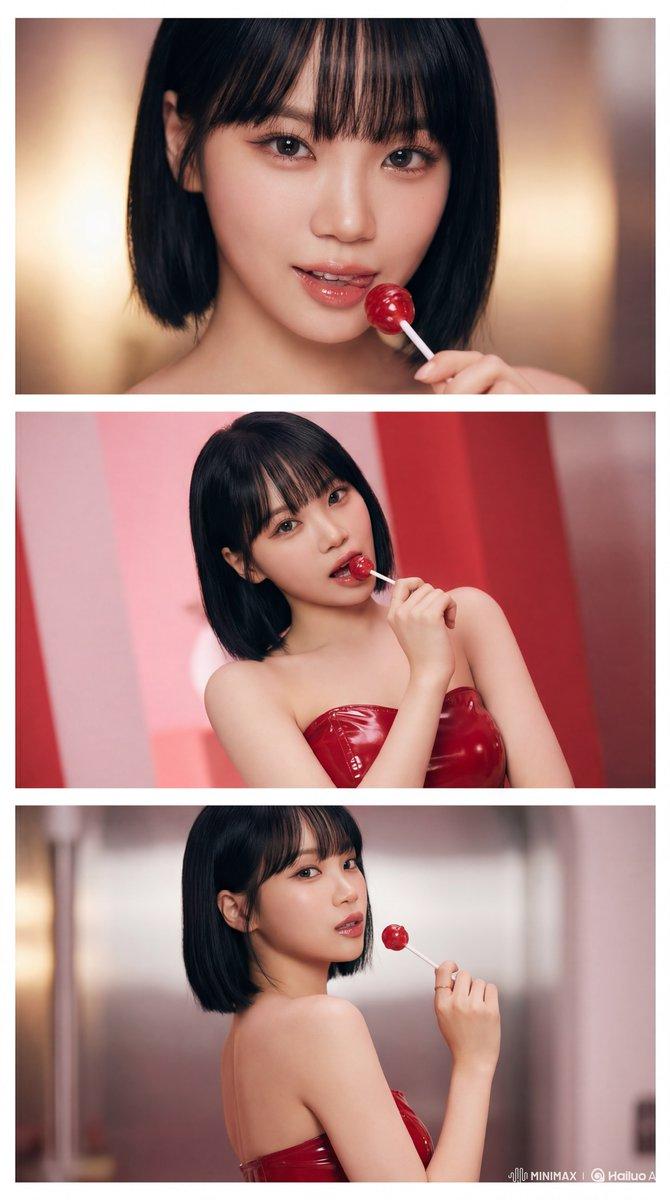
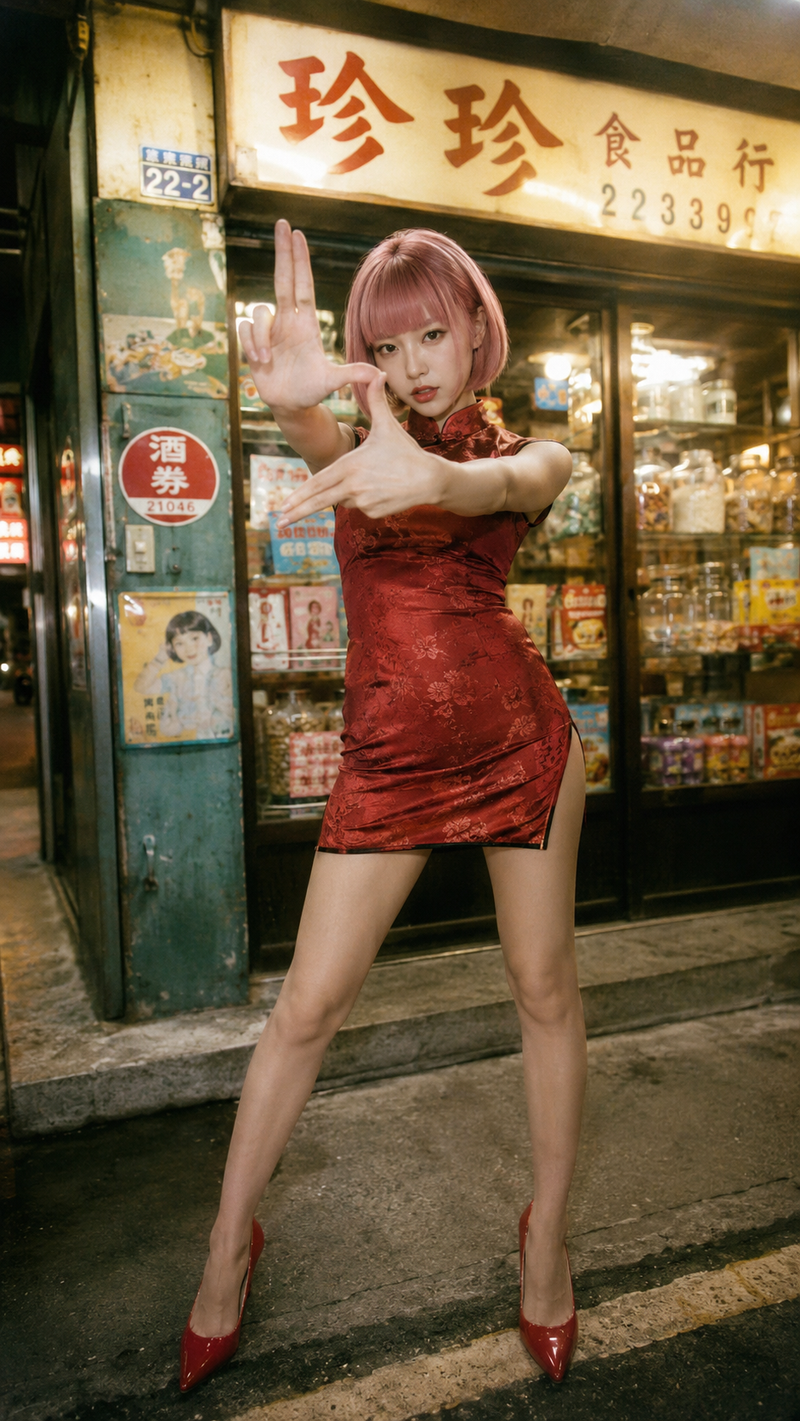
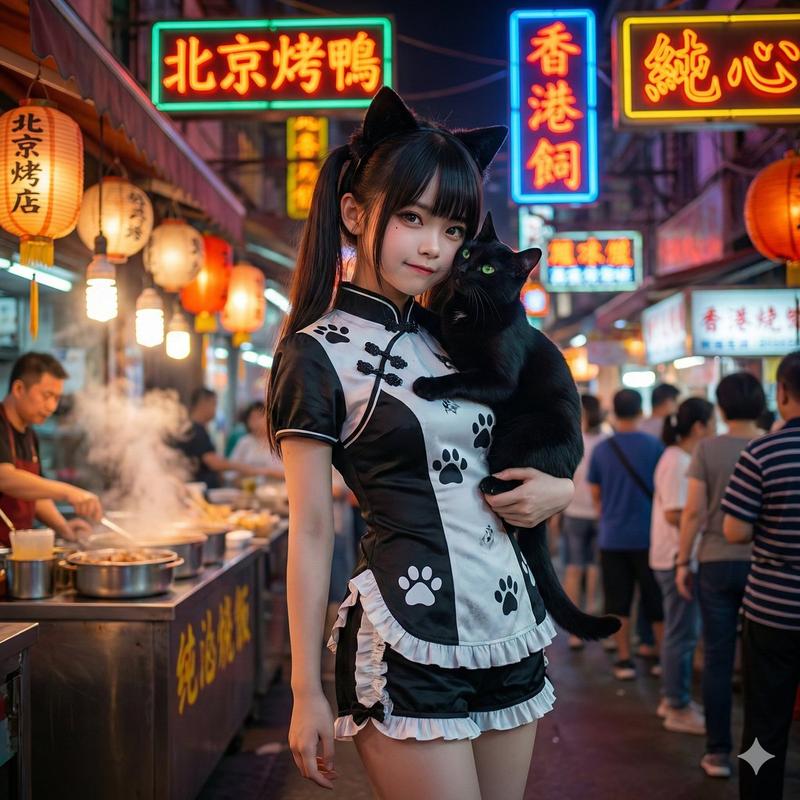
一个有着清冷孤傲气质的绝美佳人,精致的面部特征,一张冷酷且精致的高级时装面容,长发,以及优雅苗条的身材;烧烤“三刀流”姿势:嘴里叼着一根烧烤串,每只手各拿一根烧烤串交叉以模仿索隆的三刀流;街头夜景氛围,温暖黄色的夜市灯光,模糊的背景,胶片般的质感,柔焦光晕,电影般的叙事感,时髦高端网红风格的时尚拍摄,清晰发光的肌肤,清晰细致的发丝,生动的动态表情,低角度广角镜头,情绪化的暗调氛围,浅景深,超高清8K,极致细节,电影级光照

[English]
a stunning beauty with a cool, aloof atmosphere, delicate facial features, a cold and sophisticated high-fashion face, long hair, and a graceful slender figure; barbecue “three-sword style” pose: one barbecue skewer held in her mouth, one skewer in each hand crossed to mimic Zoro’s three-sword style; street night scene ambiance, warm yellow night market lighting, blurred background, film-like texture, soft-focus glow, cinematic storytelling feel, trendy high-end influencer-style fashion shoot, clear luminous skin, sharply detailed strands of hair, lively dynamic expression, low-angle wide-angle shot, moody dark-toned atmosphere, shallow depth of field, ultra HD 8K, extreme detail, cinematic lighting
Category
Photography & Realism
Model
GPT Image 2
Views7
Source ID
165

Guide

About "清冷佳人夜市烧烤三刀流"

What is this prompt for?

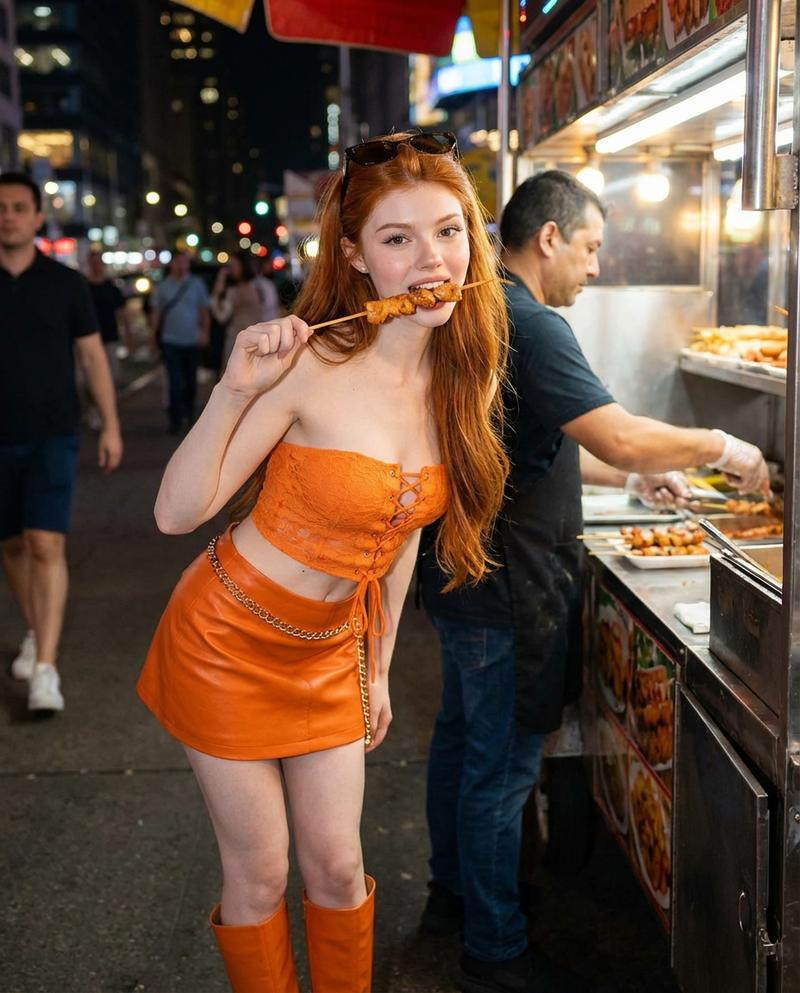
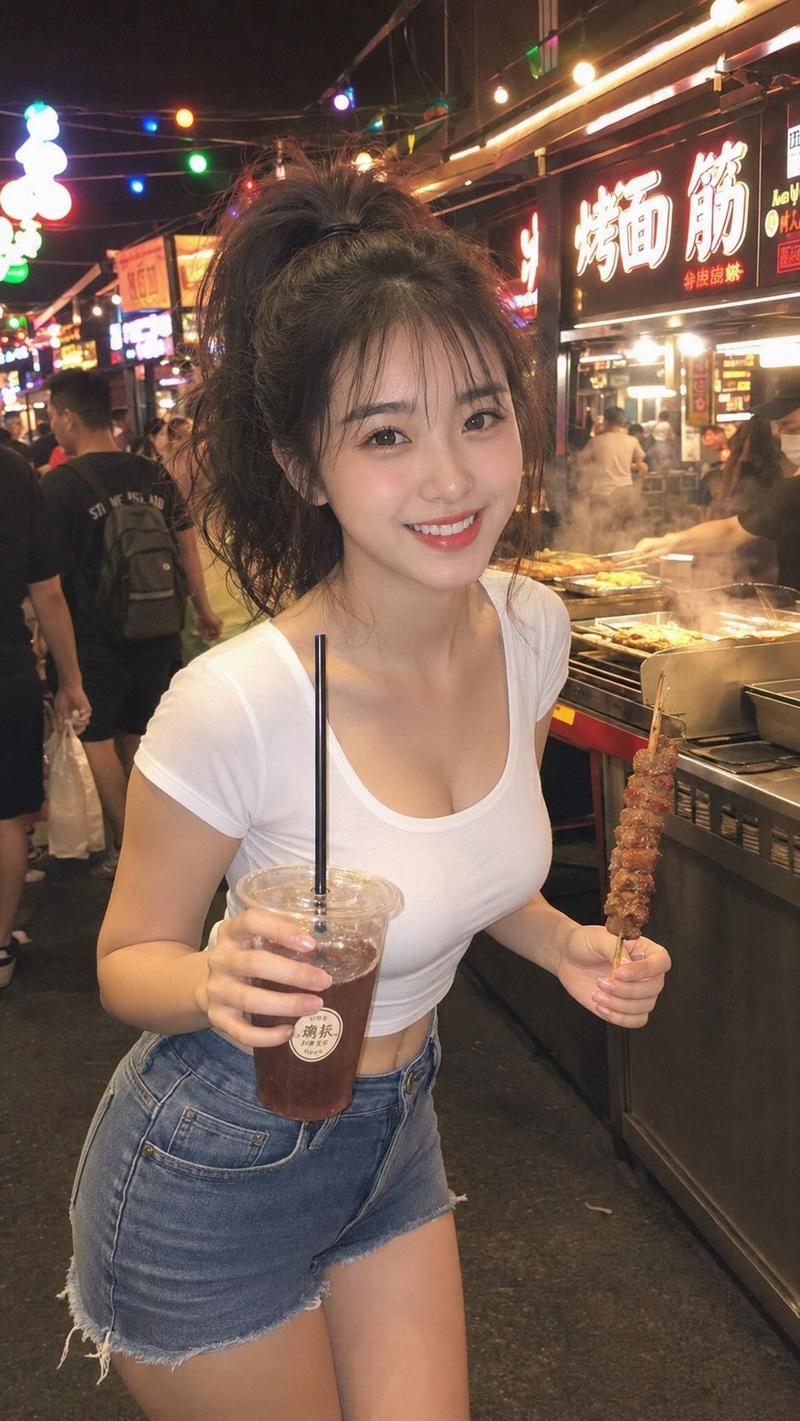
"清冷佳人夜市烧烤三刀流" AI image prompt for GPT Image 2 (Photography & Realism). [中文] 一个有着清冷孤傲气质的绝美佳人,精致的面部特征,一张冷酷且精致的高级时装面容,长发,以及优雅苗条的身材;烧烤“三刀流”姿势:嘴里叼着一根烧烤串,每只手各拿一根烧烤串交…

The full copyable prompt and example visuals above are ready for AI image generation or one-click recreate in Picva.

How to use this prompt

  1. Step 1

    Open the prompt detail

    Review the example visuals, category, and full prompt text for "清冷佳人夜市烧烤三刀流".

  2. Step 2

    Copy the prompt

    Copy the prompt body from this page, or load it directly in Studio.

  3. Step 3

    Pick a model (GPT Image 2)

    Prefer GPT Image 2. If you switch models, keep subject and composition and tweak style terms.

  4. Step 4

    Generate and export

    Recreate the look in Picva, or export into your workflow for editing and publishing.

FAQ

What is the "清冷佳人夜市烧烤三刀流" prompt?
It is an AI image-generation prompt for GPT Image 2 in the Photography & Realism category. This page includes the full prompt text, example visuals, and a one-click recreate path in Picva.
How do I use this prompt to generate an image?
Copy the prompt from this page, or use Generate / Studio. Paste it into a compatible image model, or recreate the look in Picva with optional reference images.
Which model is this prompt for?
This page lists GPT Image 2. Most descriptive prompts also transfer to nearby image models such as GPT Image, Flux, or Midjourney with light style tweaks.
Can I use the result commercially?
You can usually copy the prompt for creation, but commercial use of the final image depends on the model terms, reference-image rights, and the generated content. Follow the source author and platform rules.