16

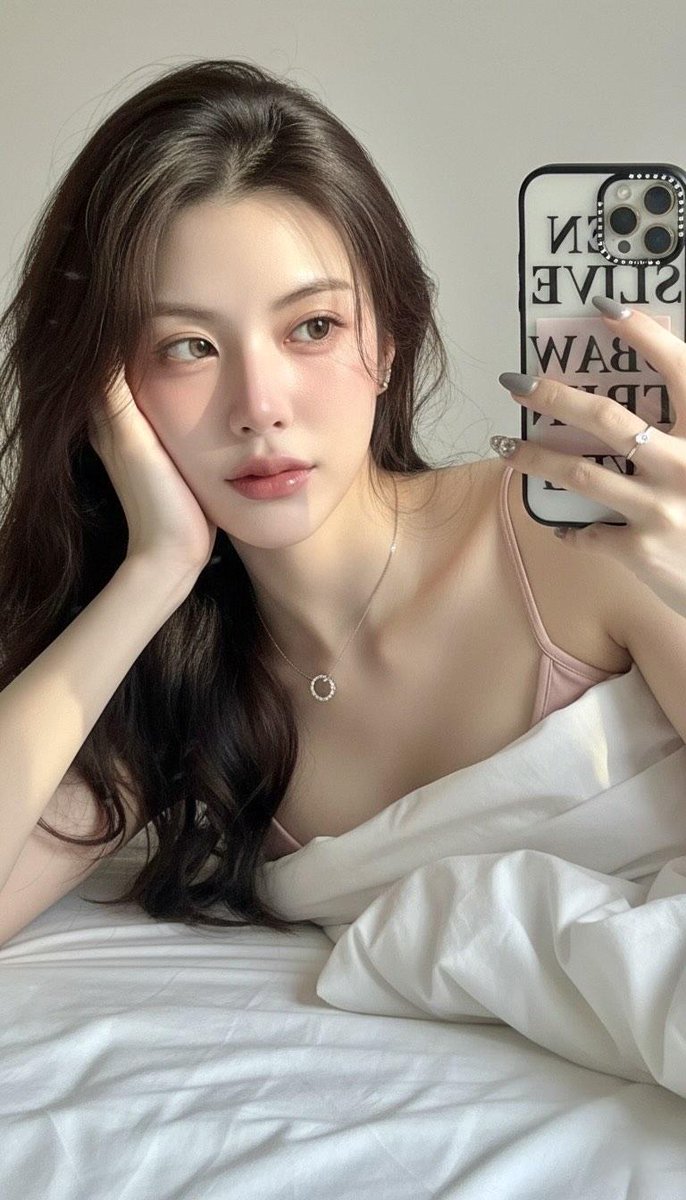
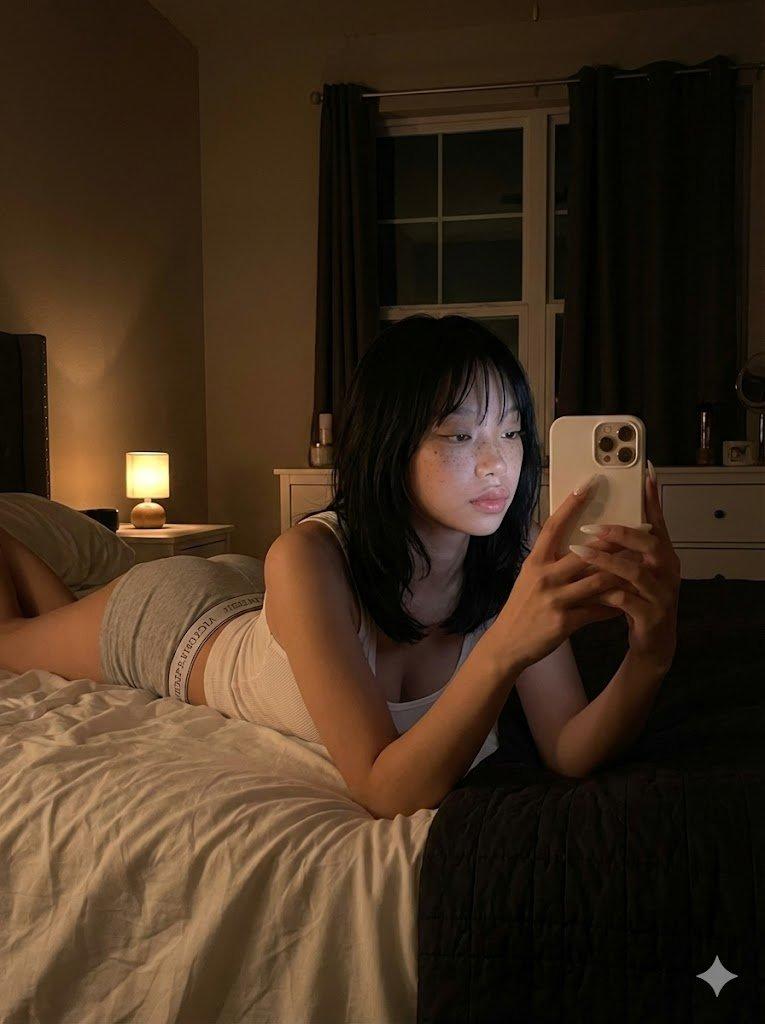
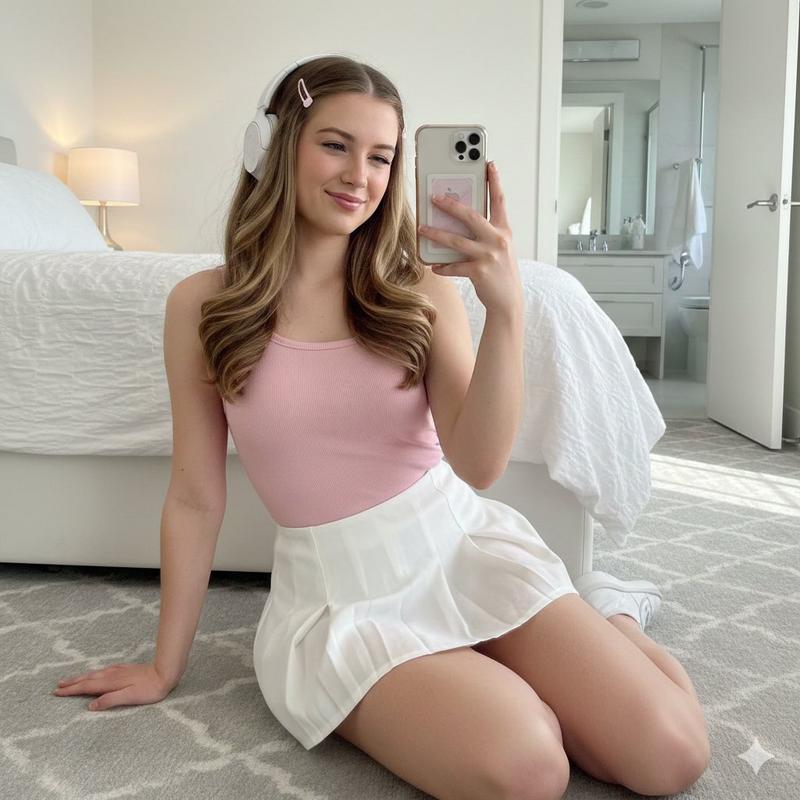
温馨卧室里的少女自拍
Enlarge

温馨卧室里的少女自拍

Prompt
[中文]
一个惊艳的18岁中国女孩,拥有年轻纯真的脸庞和逼真的皮肤纹理,坐在她卧室里一张舒适且略显凌乱的床上。她正用智能手机拍镜子自拍,捕捉一个自然且亲密的瞬间。穿着随意的灰色居家服和整洁的白色船袜。柔和的自然光(黄金时刻)从侧面窗户照进来,营造出一种温暖、富有情绪感和电影般的氛围。35毫米镜头,对镜子中的主体保持锐利对焦,带有美丽模糊背景(散景)的景深。照片写实,8K,高分辨率,影棚级质量,杰作。反向提示词:没有多余的肢体,没有变形的手,没有模糊,没有噪点,没有水印,没有文字,没有卡通/动漫风格。长宽比:3:4。

[English]
A stunning 18-year-old Chinese girl with a youthful, pure face and realistic skin texture, sitting on a cozy, slightly messy bed in her bedroom. She is taking a mirror selfie with a smartphone, capturing a natural and intimate moment. Wearing casual gray loungewear and neat white crew socks. Soft natural light (golden hour) streams in from a side window, creating a warm, moody, and cinematic atmosphere. 35mm lens, sharp focus on the subject in the mirror, depth of field with a beautifully blurred background (bokeh). Photorealistic, 8K, high resolution, studio quality, masterpiece.
Negative Prompts: no extra limbs, no deformed hands, no blur, no noise, no watermark, no text, no cartoon/anime style. Aspect Ratio: 3:4.
Category
Photography & Realism
Model
GPT Image 2
Views5
Source ID
284

Guide

About "温馨卧室里的少女自拍"

What is this prompt for?

"温馨卧室里的少女自拍" AI image prompt for GPT Image 2 (Photography & Realism). [中文] 一个惊艳的18岁中国女孩,拥有年轻纯真的脸庞和逼真的皮肤纹理,坐在她卧室里一张舒适且略显凌乱的床上。她正用智能手机拍镜子自拍,捕捉一个自然且亲密的瞬间。穿着随意的灰色居…

The full copyable prompt and example visuals above are ready for AI image generation or one-click recreate in Picva.

How to use this prompt

  1. Step 1

    Open the prompt detail

    Review the example visuals, category, and full prompt text for "温馨卧室里的少女自拍".

  2. Step 2

    Copy the prompt

    Copy the prompt body from this page, or load it directly in Studio.

  3. Step 3

    Pick a model (GPT Image 2)

    Prefer GPT Image 2. If you switch models, keep subject and composition and tweak style terms.

  4. Step 4

    Generate and export

    Recreate the look in Picva, or export into your workflow for editing and publishing.

FAQ

What is the "温馨卧室里的少女自拍" prompt?
It is an AI image-generation prompt for GPT Image 2 in the Photography & Realism category. This page includes the full prompt text, example visuals, and a one-click recreate path in Picva.
How do I use this prompt to generate an image?
Copy the prompt from this page, or use Generate / Studio. Paste it into a compatible image model, or recreate the look in Picva with optional reference images.
Which model is this prompt for?
This page lists GPT Image 2. Most descriptive prompts also transfer to nearby image models such as GPT Image, Flux, or Midjourney with light style tweaks.
Can I use the result commercially?
You can usually copy the prompt for creation, but commercial use of the final image depends on the model terms, reference-image rights, and the generated content. Follow the source author and platform rules.