19

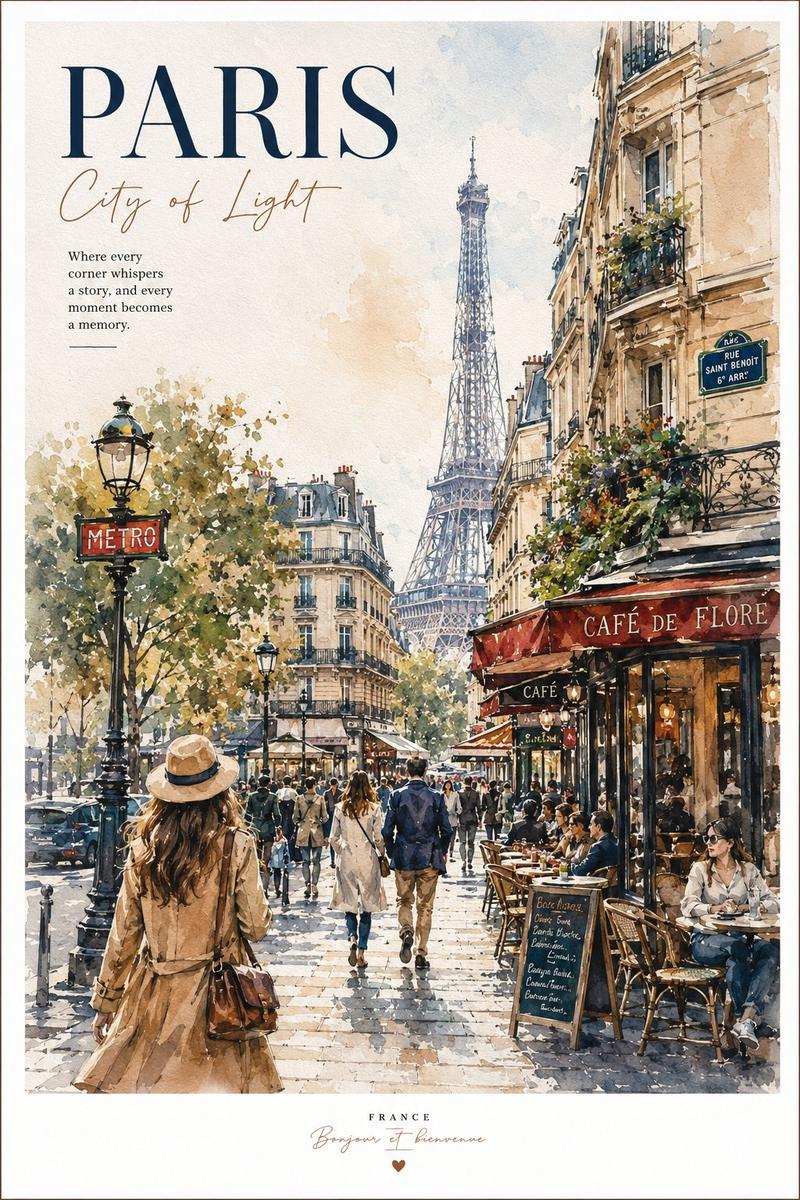
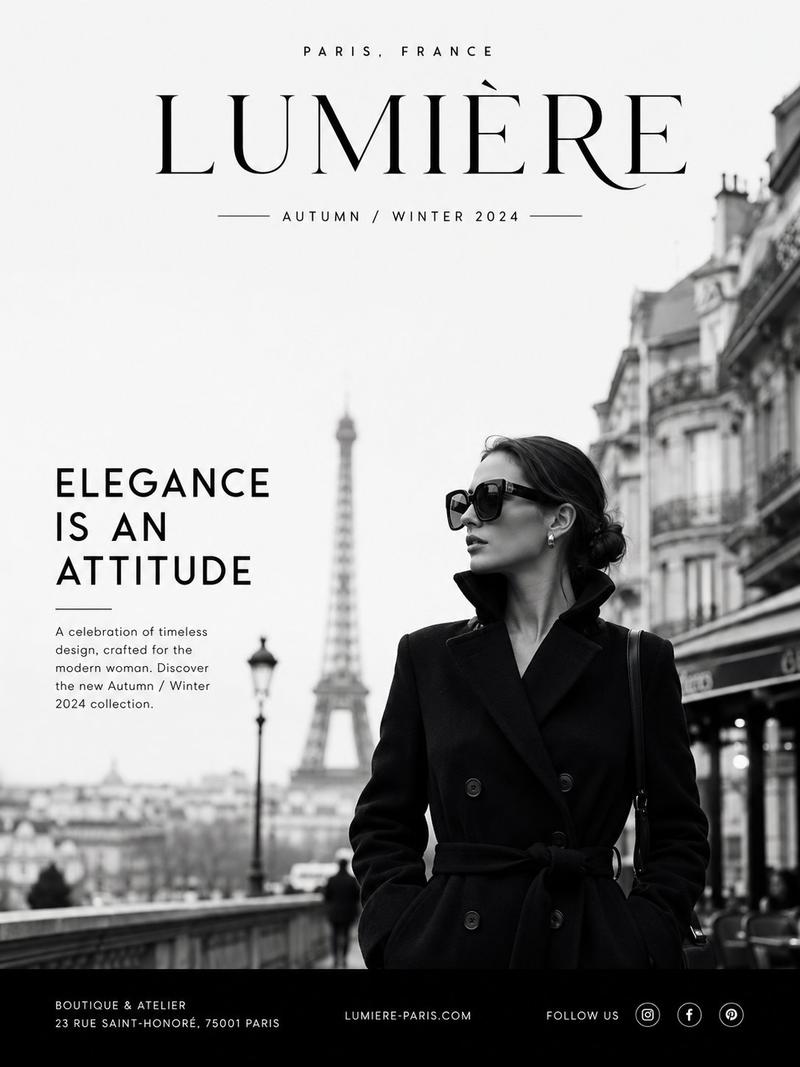
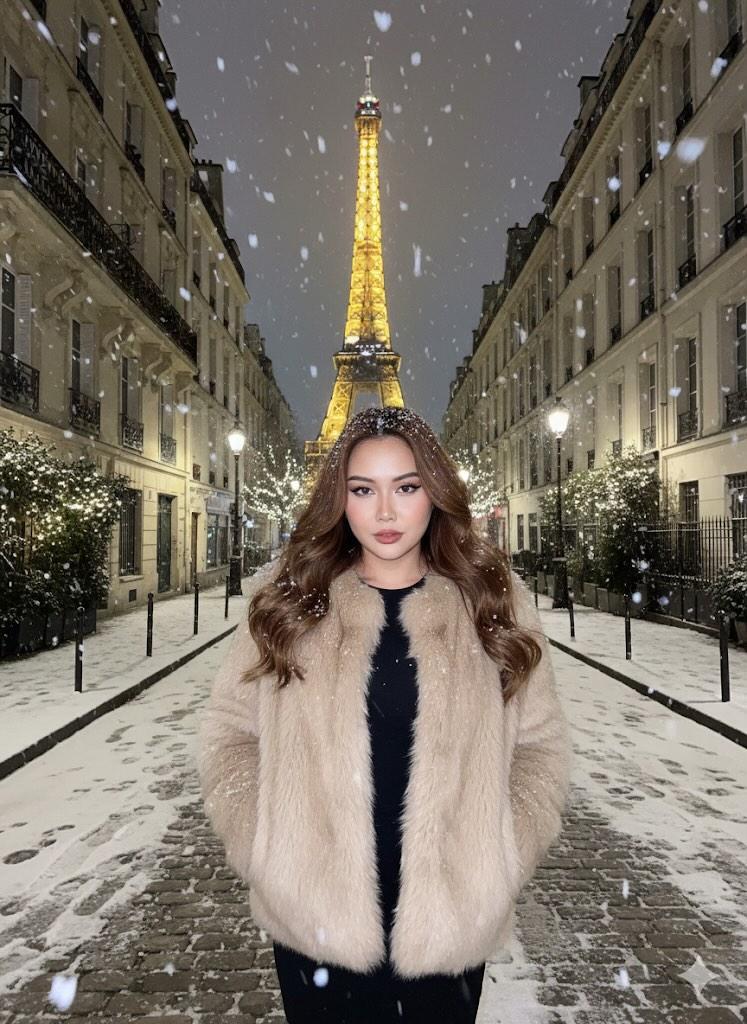
巴黎秋季时装插画
Enlarge

巴黎秋季时装插画

Prompt
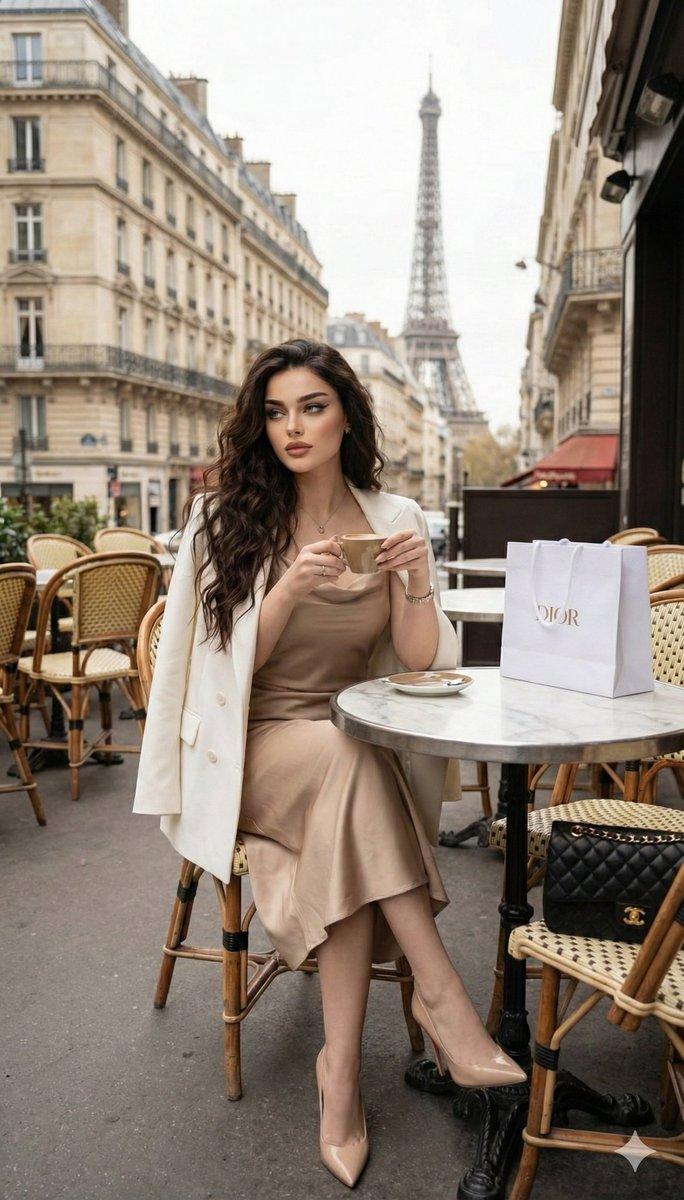
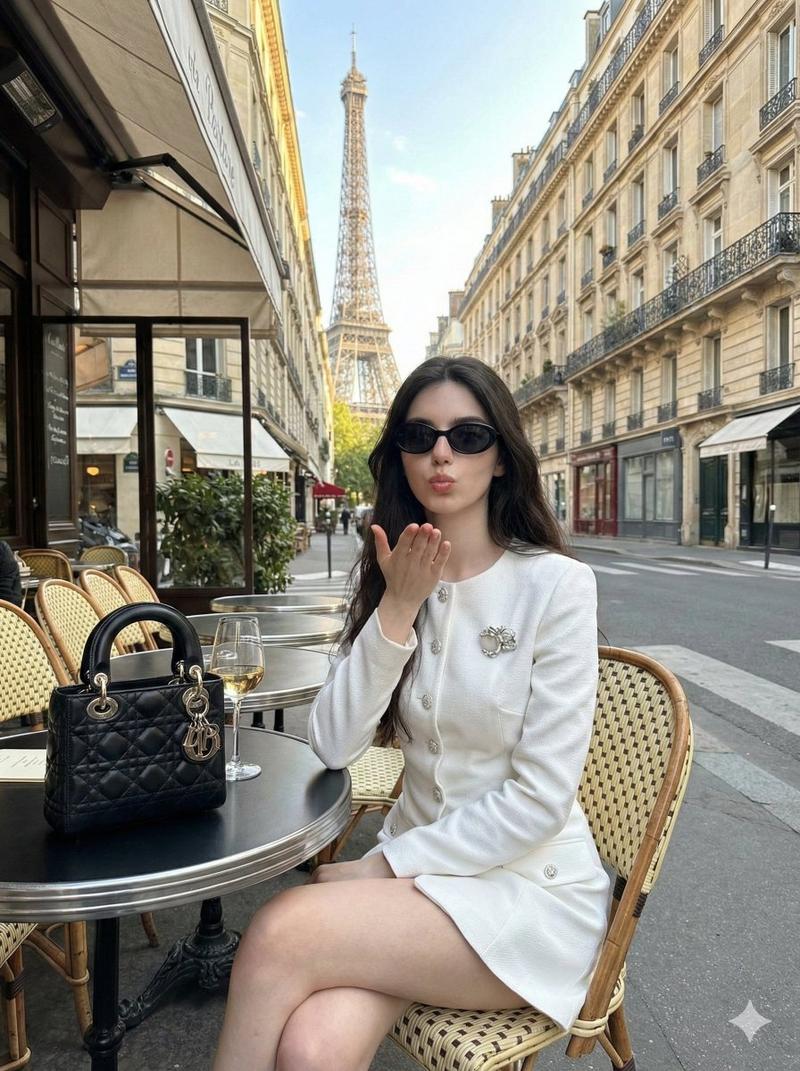
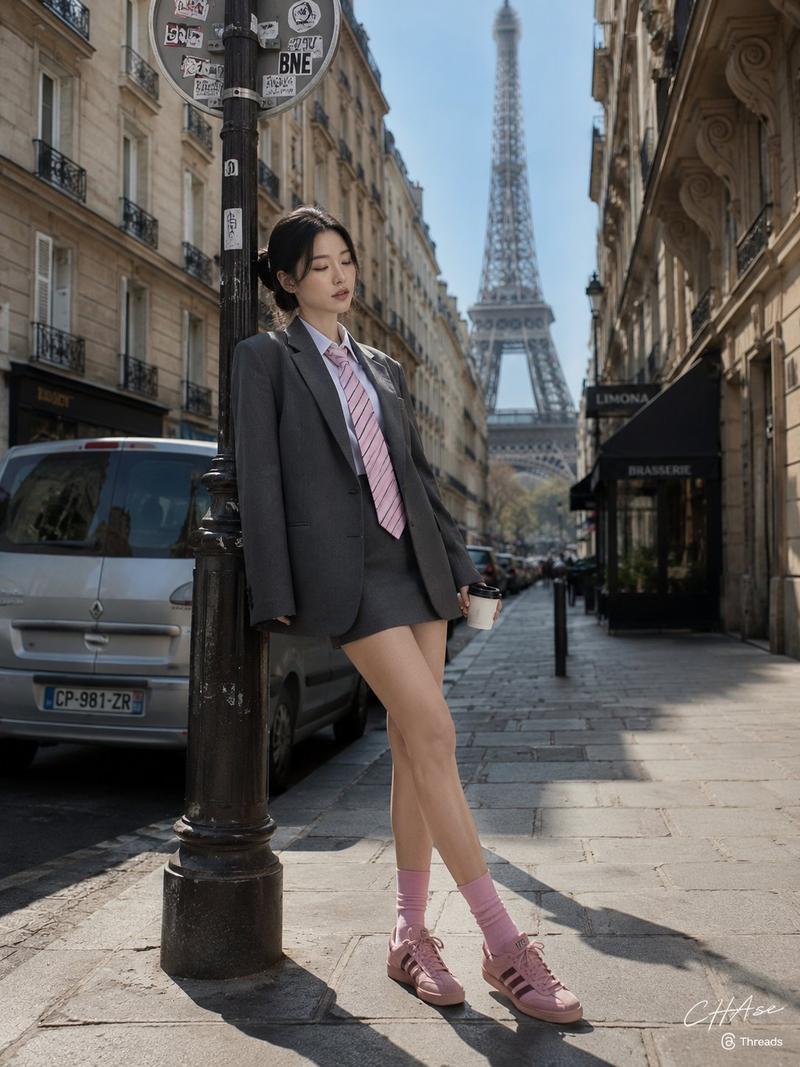
Full-body fashion illustration of a young woman walking down a Parisian street in autumn, wearing a long camel wool coat draped open over a black ribbed turtleneck sweater and high-waisted wide-leg cream trousers, holding a quilted tan leather shoulder bag with interlocking CC logo and chain strap in her left hand while her right hand slides into a pocket, short dark brown wavy hair gently lifted by a breeze, pearl stud earrings, natural fresh makeup and a confident serene expression; cinematic shallow depth of field with soft warm golden-hour light, subtle bokeh on Haussmann-style buildings and slow-moving cars in the blurred background, scattered fallen leaves on the pavement; semi-realistic digital painting / fashion illustration style with clean linework, soft gradients, high-detail fabric textures and realistic folds, emphasis on elegant silhouettes and tactile materials, muted autumn palette (camel, cream, black, warm ochre), vertical composition, crisp foreground, gentle film grain and polished finishing.
Category
Illustration & Art
Model
GPT Image 2
Views1
Source ID
458

Guide

About "巴黎秋季时装插画"

What is this prompt for?

"巴黎秋季时装插画" AI image prompt for GPT Image 2 (Illustration & Art). Full-body fashion illustration of a young woman walking down a Parisian street in autumn, wear…

The full copyable prompt and example visuals above are ready for AI image generation or one-click recreate in Picva.

How to use this prompt

  1. Step 1

    Open the prompt detail

    Review the example visuals, category, and full prompt text for "巴黎秋季时装插画".

  2. Step 2

    Copy the prompt

    Copy the prompt body from this page, or load it directly in Studio.

  3. Step 3

    Pick a model (GPT Image 2)

    Prefer GPT Image 2. If you switch models, keep subject and composition and tweak style terms.

  4. Step 4

    Generate and export

    Recreate the look in Picva, or export into your workflow for editing and publishing.

FAQ

What is the "巴黎秋季时装插画" prompt?
It is an AI image-generation prompt for GPT Image 2 in the Illustration & Art category. This page includes the full prompt text, example visuals, and a one-click recreate path in Picva.
How do I use this prompt to generate an image?
Copy the prompt from this page, or use Generate / Studio. Paste it into a compatible image model, or recreate the look in Picva with optional reference images.
Which model is this prompt for?
This page lists GPT Image 2. Most descriptive prompts also transfer to nearby image models such as GPT Image, Flux, or Midjourney with light style tweaks.
Can I use the result commercially?
You can usually copy the prompt for creation, but commercial use of the final image depends on the model terms, reference-image rights, and the generated content. Follow the source author and platform rules.