信息图可视化设计
Prompt
{
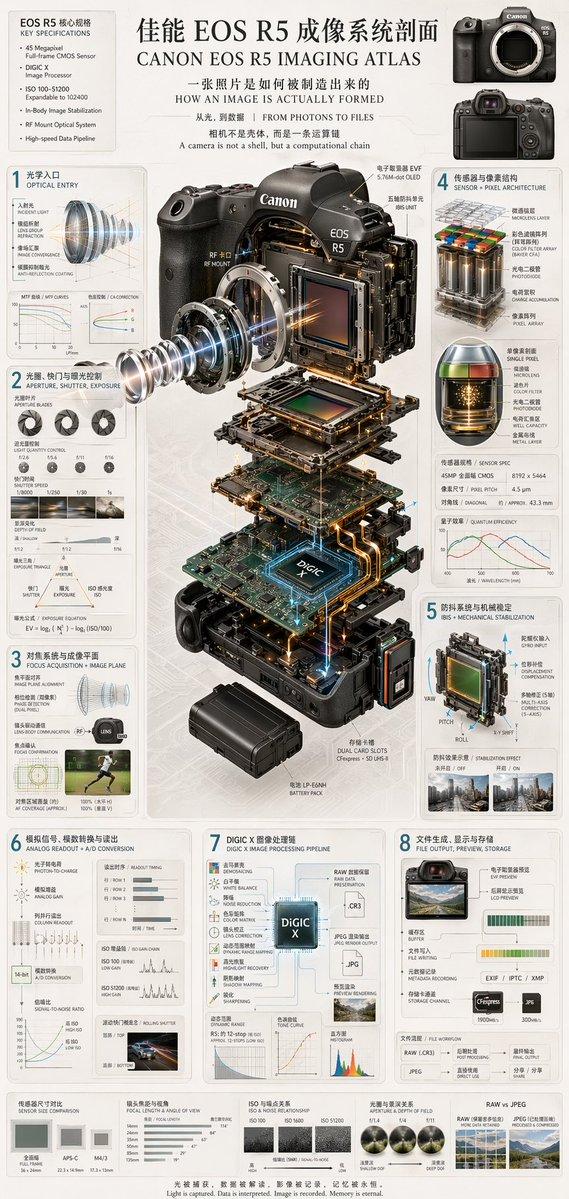
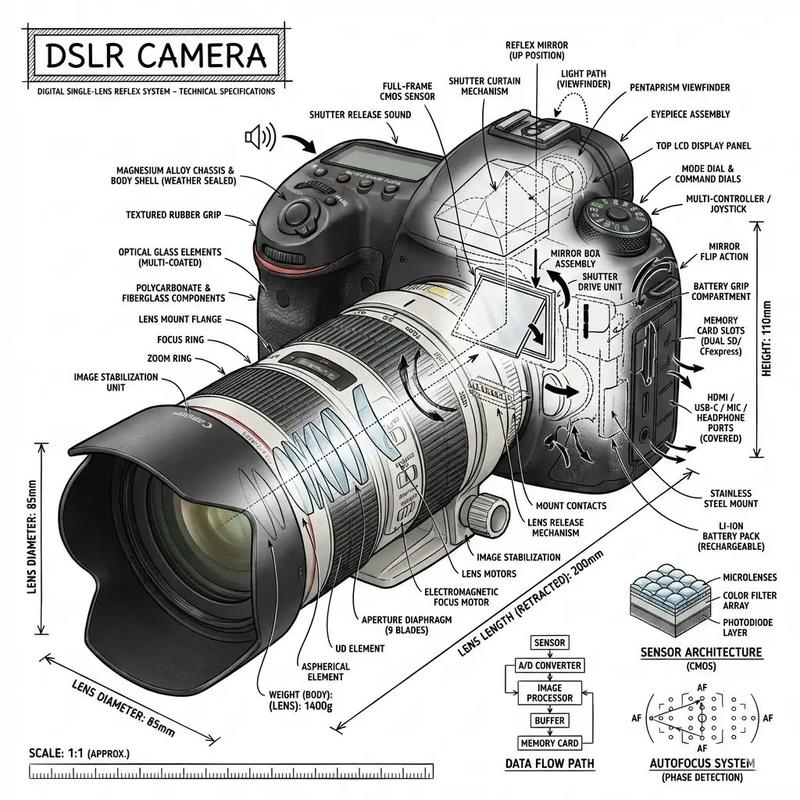
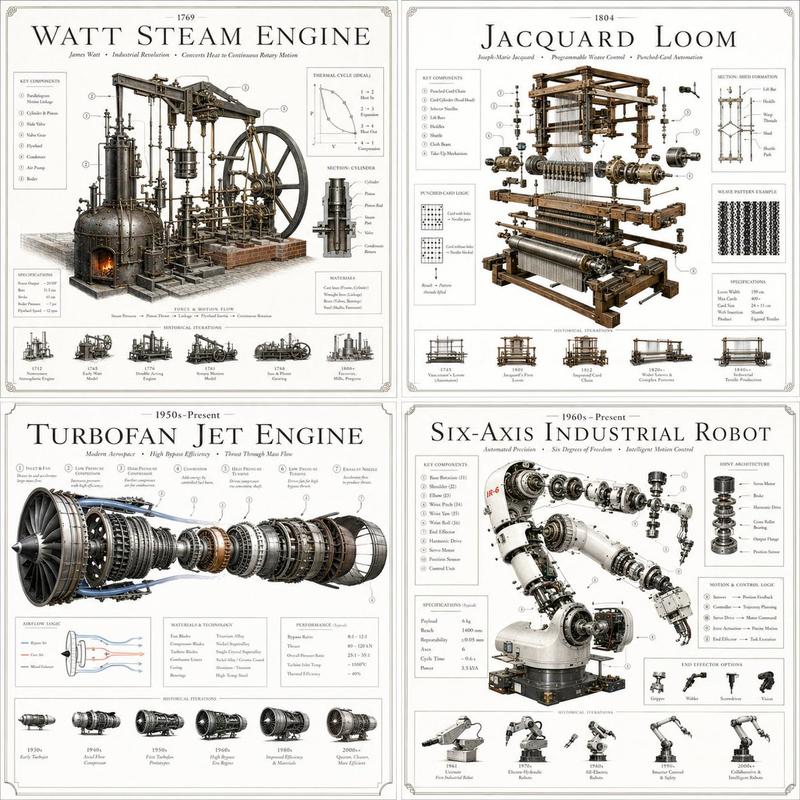
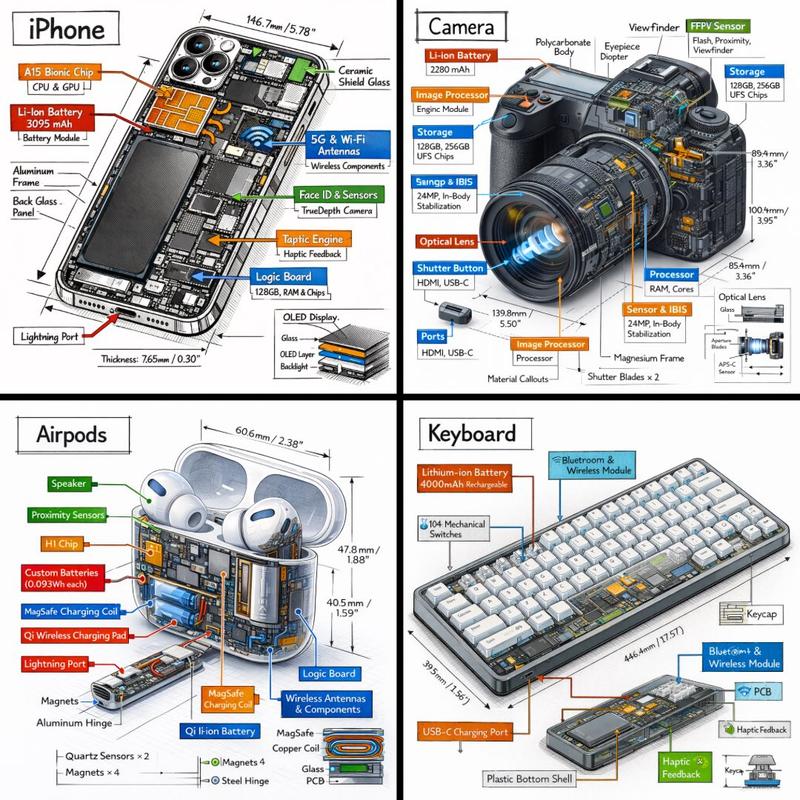
  "type": "technical infographic",
  "subject": "{argument name=\"subject matter\" default=\"digital photography process\"}",
  "header": {
    "title": "{argument name=\"main title\" default=\"一张照片诞生的因果链 THE CAUSAL CHAIN OF A PHOTOGRAPH\"}",
    "subtitle": "从世界,到图像 FROM WORLD TO IMAGE"
  },
  "centerpiece": {
    "description": "Exploded isometric view of a modern mirrorless camera",
    "model": "{argument name=\"camera model\" default=\"Canon EOS R5\"}",
    "labeled_parts_count": 12,
    "labeled_parts": [
      "EVF",
      "Body Structure",
      "Control Dials",
      "Thermal Design",
      "Optical Axis",
      "IBIS Stabilizer",
      "Shutter Unit",
      "Full-Frame Sensor",
      "{argument name=\"processor name\" default=\"DIGIC X Processor\"}",
      "Main PCB",
      "High-Speed Bus",
      "Card Slot"
    ]
  },
  "layout": {
    "left_column": {
      "description": "Chronological causal chain",
      "count": 13,
      "steps": [
        "01 REALITY EXISTS",
        "02 PHOTONS LEAVE THE WORLD",
        "03 LENS ACCEPTS & BENDS LIGHT",
        "04 APERTURE SELECTS",
        "05 SHUTTER CUTS TIME",
        "06 FOCUS SETS PRIORITY",
        "07 SENSOR RECEIVES EVENT",
        "08 LIGHT BECOMES CHARGE",
        "09 ANALOG READOUT",
        "10 A/D CONVERSION",
        "11 COMPUTATION RECONSTRUCTS",
        "12 IMAGE APPEARS",
        "13 MEMORY OUTLIVES"
      ]
    },
    "right_column": {
      "title": "八大模块 / 8 MODULES",
      "count": 8,
      "modules": [
        "1 ORIGIN OF LIGHT",
        "2 LENS SHAPES REALITY",
        "3 APERTURE & SHUTTER EDIT THE WORLD",
        "4 FOCUS DECIDES CLARITY",
        "5 SENSOR MEASURES LIGHT",
        "6 SIGNAL BORN & AMPLIFIED",
        "7 COMPUTATION BUILDS IMAGE",
        "8 FILE BECOMES MEMORY"
      ]
    },
    "side_diagrams": {
      "count": 7,
      "descriptions": [
        "Ray cone & image formation",
        "Aperture & depth of field",
        "Shutter & motion",
        "Focal plane & clarity",
        "Pixel structure",
        "Photoelectric conversion",
        "Analog signal waveform"
      ]
    },
    "footer": {
      "count": 5,
      "description": "Philosophical summary points"
    }
  },
  "style": "technical, precise, wireframe elements, glowing data lines, photorealistic camera components, clean typography, dual-language"
}- Category
- Charts & Infographics
- Model
- GPT Image 2
- Creator
- freestylefly
- Source ID
- 70
Views3