18

技术等轴测拆解信息图
Enlarge

技术等轴测拆解信息图

Prompt
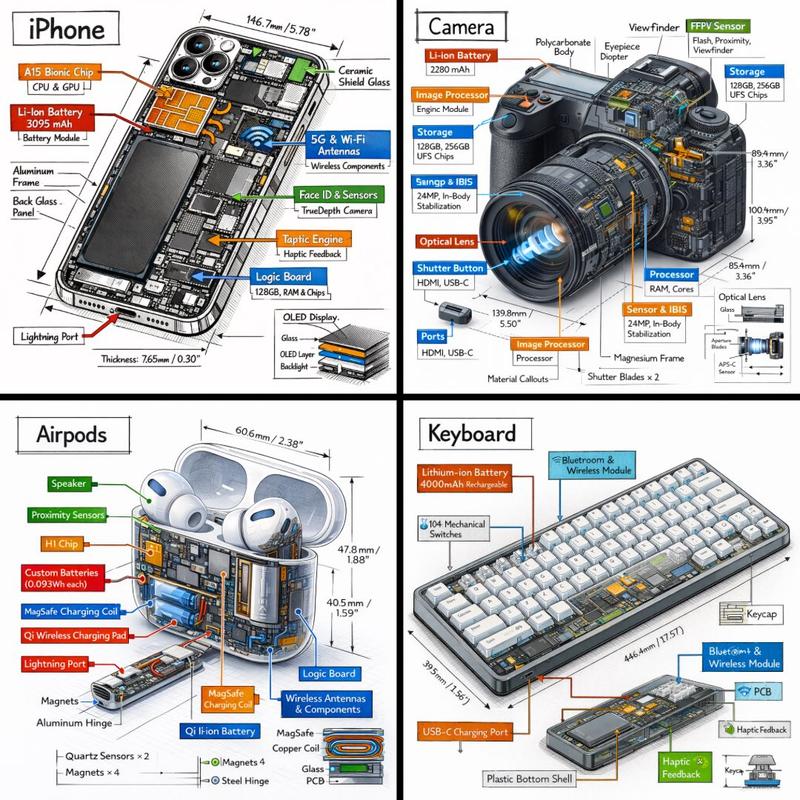
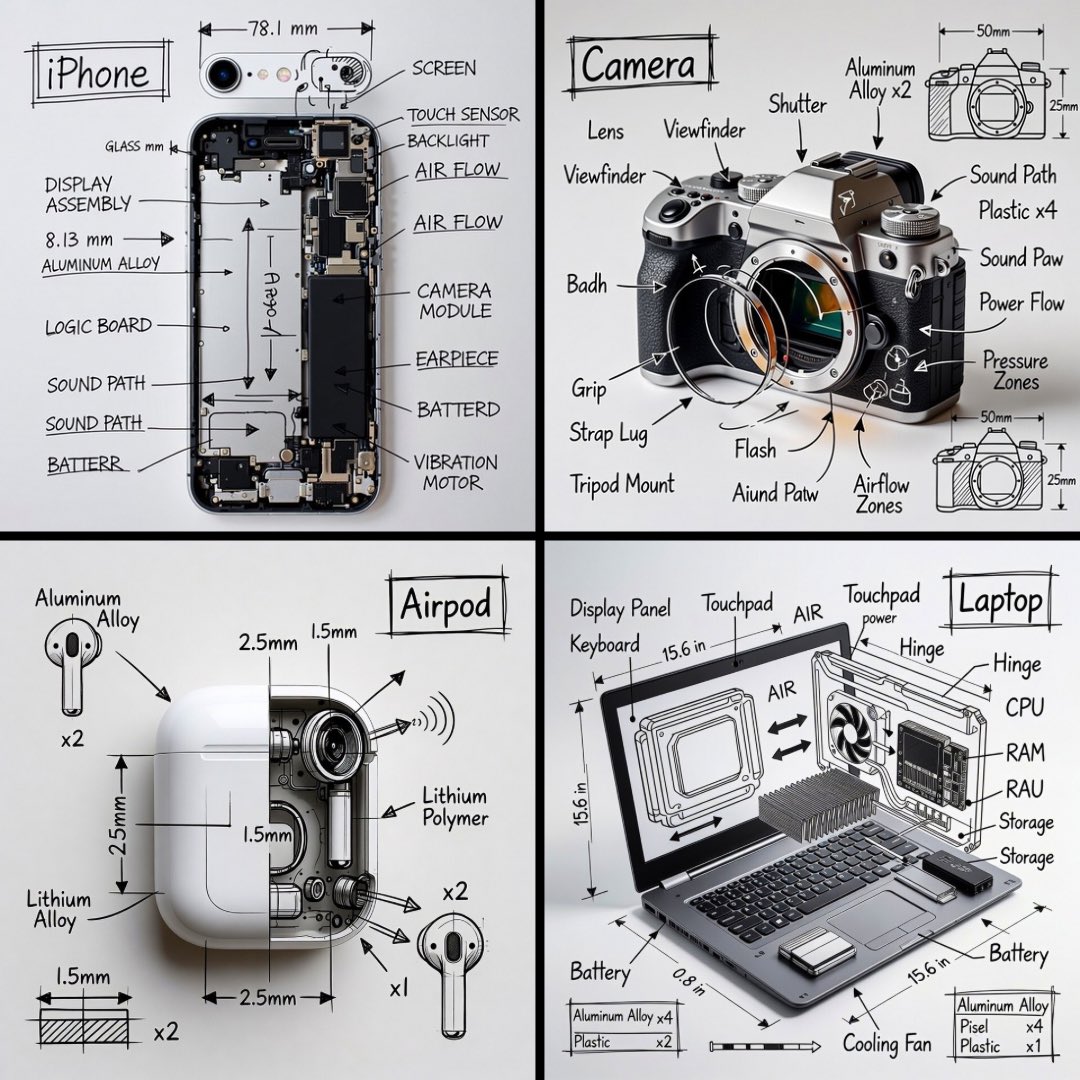
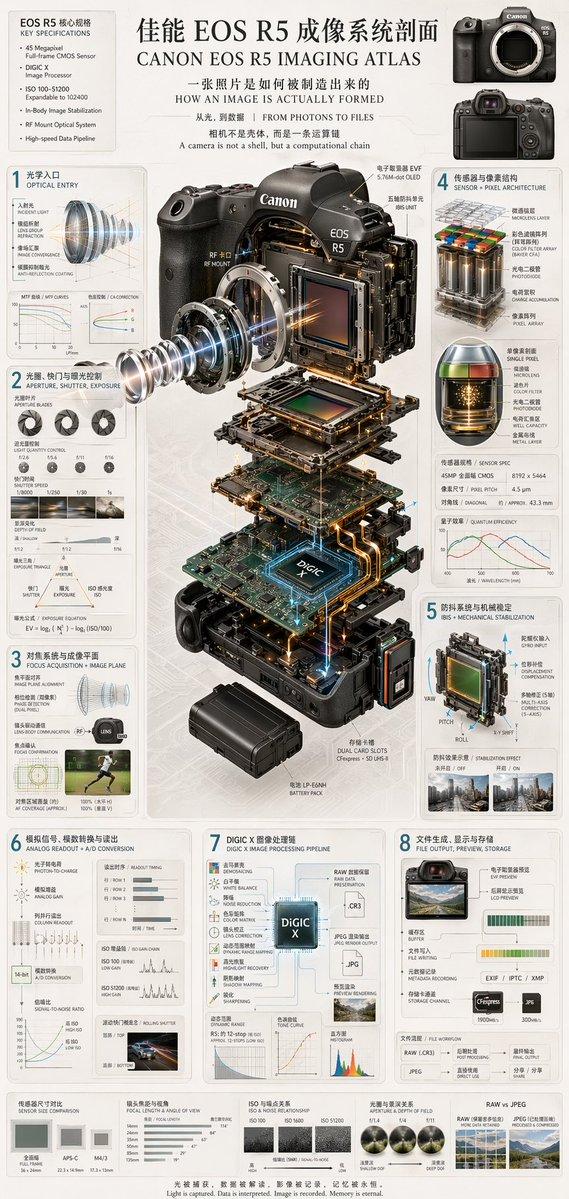
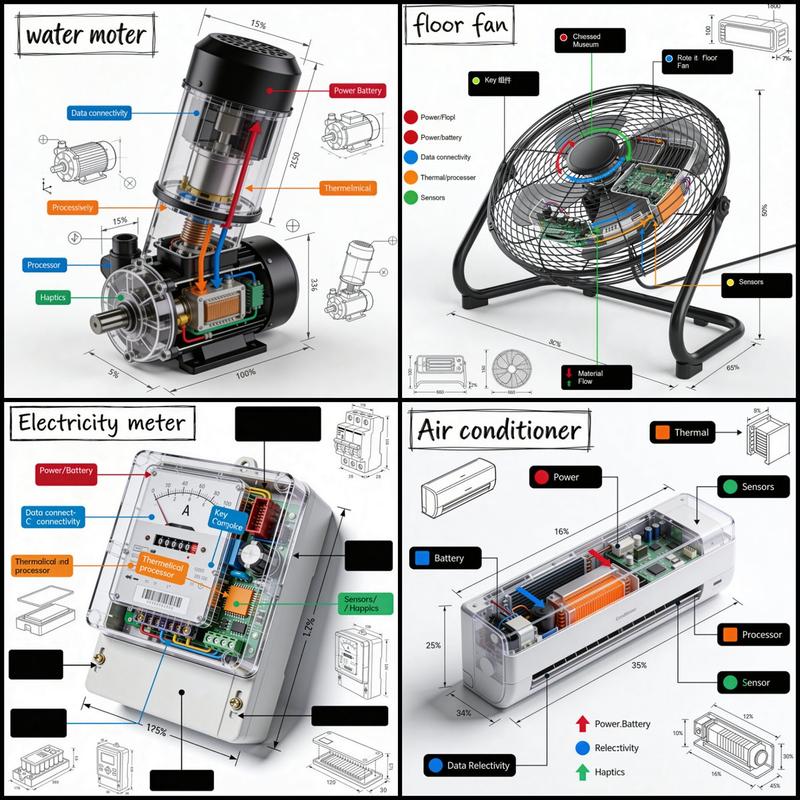
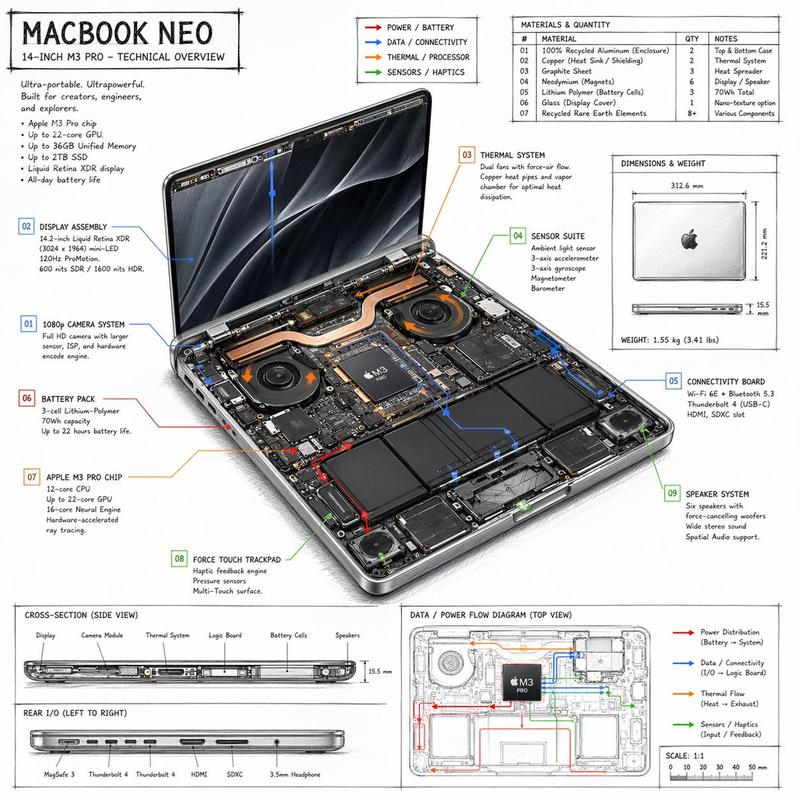
Generate a technical infographic of {argument name="object" default="OBJECT"} rendered from a {argument name="viewpoint" default="45-degree isometric 3D viewpoint"}, with the object slightly tilted to expose depth and three-dimensional structure.

Blend a photorealistic render of the object with hand-drawn black ink technical annotations on a clean pure-white background. Include:
- Color-coded callout boxes labeling each key component
- Transparent / cutaway sections that reveal internal parts
- Precise measurements, dimensions, and scale markers
- Material descriptions and quantity counts
- Color-coded directional arrows for function and flow: RED for power/battery, BLUE for data/connectivity, ORANGE for thermal/processor, GREEN for sensors/haptics
- Simple schematics or cross-section diagrams where useful

Place the "{argument name="object" default="OBJECT"}" title inside a hand-sketched technical frame in the top-left corner.
Style: black architectural-pen linework, sketchy yet precise; the object remains fully visible; vibe of a professional engineering teardown or museum exhibit. Clean layout with balanced negative space.
Perspective: 45-degree isometric tilt that dramatically reveals depth, dimension, and internal architecture, like a product engineering manual.
Color usage: roughly 10-15% accent density, black dominant, white background.
Output: 1080x1080, ultra-crisp, optimized for social feeds.
Category
Charts & Infographics
Model
GPT Image 2
Creator
PromptLab
Views2
Source ID
19427
Published
May 10, 2026

Guide

About "技术等轴测拆解信息图"

What is this prompt for?

"技术等轴测拆解信息图" AI image prompt for GPT Image 2 (Charts & Infographics). 生成具有手绘注释、颜色编码标注以及任意物体技术图解的专业工程风格等轴测信息图。 Copy it on Picva and recreate the look in one cli…

The full copyable prompt and example visuals above are ready for AI image generation or one-click recreate in Picva.

How to use this prompt

  1. Step 1

    Open the prompt detail

    Review the example visuals, category, and full prompt text for "技术等轴测拆解信息图".

  2. Step 2

    Copy the prompt

    Copy the prompt body from this page, or load it directly in Studio.

  3. Step 3

    Pick a model (GPT Image 2)

    Prefer GPT Image 2. If you switch models, keep subject and composition and tweak style terms.

  4. Step 4

    Generate and export

    Recreate the look in Picva, or export into your workflow for editing and publishing.

FAQ

What is the "技术等轴测拆解信息图" prompt?
It is an AI image-generation prompt for GPT Image 2 in the Charts & Infographics category. This page includes the full prompt text, example visuals, and a one-click recreate path in Picva.
How do I use this prompt to generate an image?
Copy the prompt from this page, or use Generate / Studio. Paste it into a compatible image model, or recreate the look in Picva with optional reference images.
Which model is this prompt for?
This page lists GPT Image 2. Most descriptive prompts also transfer to nearby image models such as GPT Image, Flux, or Midjourney with light style tweaks.
Can I use the result commercially?
You can usually copy the prompt for creation, but commercial use of the final image depends on the model terms, reference-image rights, and the generated content. Follow the source author and platform rules.