13

主题海报版式设计
Enlarge

主题海报版式设计

Prompt
{
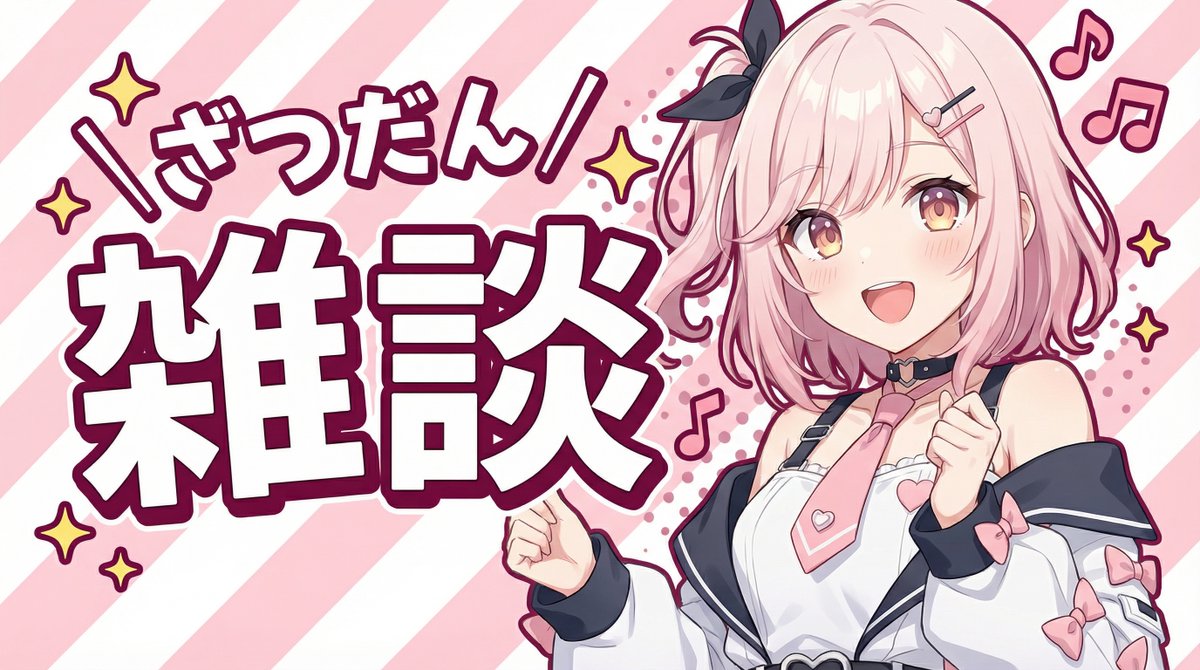
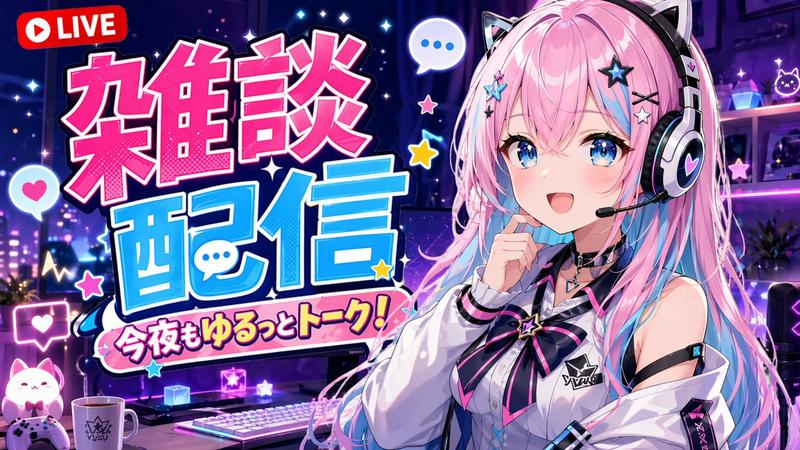
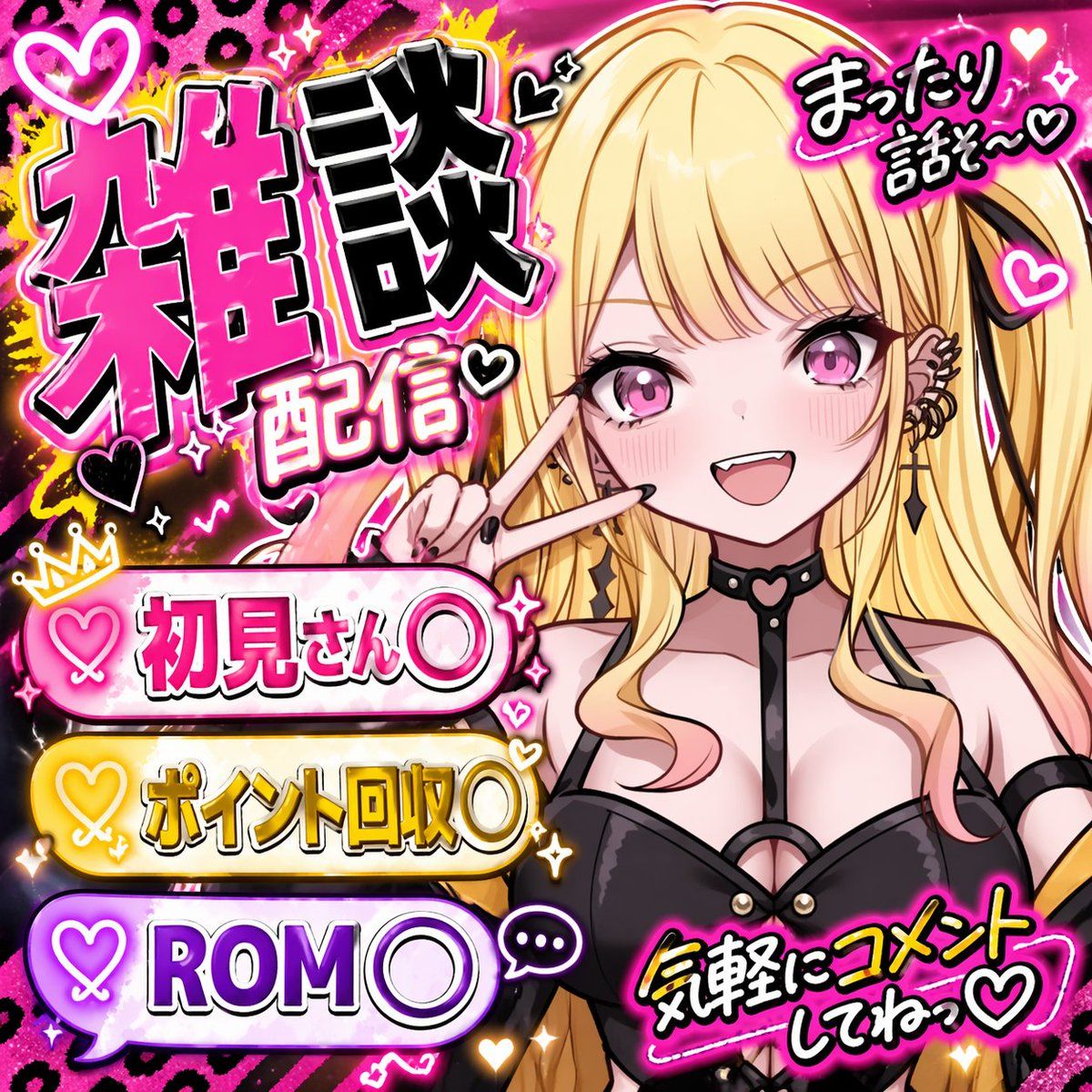
  "type": "VTuber stream thumbnail",
  "character": {
    "hair": "long blonde twin tails with pink gradient ends",
    "eyes": "large pink anime eyes",
    "expression": "cheerful smile with a small fang, making a peace sign near the eye",
    "outfit": "black top with harness straps, black heart-ring choker, multiple ear piercings including a cross dangle, black nail polish"
  },
  "background": "vibrant neon pink and black leopard print with glowing yellow accents, sparkles, and floating hearts",
  "typography_and_layout": {
    "main_title": {
      "position": "top left",
      "style": "large, bold, 3D, pink and black with white outlines",
      "text": "{argument name=\"main title\" default=\"雑談配信\"}"
    },
    "top_right_text": {
      "style": "casual handwritten style with a heart",
      "text": "{argument name=\"top right text\" default=\"まったり話そ〜♡\"}"
    },
    "bottom_left_banners": {
      "count": 3,
      "style": "glowing pill-shaped banners with heart icons on the left",
      "colors": ["pink", "yellow", "purple"],
      "labels": [
        "{argument name=\"banner 1 text\" default=\"初見さん〇\"}",
        "{argument name=\"banner 2 text\" default=\"ポイント回収〇\"}",
        "{argument name=\"banner 3 text\" default=\"ROM〇\"}"
      ]
    },
    "bottom_right_text": {
      "style": "casual handwritten style with a heart, yellow text with pink outline",
      "text": "気軽にコメントしてねっ♡"
    }
  }
}
Category
UI & Interfaces
Model
GPT Image 2
Views0
Source ID
96

Guide

About "主题海报版式设计"

What is this prompt for?

"主题海报版式设计" AI image prompt for GPT Image 2 (UI & Interfaces). { "type": "VTuber stream thumbnail", "character": { "hair": "long blonde twin tails with pink gra…

The full copyable prompt and example visuals above are ready for AI image generation or one-click recreate in Picva.

How to use this prompt

  1. Step 1

    Open the prompt detail

    Review the example visuals, category, and full prompt text for "主题海报版式设计".

  2. Step 2

    Copy the prompt

    Copy the prompt body from this page, or load it directly in Studio.

  3. Step 3

    Pick a model (GPT Image 2)

    Prefer GPT Image 2. If you switch models, keep subject and composition and tweak style terms.

  4. Step 4

    Generate and export

    Recreate the look in Picva, or export into your workflow for editing and publishing.

FAQ

What is the "主题海报版式设计" prompt?
It is an AI image-generation prompt for GPT Image 2 in the UI & Interfaces category. This page includes the full prompt text, example visuals, and a one-click recreate path in Picva.
How do I use this prompt to generate an image?
Copy the prompt from this page, or use Generate / Studio. Paste it into a compatible image model, or recreate the look in Picva with optional reference images.
Which model is this prompt for?
This page lists GPT Image 2. Most descriptive prompts also transfer to nearby image models such as GPT Image, Flux, or Midjourney with light style tweaks.
Can I use the result commercially?
You can usually copy the prompt for creation, but commercial use of the final image depends on the model terms, reference-image rights, and the generated content. Follow the source author and platform rules.