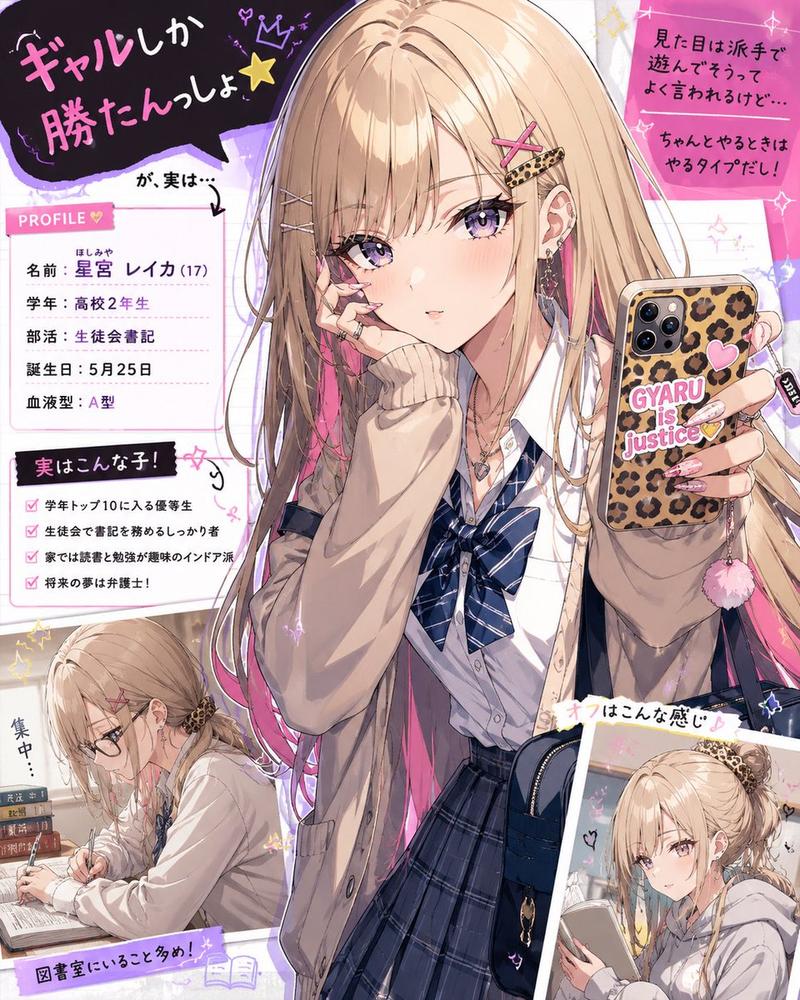
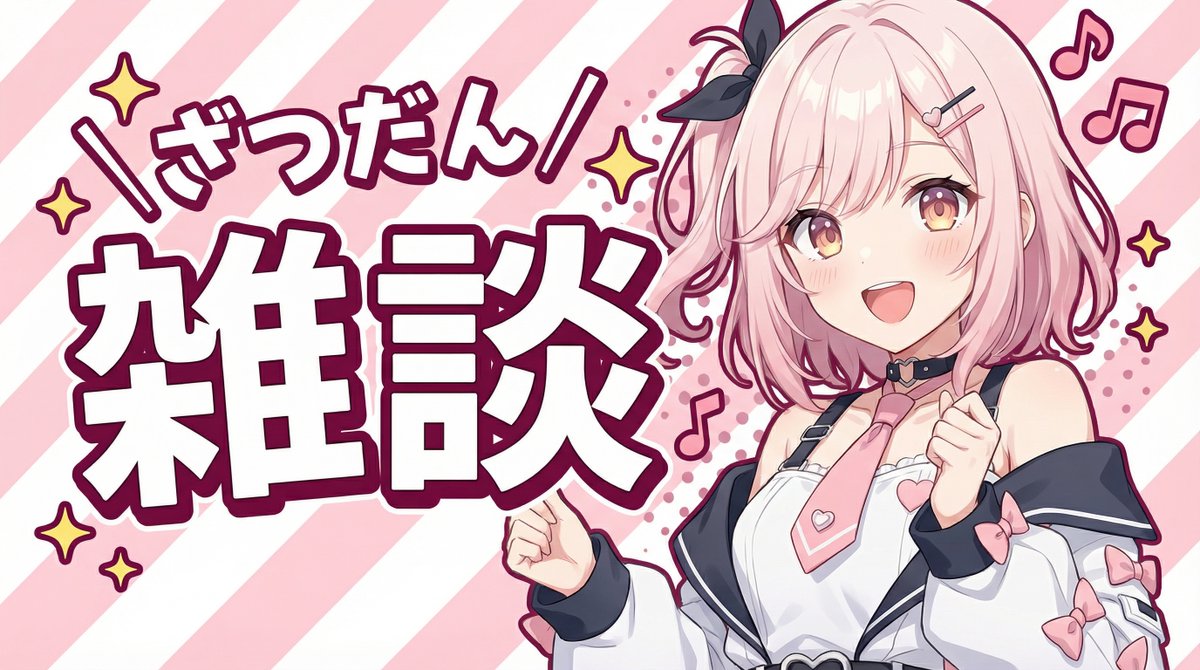
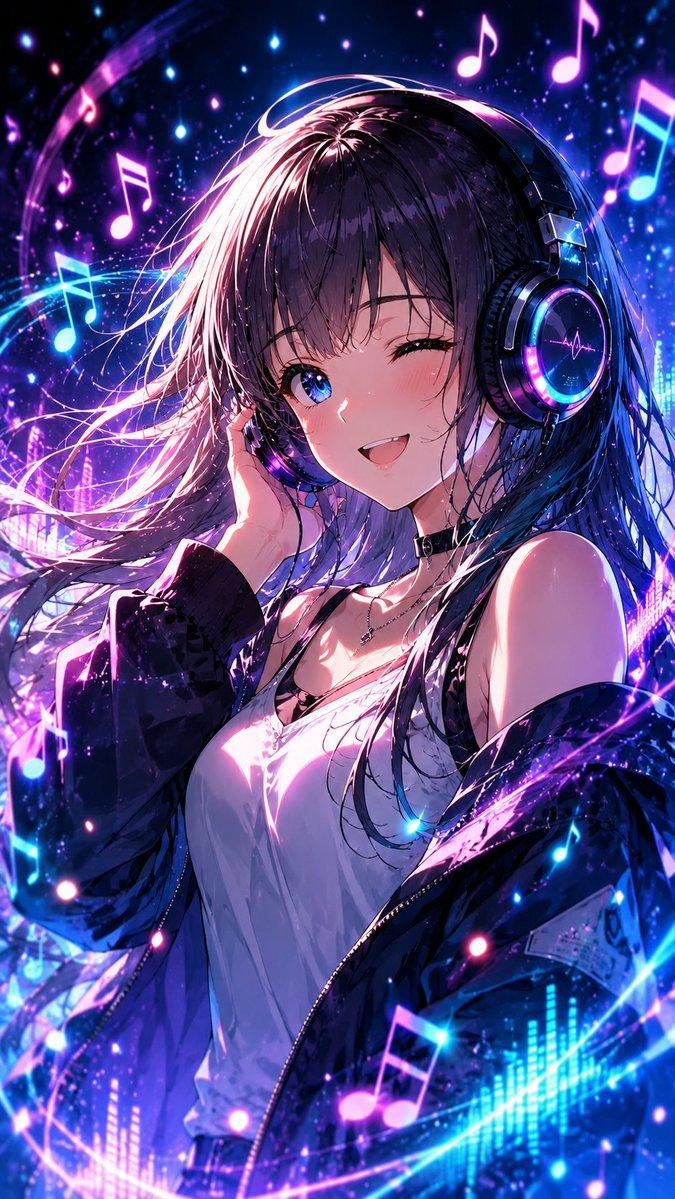
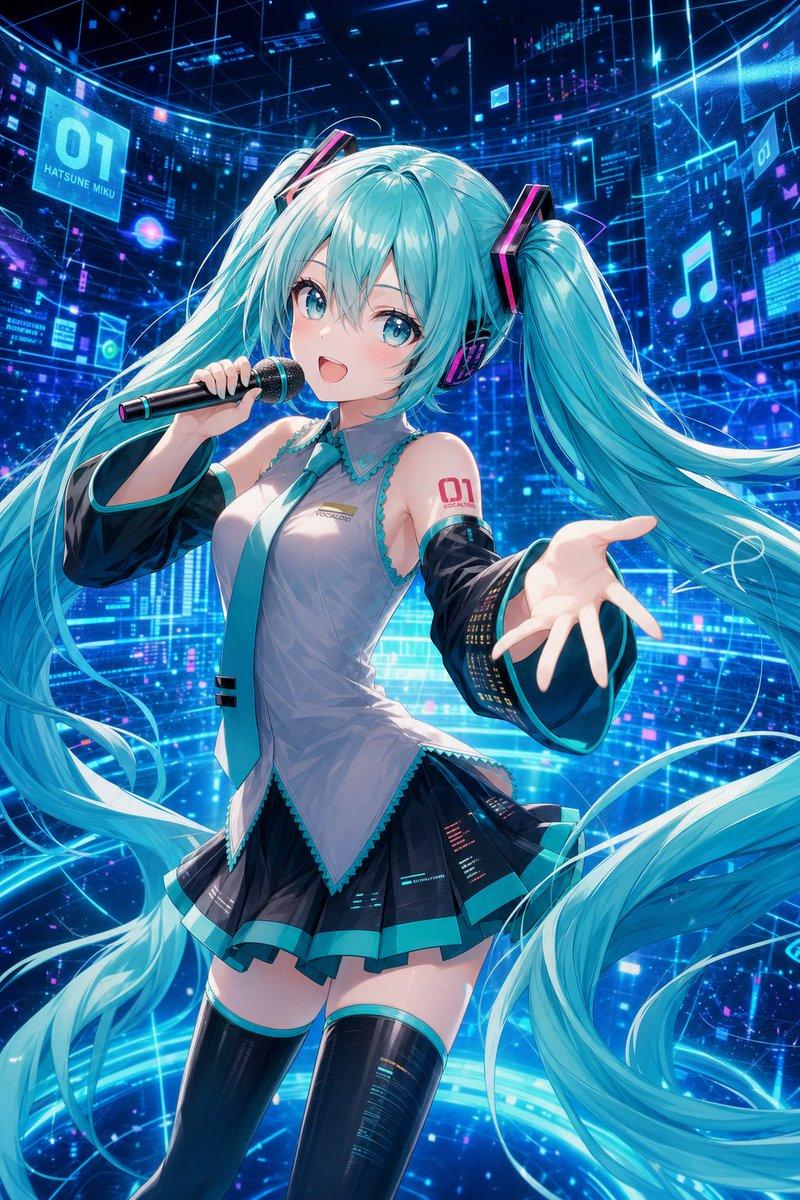
绿发漫画少女对话框
Prompt
Create a dramatic monochrome manga/anime close-up illustration of {argument name="character name" default="Misaki, the Green Lady"}, a beautiful young woman with long straight {argument name="hair color" default="muted sage green"} hair and green eyes, wearing thin black oval glasses. She is shown from the chest up in a confident three-quarter pose, touching the bridge of her glasses with two fingers as if adjusting them, mouth slightly open mid-speech, expression composed and sharp. Her outfit is a refined white Victorian-inspired blouse with ruffled cuffs, ruffled front placket, small black buttons, a black ribbon bow at the collar, and a high neck detail; include exactly 6 visible outfit/accessory elements: glasses, black collar ribbon, ruffled cuffs, ruffled chest trim, black front buttons, and white blouse. Use a high-contrast black-and-white manga page style with selective green color only in the hair, eyes, and a green heart. Background: explosive radial speed lines, halftone textures, ink splatter, heavy black impact strokes, and manga sound-effect marks on the left and lower foreground. On the right side, place one large jagged speech bubble with vertical Japanese text reading {argument name="speech bubble text" default="真実は\nいつもひとつ\nですわ\n💚"}; keep the green heart at the bottom of the text. Composition should be dynamic and intense, with the character occupying the left and center, the speech bubble occupying the right third, crisp line art, screentone shading, glossy hair highlights, and no extra characters, no watermark, no borders beyond the manga-style effects.- Category
- Characters & People
- Model
- GPT Image 2
- Creator
- ろば店長(偽)(  ̄ー ̄)*キラン
- Source ID
- 26906
- Published
- Jun 26, 2026
Views0