17

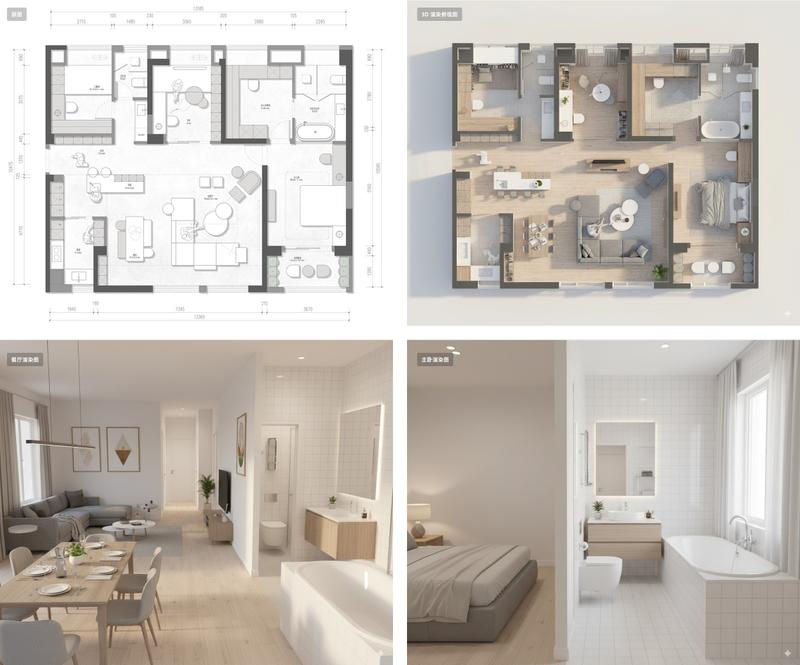
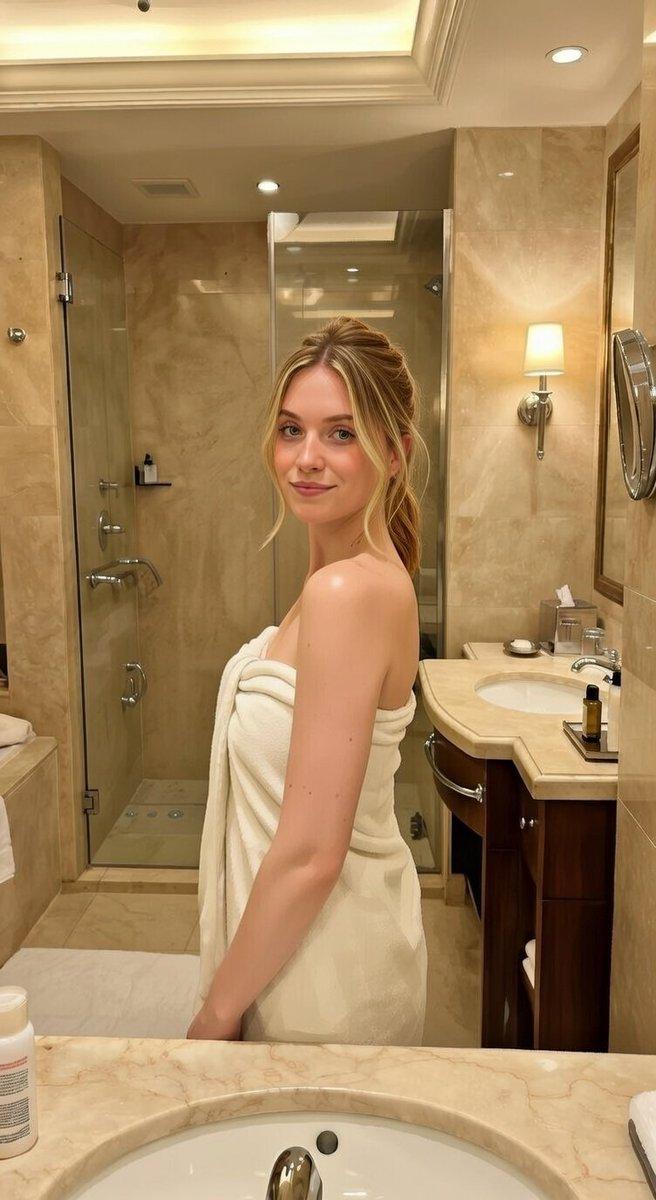
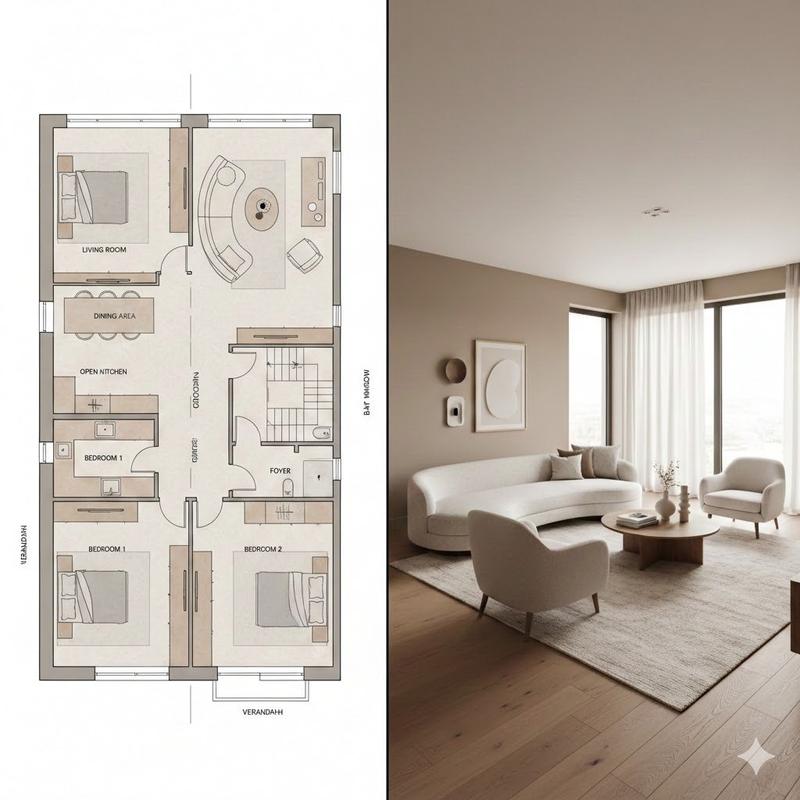
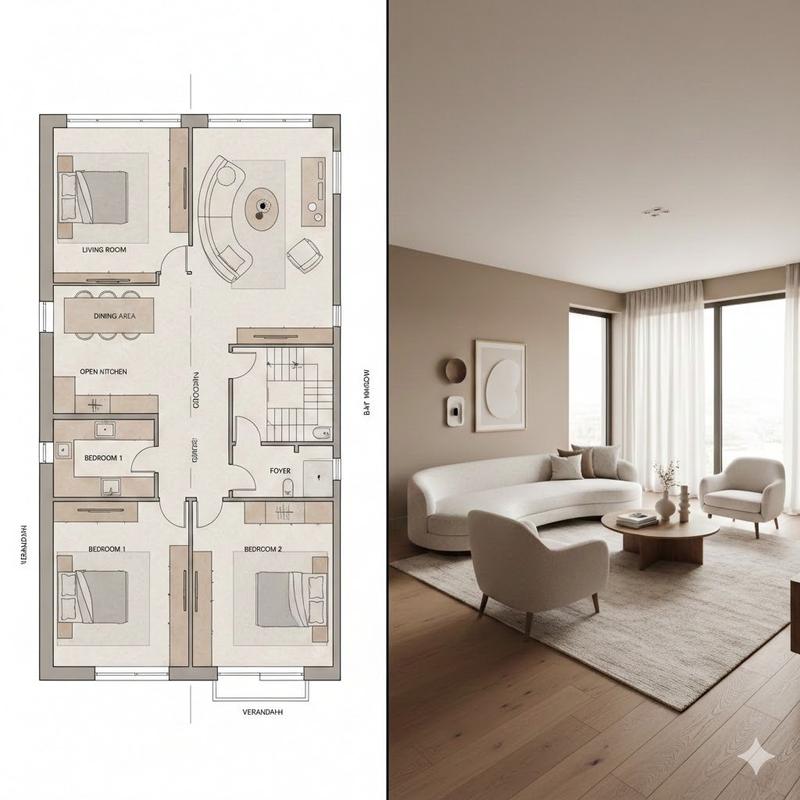
Interior Design Mood Board Generator
Enlarge

Interior Design Mood Board Generator

Prompt
GPT Image 2 室内设计情绪板生成器

提示词:
(室内设计情绪板生成器 / Interior Design Mood Board Generator)
你是一名专业的室内设计 Mood Board 创作者。请基于用户提供的 [Space Type] 室内设计照片,生成一张 竖版 3:4 的高端室内设计情绪板。整体视觉参考专业室内设计提案图,呈现 [Style Keywords] 的审美特征,画面应具备 [Mood Keywords] 的空间氛围,并符合 [Branding Tone] 的高级设计表达。
场景类型(Space Type):[Space Type]
画面布局要求
上半部分:呈现一张高分辨率、照片级真实感的 [Space Type] 室内设计效果图。

该效果图需要在空间结构、家具语言、材质关系、色彩搭配、光影氛围上与用户输入照片保持一致,同时提升为更完整、更精致、更具设计提案感的视觉呈现。

重点体现:[Key Furniture Elements]、[Material Keywords]、[Color Palette]、[Lighting Style]。
下半部分:展示与上方空间设计严格对应的材质与软装样本,包括:
材料样板
面料样本
色卡
饰面样本
与该空间相关的木材、石材、金属、玻璃、织物、皮革或涂料样本

所有样本必须与上方空间保持一致,并准确反映该设计方案中的核心材质与色彩逻辑。
右下角:设置一个 Design Legend / Color Palette 信息框,统一展示本方案的:
主色
辅助色
点缀色
核心材质
饰面说明
风格关键词
风格与输出要求
专业室内设计公司级别的 Mood Board 版式
极简、整洁、克制、有秩序的排版
明确的视觉层级与留白控制
材质、色彩、面料、饰面与上方空间完全匹配
标签清晰、现代、简洁,具有高级编辑设计感
整体气质需符合 [Style Keywords]
呈现 [Render Quality]
竖版 3:4 构图
4K Ultra HD
超高细节
写实渲染
直接用于图像生成
标签要求
每个材质或色彩样本配有清晰标签,标签内容围绕以下信息组织:

[Label Language] 的材质名称、颜色名称、饰面名称或织物类型。

标签风格应简洁、专业、排版规整,不喧宾夺主。
主题定义
[Space Type] Interior Design Mood Board

风格方向:[Style Name]

关键词:[Style Keywords], [Material Keywords], [Color Palette], [Mood Keywords]
负面约束
避免杂乱拼贴、避免廉价海报风、避免材质与空间不匹配、避免错误透视、避免低质字体、避免装饰元素过多、避免卡通感、避免过饱和色彩、避免信息层
Category
Comparison Examples
Model
GPT Image 2
Creator
EvoLinkAI
Views2
Source ID
comparison-83

Guide

About "Interior Design Mood Board Generator"

What is this prompt for?

"Interior Design Mood Board Generator" AI image prompt for GPT Image 2 (Comparison Examples). GPT Image 2 室内设计情绪板生成器 提示词: (室内设计情绪板生成器 / Interior Design Mood Bo…

The full copyable prompt and example visuals above are ready for AI image generation or one-click recreate in Picva.

How to use this prompt

  1. Step 1

    Open the prompt detail

    Review the example visuals, category, and full prompt text for "Interior Design Mood Board Generator".

  2. Step 2

    Copy the prompt

    Copy the prompt body from this page, or load it directly in Studio.

  3. Step 3

    Pick a model (GPT Image 2)

    Prefer GPT Image 2. If you switch models, keep subject and composition and tweak style terms.

  4. Step 4

    Generate and export

    Recreate the look in Picva, or export into your workflow for editing and publishing.

FAQ

What is the "Interior Design Mood Board Generator" prompt?
It is an AI image-generation prompt for GPT Image 2 in the Comparison Examples category. This page includes the full prompt text, example visuals, and a one-click recreate path in Picva.
How do I use this prompt to generate an image?
Copy the prompt from this page, or use Generate / Studio. Paste it into a compatible image model, or recreate the look in Picva with optional reference images.
Which model is this prompt for?
This page lists GPT Image 2. Most descriptive prompts also transfer to nearby image models such as GPT Image, Flux, or Midjourney with light style tweaks.
Can I use the result commercially?
You can usually copy the prompt for creation, but commercial use of the final image depends on the model terms, reference-image rights, and the generated content. Follow the source author and platform rules.