19

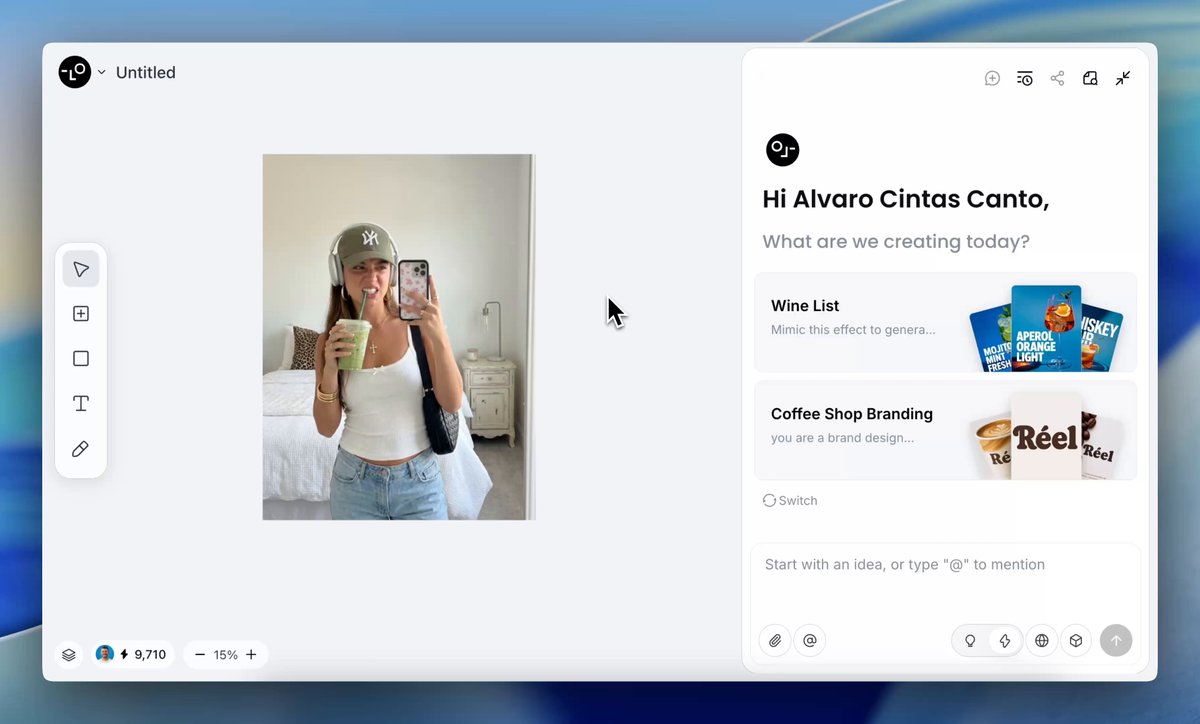
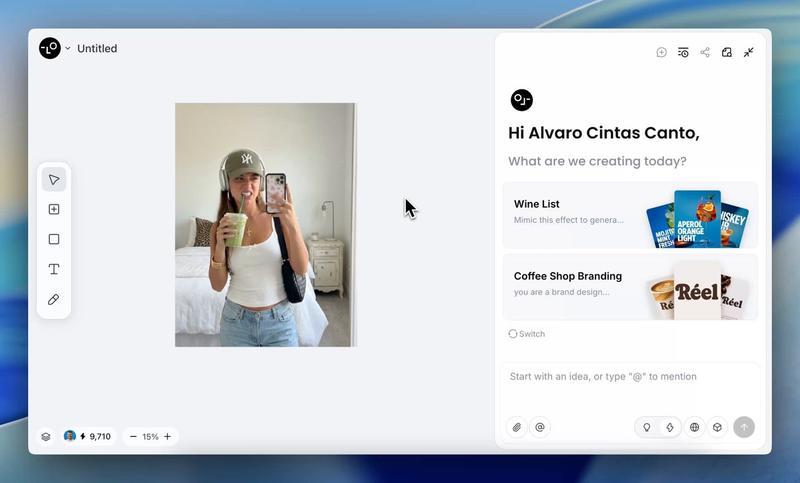
analyze this photo and give me a detailed JSON prompt that recreates it. brea...
Enlarge

analyze this photo and give me a detailed JSON prompt that recreates it. brea...

Prompt
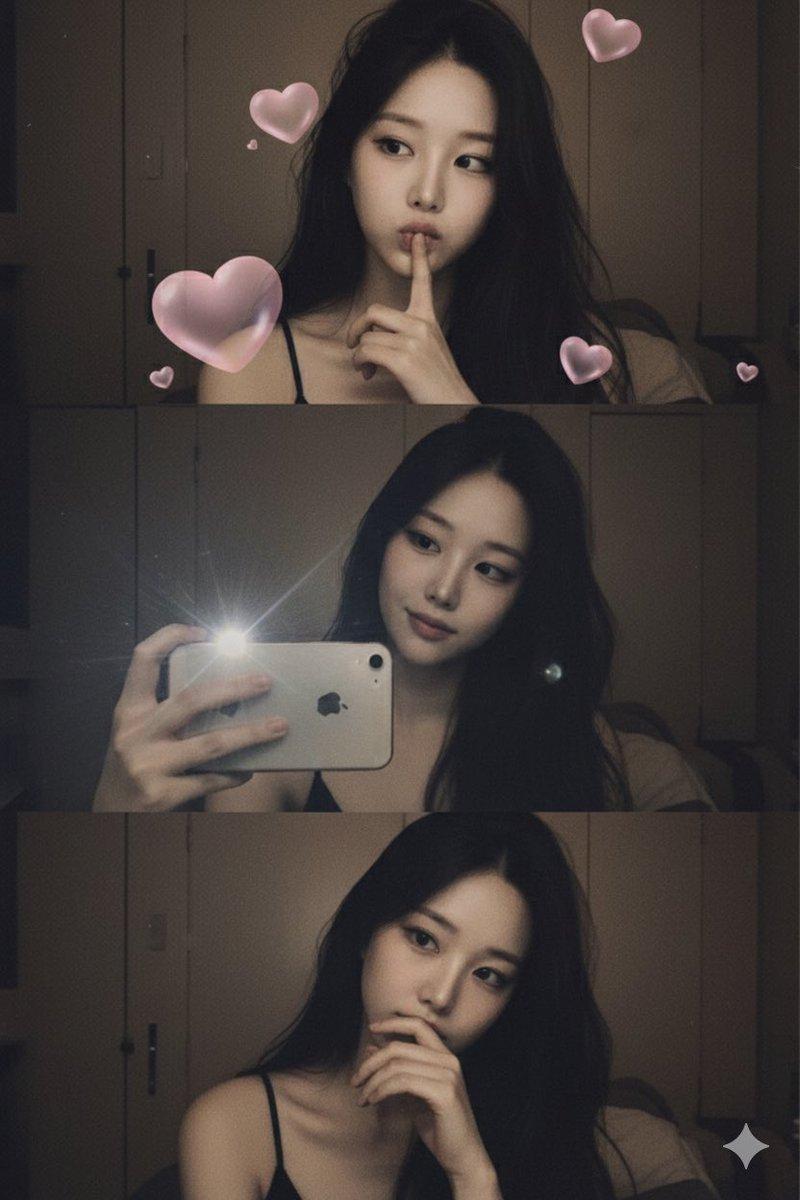
analyze this photo and give me a detailed JSON prompt that recreates it. break down the color grading and every exact color in the photo

(use Opus, not Sonnet. Opus has stronger visual analysis and writes more detailed JSON)

paste that JSON into ChatGPT
upload your product image and prompt:
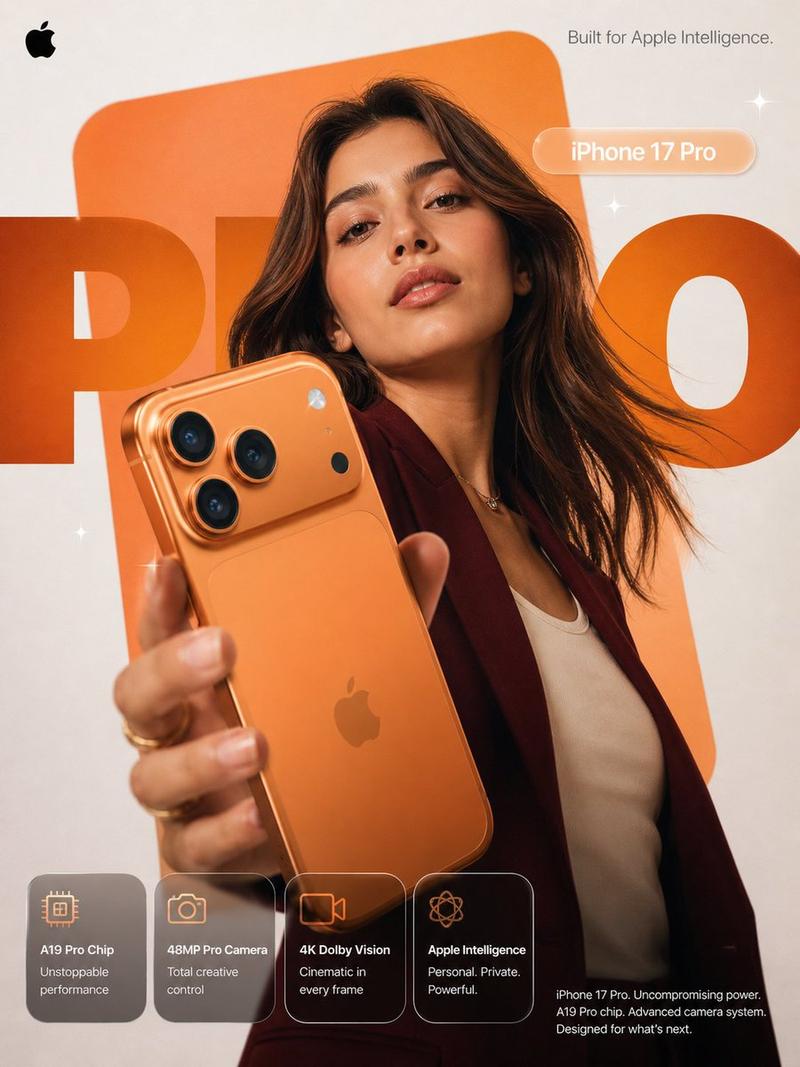
using this JSON as reference, generate a person holding my product
save that generated photo as your character reference

attach it to every future generation for facial consistency

you now have a consistent UGC model that works across any product

the JSON controls the lighting and color grading. GPT image-2 handles the character. you control the product placement.

the #1 tell on AI photos is flat colors and a grainy look. this method removes both.
5 minutes to set up. unlimited variations after.
Category
Photography & Realism
Model
GPT Image 2
Creator
EvoLinkAI
Views3
Source ID
portrait-21

Guide

About "analyze this photo and give me a detailed JSON prompt that recreates it. brea..."

What is this prompt for?

"analyze this photo and give me a detailed JSON prompt that recreates it. brea..." AI image prompt for GPT Image 2 (Photography & Realism). analyze this photo…

The full copyable prompt and example visuals above are ready for AI image generation or one-click recreate in Picva.

How to use this prompt

  1. Step 1

    Open the prompt detail

    Review the example visuals, category, and full prompt text for "analyze this photo and give me a detailed JSON prompt that recreates it. brea...".

  2. Step 2

    Copy the prompt

    Copy the prompt body from this page, or load it directly in Studio.

  3. Step 3

    Pick a model (GPT Image 2)

    Prefer GPT Image 2. If you switch models, keep subject and composition and tweak style terms.

  4. Step 4

    Generate and export

    Recreate the look in Picva, or export into your workflow for editing and publishing.

FAQ

What is the "analyze this photo and give me a detailed JSON prompt that recreates it. brea..." prompt?
It is an AI image-generation prompt for GPT Image 2 in the Photography & Realism category. This page includes the full prompt text, example visuals, and a one-click recreate path in Picva.
How do I use this prompt to generate an image?
Copy the prompt from this page, or use Generate / Studio. Paste it into a compatible image model, or recreate the look in Picva with optional reference images.
Which model is this prompt for?
This page lists GPT Image 2. Most descriptive prompts also transfer to nearby image models such as GPT Image, Flux, or Midjourney with light style tweaks.
Can I use the result commercially?
You can usually copy the prompt for creation, but commercial use of the final image depends on the model terms, reference-image rights, and the generated content. Follow the source author and platform rules.