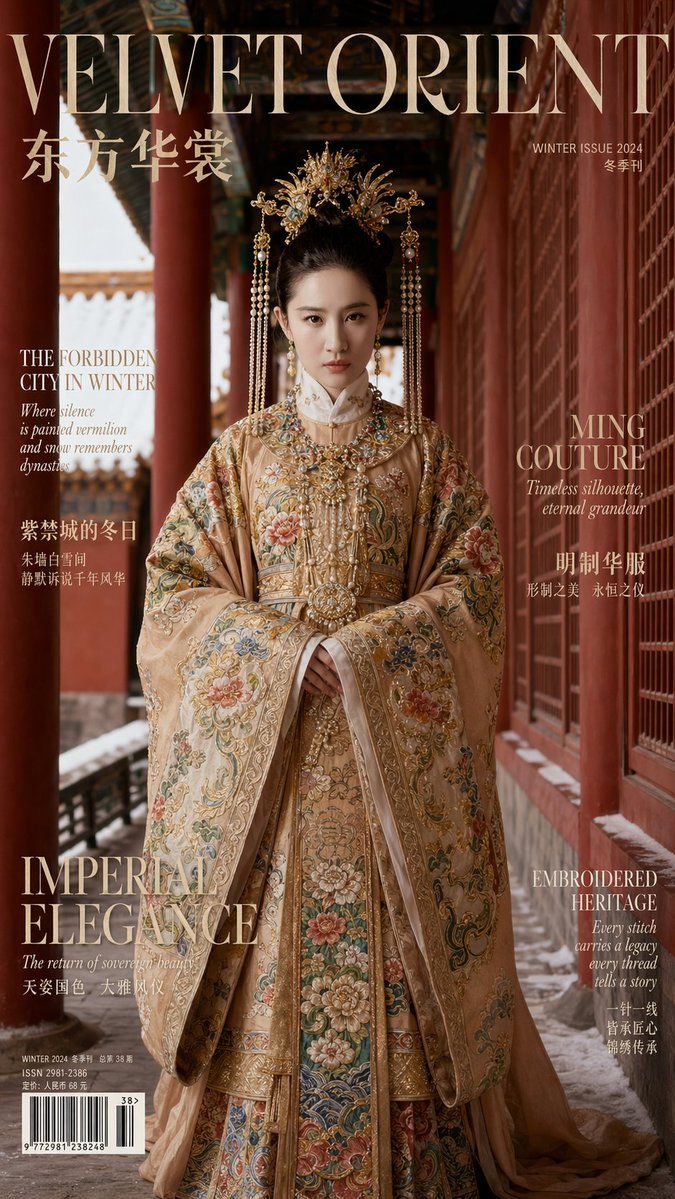
Aspect Ratio: 9:16 Vertical
Prompt
Aspect Ratio: 9:16 Vertical

【IDENTITY & REALISM (CRITICAL PRIORITY)】

The subject is an adult female whose facial features and bone structure must 100% perfectly match the provided FACE_REF image. Eye spacing, nose bridge, jawline, and cheekbone structure must be exact; no identity drift is allowed. Skin texture must be photorealistic, showing pores and fine details—do not over-smooth or apply an Instagram filter look.

【PHOTOGRAPHY & CINEMATOGRAPHY】

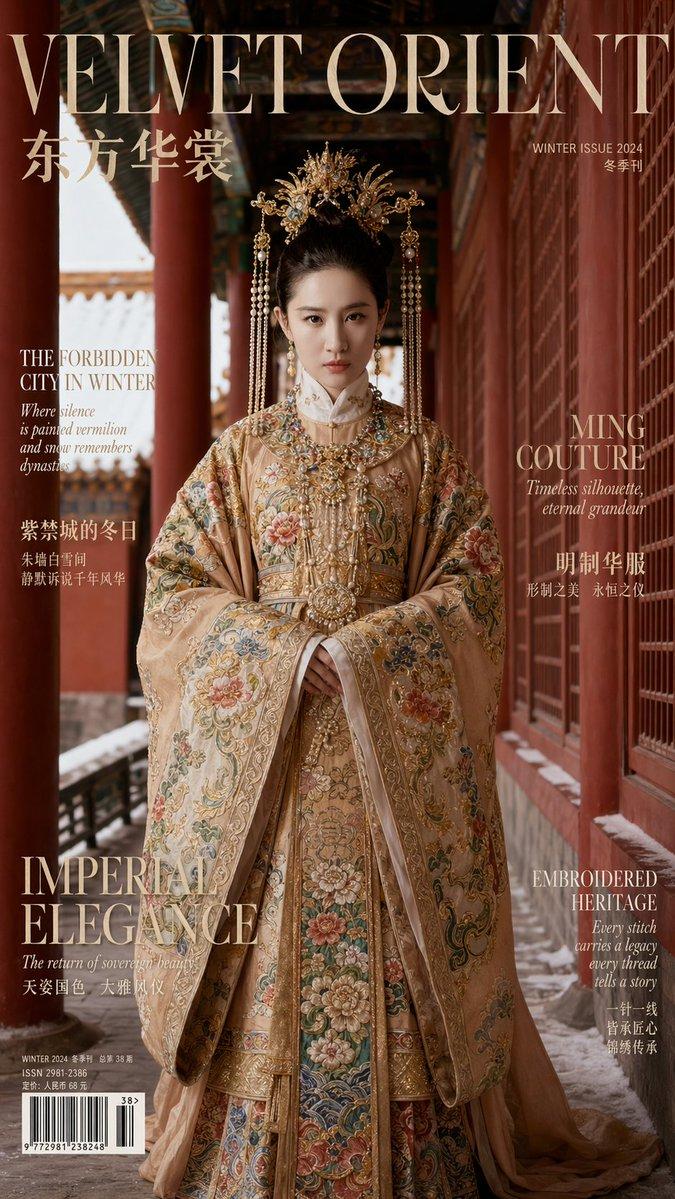
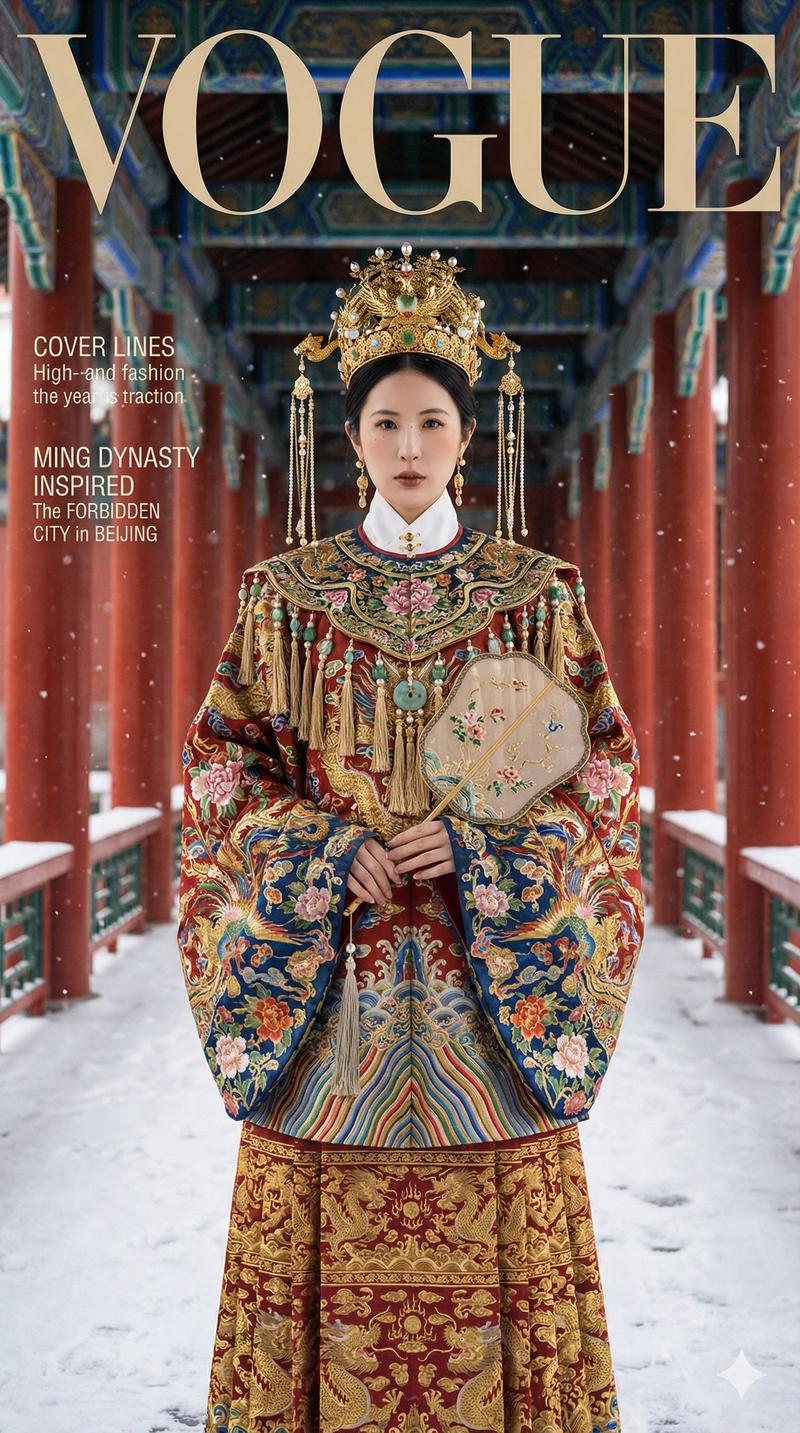
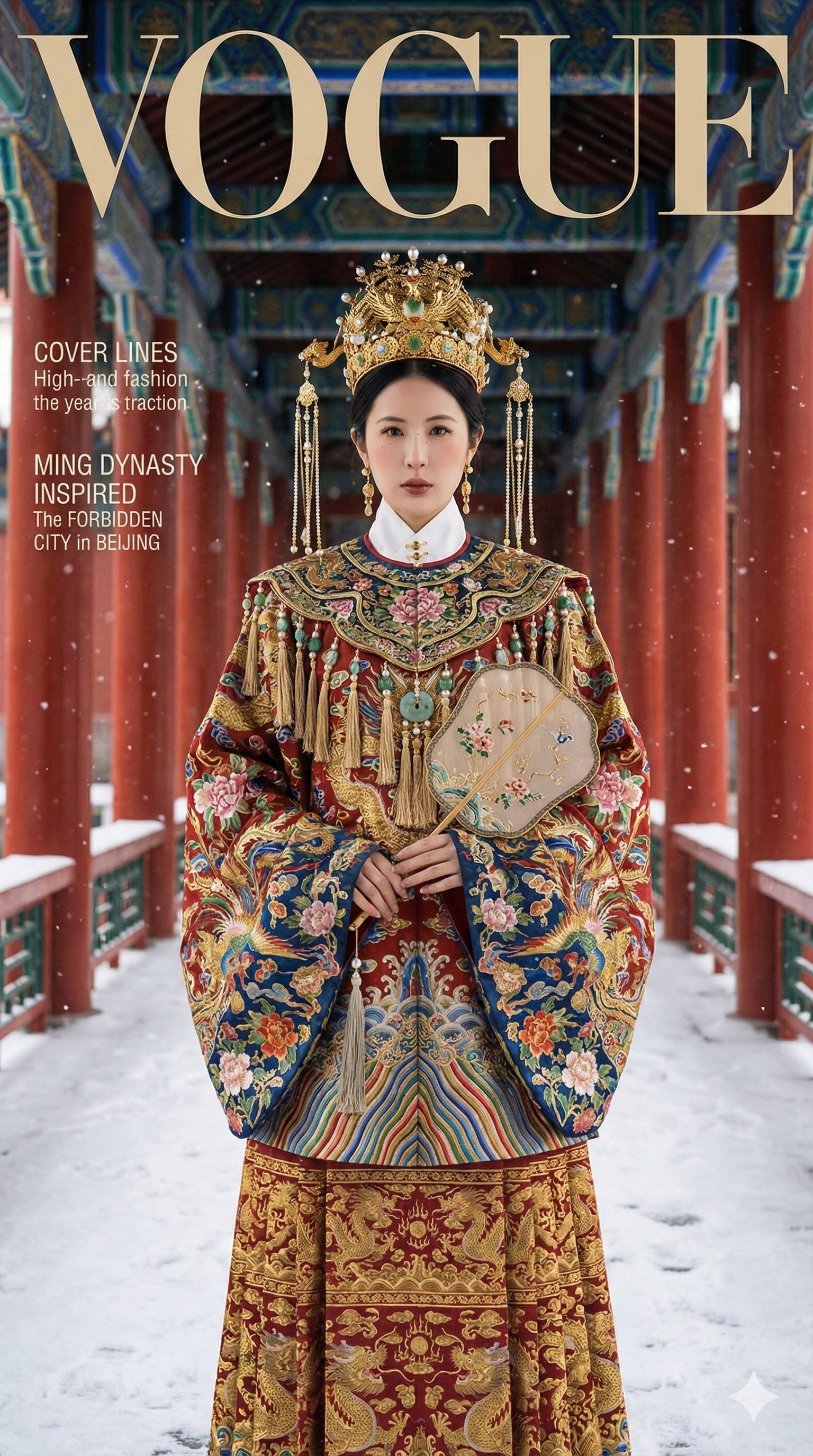
A high-end editorial fashion photograph with a cinematic quality, rivaling covers of Vogue, Harper’s Bazaar, or ELLE.

Lens & Focus: Use an 85mm lens (for medium shot) or 50mm/70mm (for full body) with a shallow depth of field. The subject's eyes must be perfectly sharp.

Lighting: Natural winter daylight supplemented by soft, professional fill light. Gold ornaments and precious stones should have realistic specular highlights without being blown out. Embroidery textures must be incredibly sharp and tactile.

Color Grading: Rich, cinematic colors. The red walls and the attire's main color must be distinct and clean, not muddy. The overall image should feel deep, textured, and expensive.

Composition: A clean magazine cover layout with deliberate negative space at the top or sides for typography. No torn paper or hand-drawn effects.

【SETTING: FORBIDDEN CITY WINTER】

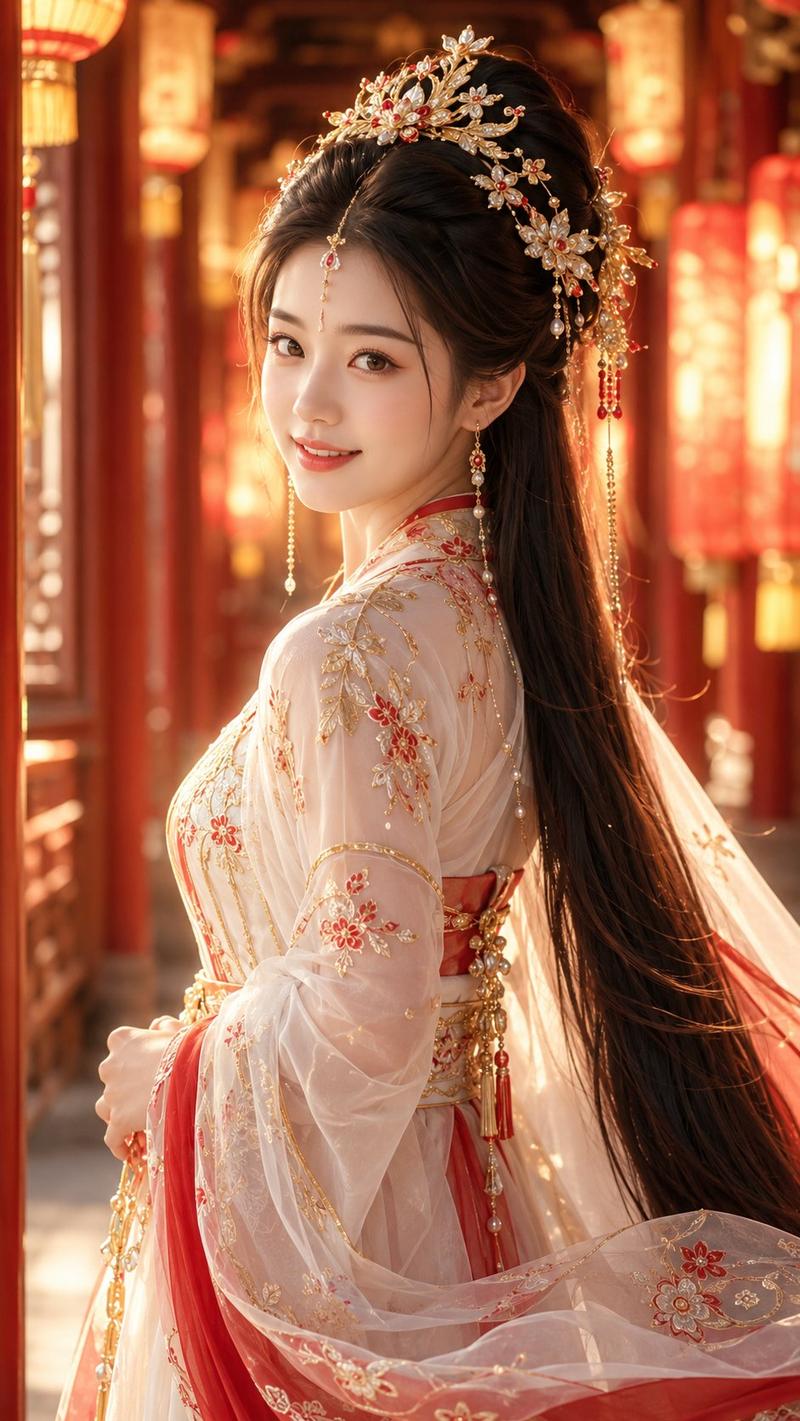
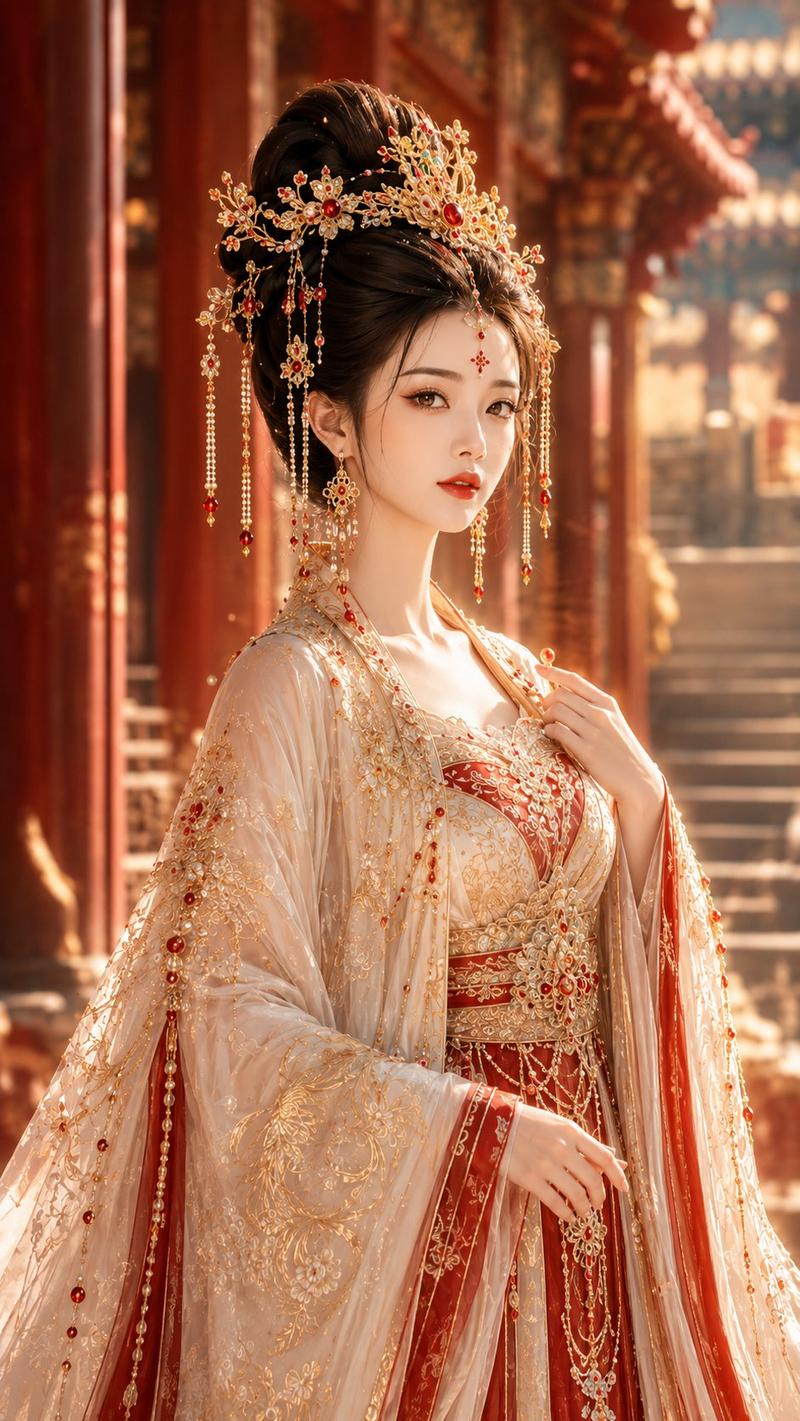
The location is a red-walled long corridor in the Beijing Forbidden City.

Environment: Visible details include vermilion walls, red pillars, intricate carved windows, and painted wooden beams with strong perspective depth. The scene must be clean: no tourists, modern signs, or watermarks.

Weather Condition (Selected Randomly):

[If Snowfall selected]: Fine snowflakes are gently falling.

[If Post-Snow selected]: The air is crisp and clear, with remnant snow on the eaves and steps.

【WARDROBE: MING DYNASTY HEAVY INDUSTRY COUTURE】

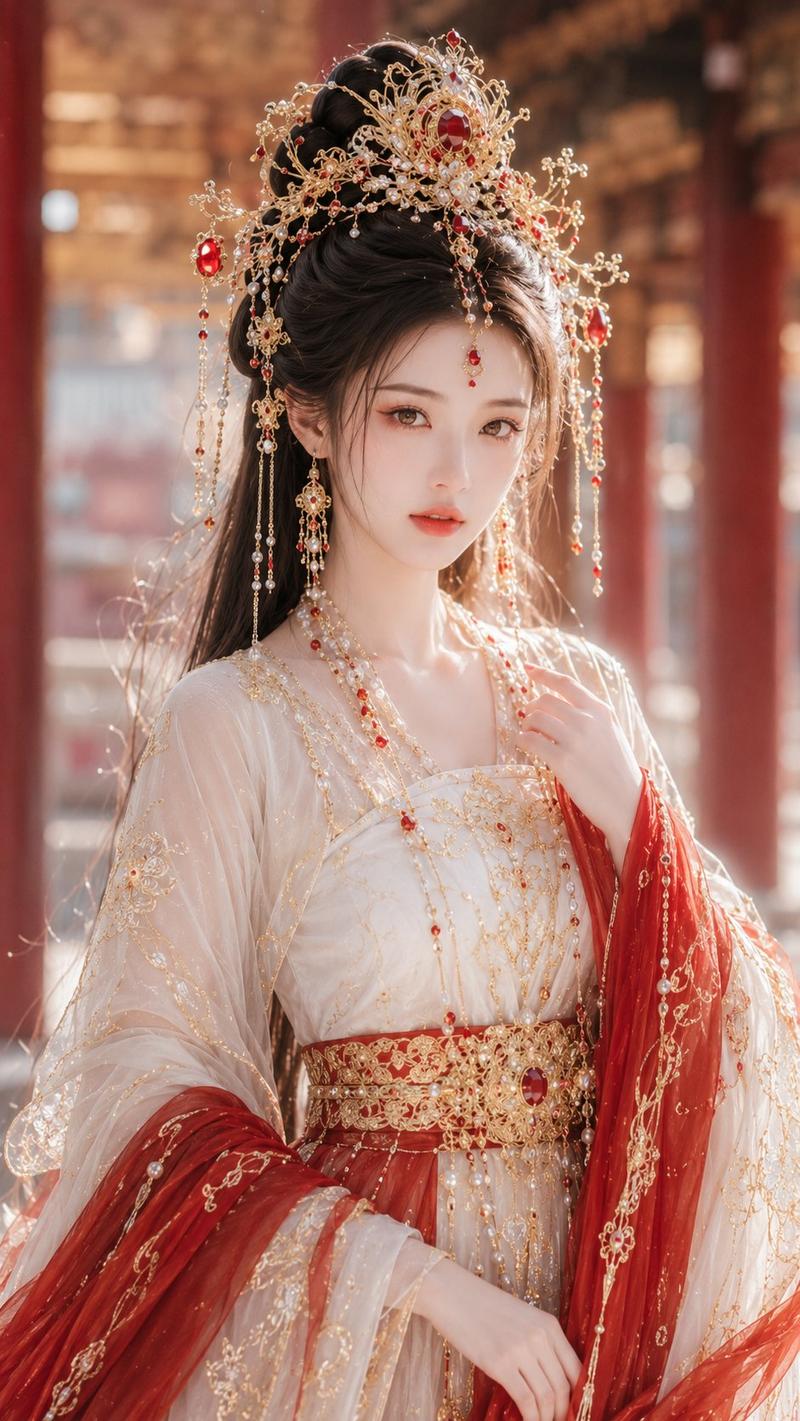
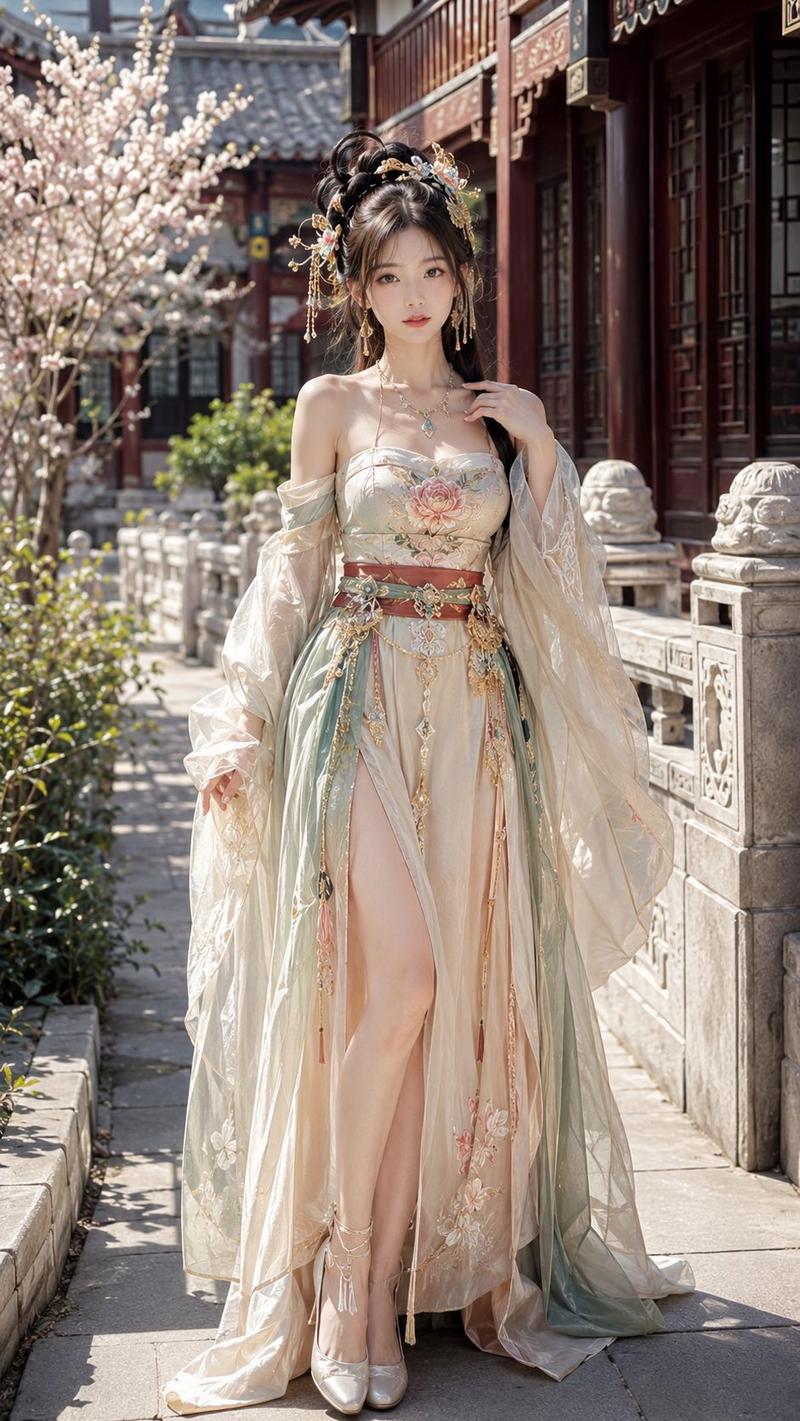
The subject wears opulent, multi-layered Ming Dynasty ceremonial Hanfu. The aesthetic is gold-heavy, dense tassels, phoenix crown, large-area woven gold embroidery, complex layering, dignified and luxurious.

Structure: A visible, crisp white standing inner collar provides a clean boundary. Over this is a structured duijin ao (jacket) with wide sleeves, topped by a heavy xiapei/pibo (stole) structure held by a large central yajin ornament.

Fabric & Craft: The main fabric is real zhijin jin (woven gold brocade) with palpable fiber texture. The embroidery is heavy industry—using panjin goldwork, couched gold
- Category
- Posters & Typography
- Model
- GPT Image 2
- Creator
- EvoLinkAI
- Source ID
- poster-62
Views3