18

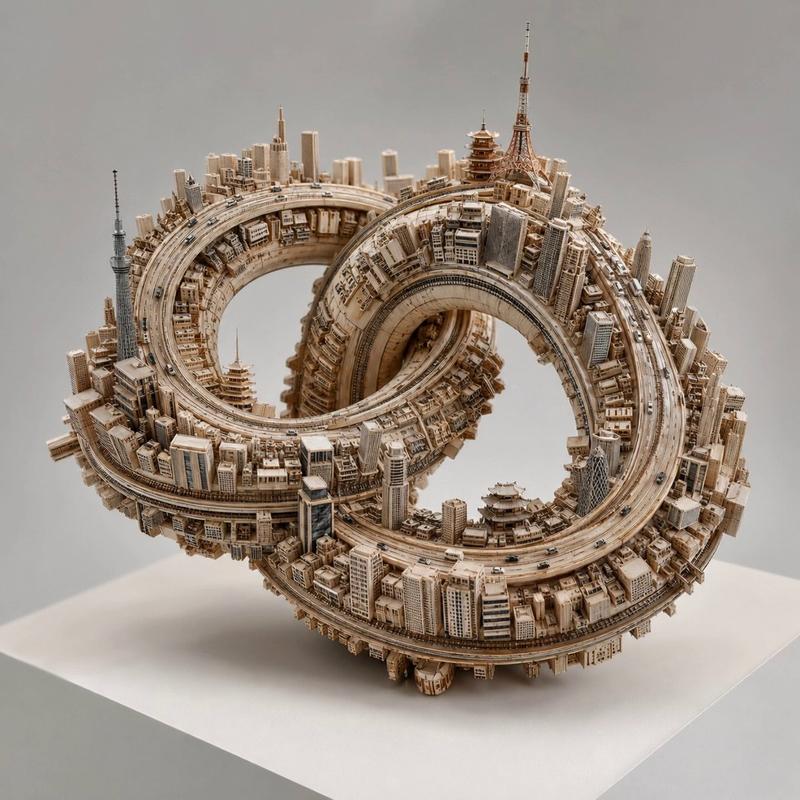
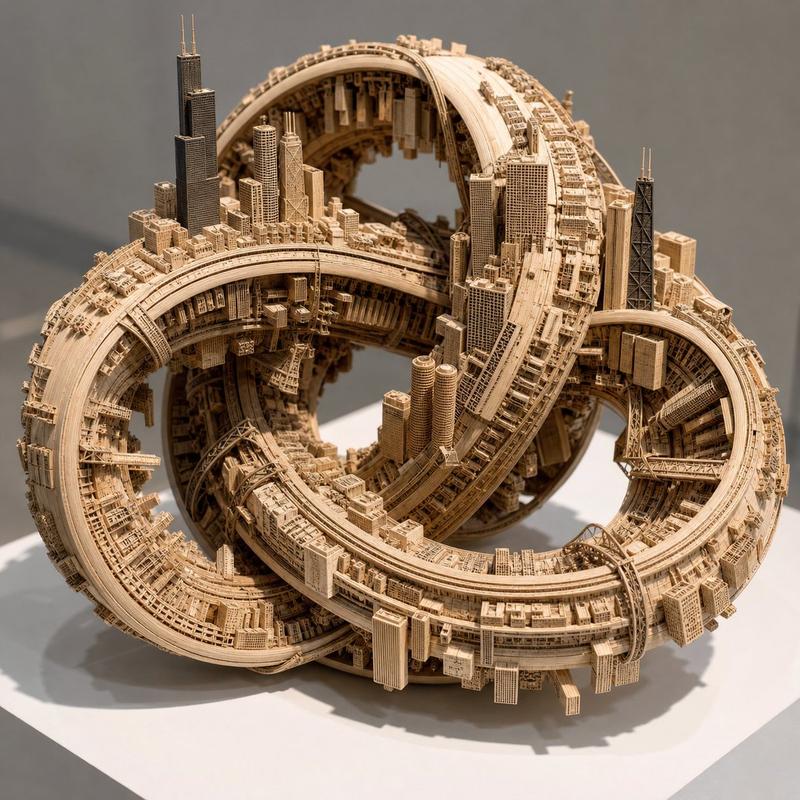
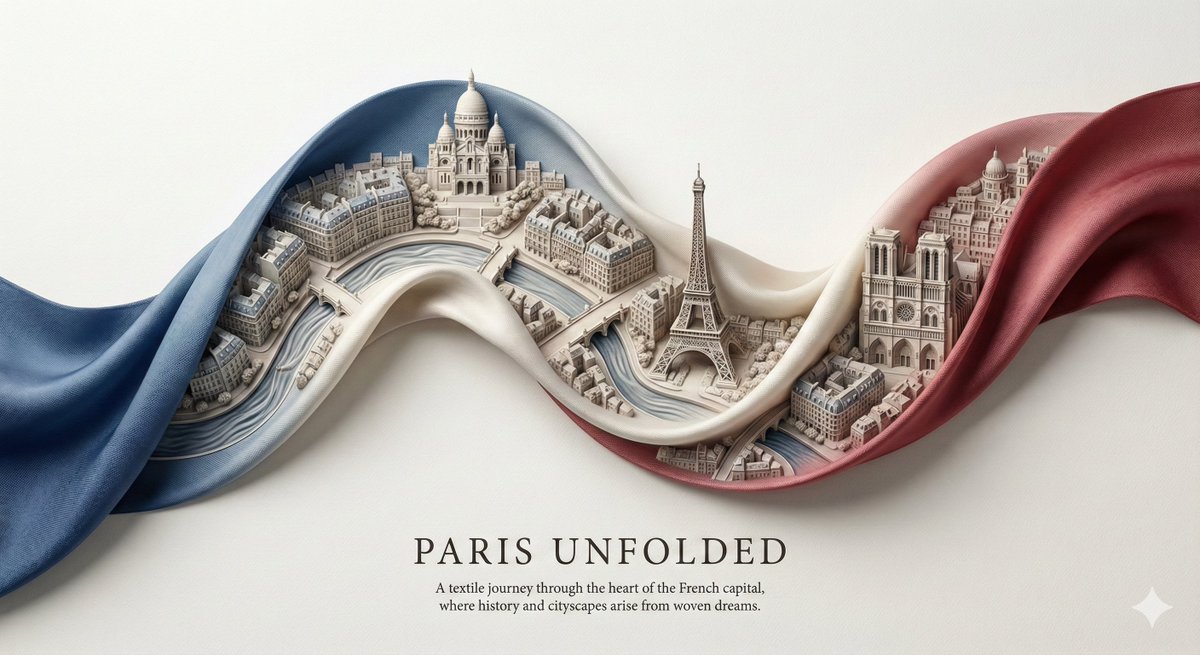
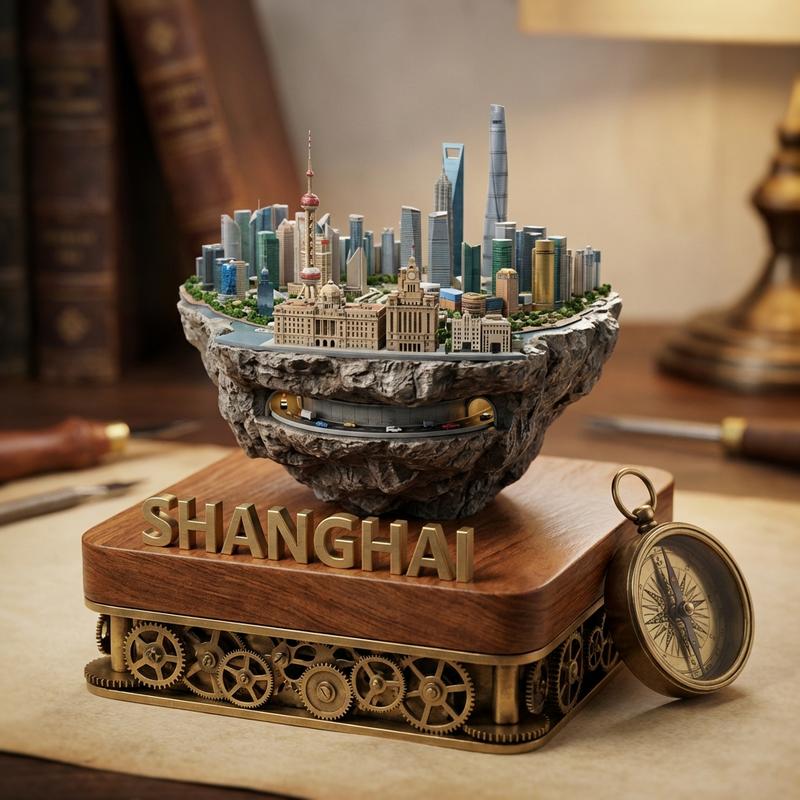
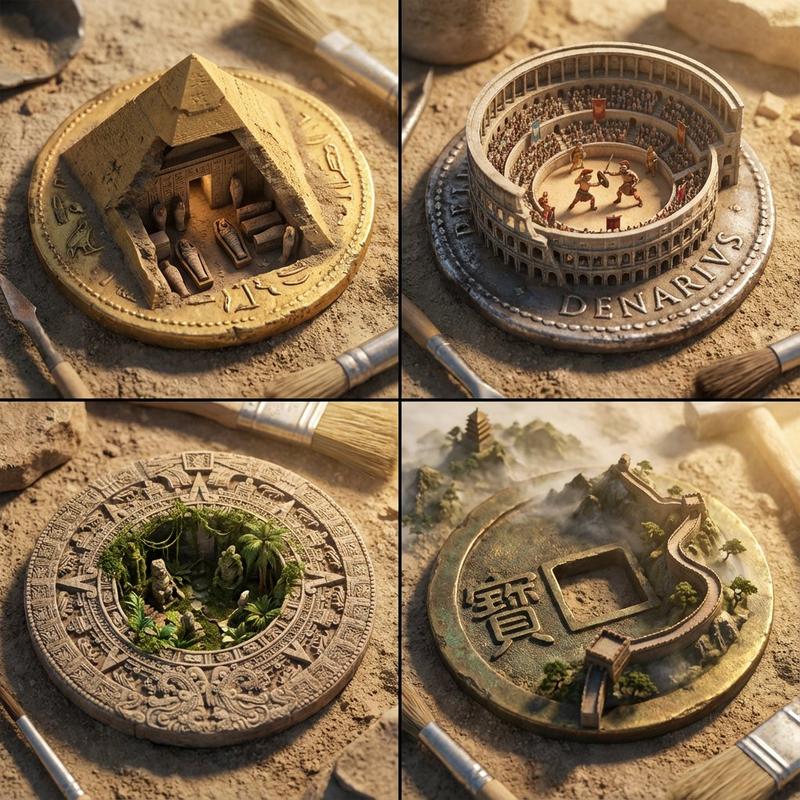
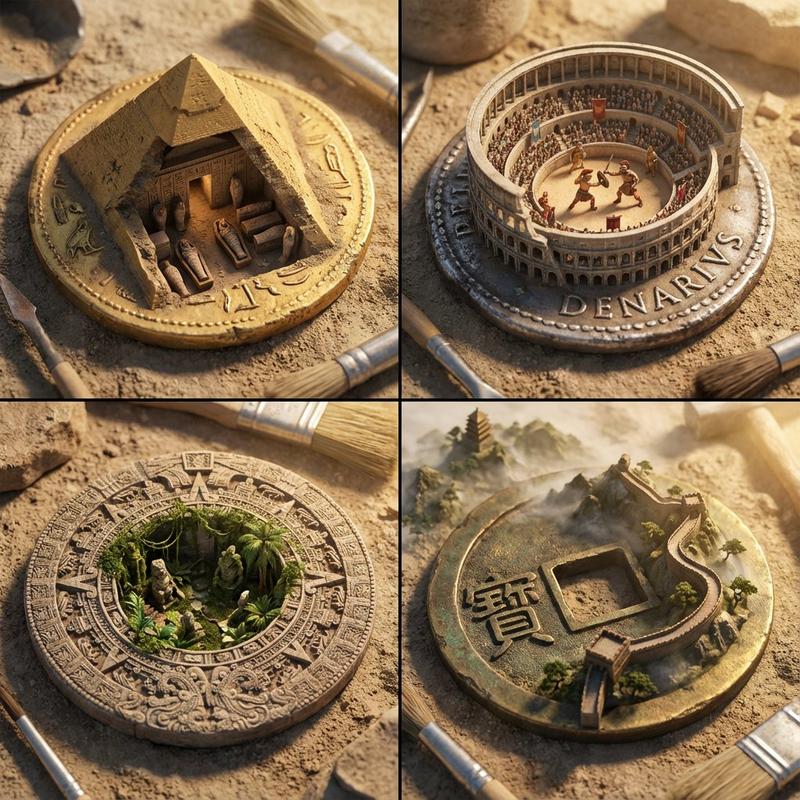
Miniature City Knot Sculpture
Enlarge

Miniature City Knot Sculpture

Prompt
GPT Image 2 + Kling = 🔥 This was done for Tokyo. 

[VAR_CITY] = "Tokyo, Japan"     [NODE 1: BASE_TOPOLOGY] Generate a complex, self-intersecting 3D endless loop (e.g., a thick Trefoil Knot or Gordian Knot). Material_Output: Raw, unfinished layered birch plywood. Visible wood grain.  [NODE 2: INSTANCER_LOGIC] AI_INFERENCE_TRIGGER: Analyze [VAR_CITY]. Extract its iconic architectural style, specific landmarks, and road infrastructure.  Action: Instance these urban elements directly onto the surface normals of the [BASE_TOPOLOGY].  [NODE 3: GRAVITY_WARP] The gravity vector is strictly relative to the surface of the knot. Buildings must project outward from the wood, regardless of whether the surface is facing up, down, or sideways. The roads must follow the curvature perfectly. Tiny metallic cars dot the highways.  [RENDER_ENGINE] Execute Tree. Output as a physical macro-photography studio shot. The object sits on a blank museum pedestal. Soft, diffuse top-lighting. Shallow depth of field to emphasize the miniature scale.
Category
Posters & Typography
Model
GPT Image 2
Creator
EvoLinkAI
Views2
Source ID
poster-184

Guide

About "Miniature City Knot Sculpture"

What is this prompt for?

"Miniature City Knot Sculpture" AI image prompt for GPT Image 2 (Posters & Typography). GPT Image 2 + Kling = 🔥 This was done for Tokyo. [VAR_CITY] = "Tokyo,…

The full copyable prompt and example visuals above are ready for AI image generation or one-click recreate in Picva.

How to use this prompt

  1. Step 1

    Open the prompt detail

    Review the example visuals, category, and full prompt text for "Miniature City Knot Sculpture".

  2. Step 2

    Copy the prompt

    Copy the prompt body from this page, or load it directly in Studio.

  3. Step 3

    Pick a model (GPT Image 2)

    Prefer GPT Image 2. If you switch models, keep subject and composition and tweak style terms.

  4. Step 4

    Generate and export

    Recreate the look in Picva, or export into your workflow for editing and publishing.

FAQ

What is the "Miniature City Knot Sculpture" prompt?
It is an AI image-generation prompt for GPT Image 2 in the Posters & Typography category. This page includes the full prompt text, example visuals, and a one-click recreate path in Picva.
How do I use this prompt to generate an image?
Copy the prompt from this page, or use Generate / Studio. Paste it into a compatible image model, or recreate the look in Picva with optional reference images.
Which model is this prompt for?
This page lists GPT Image 2. Most descriptive prompts also transfer to nearby image models such as GPT Image, Flux, or Midjourney with light style tweaks.
Can I use the result commercially?
You can usually copy the prompt for creation, but commercial use of the final image depends on the model terms, reference-image rights, and the generated content. Follow the source author and platform rules.