18

未来城市奇点
Enlarge

Example images

未来城市奇点

Prompt
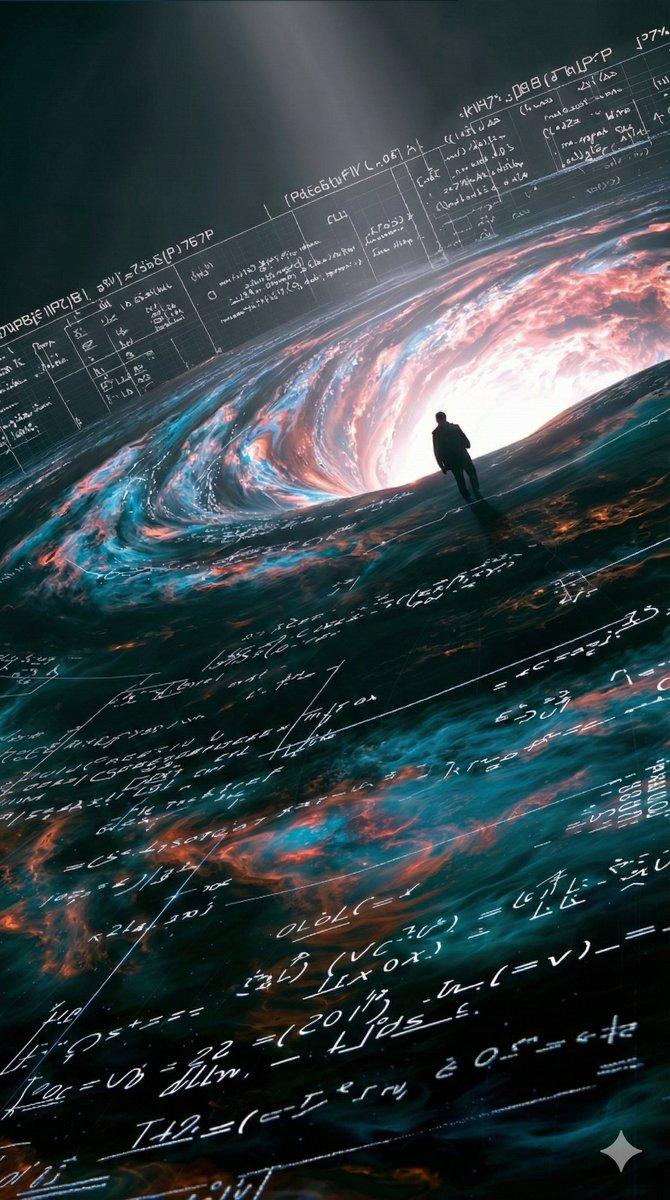
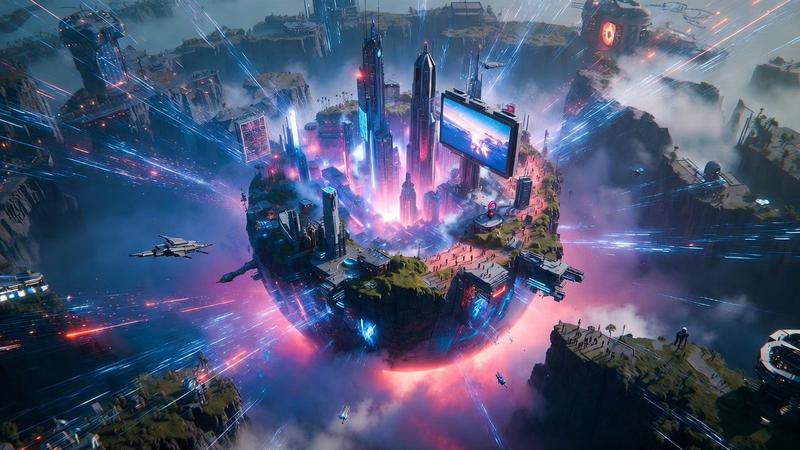
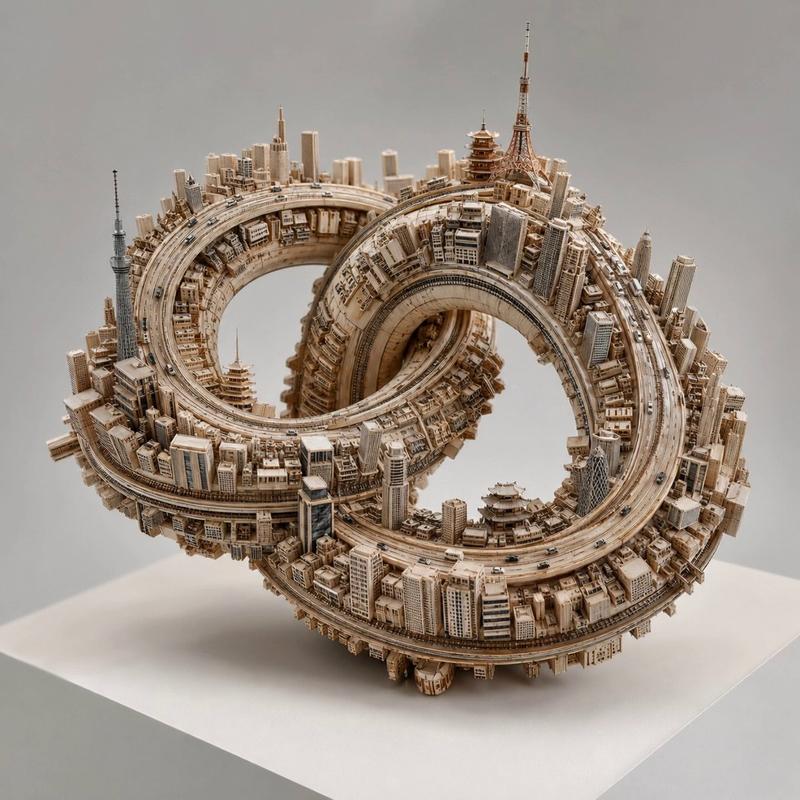
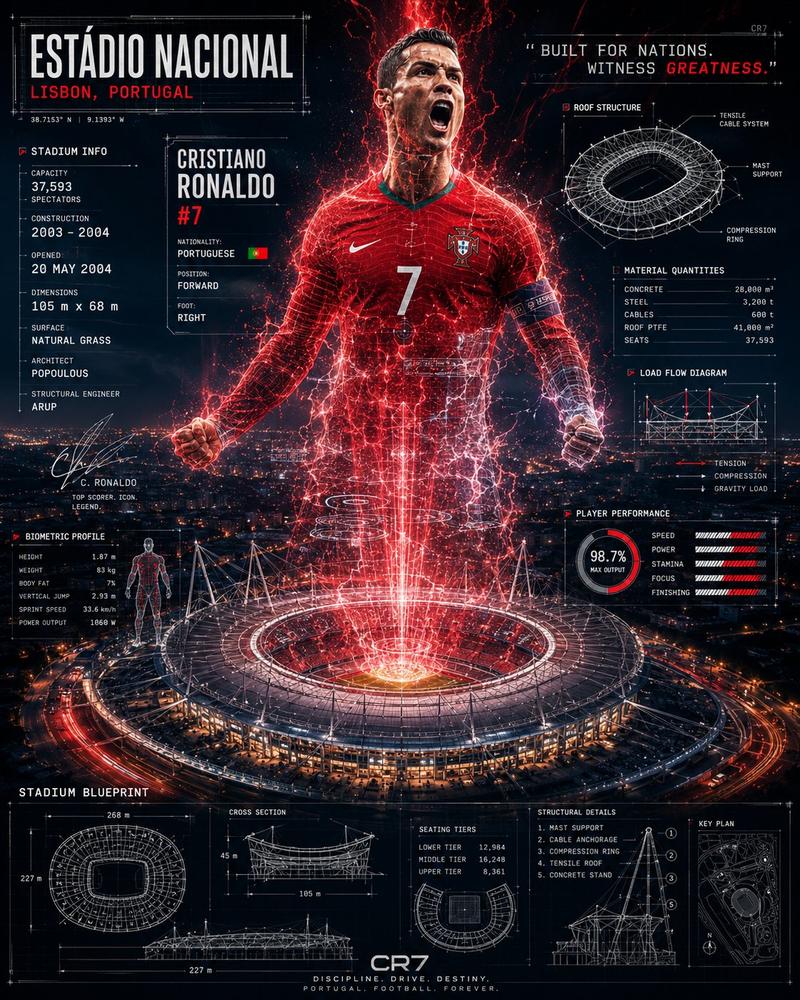
Create a vertical cinematic sci-fi cityscape showing a vast futuristic megacity at night in monochrome {argument name="color palette" default="black, white, and cold silver-gray"}. The viewpoint is a high aerial perspective looking down across an endless dense skyline of countless narrow skyscrapers, towers, and glowing city grids stretching to a hazy horizon. In the right-center foreground, place a colossal circular black void or artificial singularity embedded in the city, like a perfectly dark bottomless hole, surrounded by bright concentric rings of light trails that spiral around it like an accretion disk. The luminous rings should be made of many fine white and silver lines, suggesting extreme speed, orbital traffic, data streams, or gravitational distortion. Tall buildings cluster tightly around and beneath the vortex, with some needle-like spires rising above the light rings; emphasize intricate architectural detail, glowing windows, reflective metallic surfaces, and immense scale. The atmosphere should feel ominous, awe-inspiring, and futuristic, with mist, fog, bloom, and a soft bright horizon band under a dark sky. Use ultra-detailed photorealistic digital matte painting style, high contrast, deep blacks, volumetric haze, sharp skyscraper silhouettes, and cinematic lighting. No people, vehicles, signs, logos, or readable text.
Category
Brand & Logos
Model
GPT Image 2
Creator
nic
Views8
Source ID
21442
Published
May 18, 2026

Guide

About "未来城市奇点"

What is this prompt for?

"未来城市奇点" AI image prompt for GPT Image 2 (Brand & Logos). 一幅电影质感的单色航拍画面,展现了一座未来大都市正被巨大的发光黑洞状漩涡吞噬的场景。 Copy it on Picva and recreate the look in one click.

The full copyable prompt and example visuals above are ready for AI image generation or one-click recreate in Picva.

How to use this prompt

  1. Step 1

    Open the prompt detail

    Review the example visuals, category, and full prompt text for "未来城市奇点".

  2. Step 2

    Copy the prompt

    Copy the prompt body from this page, or load it directly in Studio.

  3. Step 3

    Pick a model (GPT Image 2)

    Prefer GPT Image 2. If you switch models, keep subject and composition and tweak style terms.

  4. Step 4

    Generate and export

    Recreate the look in Picva, or export into your workflow for editing and publishing.

FAQ

What is the "未来城市奇点" prompt?
It is an AI image-generation prompt for GPT Image 2 in the Brand & Logos category. This page includes the full prompt text, example visuals, and a one-click recreate path in Picva.
How do I use this prompt to generate an image?
Copy the prompt from this page, or use Generate / Studio. Paste it into a compatible image model, or recreate the look in Picva with optional reference images.
Which model is this prompt for?
This page lists GPT Image 2. Most descriptive prompts also transfer to nearby image models such as GPT Image, Flux, or Midjourney with light style tweaks.
Can I use the result commercially?
You can usually copy the prompt for creation, but commercial use of the final image depends on the model terms, reference-image rights, and the generated content. Follow the source author and platform rules.