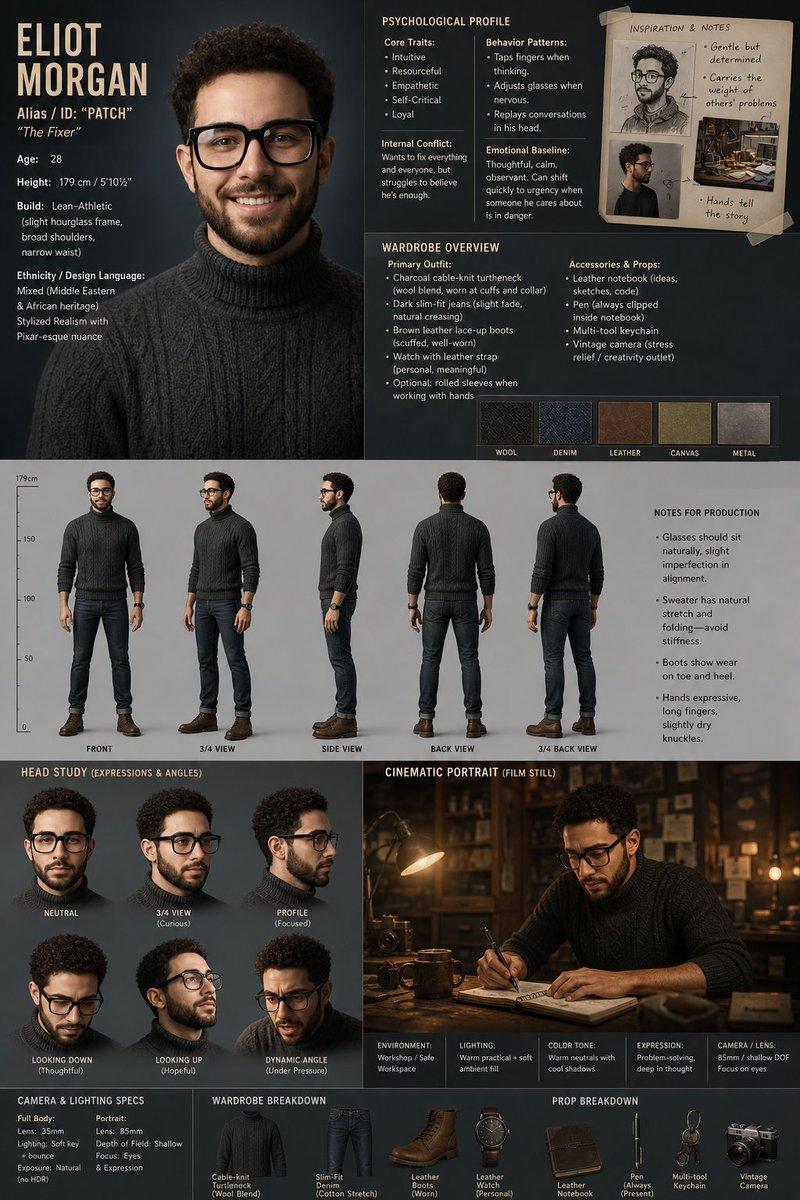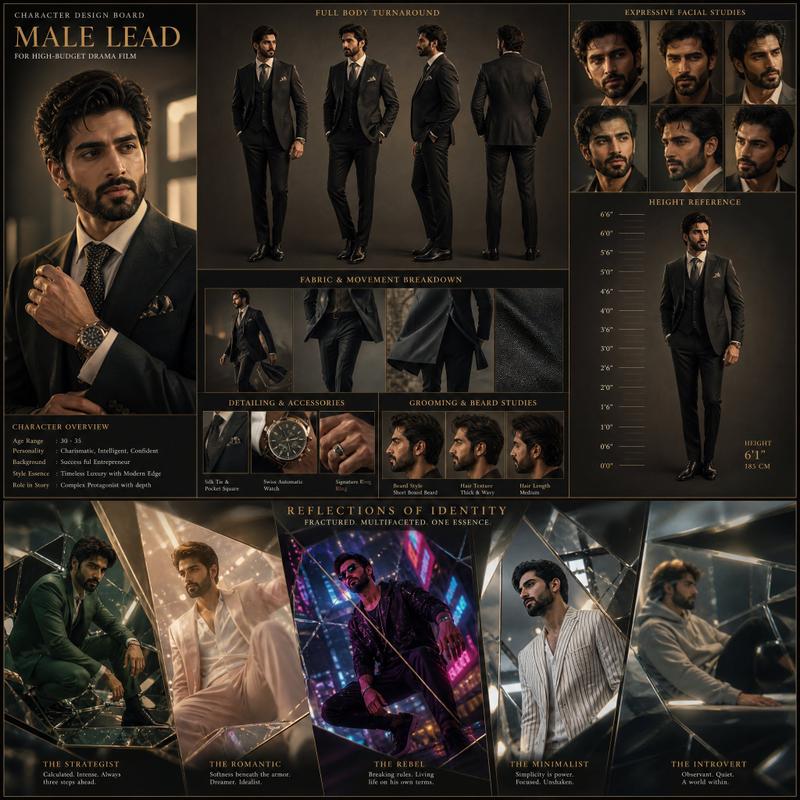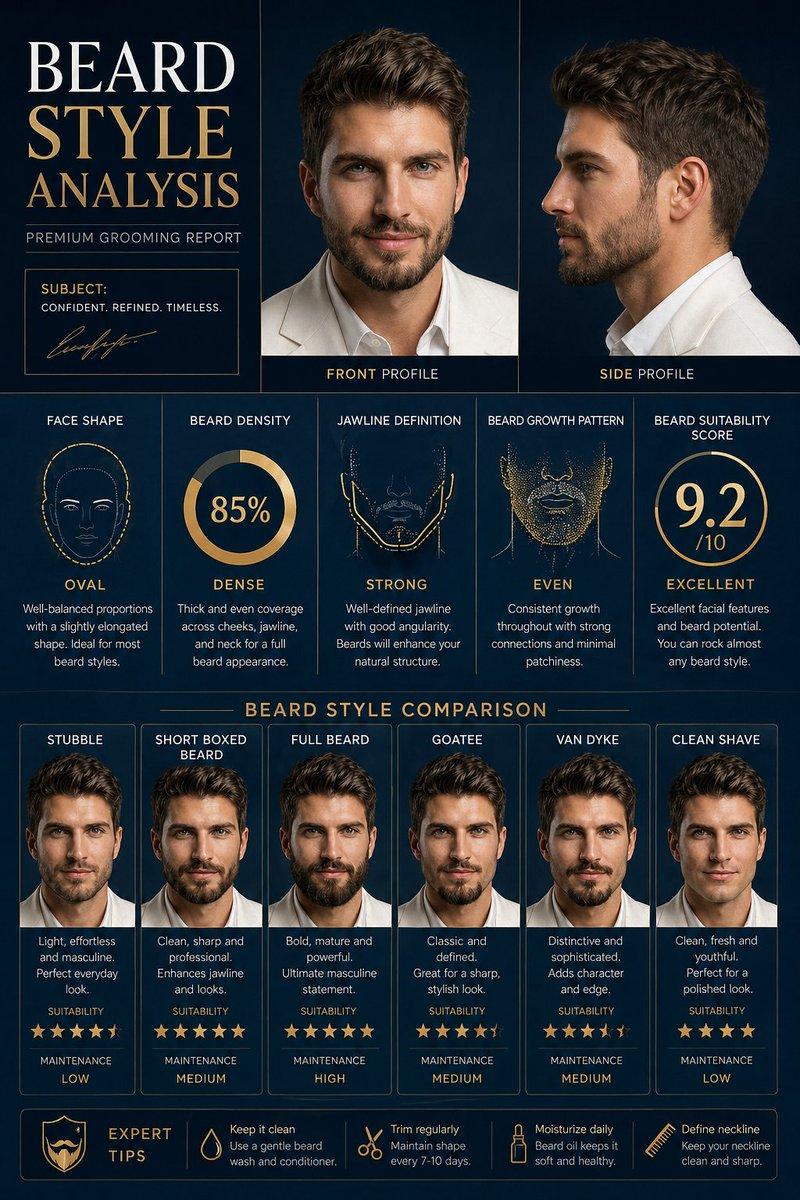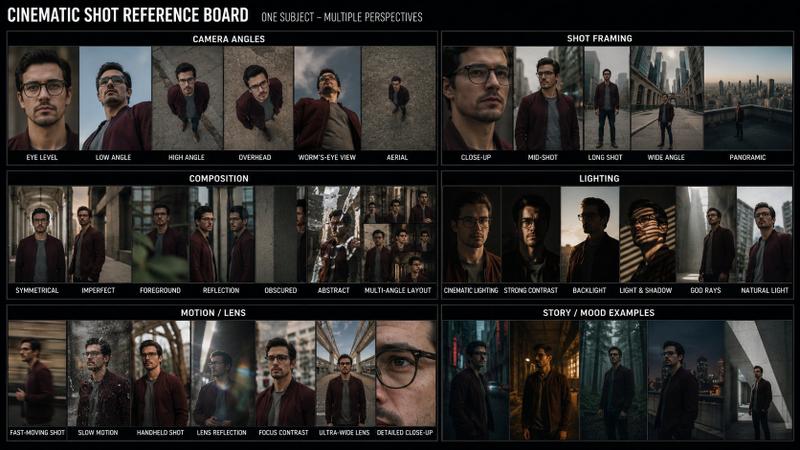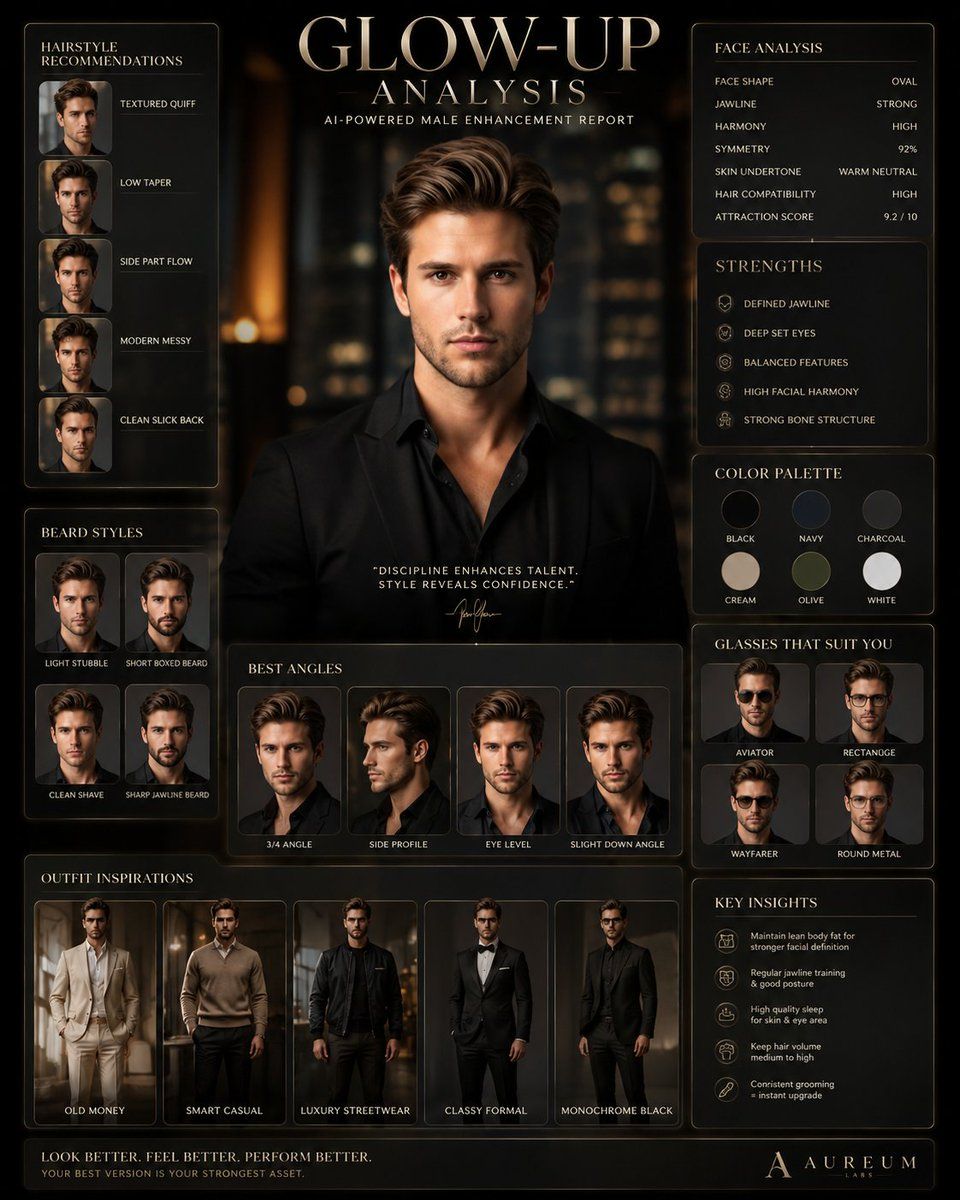
Male Glow-Up Analysis Poster
Prompt
I will upload a face photo/selfie.

Create an ULTRA PREMIUM AI MALE GLOW-UP ANALYSIS POSTER with a luxury fashion-tech aesthetic.

IMPORTANT:
The uploaded face and identity must remain EXACTLY THE SAME.

Do NOT change:
- facial structure
- eyes
- nose
- lips
- jawline
- skin tone
- facial proportions
- identity

The face should look 100% identical to the uploaded image.

You MAY enhance:
- hairstyle
- beard style
- expression
- outfit
- lighting
- posture
- styling
- background
- overall attractiveness

STYLE:
The final result should look like:
- a luxury grooming brand campaign
- a futuristic men’s fashion magazine
- a premium AI self-improvement dashboard
- cinematic and extremely expensive

NO basic infographic look.
NO cheap AI poster style.
NO cartoonish design.

THEME:
Use a premium modern luxury aesthetic:
- matte black
- champagne gold
- warm beige
- silver accents
- dark graphite
- soft cinematic lighting

Add:
- glassmorphism UI
- floating premium panels
- luxury typography
- subtle reflections
- realistic shadows
- elegant spacing
- premium composition

CENTER SUBJECT:
- Place the uploaded face in the center
- Make him look like a high-status modern male model
- Confident masculine expression
- Attractive but realistic
- Strong eye contact
- Natural skin texture

HAIRSTYLE SECTION:
Create premium hairstyle recommendations using the SAME FACE:
- textured quiff
- low taper
- side part flow
- modern messy hairstyle
- clean slick back

BEARD SECTION:
Using the SAME FACE:
- light stubble
- short boxed beard
- clean shave
- sharp jawline beard

OUTFIT STYLE SECTION:
Create multiple premium outfit inspirations using the SAME FACE:
- old money
- smart casual
- luxury streetwear
- classy formal
- monochrome black fit

All outfits should look:
- tailored
- masculine
- expensive
- editorial quality

FACE ANALYSIS SECTION:
Include:
- face shape
- jawline analysis
- facial harmony
- symmetry
- hairstyle compatibility
- skin undertone
- attractiveness strengths

COLOR PALETTE SECTION:
Show best clothing colors:
- black
- cream
- olive
- navy
- charcoal
- white

GLASSES SECTION:
Show glasses/sunglasses styles that suit the face:
- aviator
- rectangle
- wayfarer
- round metal

BEST ANGLES SECTION:
Create multiple mini portraits using the SAME FACE:
- 3/4 angle
- side profile
- eye-level
- slight down angle

BACKGROUND:
Luxury studio environment:
- blurred city lights
- elegant interior
- premium fashion studio
- cinematic depth
- luxury apartment vibe

TEXT STYLE:
Minimal, clean, elegant.
Looks like a premium fashion editorial mixed with AI analysis.

QUALITY:
- ultra realistic
- hyper detailed
- 8K
- cinematic realism
- luxury aesthetic
- highly polished
- visually addictive
- Category
- UI & Interfaces
- Model
- GPT Image 2
- Creator
- EvoLinkAI
- Source ID
- ui-153
Views4