16

社会地位分析海报提示词
Enlarge

社会地位分析海报提示词

Prompt
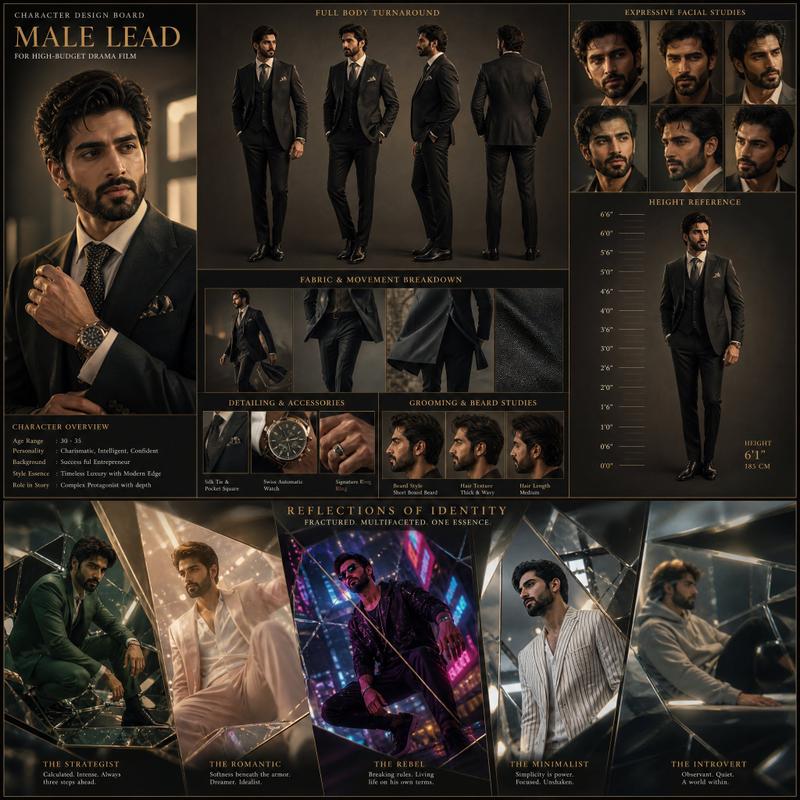
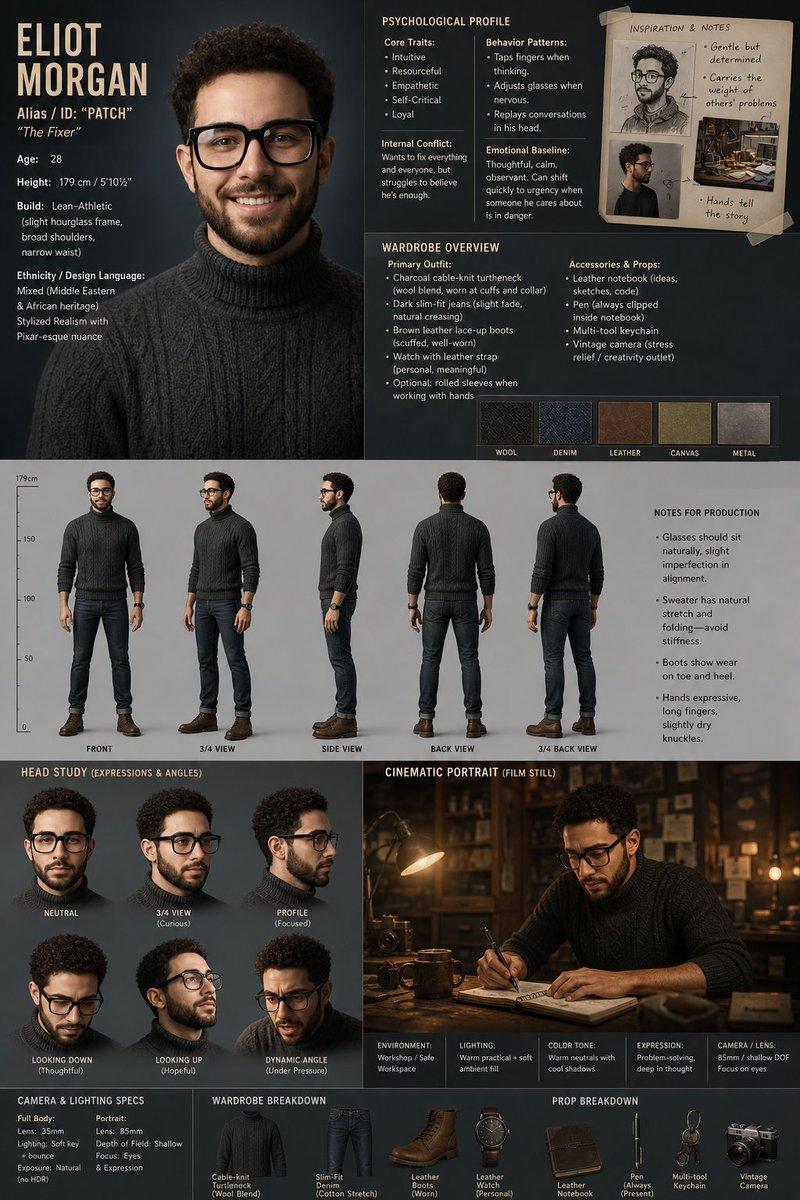
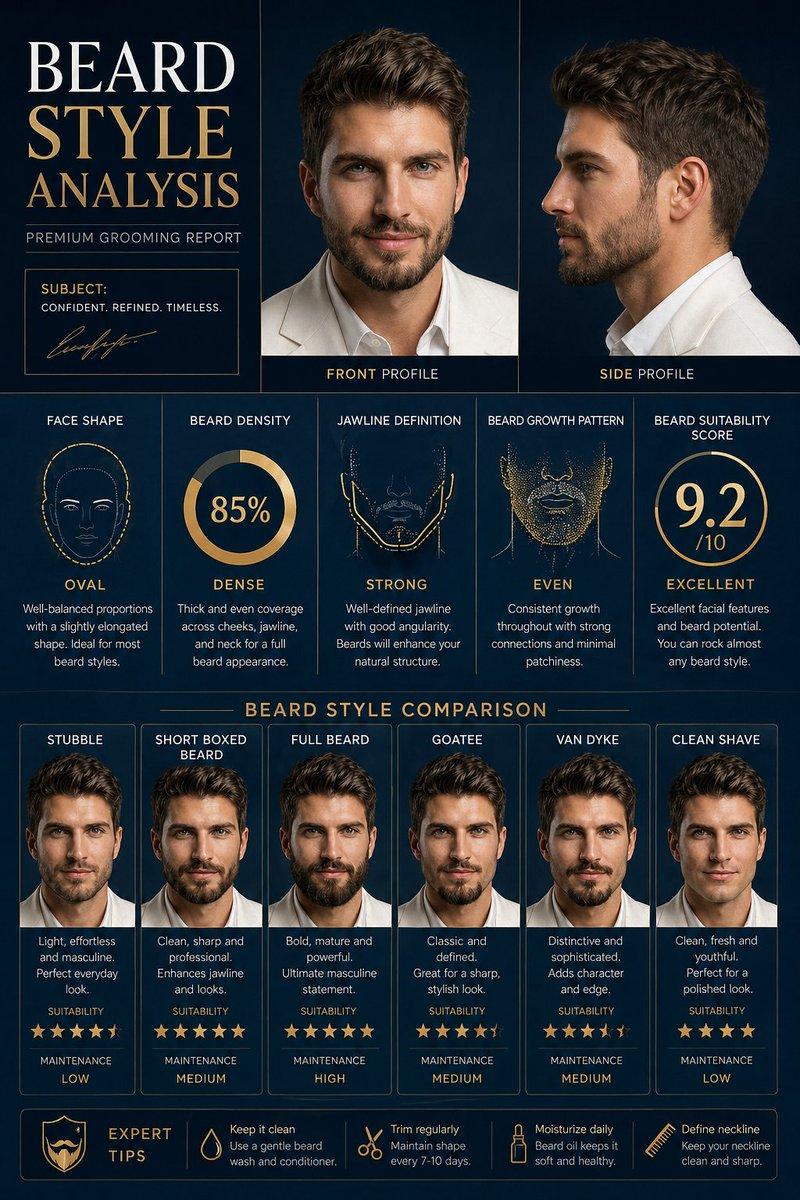
Create a premium “SOCIAL STATUS ANALYSIS” poster featuring the same man from the reference image. Present the same identity in different high-status environments with perfect face consistency. Include scenarios such as luxury events, business meetings, private jet travel, fine dining, elite social gatherings, and high-end street presence. Add social influence score, wealth perception rating, respect level, authority presence, luxury aura, networking power, and elite circle compatibility. Include portrait view, full body comparison, and cinematic scene variations. Premium black and gold editorial background, luxury magazine infographic style, modern typography, stylish layout, high detail, realistic premium status poster, 4K quality.
Category
Charts & Infographics
Model
GPT Image 2
Views8
Source ID
17297
Published
Apr 30, 2026

Guide

About "社会地位分析海报提示词"

What is this prompt for?

"社会地位分析海报提示词" AI image prompt for GPT Image 2 (Charts & Infographics). 基于参考图像,在各种高端环境中分析个人社会地位,并创作一张奢华杂志风格的信息图海报。 Copy it on Picva and recreate the look in one…

The full copyable prompt and example visuals above are ready for AI image generation or one-click recreate in Picva.

How to use this prompt

  1. Step 1

    Open the prompt detail

    Review the example visuals, category, and full prompt text for "社会地位分析海报提示词".

  2. Step 2

    Copy the prompt

    Copy the prompt body from this page, or load it directly in Studio.

  3. Step 3

    Pick a model (GPT Image 2)

    Prefer GPT Image 2. If you switch models, keep subject and composition and tweak style terms.

  4. Step 4

    Generate and export

    Recreate the look in Picva, or export into your workflow for editing and publishing.

FAQ

What is the "社会地位分析海报提示词" prompt?
It is an AI image-generation prompt for GPT Image 2 in the Charts & Infographics category. This page includes the full prompt text, example visuals, and a one-click recreate path in Picva.
How do I use this prompt to generate an image?
Copy the prompt from this page, or use Generate / Studio. Paste it into a compatible image model, or recreate the look in Picva with optional reference images.
Which model is this prompt for?
This page lists GPT Image 2. Most descriptive prompts also transfer to nearby image models such as GPT Image, Flux, or Midjourney with light style tweaks.
Can I use the result commercially?
You can usually copy the prompt for creation, but commercial use of the final image depends on the model terms, reference-image rights, and the generated content. Follow the source author and platform rules.