卓越的风格表现力与写实度
Prompt
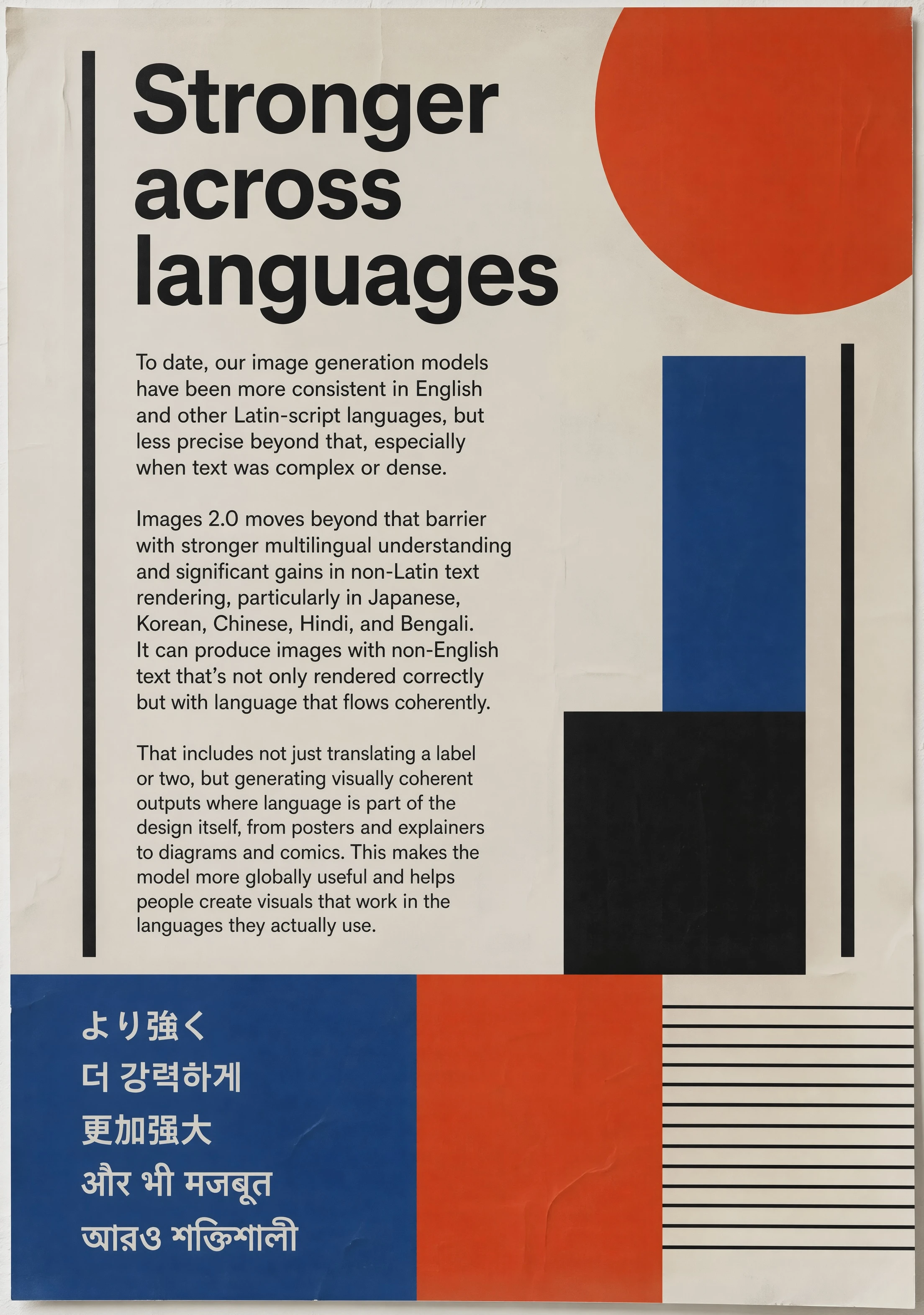
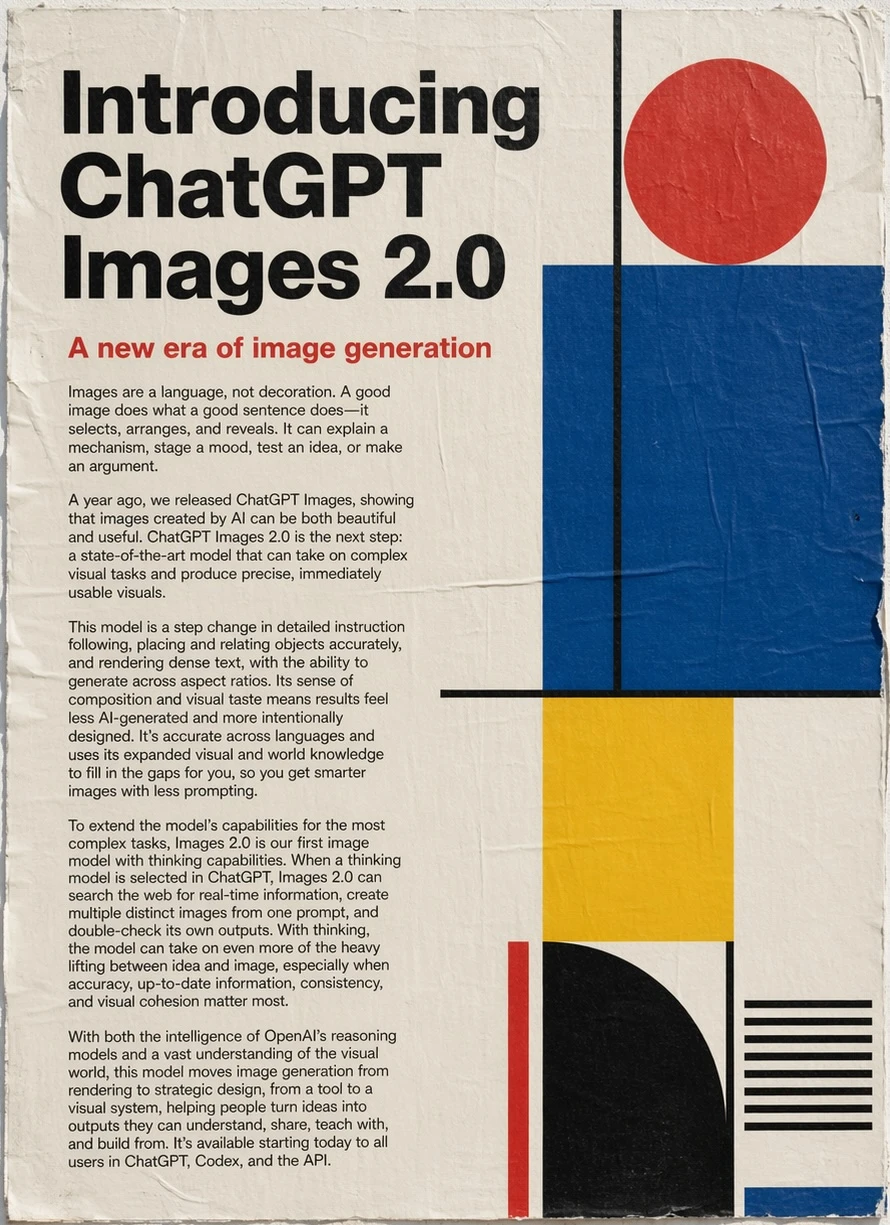
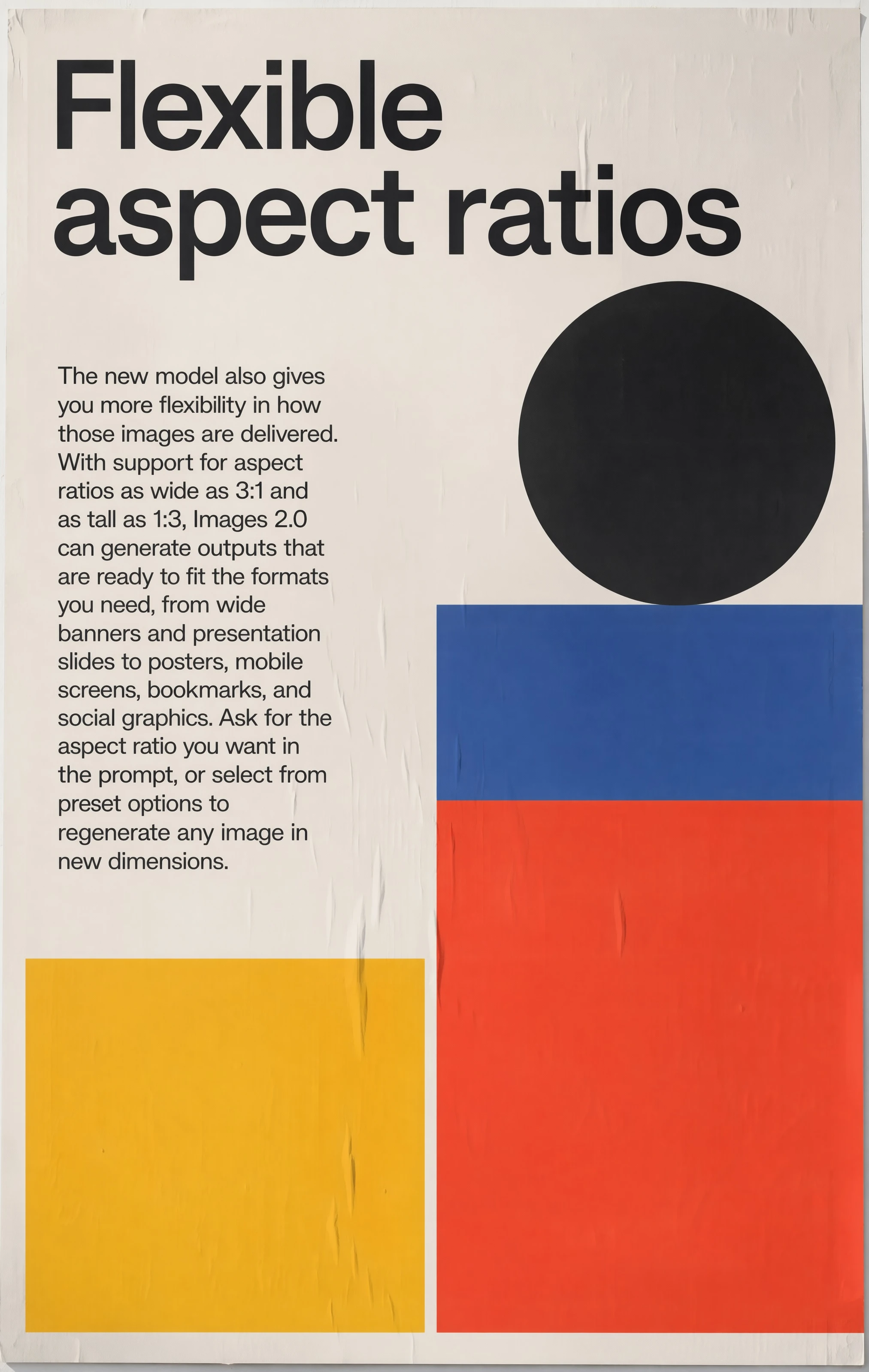
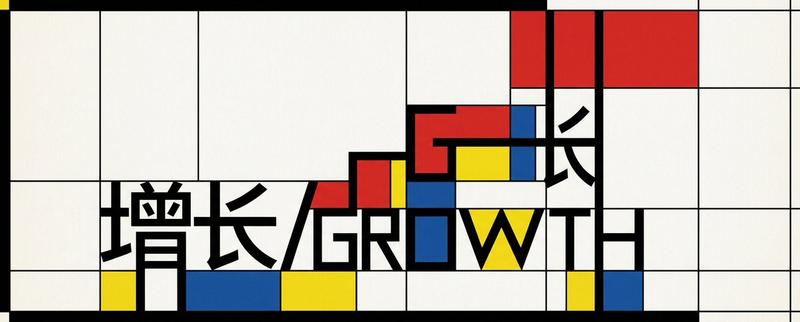
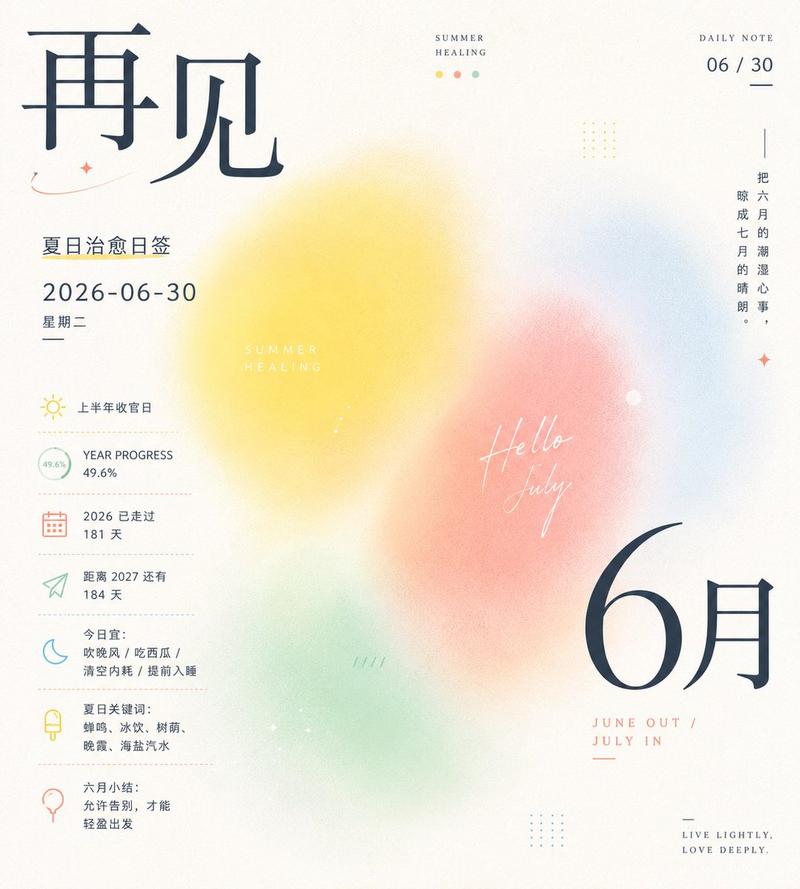
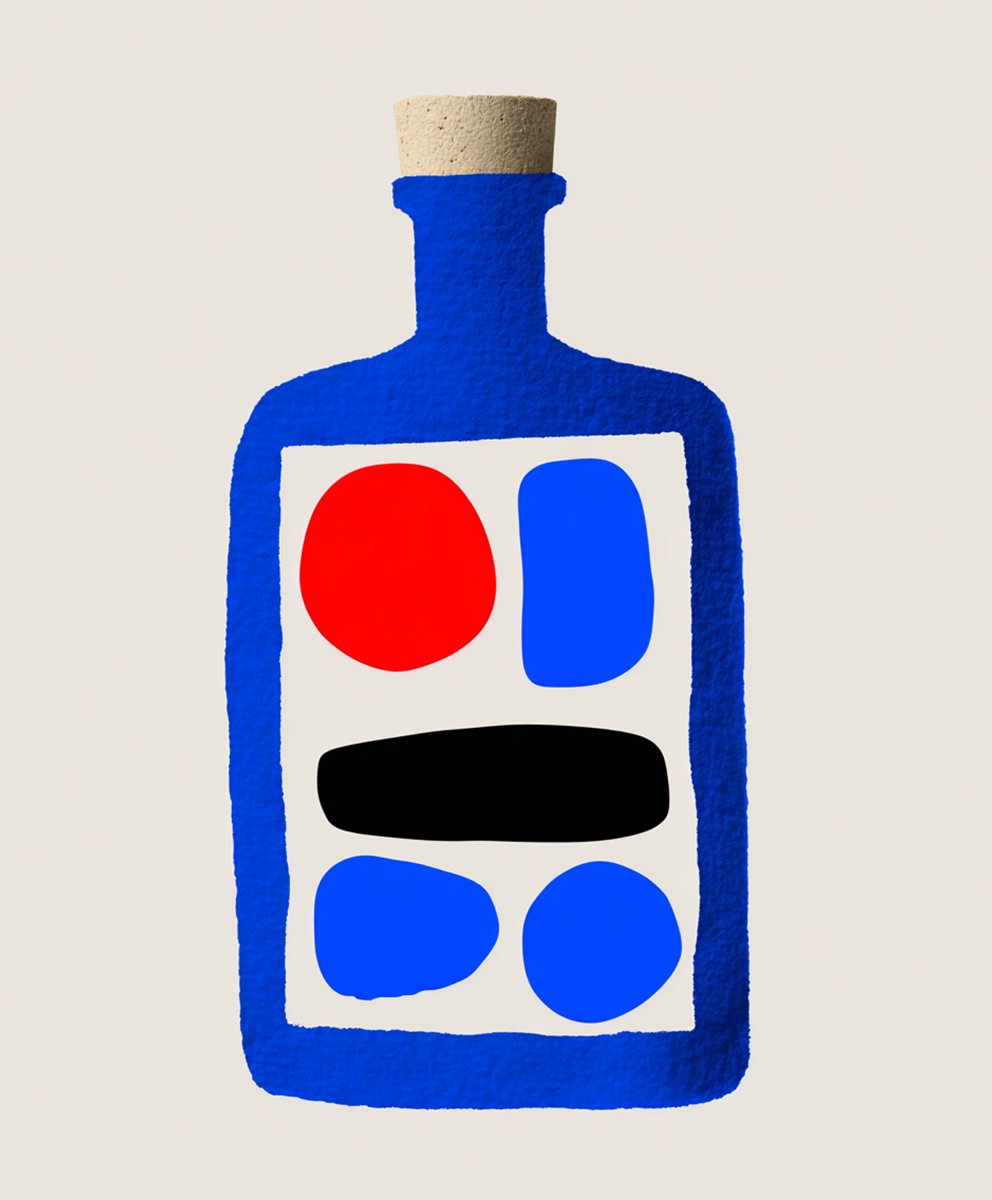
这幅名为“卓越的风格表现力与写实度”的极简主义杂志风格海报由 ChatGPT 图像 2.0 生成。海报运用大胆的字体设计及红、蓝、黑、奶油色的几何图形,描述了模型在摄影、插画、漫画、像素艺术及其他视觉风格中显著提升的生成精度。
- Category
- Characters & People
- Model
- GPT Image 2
- Creator
- OpenAI
- Source ID
- 014
Views1
16
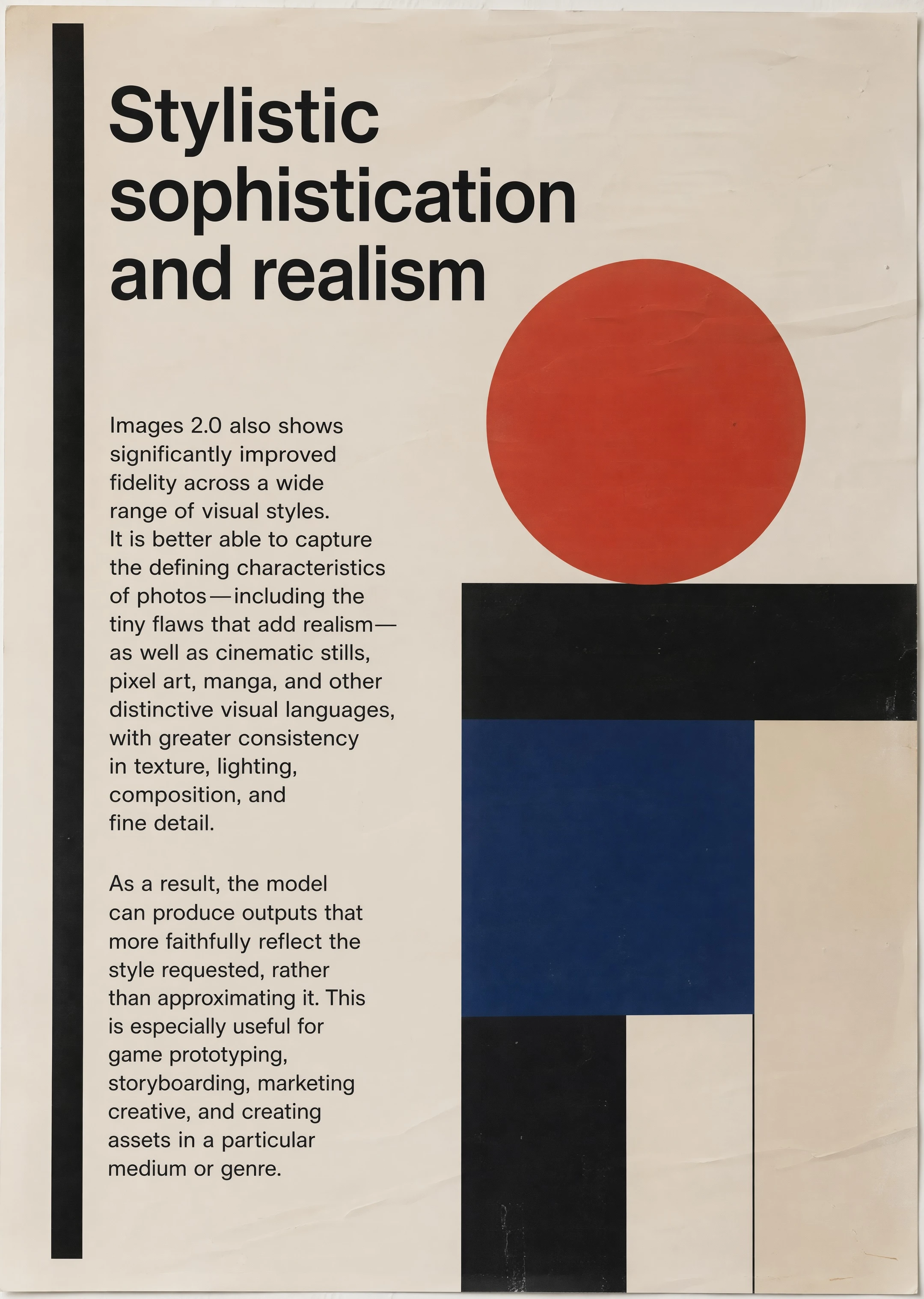
这幅名为“卓越的风格表现力与写实度”的极简主义杂志风格海报由 ChatGPT 图像 2.0 生成。海报运用大胆的字体设计及红、蓝、黑、奶油色的几何图形,描述了模型在摄影、插画、漫画、像素艺术及其他视觉风格中显著提升的生成精度。
Guide
"卓越的风格表现力与写实度" AI image prompt for GPT Image 2 (Characters & People). 这幅名为“卓越的风格表现力与写实度”的极简主义杂志风格海报由 ChatGPT 图像 2.0 生成。海报运用大胆的字体设计及红、蓝、黑、奶油色的几何图形,描述了模型在摄影、插画、漫…
The full copyable prompt and example visuals above are ready for AI image generation or one-click recreate in Picva.
Step 1
Review the example visuals, category, and full prompt text for "卓越的风格表现力与写实度".
Step 2
Copy the prompt body from this page, or load it directly in Studio.
Step 3
Prefer GPT Image 2. If you switch models, keep subject and composition and tweak style terms.
Step 4
Recreate the look in Picva, or export into your workflow for editing and publishing.