Wheat Trends
Prompt
这幅由 ChatGPT 图像 2.0 生成的粗犷街头海报信息图通过城市杂志风格的视角重新构想了 2025 年的设计趋势,展示了拟人化 AI、极简主义字体、触觉拼贴、生态实用主义、模块化网格和怀旧未来,具有做旧纹理、大胆排版、撕裂纸张分层和原始的模拟能量。
- Category
- Charts & Infographics
- Model
- GPT Image 2
- Creator
- OpenAI
- Source ID
- 040
Views2
14
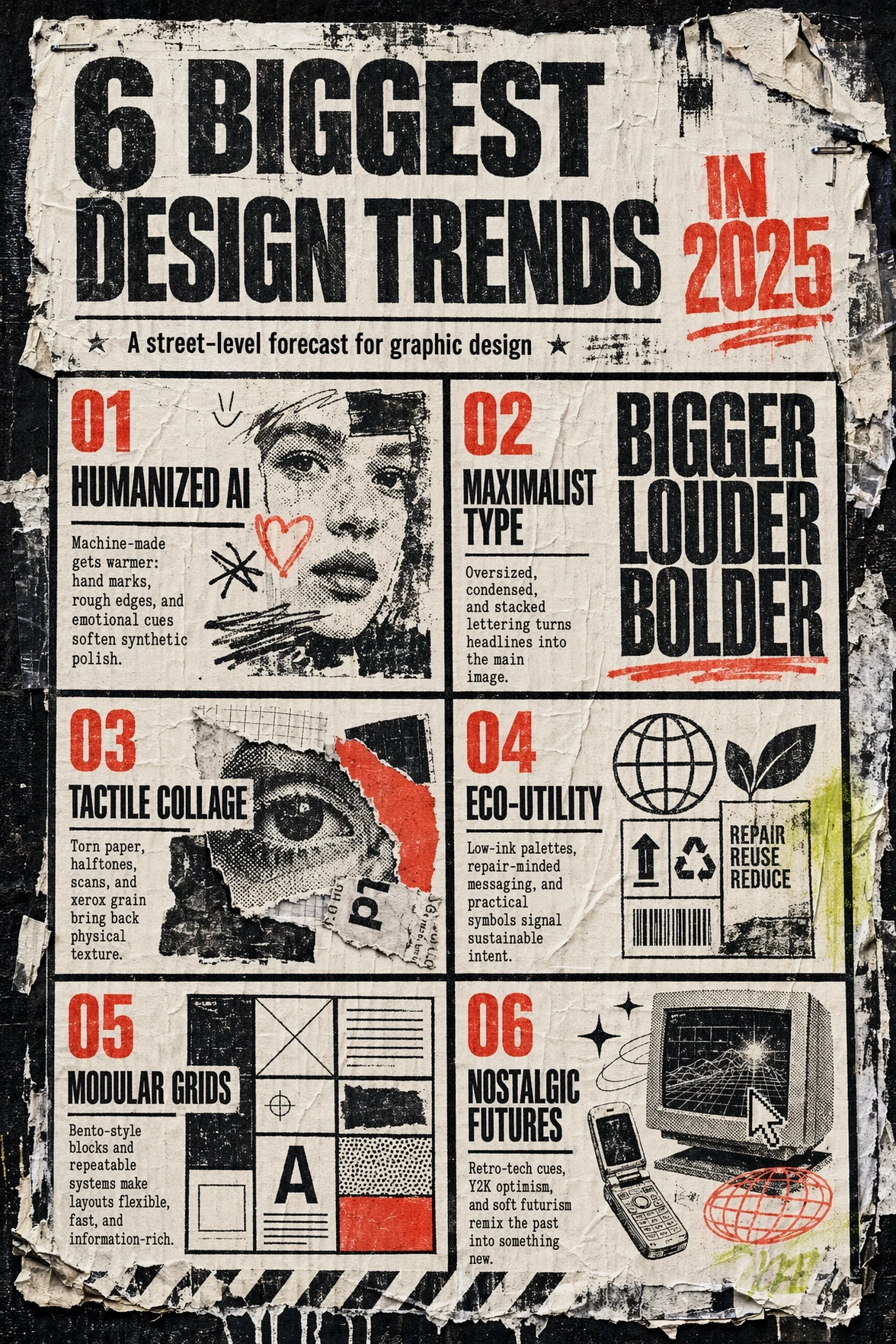
这幅由 ChatGPT 图像 2.0 生成的粗犷街头海报信息图通过城市杂志风格的视角重新构想了 2025 年的设计趋势,展示了拟人化 AI、极简主义字体、触觉拼贴、生态实用主义、模块化网格和怀旧未来,具有做旧纹理、大胆排版、撕裂纸张分层和原始的模拟能量。
Guide
"Wheat Trends" AI image prompt for GPT Image 2 (Charts & Infographics). 这幅由 ChatGPT 图像 2.0 生成的粗犷街头海报信息图通过城市杂志风格的视角重新构想了 2025 年的设计趋势,展示了拟人化 AI、极简主义字体、触觉拼贴、生态实用主…
The full copyable prompt and example visuals above are ready for AI image generation or one-click recreate in Picva.
Step 1
Review the example visuals, category, and full prompt text for "Wheat Trends".
Step 2
Copy the prompt body from this page, or load it directly in Studio.
Step 3
Prefer GPT Image 2. If you switch models, keep subject and composition and tweak style terms.
Step 4
Recreate the look in Picva, or export into your workflow for editing and publishing.