18

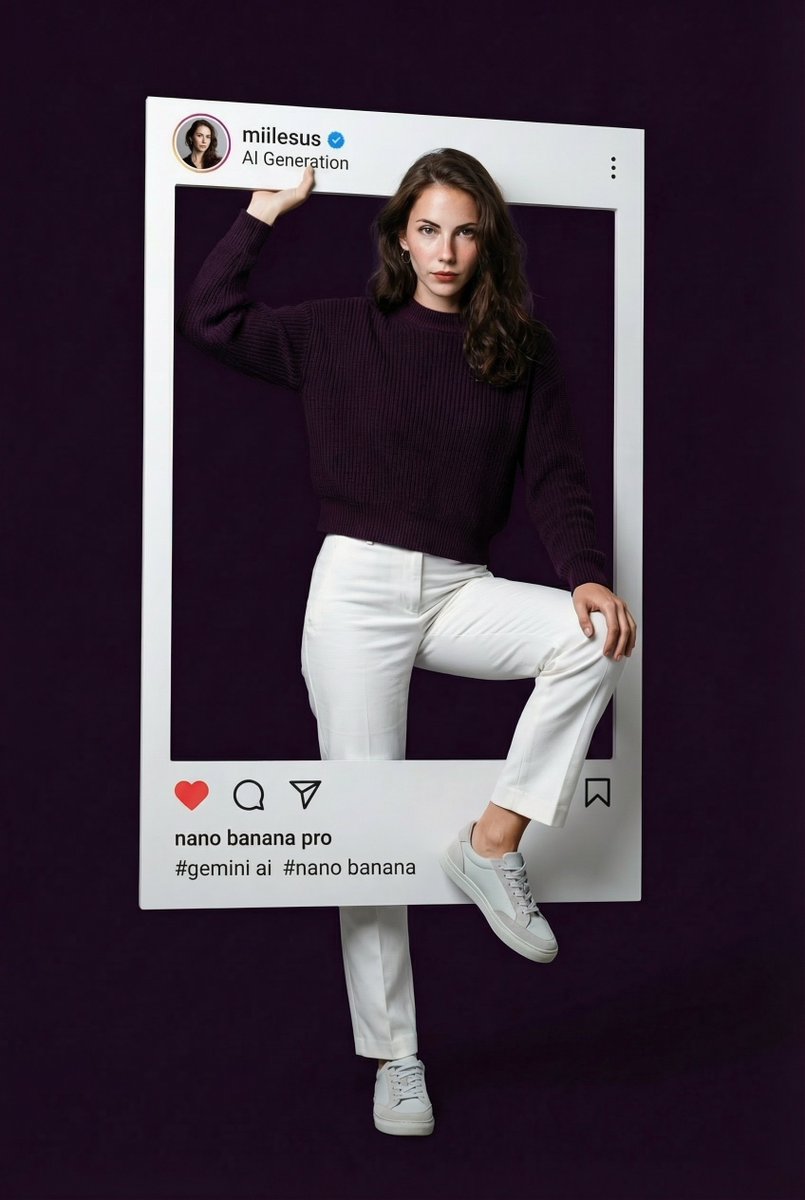
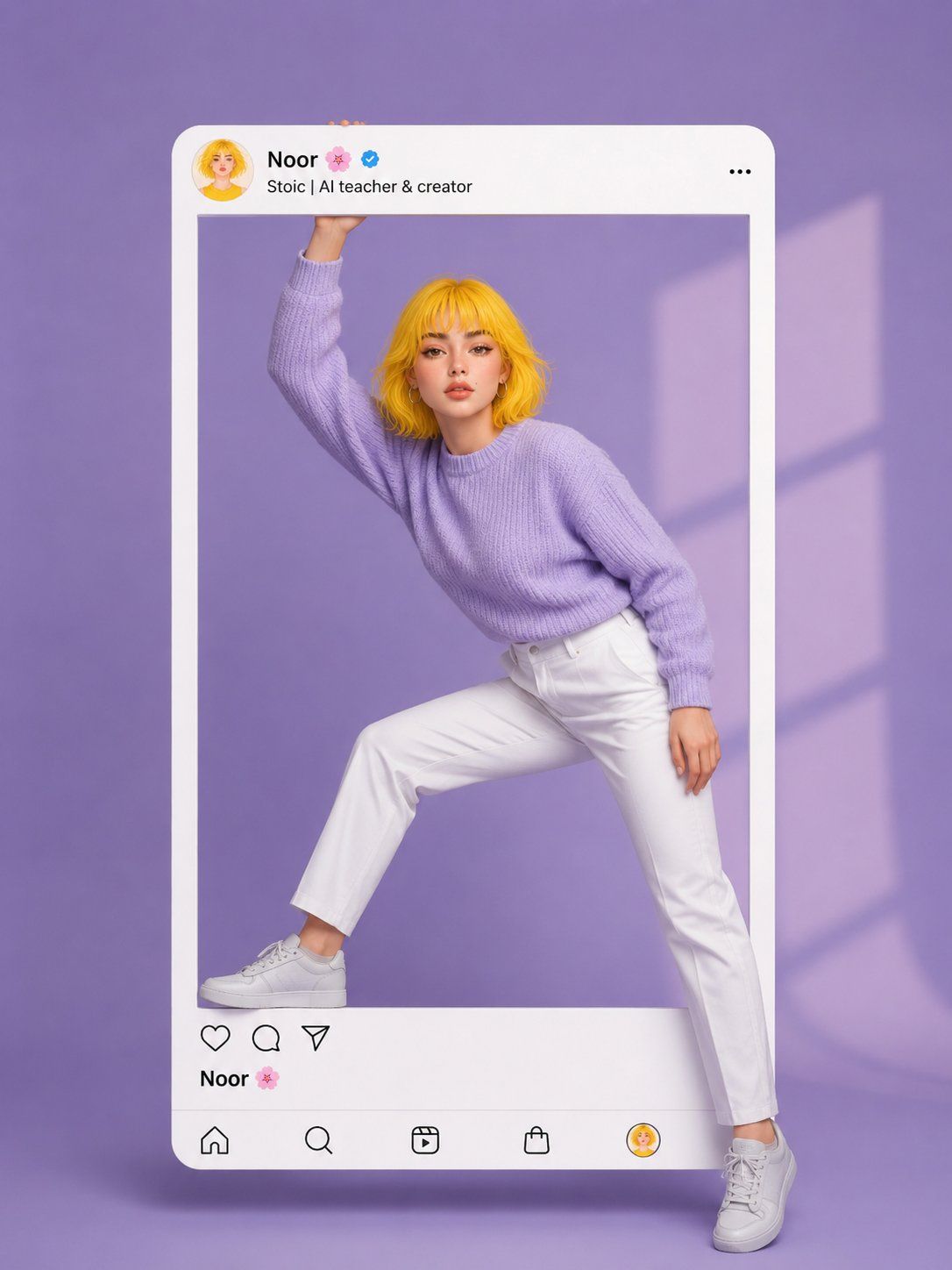
破框而出的动漫少女社交媒体海报
Enlarge

破框而出的动漫少女社交媒体海报

Prompt
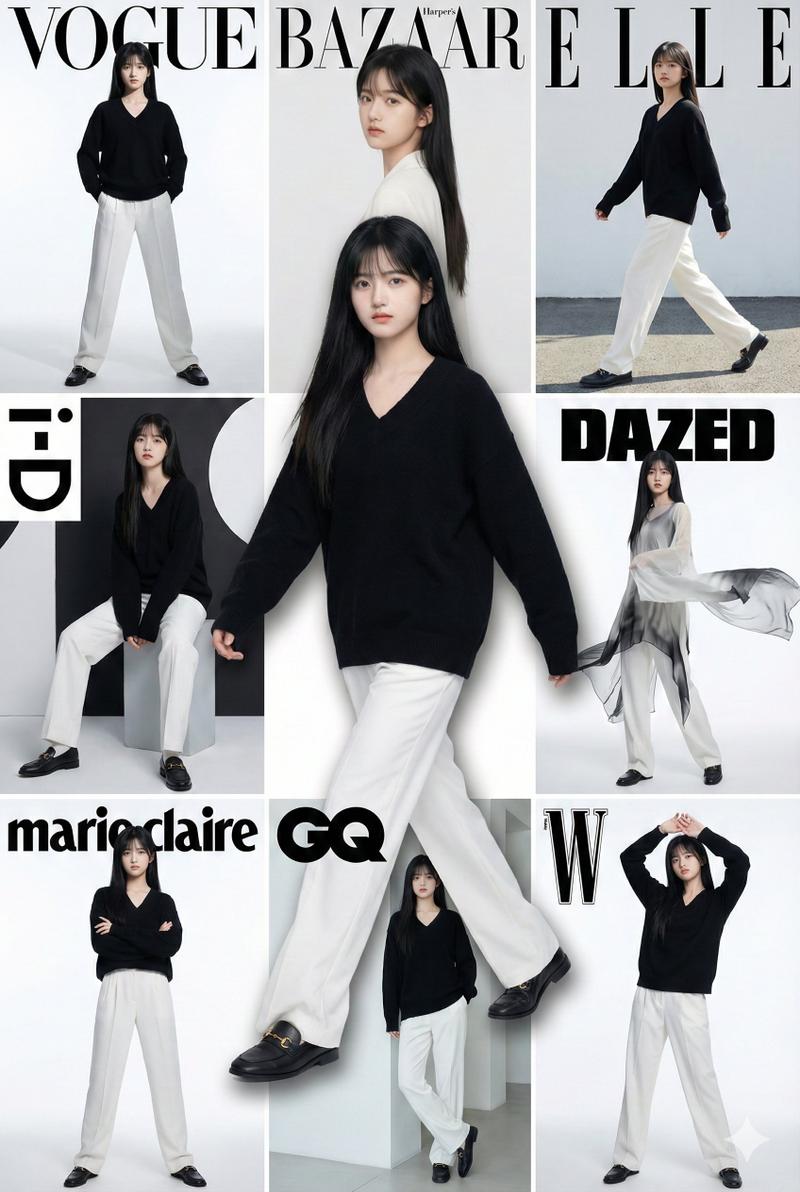
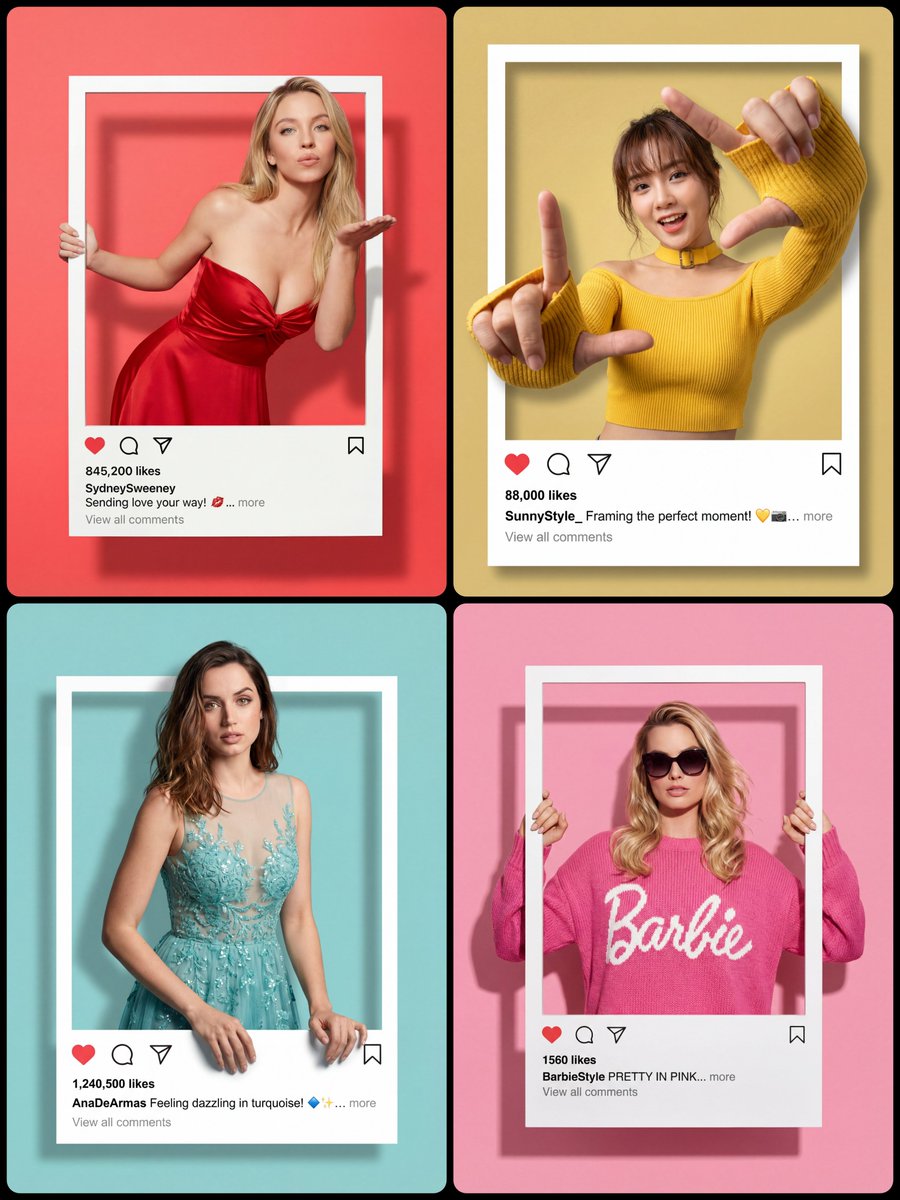
Create a stylish 3D Instagram post mockup inspired by modern social media aesthetics. A beautiful anime-style girl with short messy yellow hair, soft freckles, hoop earrings, and expressive brown eyes is stepping out of a giant Instagram frame. One hand is touching the top border while one leg extends outside the frame exactly like a fashion editorial pose. Use a soft lavender monochrome studio background with cinematic window shadows. The Instagram UI should display the profile name “Noor ” with a verified badge and minimal clean typography. Outfit includes oversized lavender knitted sweater, white pants, and white sneakers. Ultra realistic lighting, smooth shadows, pastel aesthetic, glossy white frame, influencer-style composition, minimal yet luxurious look, highly detailed, depth effect, trendy social media advertisement vibe, studio photography, ultra HD, centered composition --ar 4:5
Category
UI & Interfaces
Model
ChatGPT
Views9
Source ID
14521
Published
May 16, 2026

Guide

About "破框而出的动漫少女社交媒体海报"

What is this prompt for?

"破框而出的动漫少女社交媒体海报" AI image prompt for ChatGPT (UI & Interfaces). 创建一个充满现代社交媒体美感的时尚3D Instagram帖子模型。一位留着凌乱黄色短发、带有浅浅雀斑、佩戴大圆环耳环并拥有深邃褐色双眼的美丽动漫风格女孩,正从一个巨大的Instagram…

The full copyable prompt and example visuals above are ready for AI image generation or one-click recreate in Picva.

How to use this prompt

  1. Step 1

    Open the prompt detail

    Review the example visuals, category, and full prompt text for "破框而出的动漫少女社交媒体海报".

  2. Step 2

    Copy the prompt

    Copy the prompt body from this page, or load it directly in Studio.

  3. Step 3

    Pick a model (ChatGPT)

    Prefer ChatGPT. If you switch models, keep subject and composition and tweak style terms.

  4. Step 4

    Generate and export

    Recreate the look in Picva, or export into your workflow for editing and publishing.

FAQ

What is the "破框而出的动漫少女社交媒体海报" prompt?
It is an AI image-generation prompt for ChatGPT in the UI & Interfaces category. This page includes the full prompt text, example visuals, and a one-click recreate path in Picva.
How do I use this prompt to generate an image?
Copy the prompt from this page, or use Generate / Studio. Paste it into a compatible image model, or recreate the look in Picva with optional reference images.
Which model is this prompt for?
This page lists ChatGPT. Most descriptive prompts also transfer to nearby image models such as GPT Image, Flux, or Midjourney with light style tweaks.
Can I use the result commercially?
You can usually copy the prompt for creation, but commercial use of the final image depends on the model terms, reference-image rights, and the generated content. Follow the source author and platform rules.