20

超现实主义工作室时尚人像
Enlarge

超现实主义工作室时尚人像

Prompt
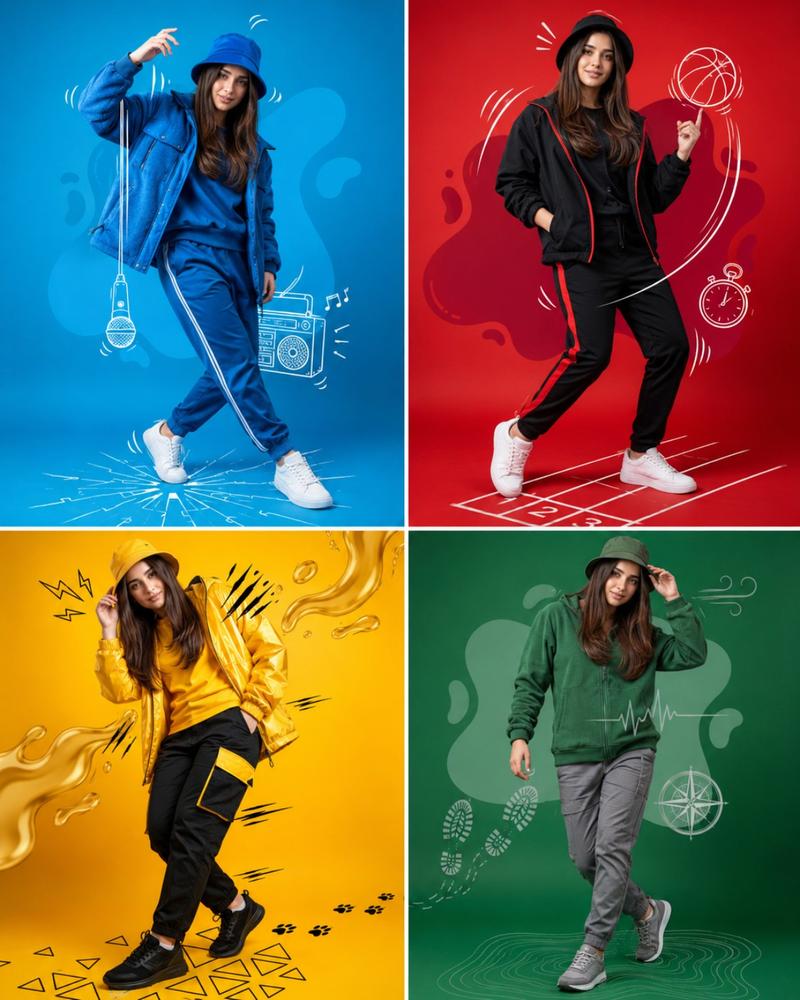
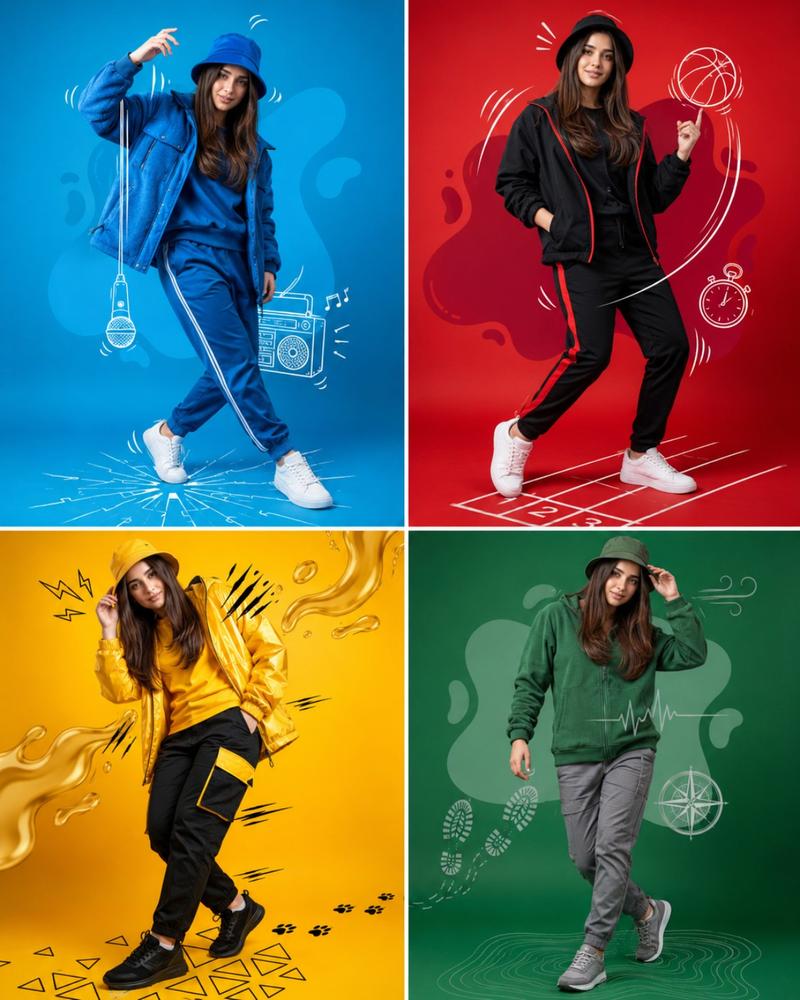
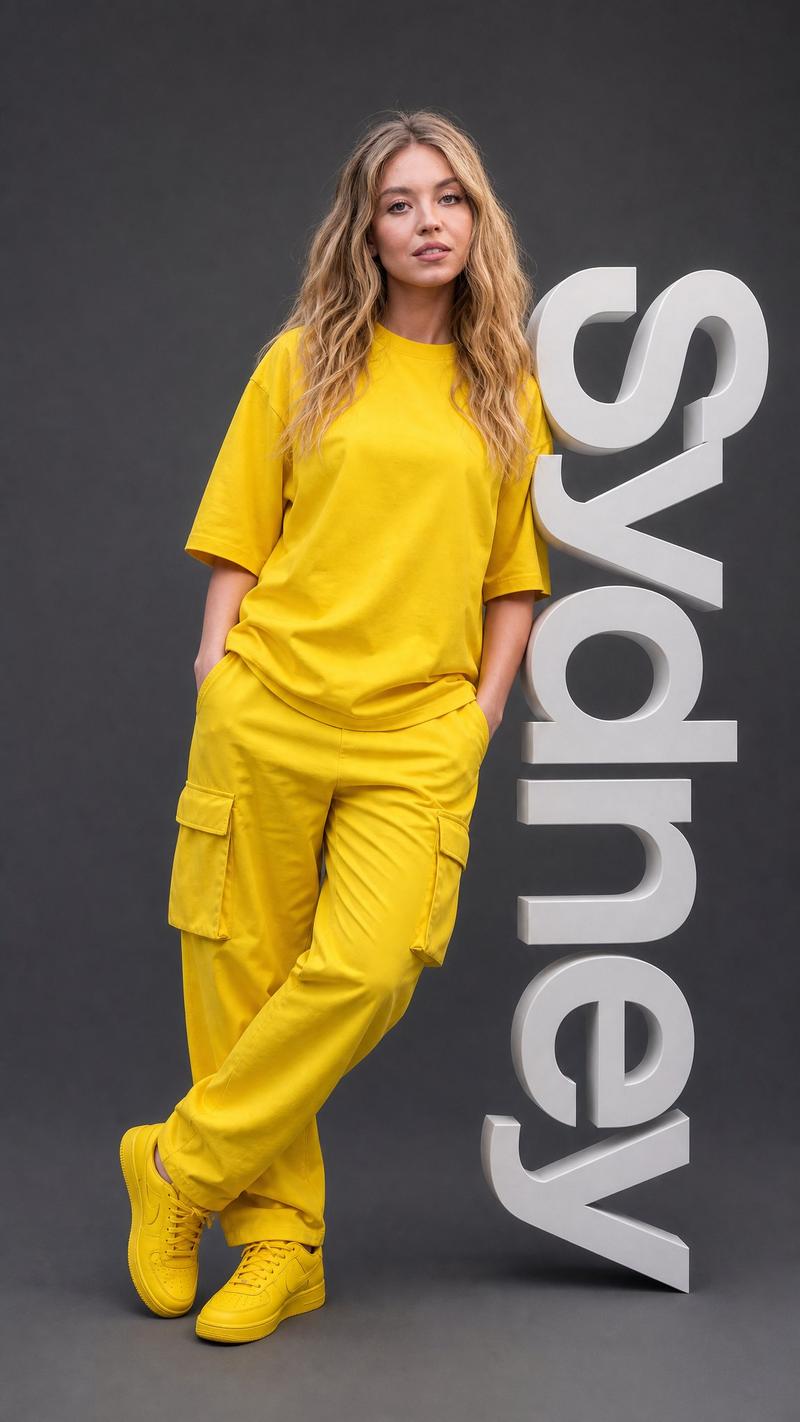
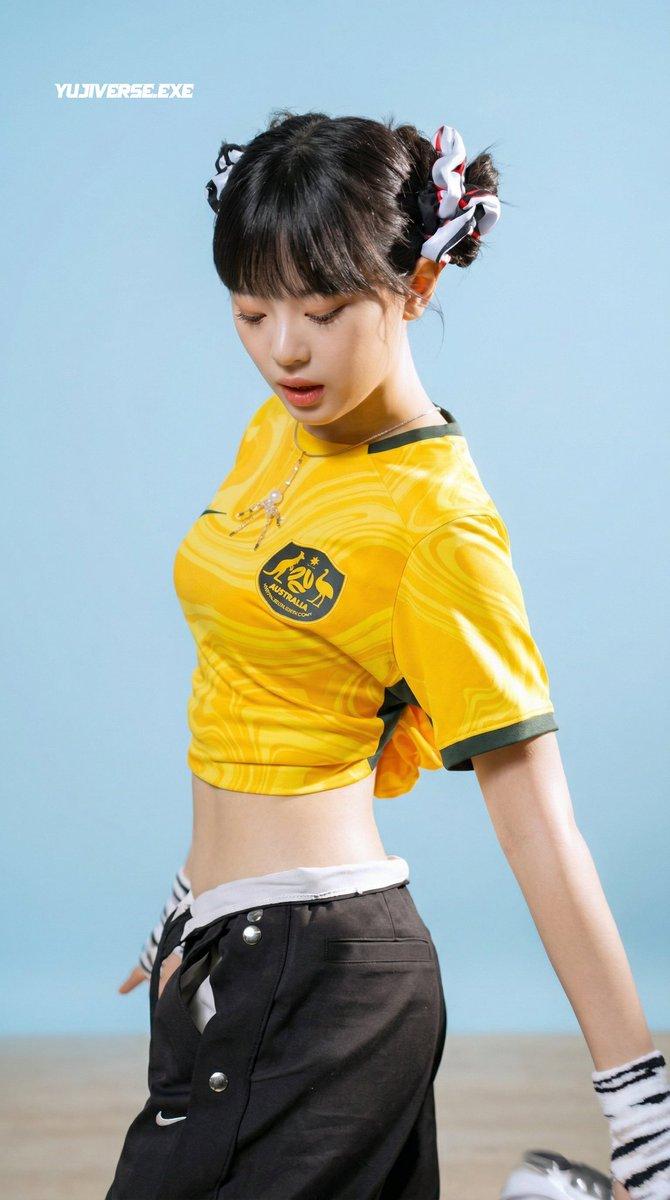
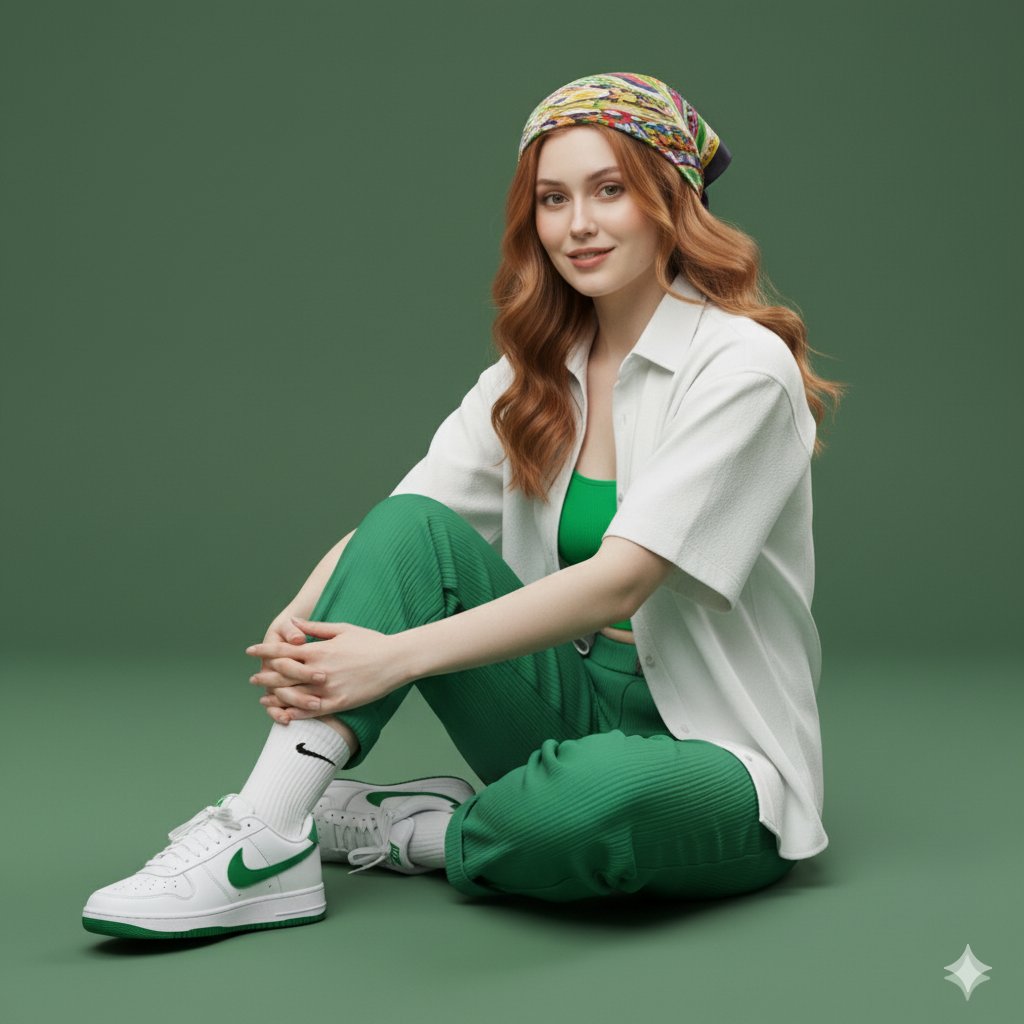
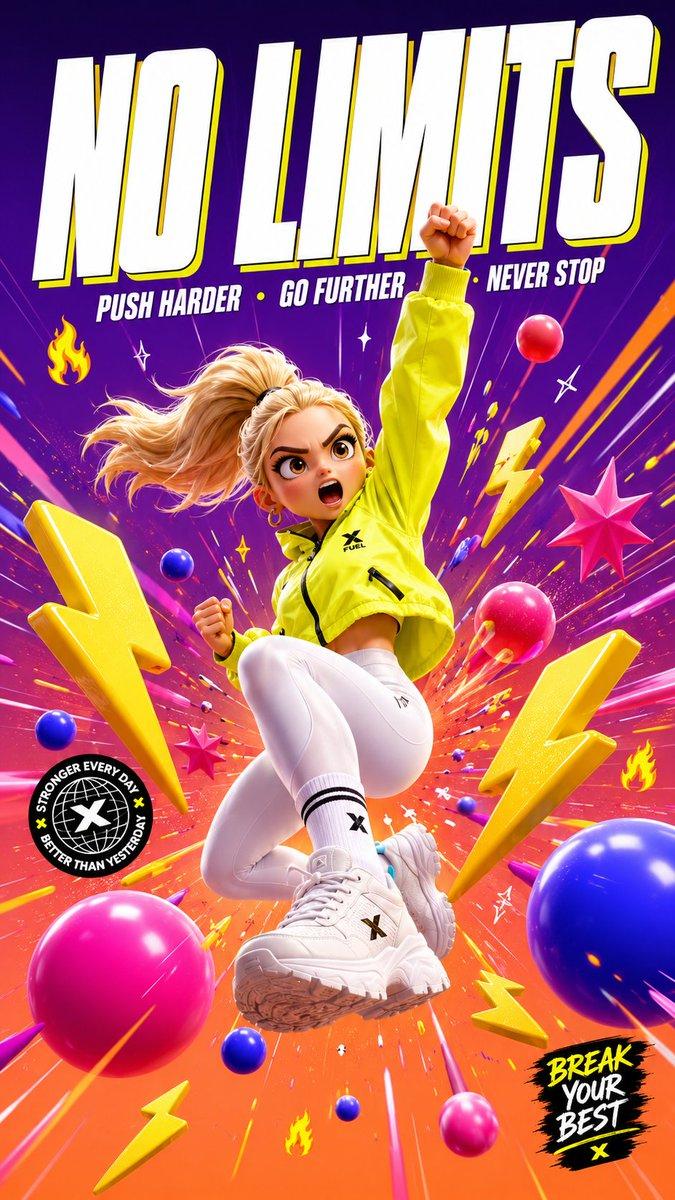
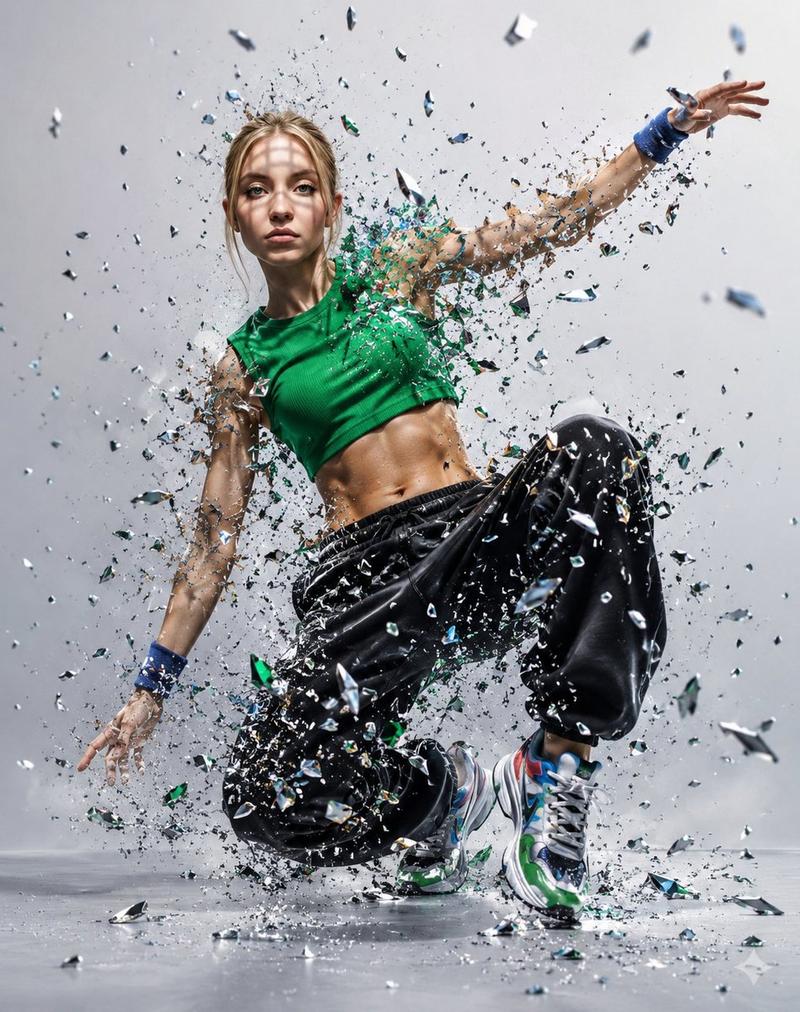
A playful, surreal studio portrait of a {argument name="subject" default="young woman"} mid-jump against a solid {argument name="background color" default="mustard-yellow"} background. She wears a {argument name="clothing" default="cozy yellow nike football jersey tshirt"} , blue jeans, yellow socks, and green sneakers. Large over-ear headphones and round oval yellow sunglasses accent her look. She’s blowing a pink bubblegum bubble while accidentally spilling a coffee cup, frozen mid-air with dynamic motion. A fluffy white cat wearing tiny yellow glasses sits calmly on her shoulder. Bright, bold monochrome color palette, whimsical fashion editorial style, sharp focus, high-speed photography, soft studio lighting, ultra-detailed, modern aesthetic, 4k resolution.
Category
Charts & Infographics
Model
GPT Image 2
Creator
Aijaz
Views2
Source ID
17046
Published
Apr 29, 2026

Guide

About "超现实主义工作室时尚人像"

What is this prompt for?

"超现实主义工作室时尚人像" AI image prompt for GPT Image 2 (Charts & Infographics). 一个充满趣味和超现实感的时尚编辑提示词,展现了一位女性跳跃瞬间的动态美感与鲜明色彩。 Copy it on Picva and recreate the look in on…

The full copyable prompt and example visuals above are ready for AI image generation or one-click recreate in Picva.

How to use this prompt

  1. Step 1

    Open the prompt detail

    Review the example visuals, category, and full prompt text for "超现实主义工作室时尚人像".

  2. Step 2

    Copy the prompt

    Copy the prompt body from this page, or load it directly in Studio.

  3. Step 3

    Pick a model (GPT Image 2)

    Prefer GPT Image 2. If you switch models, keep subject and composition and tweak style terms.

  4. Step 4

    Generate and export

    Recreate the look in Picva, or export into your workflow for editing and publishing.

FAQ

What is the "超现实主义工作室时尚人像" prompt?
It is an AI image-generation prompt for GPT Image 2 in the Charts & Infographics category. This page includes the full prompt text, example visuals, and a one-click recreate path in Picva.
How do I use this prompt to generate an image?
Copy the prompt from this page, or use Generate / Studio. Paste it into a compatible image model, or recreate the look in Picva with optional reference images.
Which model is this prompt for?
This page lists GPT Image 2. Most descriptive prompts also transfer to nearby image models such as GPT Image, Flux, or Midjourney with light style tweaks.
Can I use the result commercially?
You can usually copy the prompt for creation, but commercial use of the final image depends on the model terms, reference-image rights, and the generated content. Follow the source author and platform rules.