18

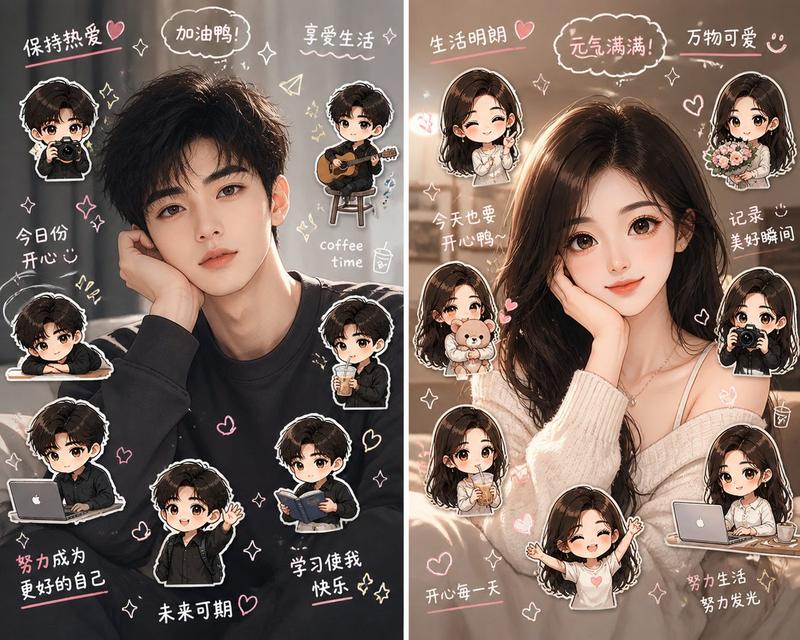
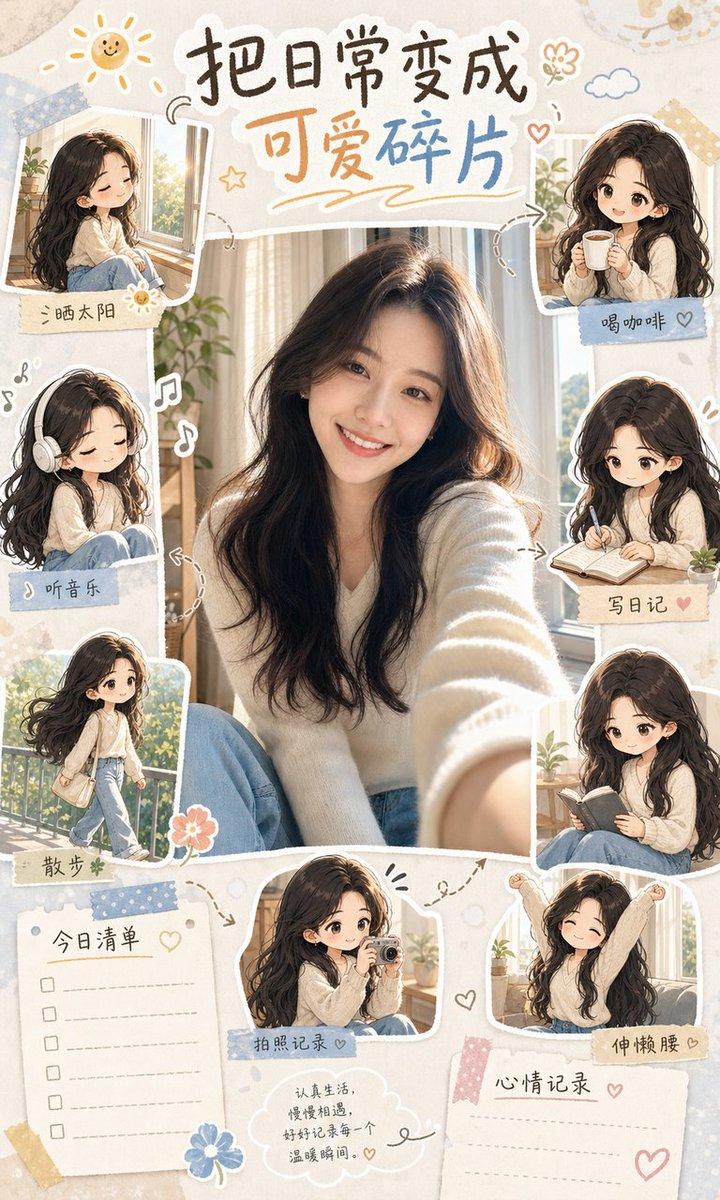
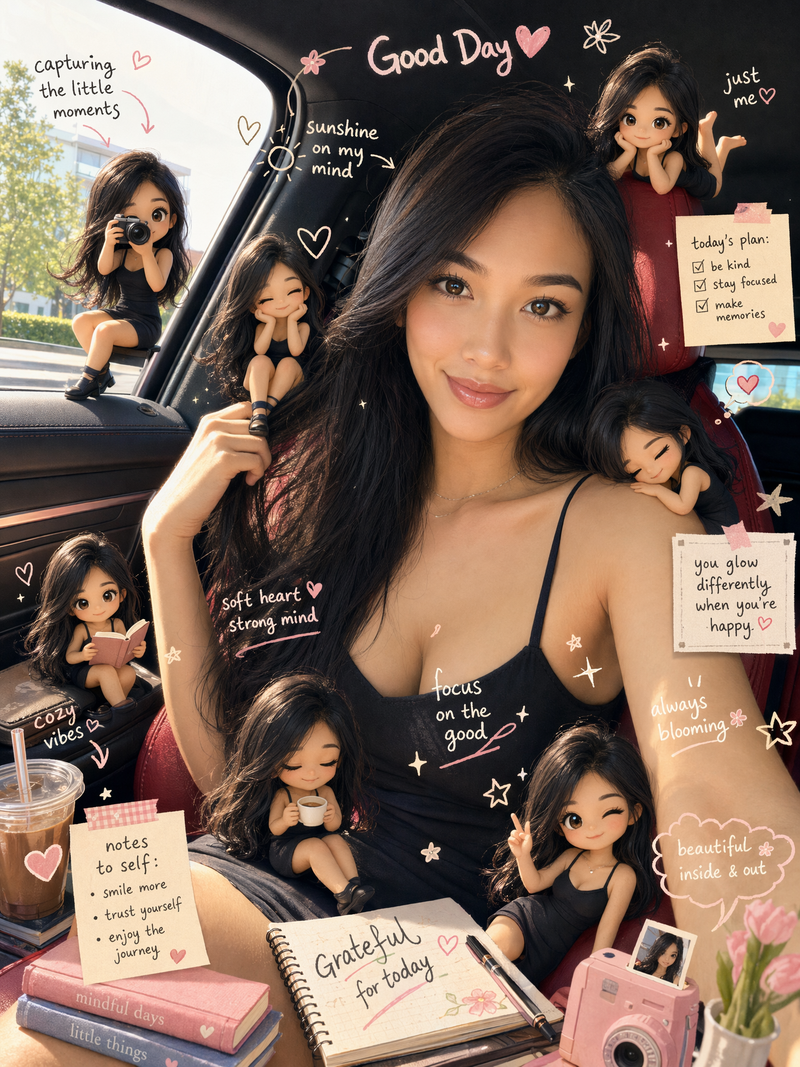
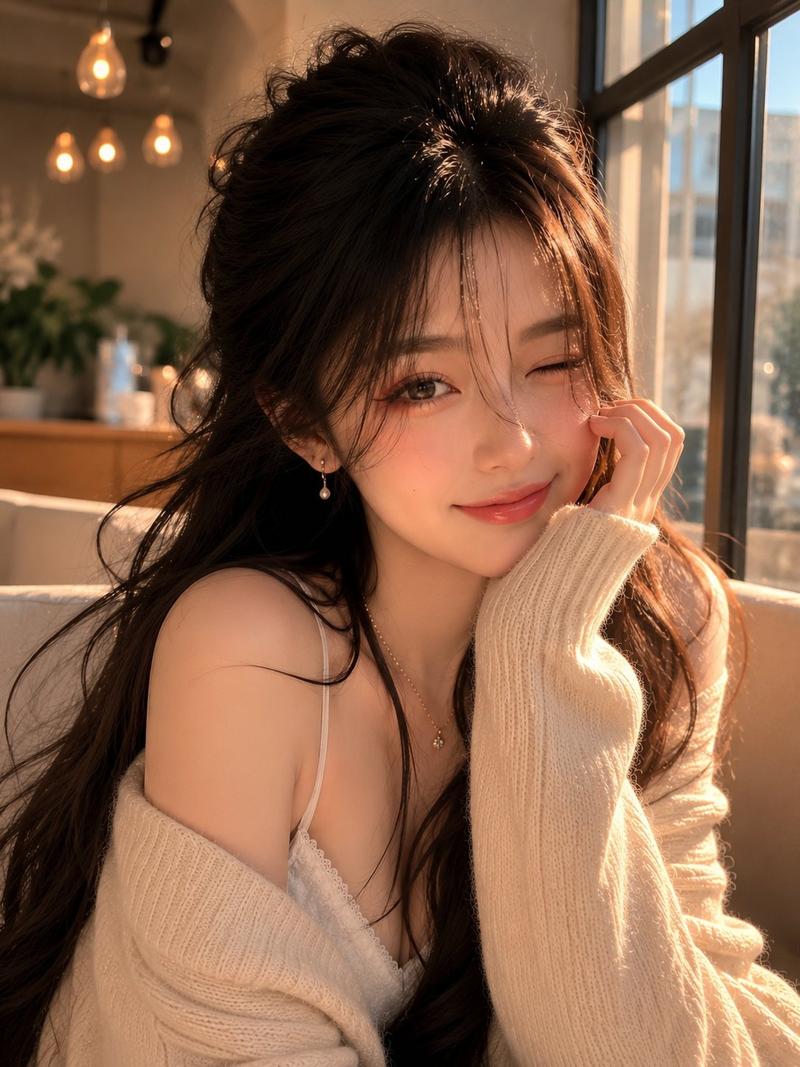
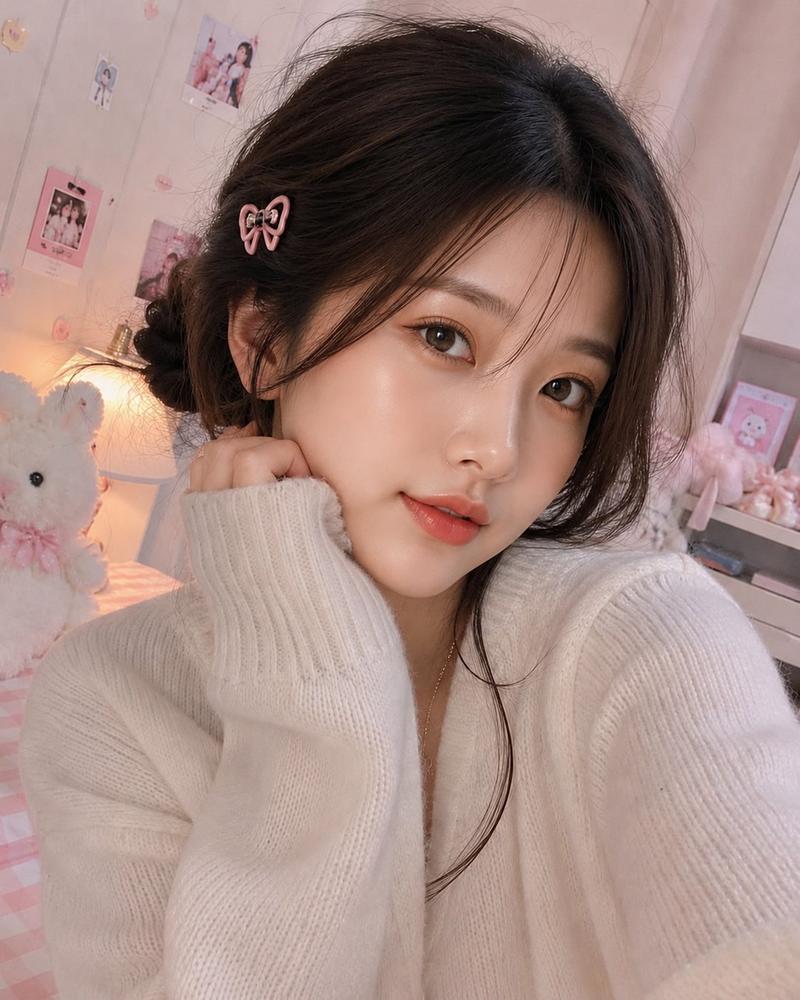
3D迷你Q版分身手绘涂鸦氛围增强
Enlarge

3D迷你Q版分身手绘涂鸦氛围增强

Prompt
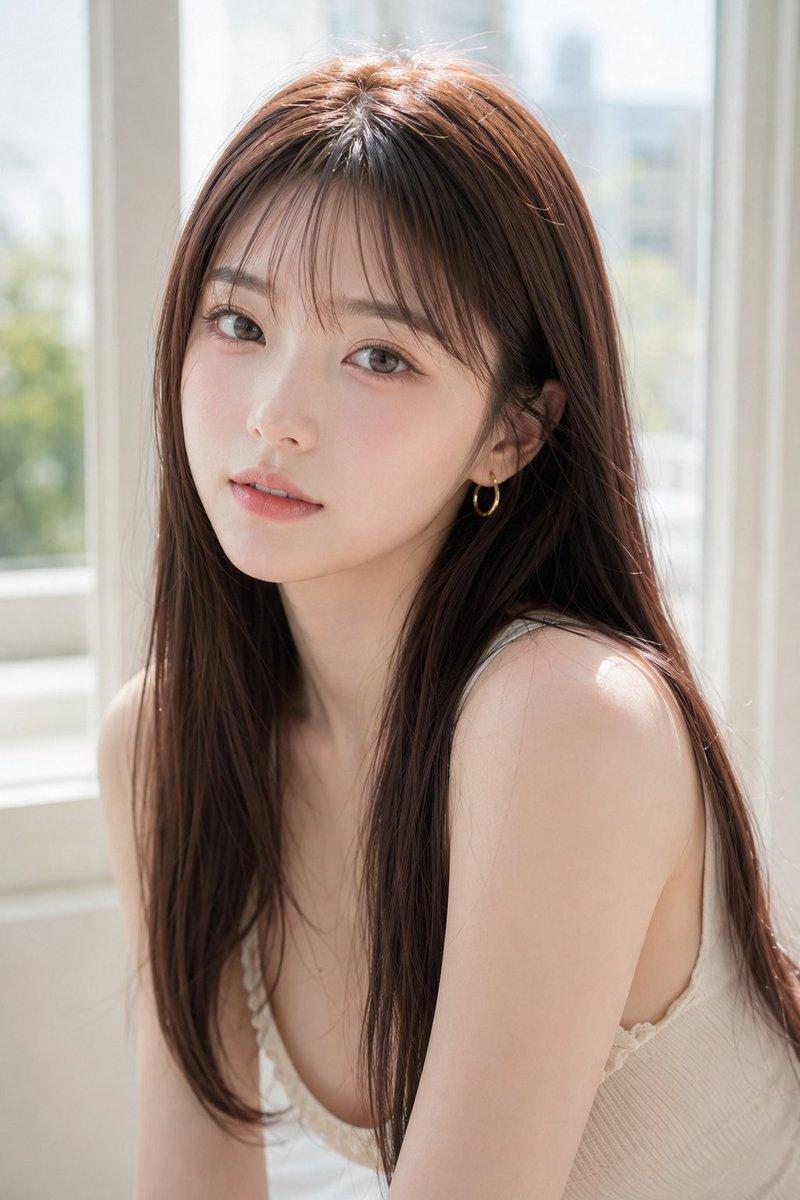
Around the main figure, add multiple mini 3D chibi versions of the same character in playful poses and expressions, such as jumping cheerfully, waving, sitting relaxed, holding a drink, and other lively, cute gestures. Maintain consistent facial features between the main figure and all chibis.
Incorporate hand-drawn white doodle elements: thin outlines around the main figure, stars, hearts, sparkles, motion lines, and small cute icons. Add aesthetic handwritten words in a casual doodle font that are contextual to the photo’s mood and environment—for example, beach photos might include “sunny vibes,” “good waves,” urban scenes might include “city energy,” “fresh ride,” or autumn forest scenes might include “cozy,” “fall feels.” Words should feel natural, playful, and adapt to each unique photo rather than repeating the same set everywhere.
Ensure the overall composition is clean, Instagram-ready, and visually balanced, with soft pastel color tones and a cohesive, charming style. Chibis should have a high-detail 3D glossy look, inspired by cute Korean style, appearing tactile and playful. Use white sticker outlines around doodles and chibis to make them pop gently against the background. The main figure should remain the focal point, with chibis and doodles enhancing the composition without cluttering it.
Category
Products & E-commerce
Model
ChatGPT
Creator
@Zyrellix
Views37
Source ID
14314
Published
May 13, 2026

Guide

About "3D迷你Q版分身手绘涂鸦氛围增强"

What is this prompt for?

"3D迷你Q版分身手绘涂鸦氛围增强" AI image prompt for ChatGPT (Products & E-commerce). 在主体人物周围添加多个相同角色的3D迷你Q版(Chibi)版本,展现跳跃、挥手、坐着休息、拿着饮料等活泼可爱的姿势和表情。确保Q版分身与主体人物的面部特征保持一致。加入白色手…

The full copyable prompt and example visuals above are ready for AI image generation or one-click recreate in Picva.

How to use this prompt

  1. Step 1

    Open the prompt detail

    Review the example visuals, category, and full prompt text for "3D迷你Q版分身手绘涂鸦氛围增强".

  2. Step 2

    Copy the prompt

    Copy the prompt body from this page, or load it directly in Studio.

  3. Step 3

    Pick a model (ChatGPT)

    Prefer ChatGPT. If you switch models, keep subject and composition and tweak style terms.

  4. Step 4

    Generate and export

    Recreate the look in Picva, or export into your workflow for editing and publishing.

FAQ

What is the "3D迷你Q版分身手绘涂鸦氛围增强" prompt?
It is an AI image-generation prompt for ChatGPT in the Products & E-commerce category. This page includes the full prompt text, example visuals, and a one-click recreate path in Picva.
How do I use this prompt to generate an image?
Copy the prompt from this page, or use Generate / Studio. Paste it into a compatible image model, or recreate the look in Picva with optional reference images.
Which model is this prompt for?
This page lists ChatGPT. Most descriptive prompts also transfer to nearby image models such as GPT Image, Flux, or Midjourney with light style tweaks.
Can I use the result commercially?
You can usually copy the prompt for creation, but commercial use of the final image depends on the model terms, reference-image rights, and the generated content. Follow the source author and platform rules.