18

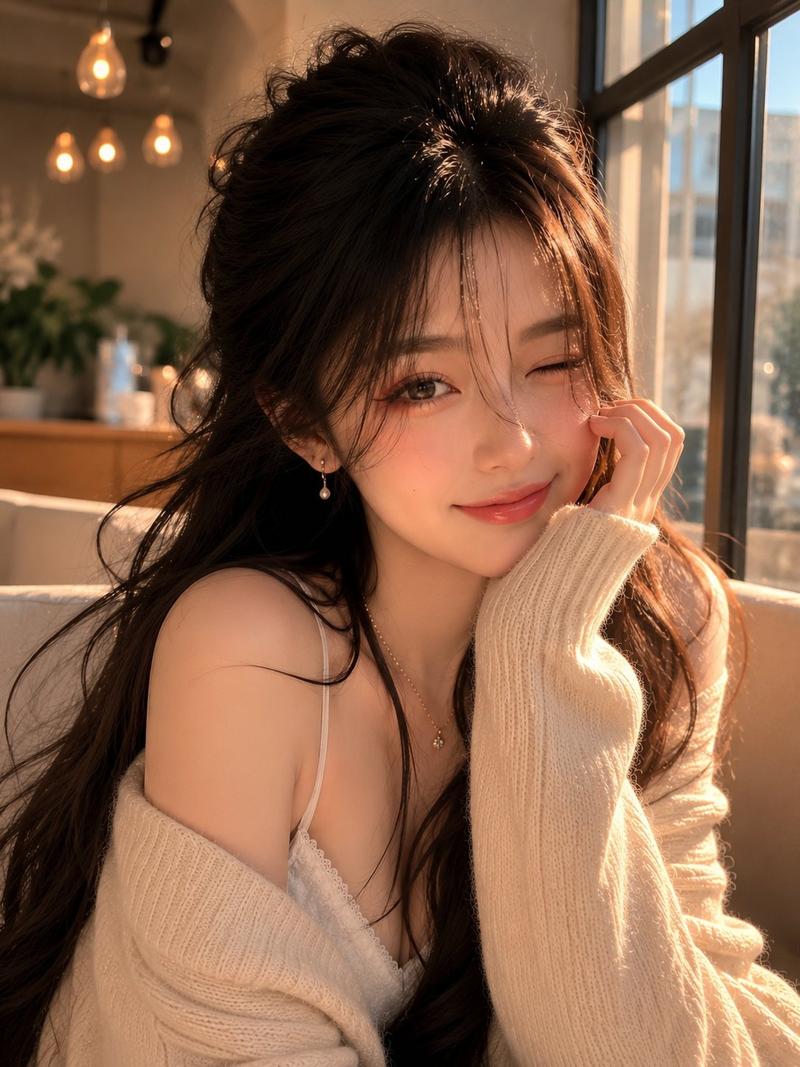
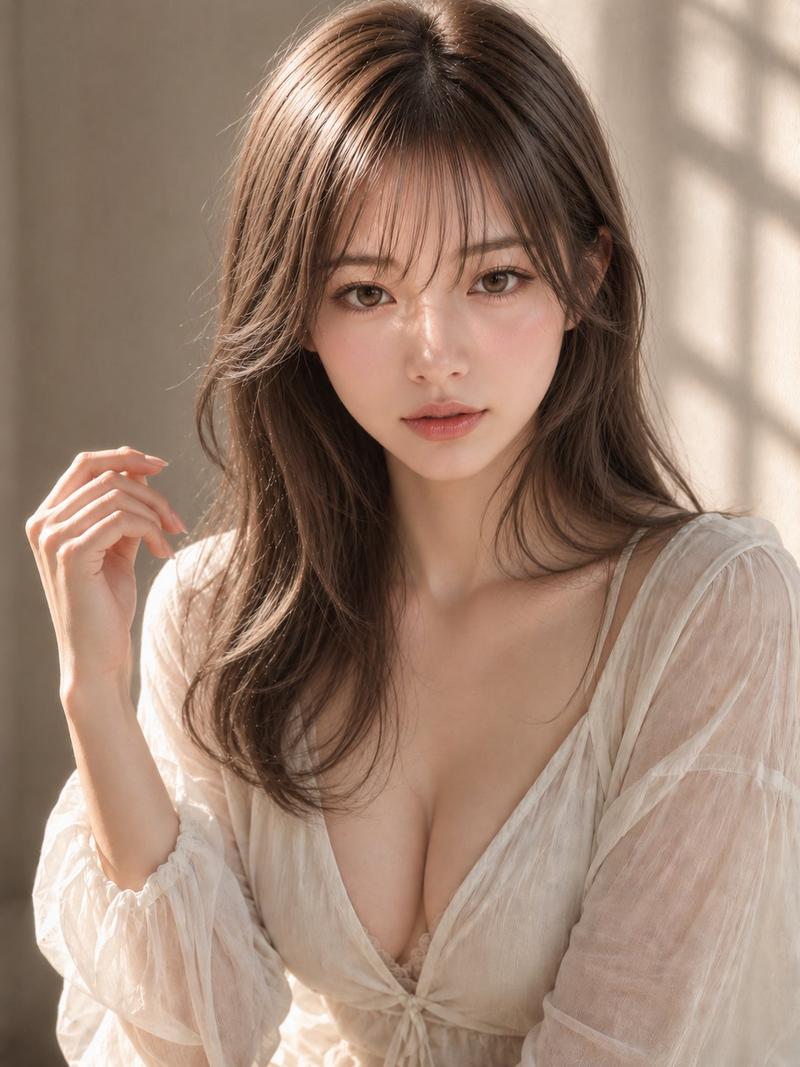
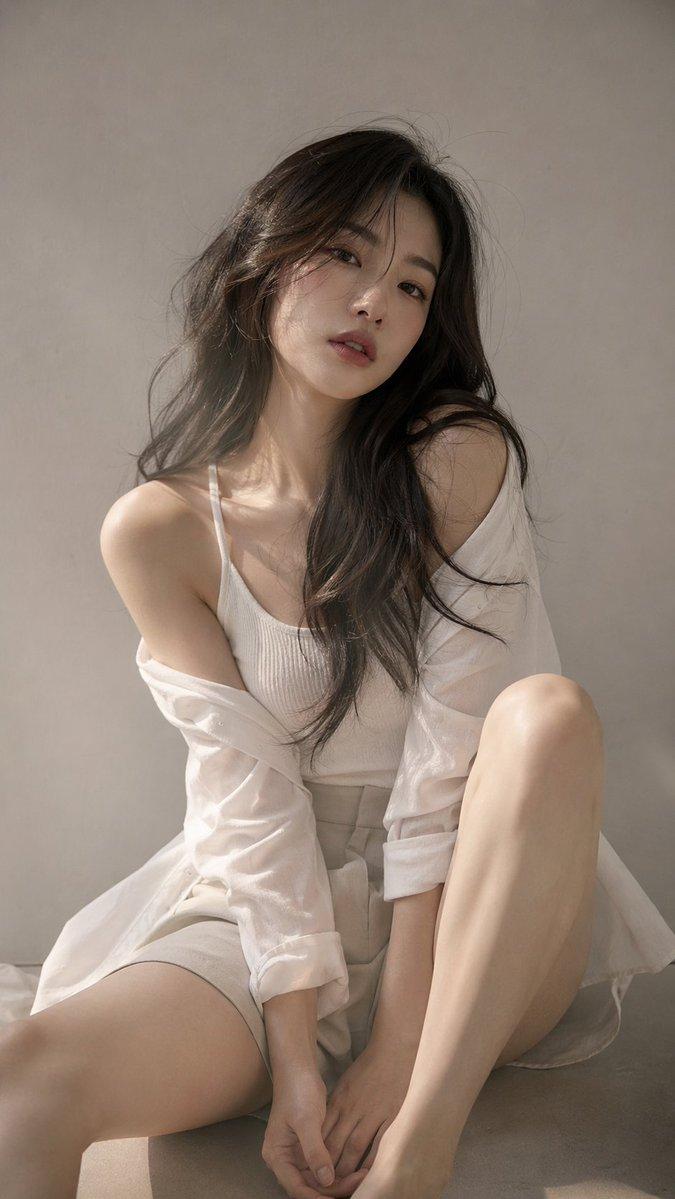
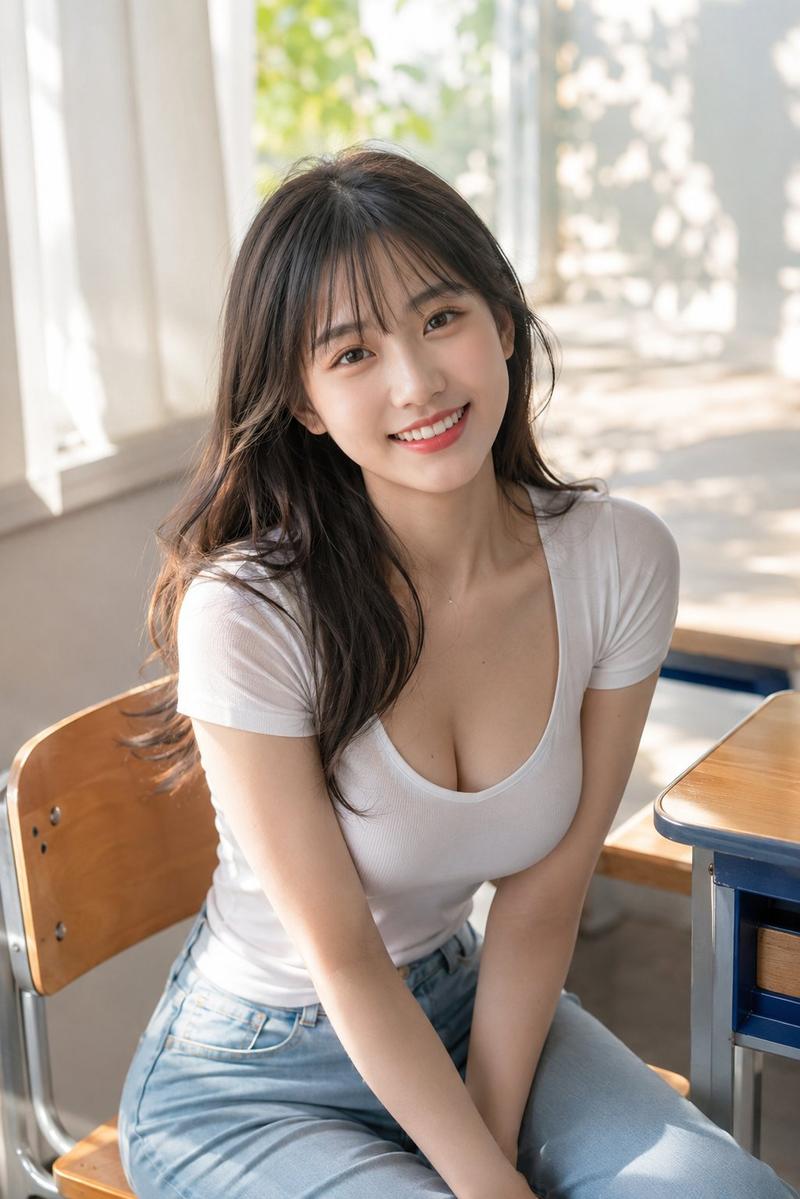
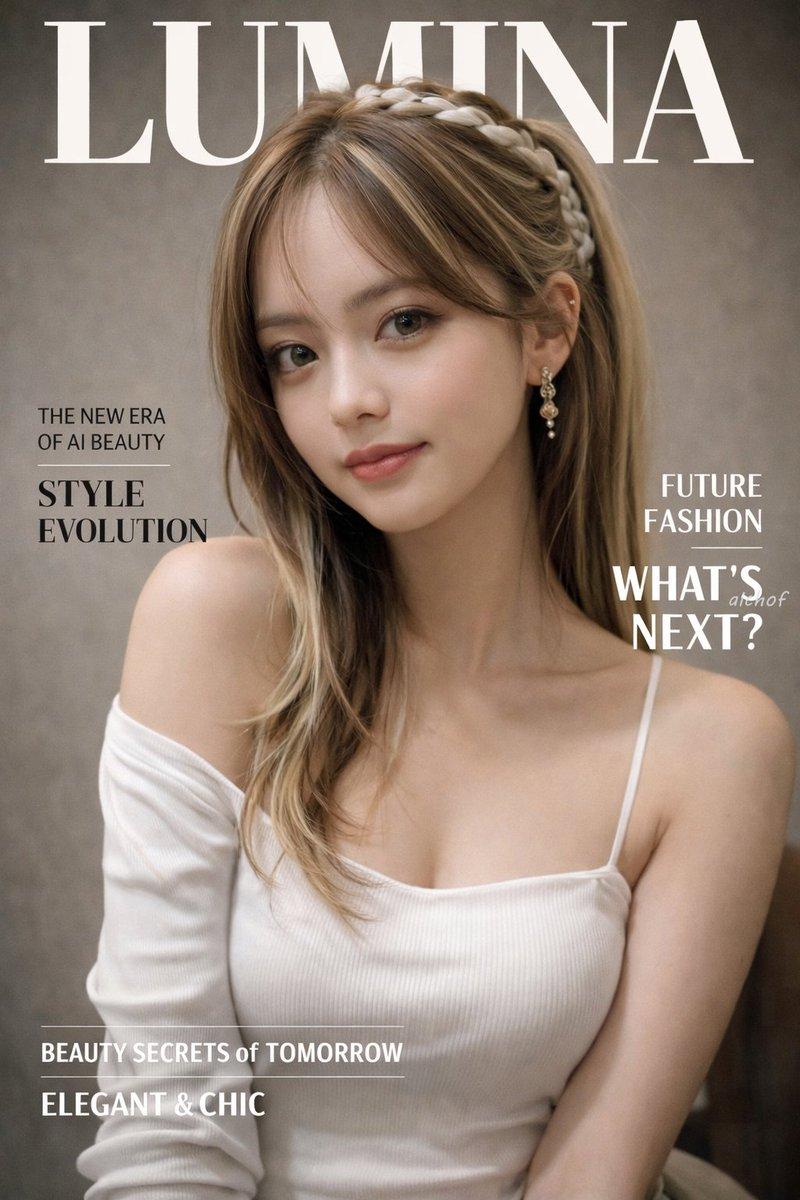
带隐私遮挡的窗边阳光人像
Enlarge

带隐私遮挡的窗边阳光人像

Prompt
Create a realistic high-key portrait photograph of a young adult woman with {argument name="hair color" default="long chestnut-brown hair"}, straight silky hair parted near the center with fine flyaway strands catching the light. She is seated indoors beside a large bright window on a sunny day, turned slightly three-quarters toward the camera with bare shoulders visible, wearing a delicate {argument name="top color" default="cream white"} ribbed camisole with thin straps and subtle lace trim. The composition is a close vertical half-body portrait from head to upper torso, with her face intentionally covered by a centered opaque square privacy block in a muted warm brown/taupe color, hiding all facial features while leaving the hair, neck, shoulders, and outfit visible. Use soft natural daylight, airy overexposed window light, shallow depth of field, blurred urban greenery and pale building shapes outside the window, gentle skin tones, realistic hair texture, clean lifestyle photography mood, 85mm lens look, soft bokeh, minimal background clutter, intimate calm atmosphere, photorealistic detail, portrait orientation.
Category
Charts & Infographics
Model
GPT Image 2
Creator
kasu-mi
Views9
Source ID
19566
Published
May 10, 2026

Guide

About "带隐私遮挡的窗边阳光人像"

What is this prompt for?

"带隐私遮挡的窗边阳光人像" AI image prompt for GPT Image 2 (Charts & Infographics). 生成一张逼真的室内柔光人像,展示一位坐在窗边的长发女性,通过面部遮挡实现匿名生活方式摄影效果。 Copy it on Picva and recreate the look…

The full copyable prompt and example visuals above are ready for AI image generation or one-click recreate in Picva.

How to use this prompt

  1. Step 1

    Open the prompt detail

    Review the example visuals, category, and full prompt text for "带隐私遮挡的窗边阳光人像".

  2. Step 2

    Copy the prompt

    Copy the prompt body from this page, or load it directly in Studio.

  3. Step 3

    Pick a model (GPT Image 2)

    Prefer GPT Image 2. If you switch models, keep subject and composition and tweak style terms.

  4. Step 4

    Generate and export

    Recreate the look in Picva, or export into your workflow for editing and publishing.

FAQ

What is the "带隐私遮挡的窗边阳光人像" prompt?
It is an AI image-generation prompt for GPT Image 2 in the Charts & Infographics category. This page includes the full prompt text, example visuals, and a one-click recreate path in Picva.
How do I use this prompt to generate an image?
Copy the prompt from this page, or use Generate / Studio. Paste it into a compatible image model, or recreate the look in Picva with optional reference images.
Which model is this prompt for?
This page lists GPT Image 2. Most descriptive prompts also transfer to nearby image models such as GPT Image, Flux, or Midjourney with light style tweaks.
Can I use the result commercially?
You can usually copy the prompt for creation, but commercial use of the final image depends on the model terms, reference-image rights, and the generated content. Follow the source author and platform rules.