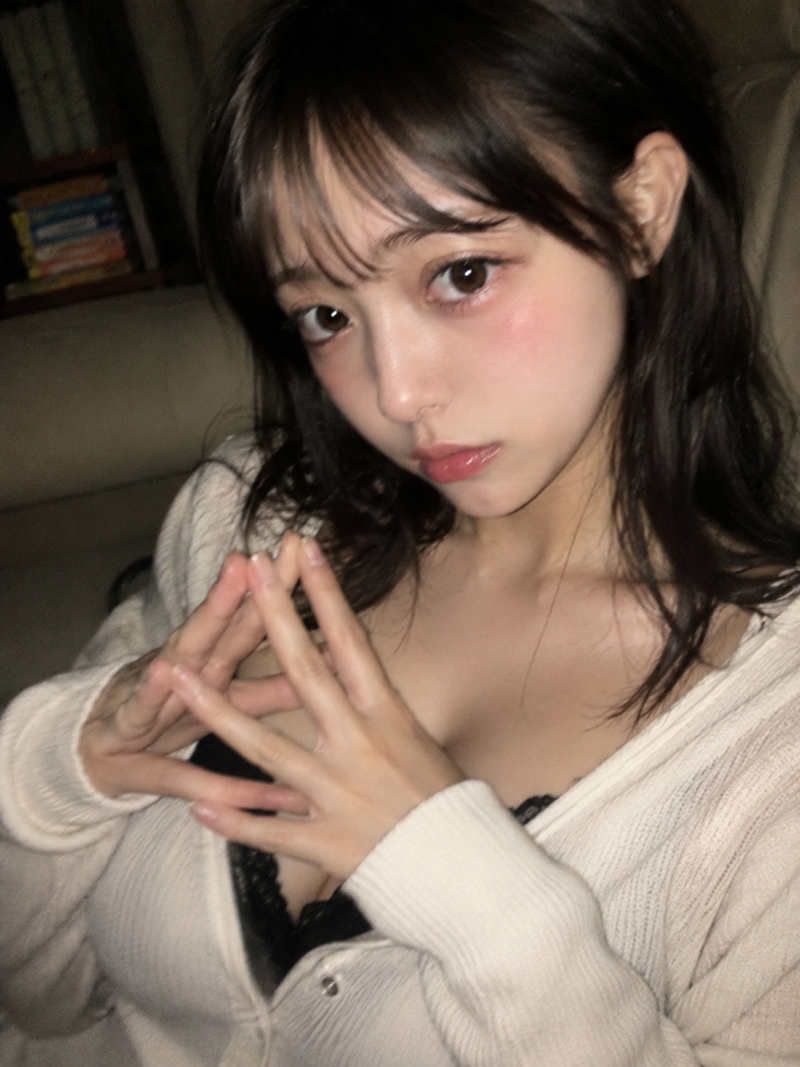
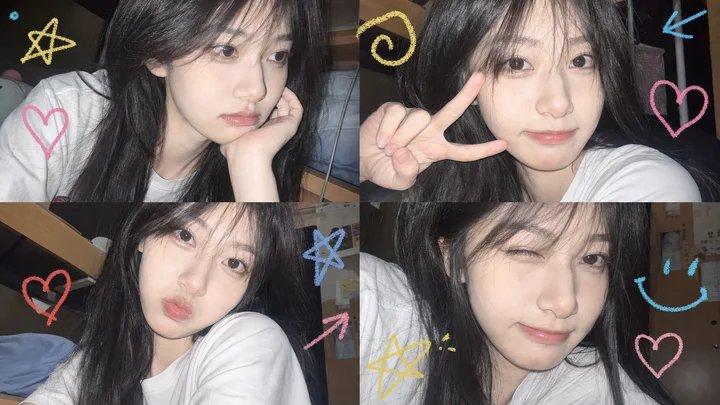
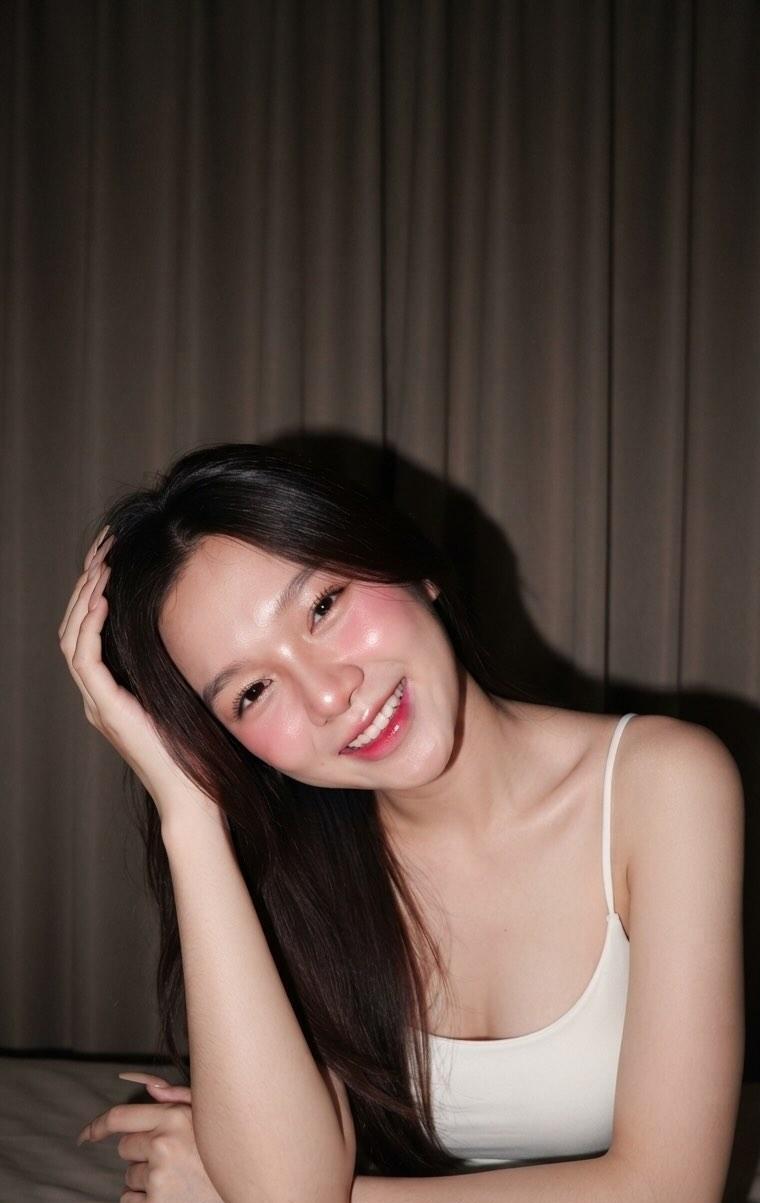
亚洲女性真实手机闪光灯抓拍
Prompt
Vertical 9:16, ultra-realistic mobile phone snapshot style, close-up facial shot of a young beautiful Asian woman, lens is very close, like a moment when a friend in a night or dim indoor setting holds a phone and suddenly turns on the flash to tease her. Intense iPhone direct flash hitting the face from the front, light is direct, hard, slightly overexposed, but do not smooth the skin. Because the light suddenly strengthens, the person subconsciously raises her hand to block in front of her forehead and eyes, palms and fingers naturally enter the foreground, forming real obstruction, hand near the lens is slightly out of focus. She squints slightly, brows gently furrowed, nose slightly tightened naturally, lips slightly parted, expression carries a bit of coquettishness, disgust, and amusement after being disturbed, like she would softly say "hate you" in the next second, not a cold face, not dull, but natural, vivid, and interactive. Skin must retain real raw texture: clearly visible pores, small closed comedones, slight acne marks, fine lines on cheeks, nose wing texture, fine lines on forehead, slight redness, natural shine, and uneven skin tone; under the flash, real skin bumps and tiny flaws are visible, do not retouch skin, do not smooth skin, no porcelain doll skin. Real highlights on the bridge and tip of the nose, cheeks have slight oil reflections but not excessively greasy. Lips have natural moist reflection, no heavy makeup look. Hair falls naturally, stray hairs on the forehead, a few strands of hair close to the skin, increasing the sense of daily life and snapshot. Composition is tight but not cropped too dead, keeping part of the shoulders, shirt collar, and a bit of background space. Background is highly blurred, with a bit of deep blue-purple night ambient light and blurry light spots. The whole thing is like a real mobile phone direct flash casual snapshot, not an advertisement, not a photoshoot, not a pose, emphasizing the sense of life, interaction, slightly imperfect composition, and the real atmosphere of friends playing around, raw photo, unretouched skin, real skin texture, flash photography snapshot.

Negative Prompts: No AI plastic skin, no excessive skin smoothing, no retouched face, no porcelain doll skin, no glass skin, no influencer filters, no perfect flawless skin, no overly smooth skin, no face like a wax figure, no fake skin texture, no cartoonish feel, no CG feel, no fake hands, no extra fingers, no fused fingers, no dull expression, no dead eyes, no indifferent face, no exaggerated acting, no posed feel, no studio shot feel, no commercial photoshoot feel, no excessive beauty filters, no drifting features, no complex background, no text, no Logo, no watermark, no mobile phone interface, no status bar, no play button.
- Category
- Charts & Infographics
- Model
- ChatGPT
- Creator
- @Adam38363368936
- Source ID
- 17040
- Published
- Jun 29, 2026
Views106