微表情角色情绪切换
Prompt
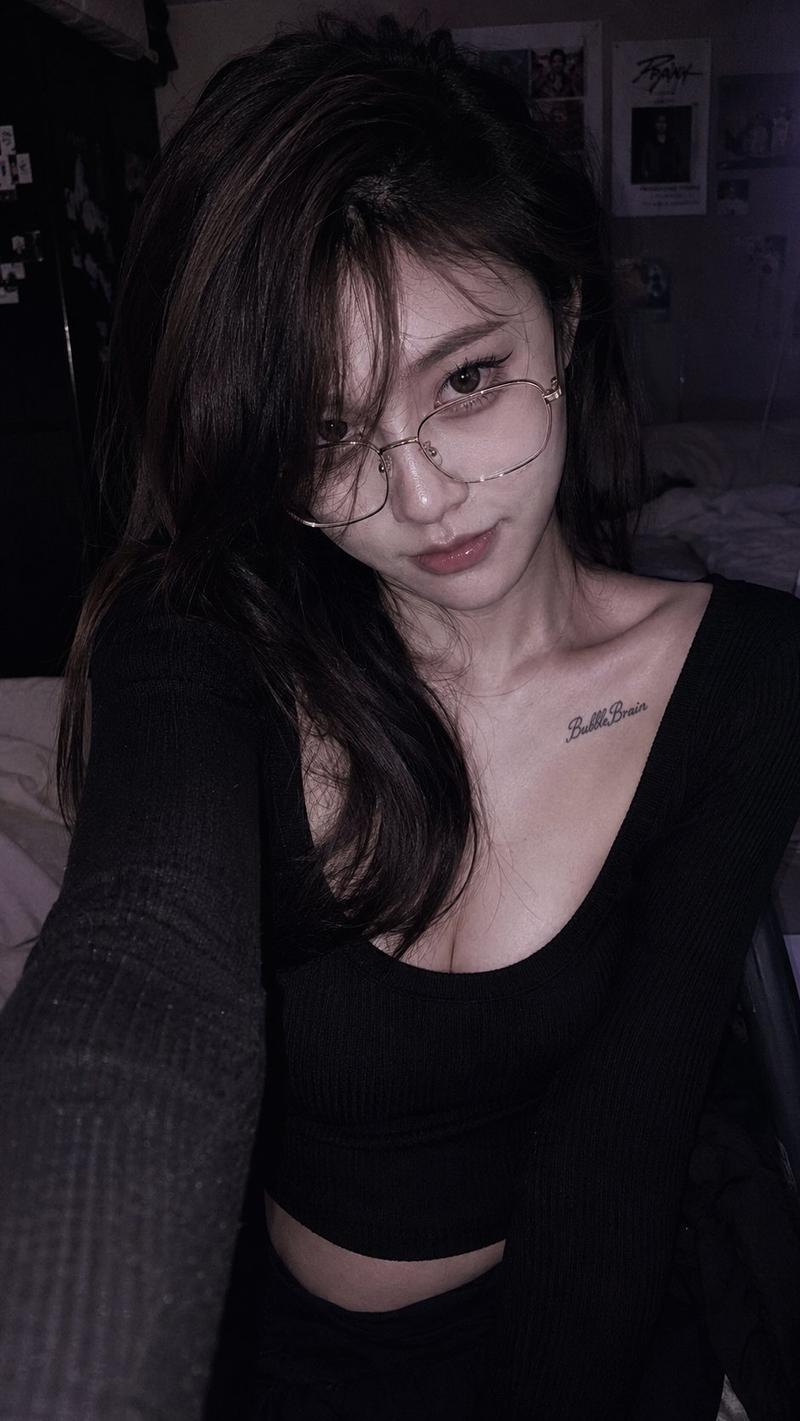
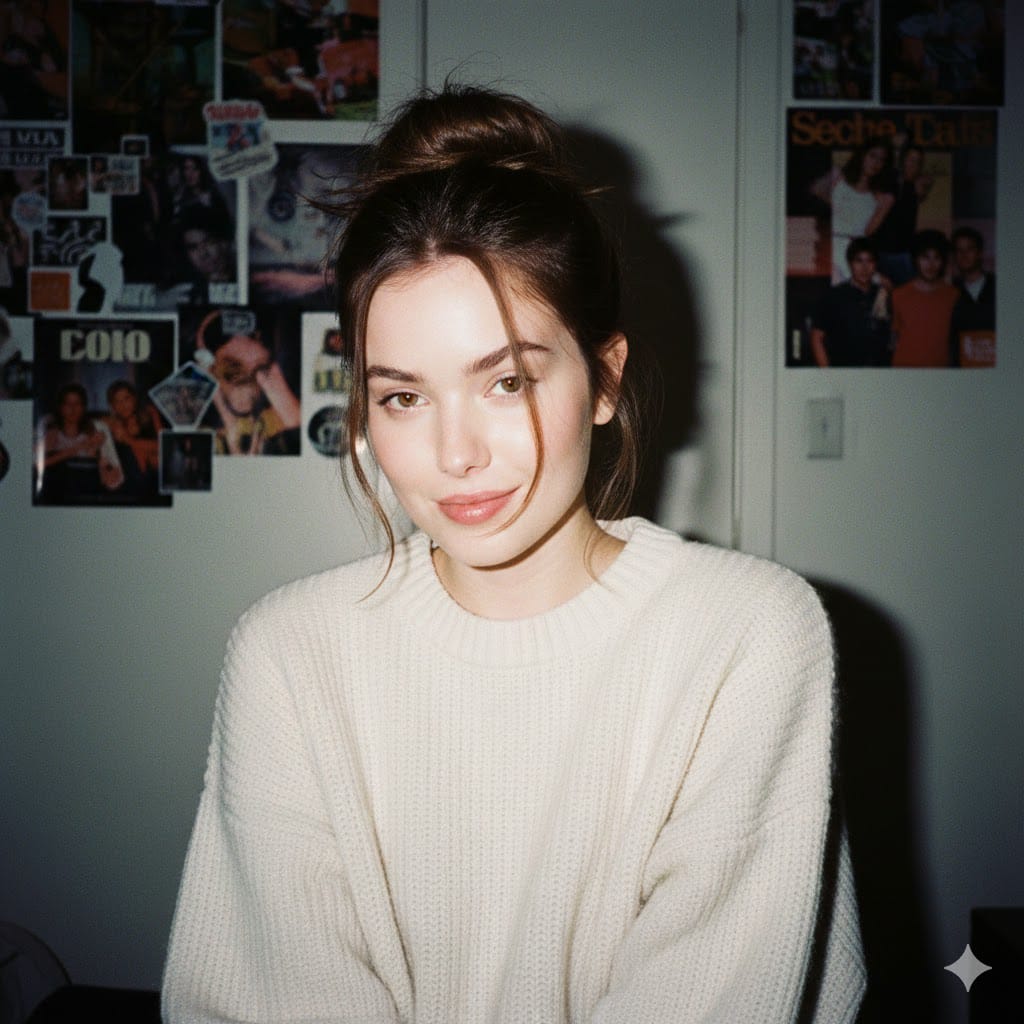
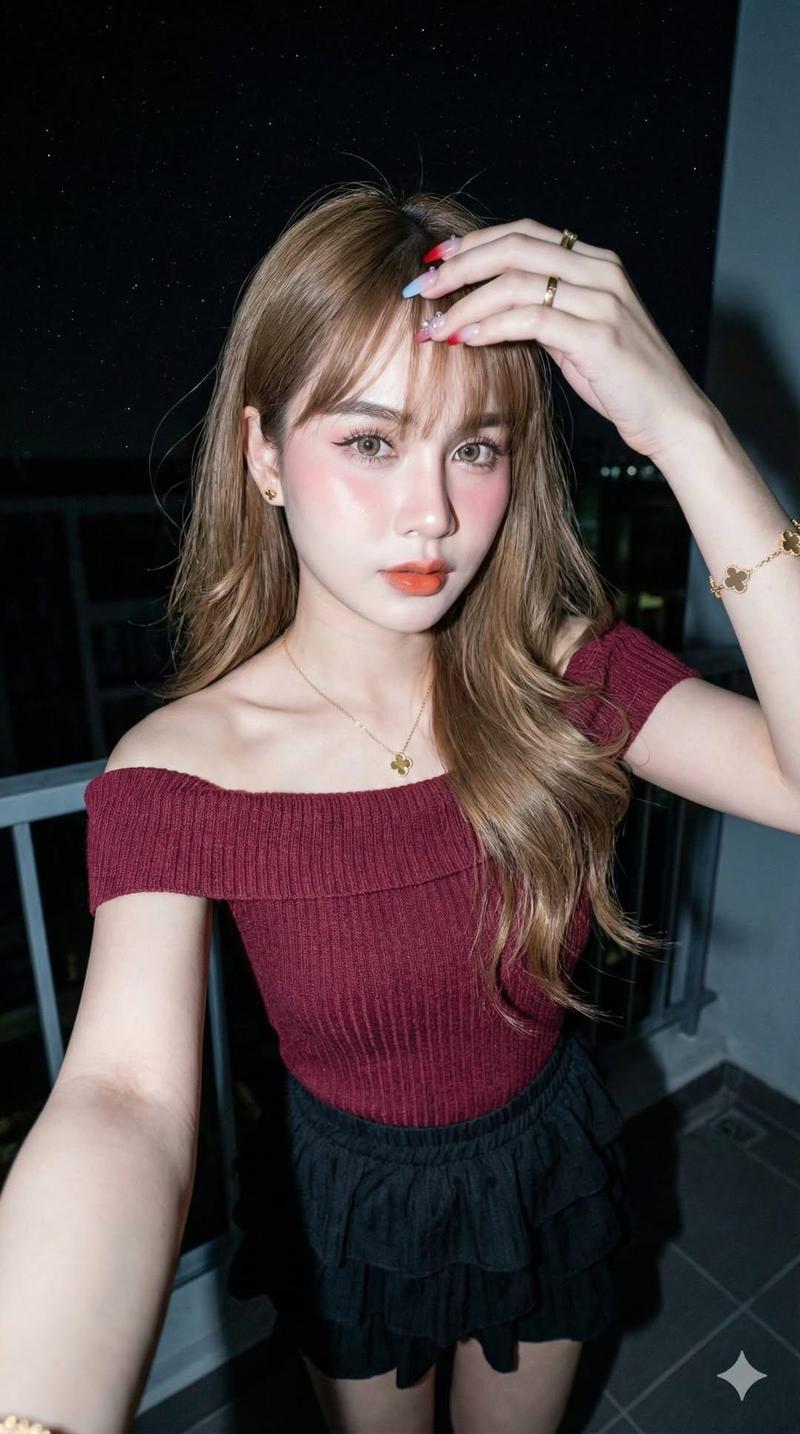
[Character Identity Lock] Use the reference image as the strict identity reference. The young woman must retain exactly the same facial structure, facial features, proportions, skin tone, and overall appearance as the reference throughout the entire video. Her identity and ethnicity must remain completely unchanged regardless of the scene, lighting, facial expressions, or speech. Create an ultra-realistic handheld smartphone candid video set at night or in a dimly lit indoor environment. The camera is very close to the subject, but avoid extreme face cropping. Keep the top of her head, part of her shoulders, and her raised hand visible in frame. The shot should feel as though a close friend is holding a phone nearby and suddenly turns on the flash to tease her. A harsh smartphone flash fires directly at her face, causing the lighting to become suddenly much brighter. She instinctively raises one hand in front of her forehead and eyes to block the light. Her palm and fingers naturally enter the foreground, creating realistic partial occlusion without completely covering her face or facial features. She tilts her head slightly, squints naturally, gently furrows her brows, and subtly scrunches her nose. Her expression conveys mild annoyance mixed with playful embarrassment and amusement, as if reacting to a close friend teasing her. She should not appear angry, cold, or overly dramatic. Instead, capture the authentic expression someone makes when unexpectedly interrupted by a friend's playful prank. While shielding her eyes, she naturally says "Stop it." Deliver the line softly and casually, like an instinctive reaction that slips out without thinking. Her lip sync should be precise and natural, with realistic mouth movement and speech timing, never exaggerated. After speaking, her expression gradually relaxes into a small, reluctant smile, suggesting that although she's mildly annoyed, she's ultimately amused by the situation. Preserve highly realistic skin detail, including visible pores, subtle blemishes, faint acne marks, natural skin texture, gentle facial shine, cheek texture, and realistic highlights across the bridge of the nose. Her lips should have natural moisture and soft reflections without appearing glossy or heavily made up. Avoid any beauty-filter appearance. Her hair falls naturally with loose wisps across her forehead. A few strands rest against her skin and move subtly with natural motion. The background should be heavily blurred, featuring soft deep blue and purple nighttime ambient lighting with diffused bokeh lights. The overall image should feel like a genuine spontaneous smartphone flash video rather than a commercial, fashion shoot, or posed production. Emphasize everyday realism, authentic interaction, subtle micro-expressions, natural speech, and slightly imperfect framing. The handheld phone feeling should be obvious, with gentle natural camera shake and slight breathing motion typical of someone casually recording on a smartphone. Timeline 0–2 seconds A friend suddenly turns on the phone flash. The bright flash illuminates her face from the front. The camera is very close with subtle handheld movement. She is briefly startled. 2–4 seconds She instinctively raises her hand to block the light, slightly turns her head away, squints, gently furrows her brows, and reacts naturally. 4–6 seconds While still shielding the light, she softly says "Stop it." Her lip sync is clear and natural, with realistic timing and an authentic tone, as if responding to a playful friend. 6–8 seconds She continues partially blocking the light while briefly looking away from the camera. Her expression gradually shifts from mild annoyance to reluctant amusement. 8–10 seconds She relaxes slightly. Her hand remains in the foreground but no longer blocks as much of the light. A subtle smile appears at the corner of her mouth, suggesting she's been won over by the joke. The video ends while maintaining the close handheld smartphone candid aesthetic. Negative Prompt Do not use extreme face cropping. Do not let the hand completely cover the face. Avoid malformed hands, extra fingers, frozen expressions, lifeless eyes, missing blinks, incorrect lip sync, stiff mouth movement while speaking, mismatched audio and lip movement, exaggerated acting, cold or emotionless expressions, AI-looking plastic skin, excessive skin smoothing, beauty filters, influencer-style filters, heavy makeup, posed photography, commercial or cinematic advertising aesthetics, studio lighting, drifting facial features, cluttered backgrounds, subtitles, text, logos, watermarks, phone status bars, playback controls, screen flicker, sudden cuts, or abrupt camera changes. Do not alter the subject's ethnicity under any circumstances. Do not Asianize, Westernize, or otherwise modify the facial characteristics. The character's identity must remain faithfully consistent with the reference image throughout the entire video.
- Category
- Charts & Infographics
- Model
- seedance-2.0
- Creator
- Mark H
- Source ID
- 6959
- Published
- Jul 8, 2026
Views3