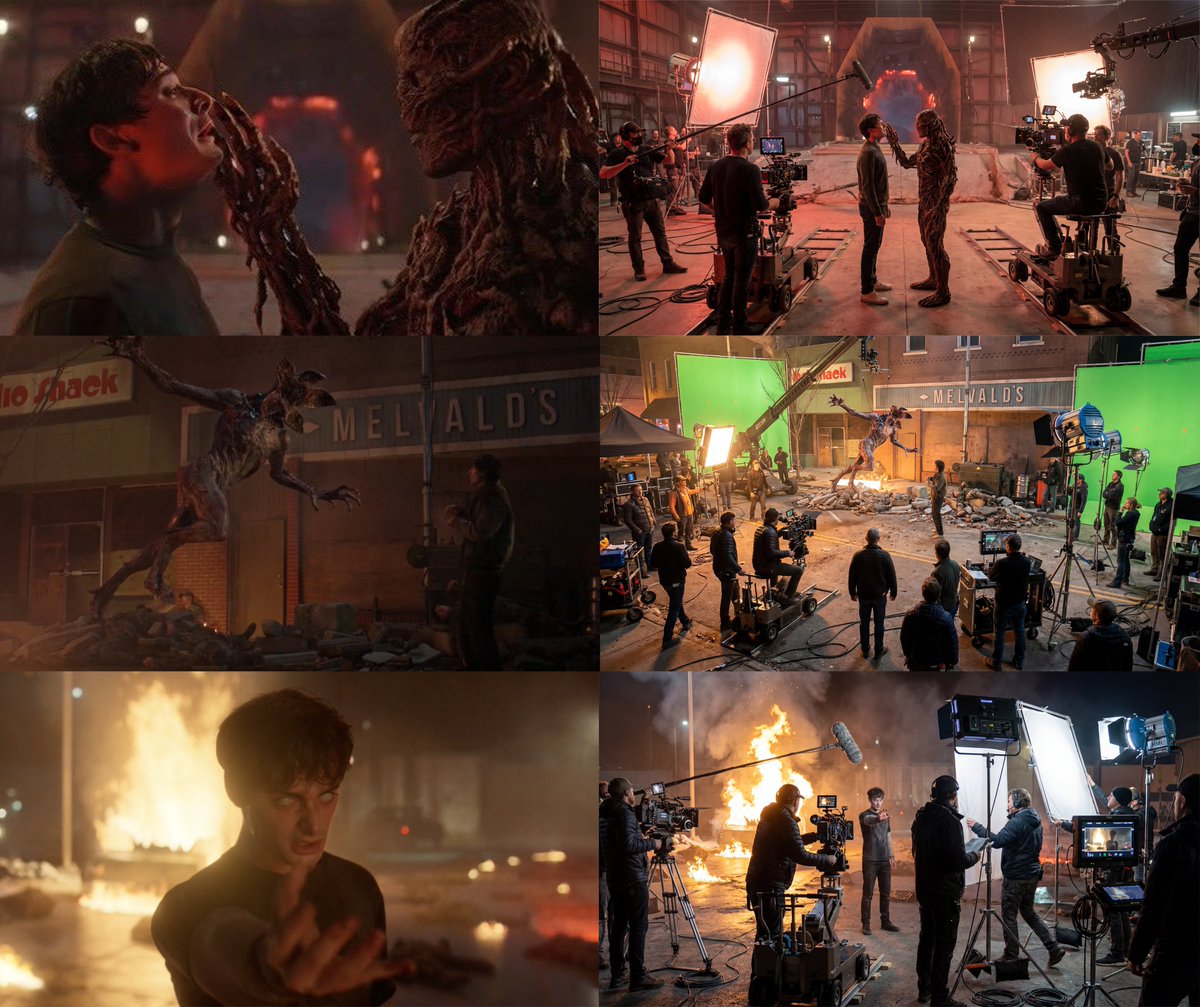
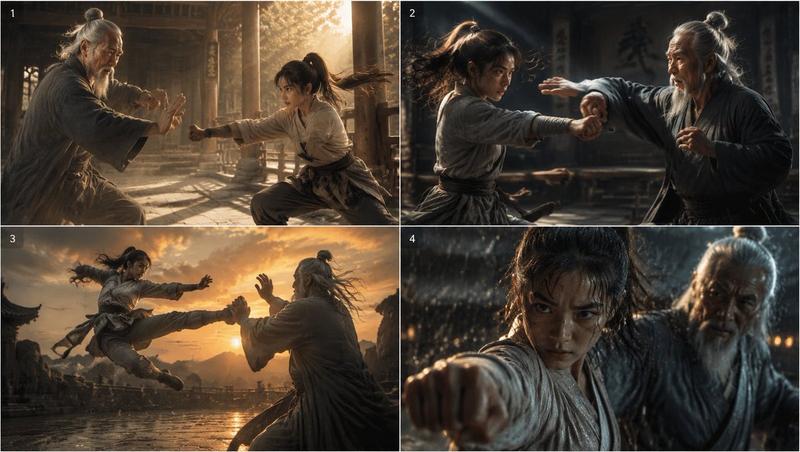
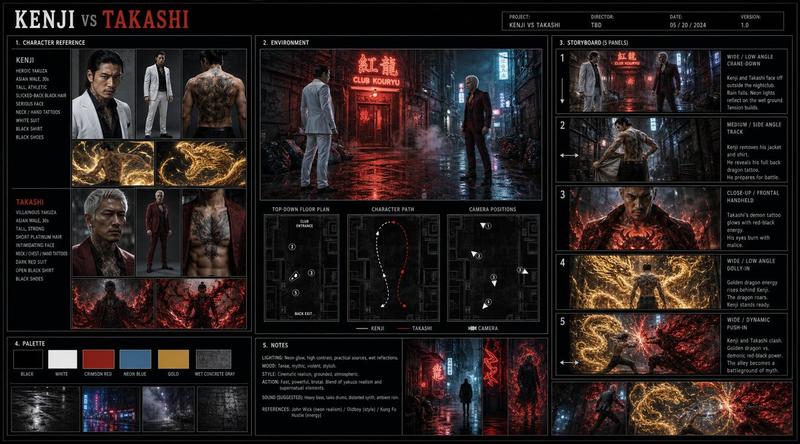
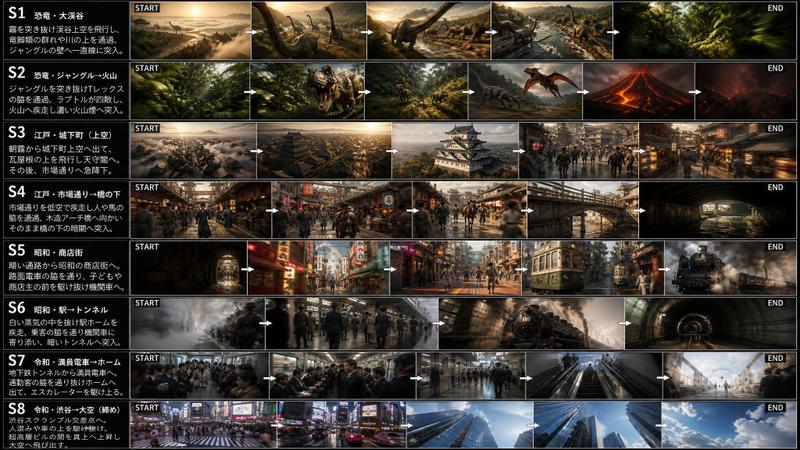
电影幕后到银幕全纪录
Prompt
[
  FILM SCENE / DIALOGUE INPUT
]: (buraya sahne veya diyalog yaz) A 3×3 cinematic storyboard grid that visualizes the entire filming process of the given movie scene — from behind-the-scenes preparation and human moments to the final,
on-screen cinematic frame. ⚠️ IMPORTANT REALISM RULE The director appearing in behind-the-scenes frames must be the real-life director of the referenced film. The model must identify the correct director automatically based on the film scene or dialogue input. The user does not provide the director’s name. The first 8 frames depict the camera-behind reality: crew,
preparation,
coordination,
tension,
humor,
and intimacy on set. The 9th frame is the actual movie frame,
exactly as it appears in the final film — no crew,
no equipment,
pure cinema. Tone: authentic,
cinematic,
human,
professional. Style: realistic,
documentary-like behind the scenes → polished cinematic final shot. If the scene requires visual effects support,
such as: green screen blue screen wire rigs harnesses suspension cables motion-control rigs these elements must be clearly visible in the appropriate behind-the-scenes frames 🎥 CAMERA & LENS (GLOBAL) Professional cinema camera Anamorphic lens language 2.39:1 cinematic framing inside each grid cell Behind-the-scenes frames feel observational Final frame feels composed and intentional No exaggerated stylization 💡 LIGHTING (GLOBAL) Practical,
real film-set lighting Visible light sources in BTS frames: Softboxes Flags Reflectors Final frame: motivated cinematic lighting only Clear contrast between work light and story light 🧩 3×3 GRID – DETAILED FRAME BREAKDOWN FRAME 1 – Set Preparation (Wide / Behind the Camera) Wide shot of the film set before rolling Lighting equipment visible Light technician adjusting a key light Cables,
stands,
controlled chaos Actors not yet in position FRAME 2 – Sound Check (Medium / Technical Focus) Boom operator holding microphone just out of frame Sound technician wearing headphones Actor standing relaxed,
waiting Casual atmosphere,
low tension FRAME 3 – Camera Setup (Medium / Precision) Camera operator adjusting focus and lens Assistant pulling focus marks Monitor visible with framing guides The scene exists only on the screen-within-screen FRAME 4 – Director’s Instruction (Medium / Authority) The real director of the film speaking to the actor Director’s physical appearance,
age,
posture consistent with real-life identity Calm but focused body language Hands explaining blocking Crew listening quietly Scene energy starting to shift FRAME 5 – Actors Between Takes (Medium / Human Moment) Actors sharing a light joke Subtle smiles,
relaxed posture One actor laughing mid-sentence Crew in the background smiling A brief release of tension FRAME 6 – Final Adjustments (Close / Concentration) Makeup artist fixing a detail Wardrobe adjustment Actor’s face transitioning from casual to serious Emotional switch visible FRAME 7 – Silence Before Action (Wide / Anticipation) Everyone in position The real director seated behind the monitor Camera locked,
boom lifted Actors ready,
no smiles now Heavy silence implied FRAME 8 – “Action” Moment (Medium / Transition) Camera rolling Slate claps Actor already in character Crew frozen,
holding breath The moment just before cinema begins FRAME 9 – FINAL FILM FRAME (Wide / On-Screen Reality) No crew,
no equipment Pure cinematic shot from the actual movie Perfectly composed frame Cinematic lighting and color grading Emotional core of the scene visible Looks like a real film still,
suitable for a movie poster 🚫 NEGATIVE PROMPT (GLOBAL) anime,
cartoon,
illustration,
fantasy,
sci-fi,
cyberpunk,
neon lighting,
modern UI overlays,
subtitles,
text,
logos,
exaggerated acting,
staged behind-the-scenes posing,
artificial smiles,
glossy beauty lighting
- Category
- UI & Interfaces
- Model
- ChatGPT
- Creator
- @ai_gezgini
- Source ID
- 13920
- Published
- May 3, 2026
Views262