15

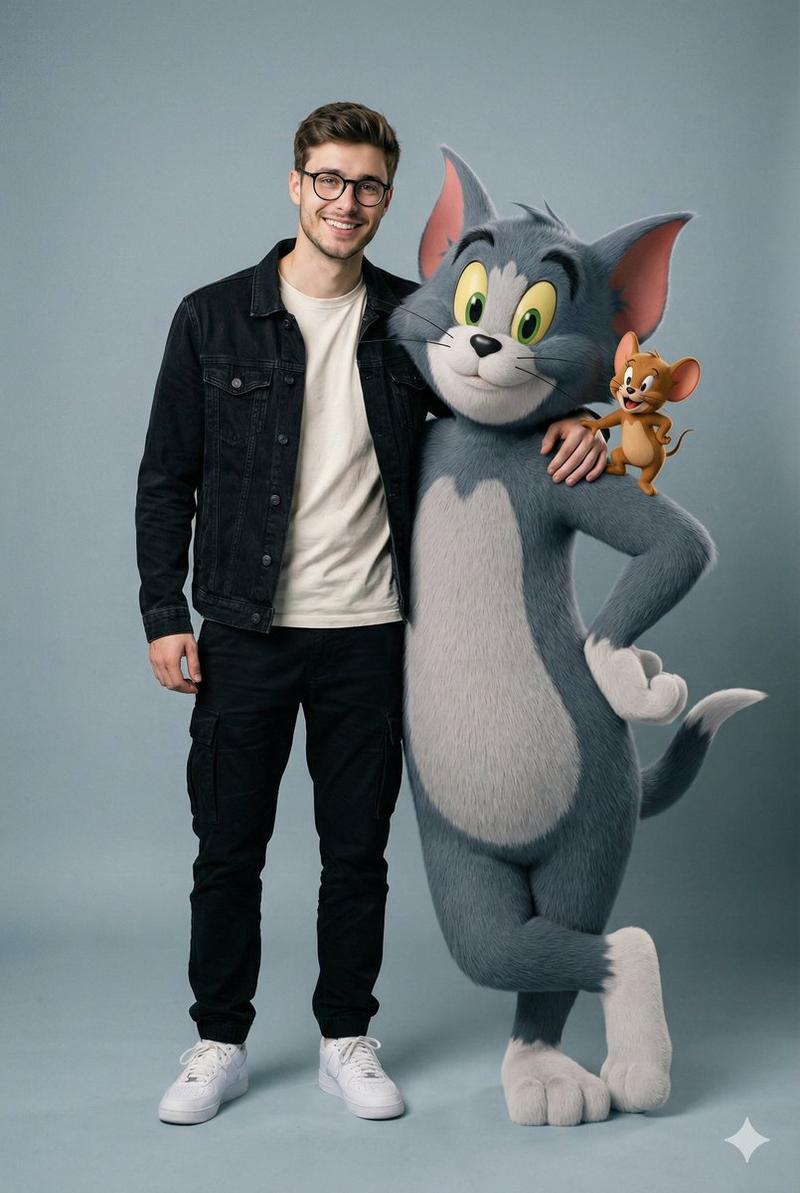
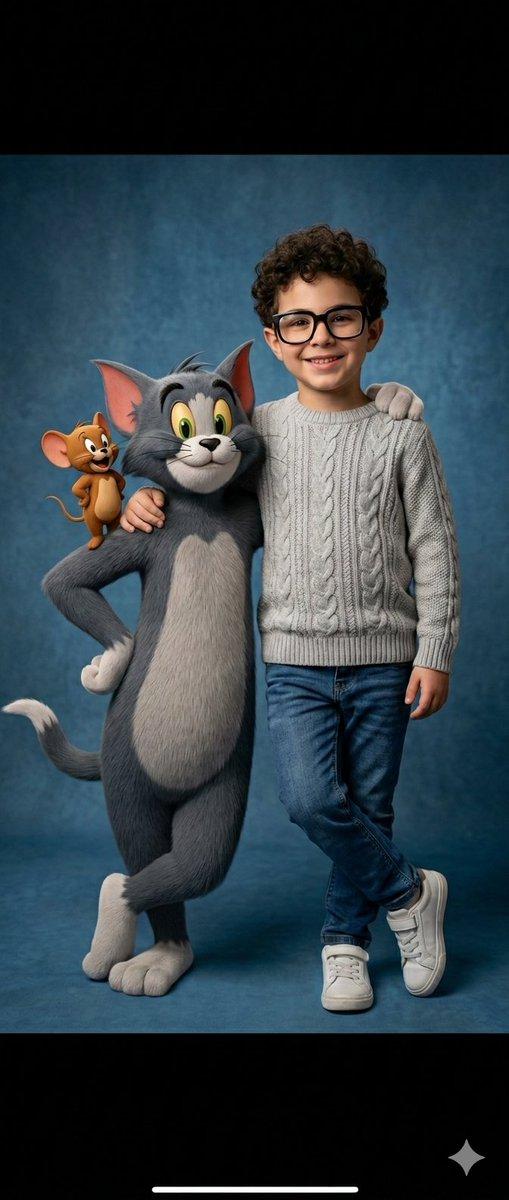
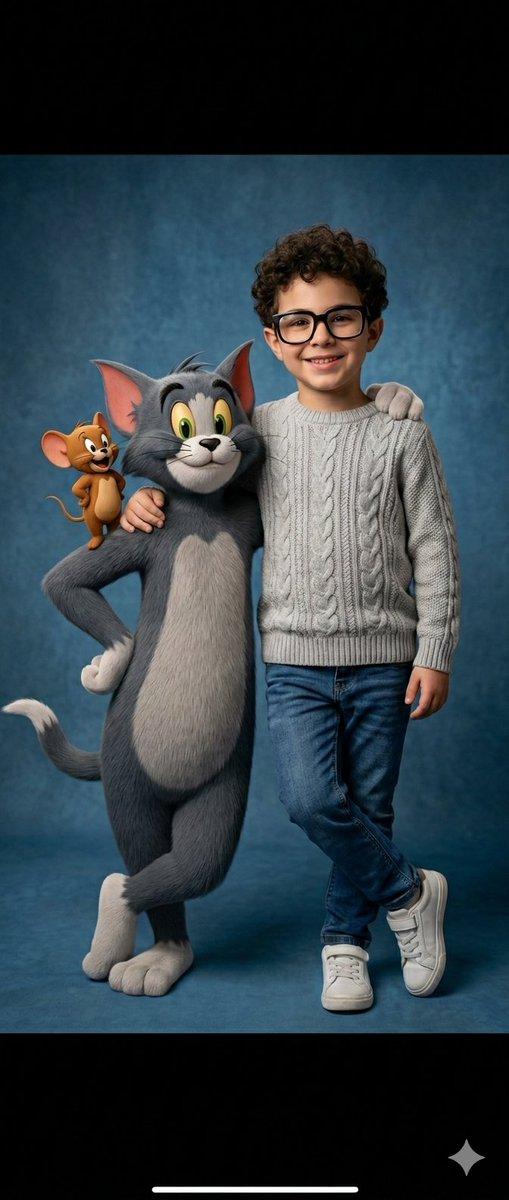
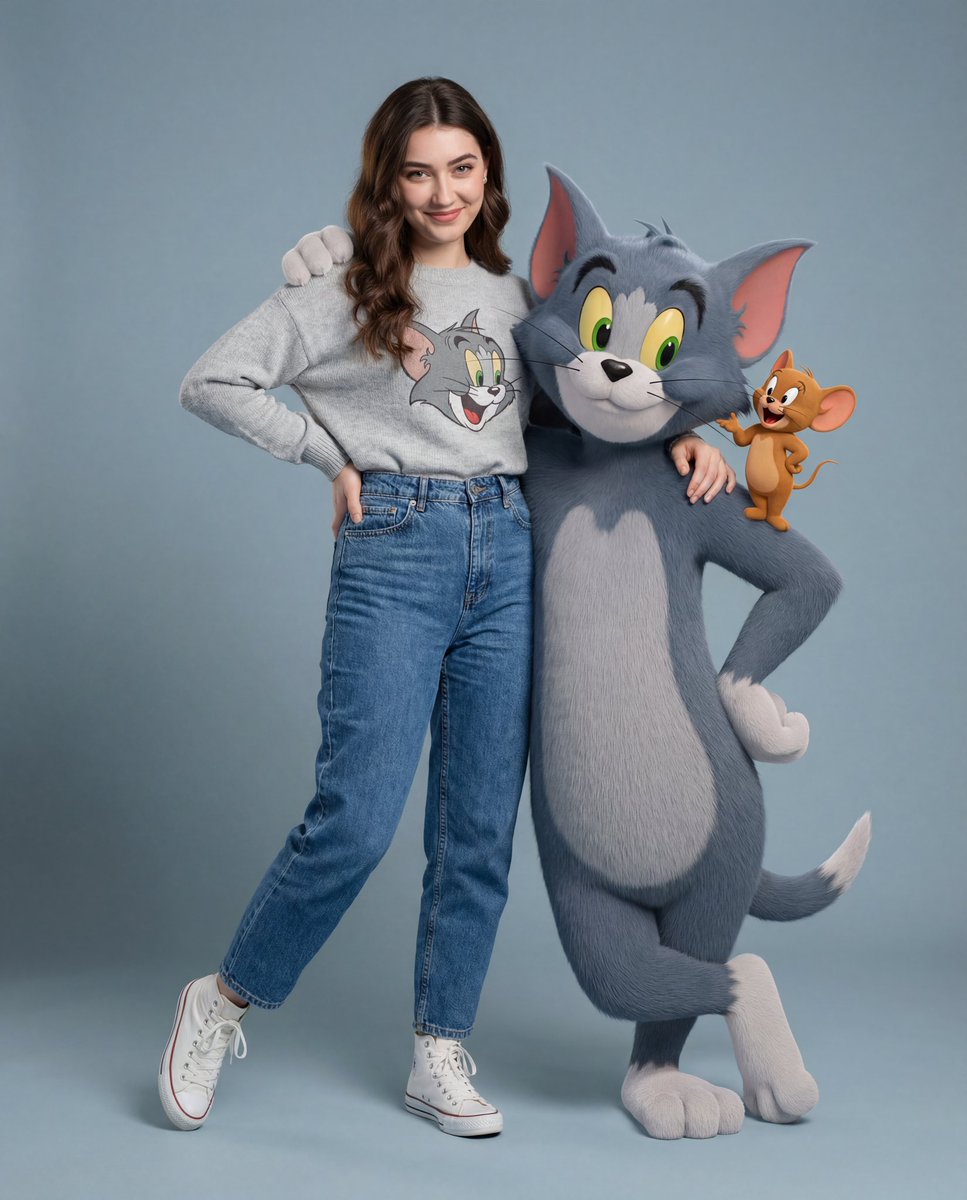
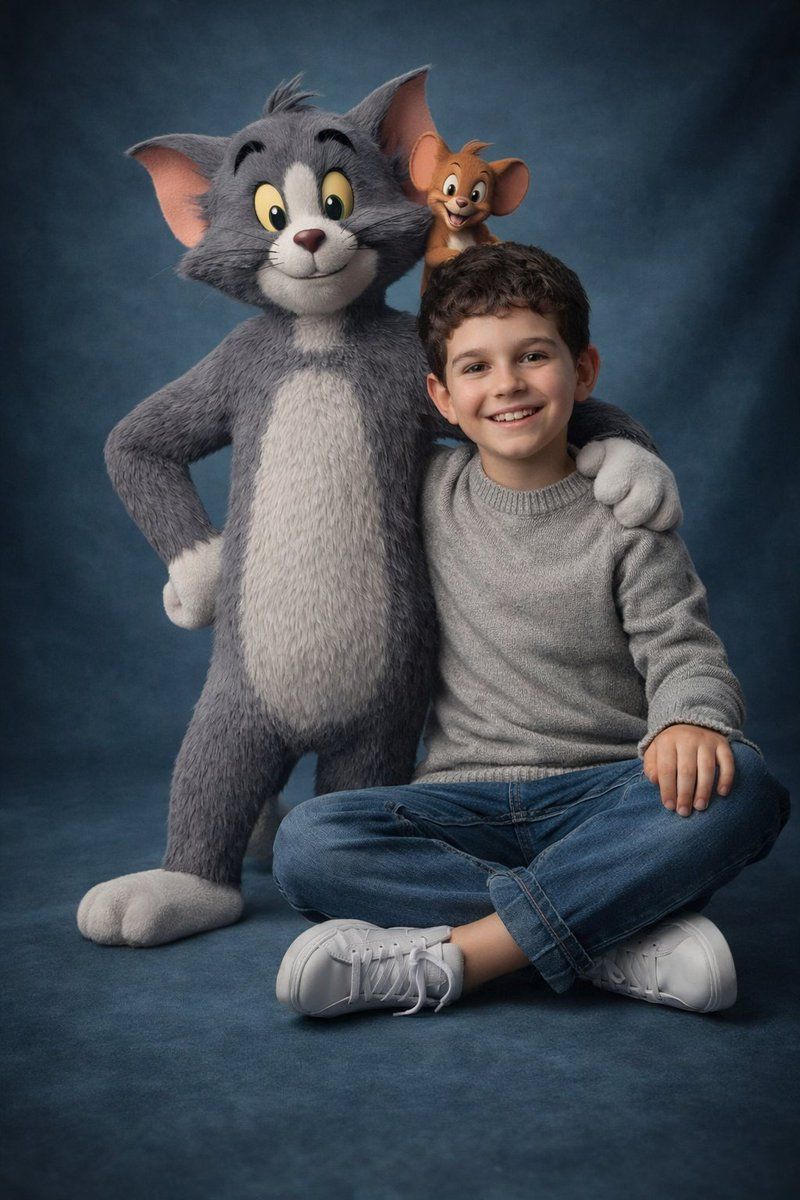
男孩与猫和老鼠的超真实影棚大片
Enlarge

男孩与猫和老鼠的超真实影棚大片

Prompt
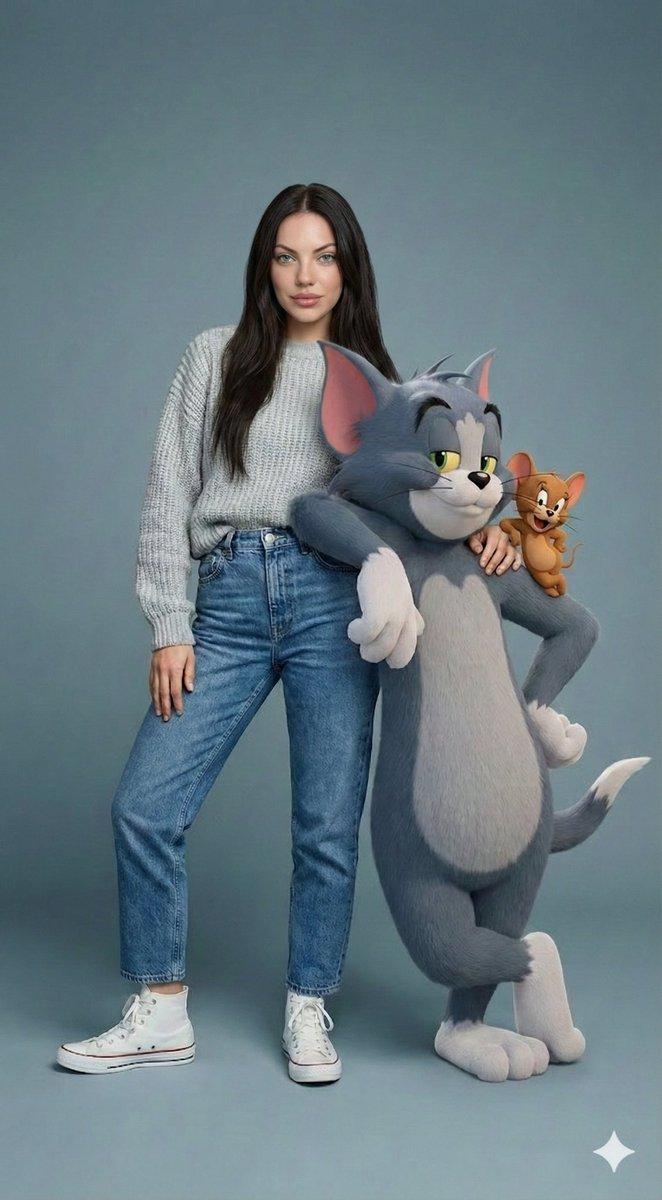
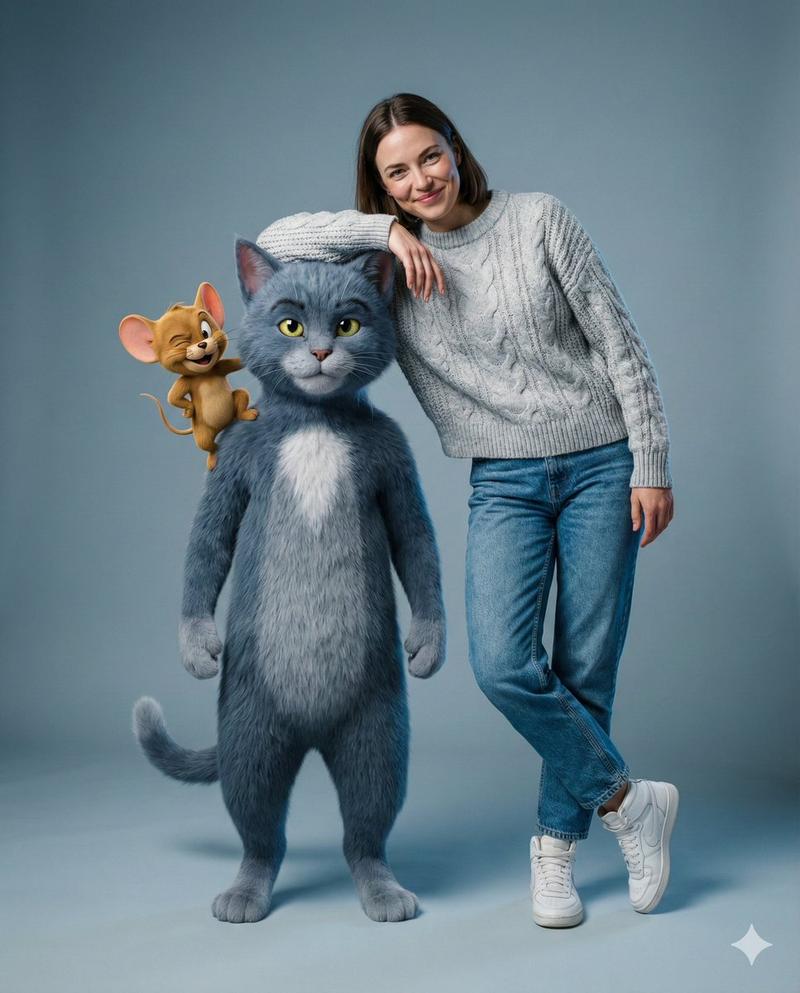
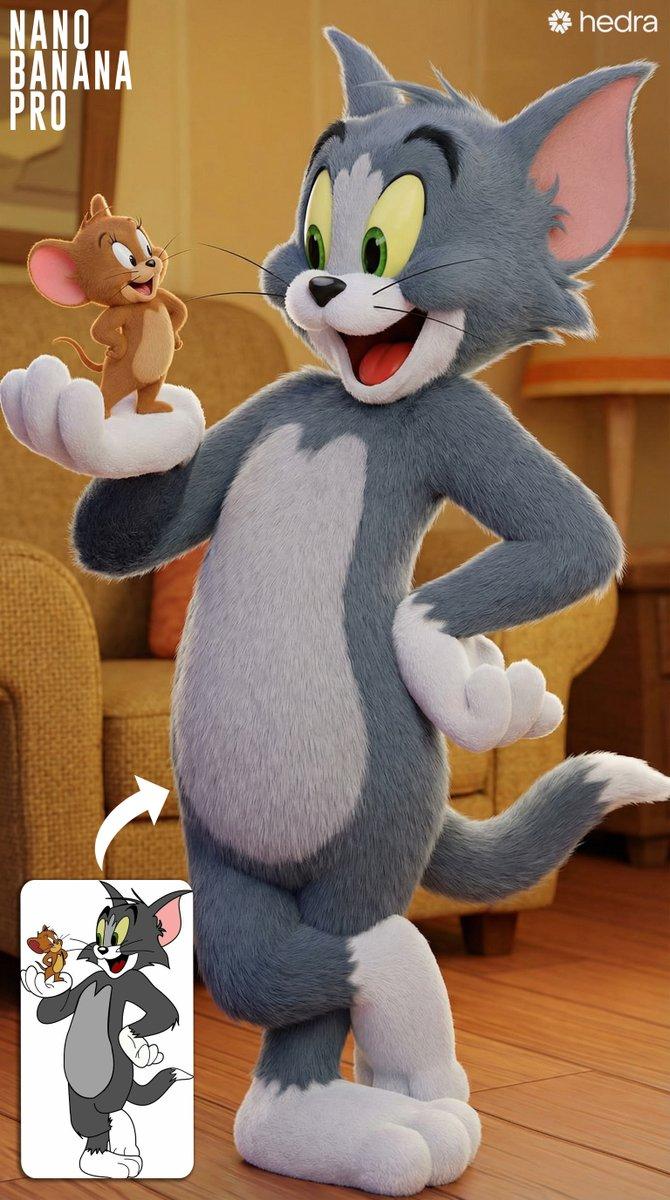
{ "prompt": "Ultra-realistic 3D cinematic full body portrait of a smiling young boy with Tom and Jerry. Boy wearing light grey sweater, blue jeans, white sneakers, relaxed crossed-leg pose. One arm around Tom. Tom standing upright with one hand on waist, other arm around the boy. Jerry sitting on Tom’s shoulder smiling. Tom and Jerry have realistic detailed fur but their faces remain consistent and unchanged. Age-appropriate boy height. Soft blue studio background, dramatic soft lighting, sharp focus, photorealistic quality. No cartoon look, no blur, no distortion.", "style": "ultra-realistic 3D cinematic", "camera": "full body portrait, sharp focus", "lighting": "dramatic soft studio lighting", "background": "soft blue studio background", "quality": "photorealistic", "constraints": [ "Keep Tom and Jerry faces consistent and unchanged", "Age-appropriate boy height", "No cartoon look", "No blur", "No distortion" ] }
Category
Photography & Realism
Model
Nano Banana Pro
Views150
Source ID
13247
Published
Apr 2, 2026

Guide

About "男孩与猫和老鼠的超真实影棚大片"

What is this prompt for?

"男孩与猫和老鼠的超真实影棚大片" AI image prompt for Nano Banana Pro (Photography & Realism). { "prompt": "超逼真的 3D 电影级全身肖像,一个微笑的小男孩和汤姆与杰瑞。男孩穿着浅灰色毛衣、蓝色牛仔裤、白色运动鞋,摆出放松的盘腿姿势。一只手臂…

The full copyable prompt and example visuals above are ready for AI image generation or one-click recreate in Picva.

How to use this prompt

  1. Step 1

    Open the prompt detail

    Review the example visuals, category, and full prompt text for "男孩与猫和老鼠的超真实影棚大片".

  2. Step 2

    Copy the prompt

    Copy the prompt body from this page, or load it directly in Studio.

  3. Step 3

    Pick a model (Nano Banana Pro)

    Prefer Nano Banana Pro. If you switch models, keep subject and composition and tweak style terms.

  4. Step 4

    Generate and export

    Recreate the look in Picva, or export into your workflow for editing and publishing.

FAQ

What is the "男孩与猫和老鼠的超真实影棚大片" prompt?
It is an AI image-generation prompt for Nano Banana Pro in the Photography & Realism category. This page includes the full prompt text, example visuals, and a one-click recreate path in Picva.
How do I use this prompt to generate an image?
Copy the prompt from this page, or use Generate / Studio. Paste it into a compatible image model, or recreate the look in Picva with optional reference images.
Which model is this prompt for?
This page lists Nano Banana Pro. Most descriptive prompts also transfer to nearby image models such as GPT Image, Flux, or Midjourney with light style tweaks.
Can I use the result commercially?
You can usually copy the prompt for creation, but commercial use of the final image depends on the model terms, reference-image rights, and the generated content. Follow the source author and platform rules.