20

充满童趣的稚嫩蜡笔涂鸦
Enlarge

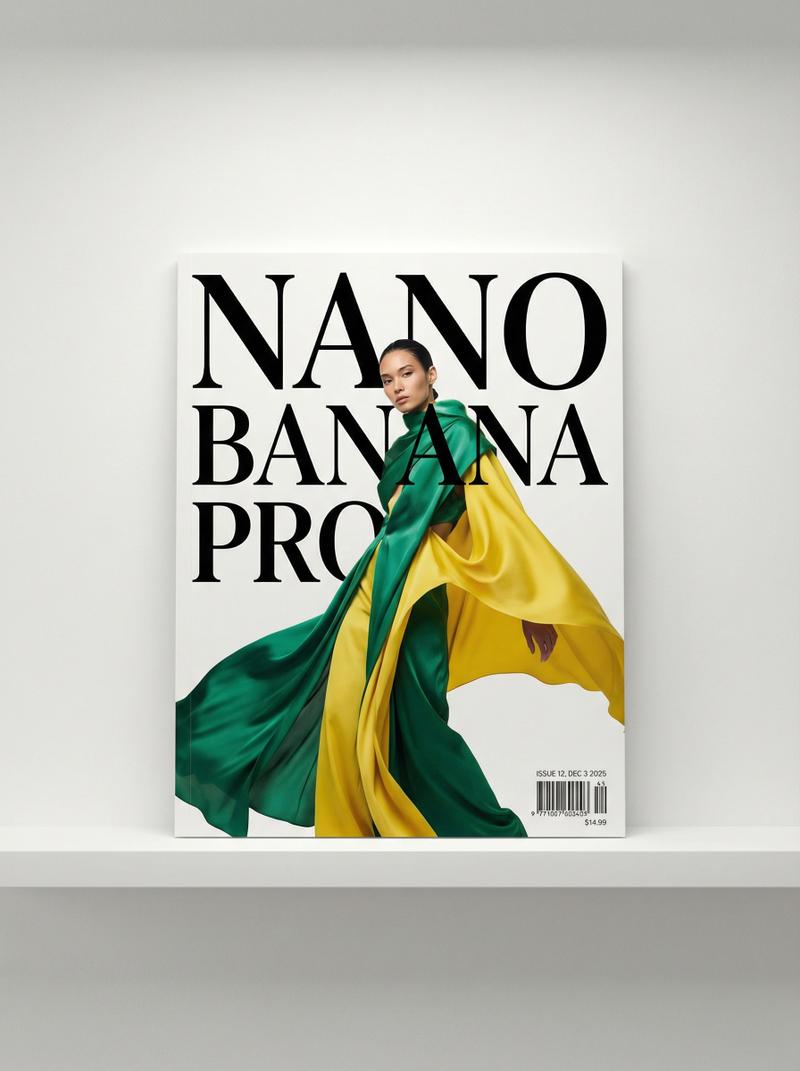
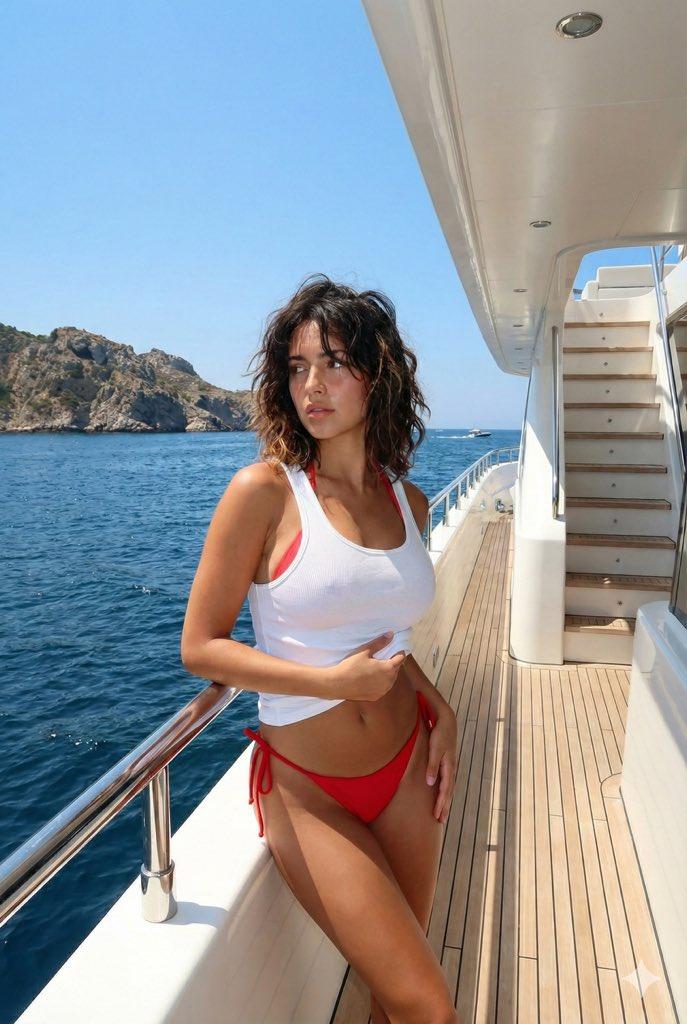
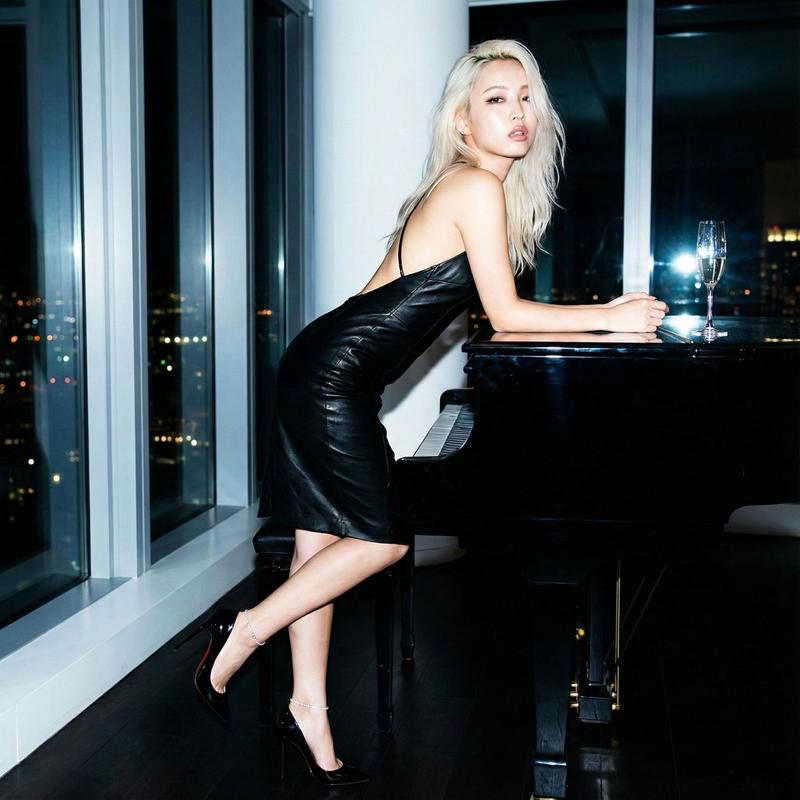
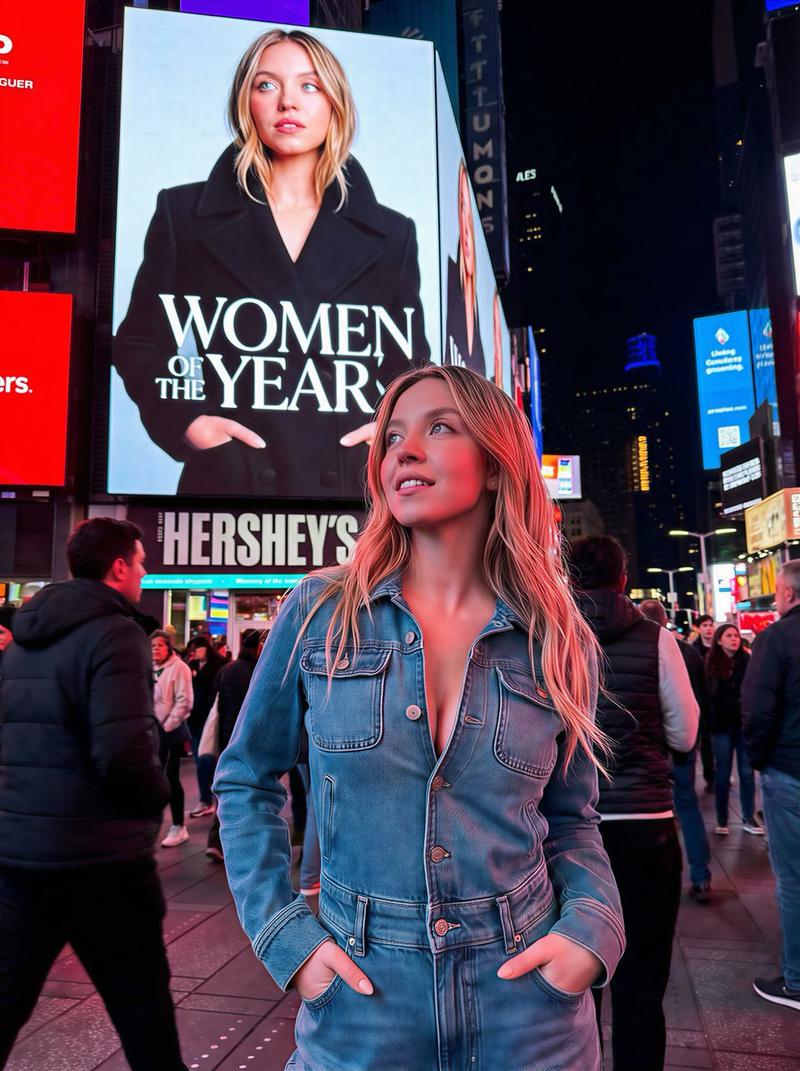
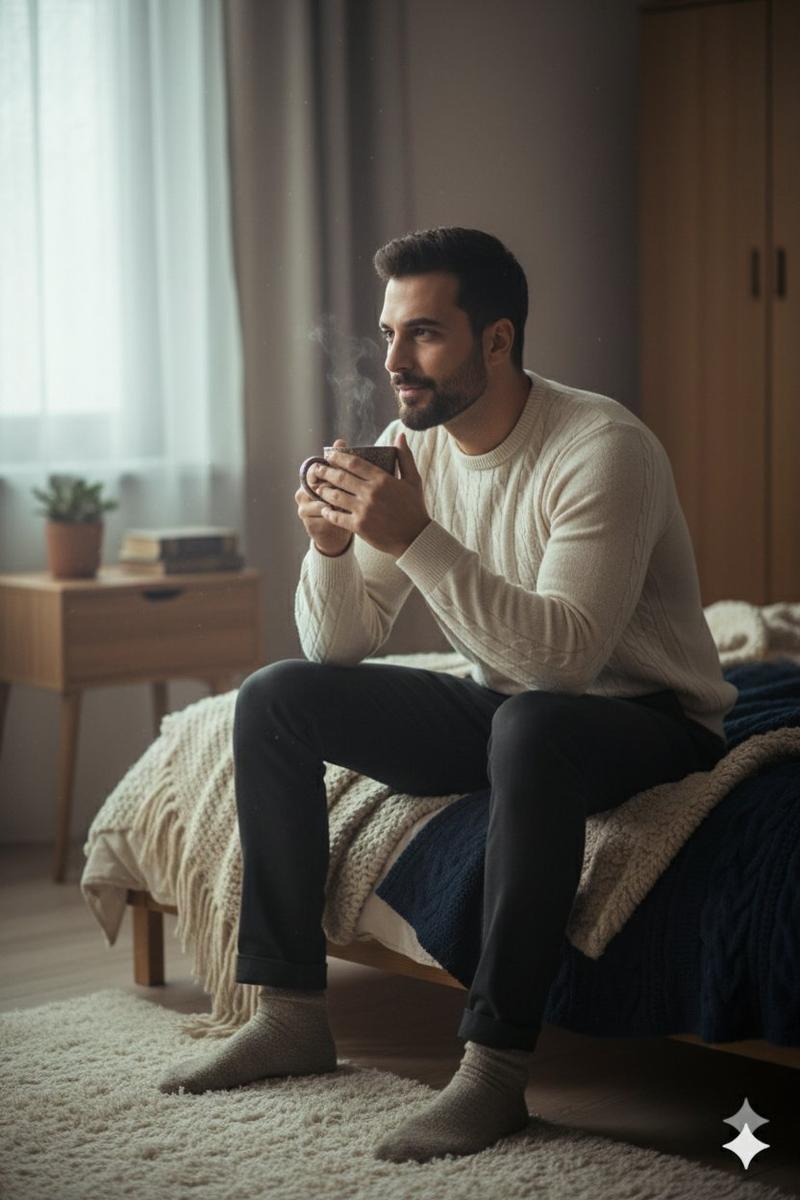
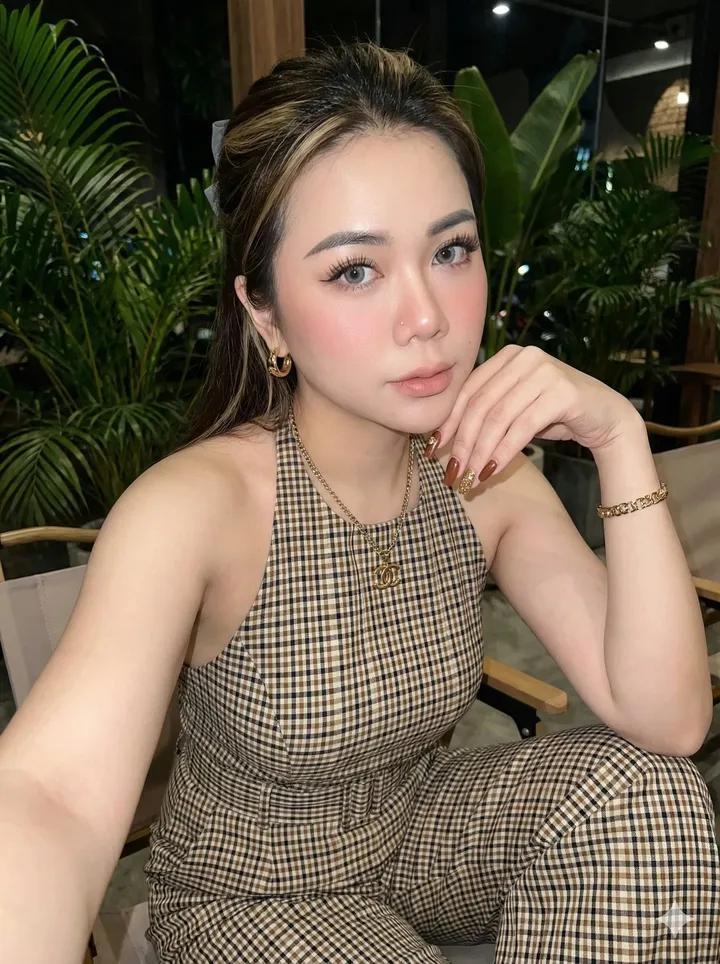
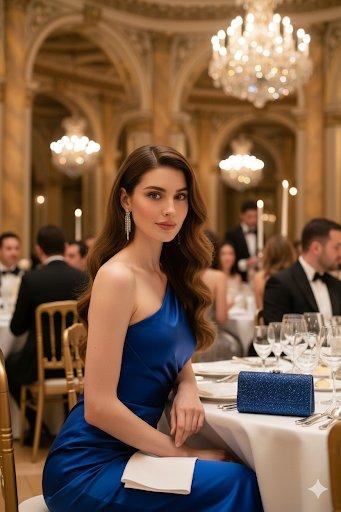
Example images

充满童趣的稚嫩蜡笔涂鸦

Prompt
A child's crayon drawing on white lined notebook paper. [DESCRIBE YOUR VISUAL HERE], drawn with chunky wax-crayon strokes, wobbly uneven outlines, and simple flat shapes. Bright bold colors with messy coloring that overflows the outlines. Visible heavy pressure marks, small waxy smudges, and uneven scribble shading. Important things are drawn disproportionately big, everything else is tiny. Round friendly faces with dot eyes and big curved smiles, mitten-shaped hands, and blobby rounded animals. A large yellow sun in one corner with radiating lines, puffy cloud shapes, and scattered hearts or stars. A few tiny margin doodles. Flat composition with no realistic perspective or shading. Childlike, joyful, naive art style.
Category
Photography & Realism
Model
Nano Banana Pro
Creator
@umesh_ai
Views278
Source ID
2832
Published
Mar 1, 2026

Guide

About "充满童趣的稚嫩蜡笔涂鸦"

What is this prompt for?

"充满童趣的稚嫩蜡笔涂鸦" AI image prompt for Nano Banana Pro (Photography & Realism). 白色横线笔记本纸上的儿童蜡笔画。[在此描述你的视觉画面],用粗大的蜡笔笔触绘制,有着颤抖不均匀的轮廓线和简单的扁平形状。明亮大胆的色彩,涂色杂乱且溢出轮廓线。可见的重压…

The full copyable prompt and example visuals above are ready for AI image generation or one-click recreate in Picva.

How to use this prompt

  1. Step 1

    Open the prompt detail

    Review the example visuals, category, and full prompt text for "充满童趣的稚嫩蜡笔涂鸦".

  2. Step 2

    Copy the prompt

    Copy the prompt body from this page, or load it directly in Studio.

  3. Step 3

    Pick a model (Nano Banana Pro)

    Prefer Nano Banana Pro. If you switch models, keep subject and composition and tweak style terms.

  4. Step 4

    Generate and export

    Recreate the look in Picva, or export into your workflow for editing and publishing.

FAQ

What is the "充满童趣的稚嫩蜡笔涂鸦" prompt?
It is an AI image-generation prompt for Nano Banana Pro in the Photography & Realism category. This page includes the full prompt text, example visuals, and a one-click recreate path in Picva.
How do I use this prompt to generate an image?
Copy the prompt from this page, or use Generate / Studio. Paste it into a compatible image model, or recreate the look in Picva with optional reference images.
Which model is this prompt for?
This page lists Nano Banana Pro. Most descriptive prompts also transfer to nearby image models such as GPT Image, Flux, or Midjourney with light style tweaks.
Can I use the result commercially?
You can usually copy the prompt for creation, but commercial use of the final image depends on the model terms, reference-image rights, and the generated content. Follow the source author and platform rules.