19

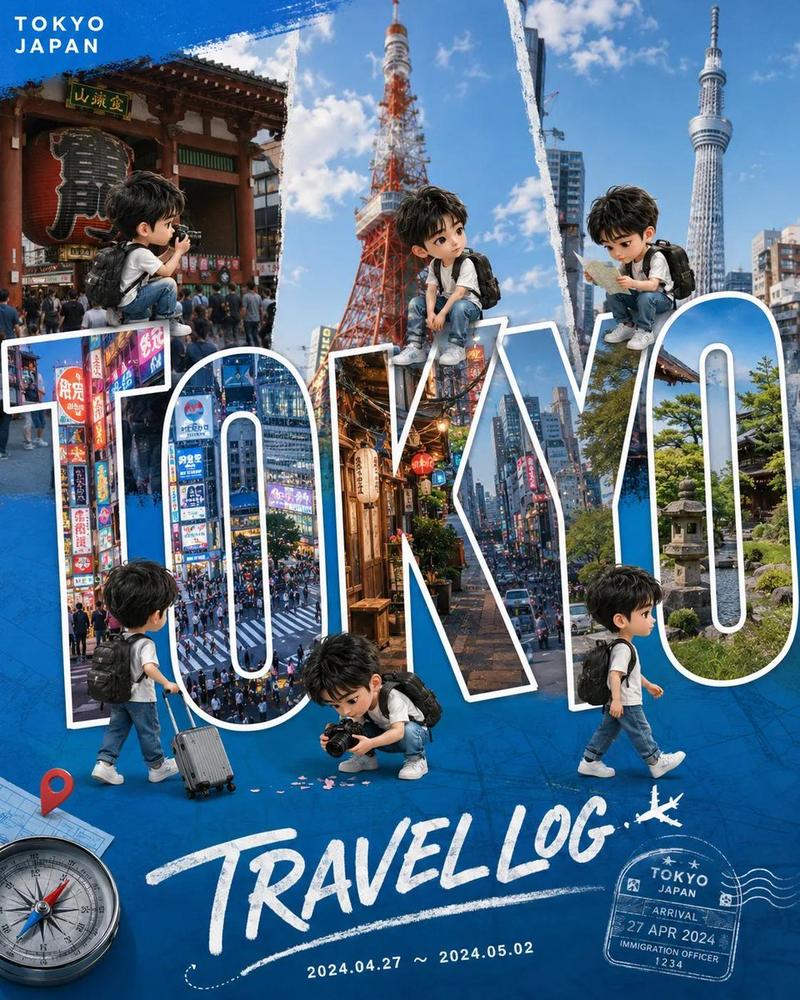
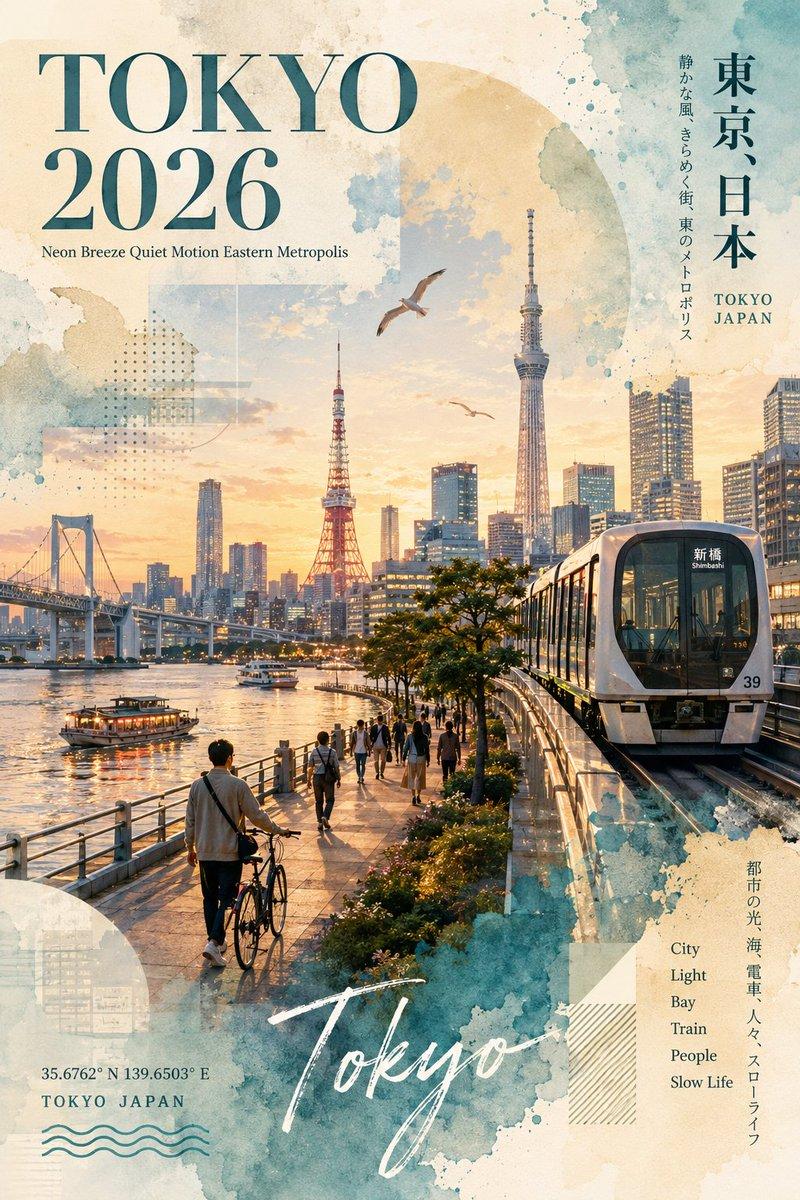
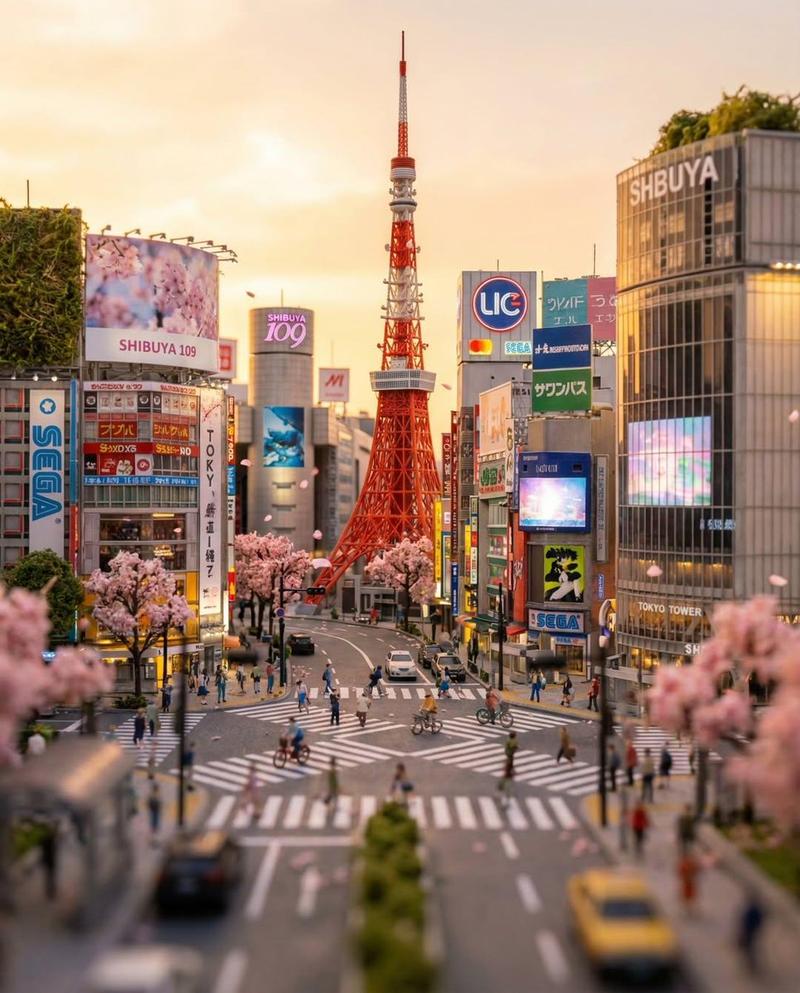
电影感六格垂直拼贴旅游海报
Enlarge

电影感六格垂直拼贴旅游海报

Prompt
Create a cinematic 6-panel vertical collage travel poster of [COUNTRY NAME], with "[COUNTRY NAME]" centered across the panels in a thin white sans-serif font. Each panel showcases a unique landmark, cultural icon, landscape, historic architecture, transportation, or national symbol, creating a visual journey across the country. The lighting transitions smoothly from golden sunset → daylight → overcast → blue hour → early night → rainy night, maintaining a cohesive cinematic color grade. Use ultra-realistic details, dramatic lighting, atmospheric depth, reflections, rich textures, premium travel poster aesthetics, symmetrical composition, and 8K photorealistic quality.
Category
Posters & Typography
Model
ChatGPT
Views29
Source ID
16838
Published
Jun 28, 2026

Guide

About "电影感六格垂直拼贴旅游海报"

What is this prompt for?

"电影感六格垂直拼贴旅游海报" AI image prompt for ChatGPT (Posters & Typography). 创建一个[国家名称]的电影感六格垂直拼贴旅游海报,“[国家名称]”以细白色无衬线字体居中跨越各个面板。每个面板展示一个独特的地标、文化偶像、风景、历史建筑、交通工具或国家象征,营造出…

The full copyable prompt and example visuals above are ready for AI image generation or one-click recreate in Picva.

How to use this prompt

  1. Step 1

    Open the prompt detail

    Review the example visuals, category, and full prompt text for "电影感六格垂直拼贴旅游海报".

  2. Step 2

    Copy the prompt

    Copy the prompt body from this page, or load it directly in Studio.

  3. Step 3

    Pick a model (ChatGPT)

    Prefer ChatGPT. If you switch models, keep subject and composition and tweak style terms.

  4. Step 4

    Generate and export

    Recreate the look in Picva, or export into your workflow for editing and publishing.

FAQ

What is the "电影感六格垂直拼贴旅游海报" prompt?
It is an AI image-generation prompt for ChatGPT in the Posters & Typography category. This page includes the full prompt text, example visuals, and a one-click recreate path in Picva.
How do I use this prompt to generate an image?
Copy the prompt from this page, or use Generate / Studio. Paste it into a compatible image model, or recreate the look in Picva with optional reference images.
Which model is this prompt for?
This page lists ChatGPT. Most descriptive prompts also transfer to nearby image models such as GPT Image, Flux, or Midjourney with light style tweaks.
Can I use the result commercially?
You can usually copy the prompt for creation, but commercial use of the final image depends on the model terms, reference-image rights, and the generated content. Follow the source author and platform rules.